

- Ensure OpenSSL is installed (
openssl version). - Work in a secure directory with strict file permissions.
- Replace placeholder IPs, hostnames, and node names to match your environment.
Certificate Overview
1. Generate the CA Certificate
Protect your CA private key at all costs—this key signs every other certificate in your cluster.Protect
ca.key securely. If compromised, all cluster certificates become untrusted.- ca.key: Private key for your root CA.
- ca.csr: Certificate Signing Request with CA identity.
- ca.crt: Self-signed root certificate trusted by all components.
2. Generate Client Certificates
Client certificates authenticate users and system services to the API server. All CSRs are signed by the root CA.2.1 Admin User
Create a key, CSR, and certificate for the cluster administrator. Membership insystem:masters grants full control.
- Common Name (CN): Identifier seen in API audit logs.
- Organization (O): Group membership.
2.2 System Component Users
Repeat the process for each Kubernetes control-plane component:- kube-scheduler
- kube-controller-manager
- kube-proxy
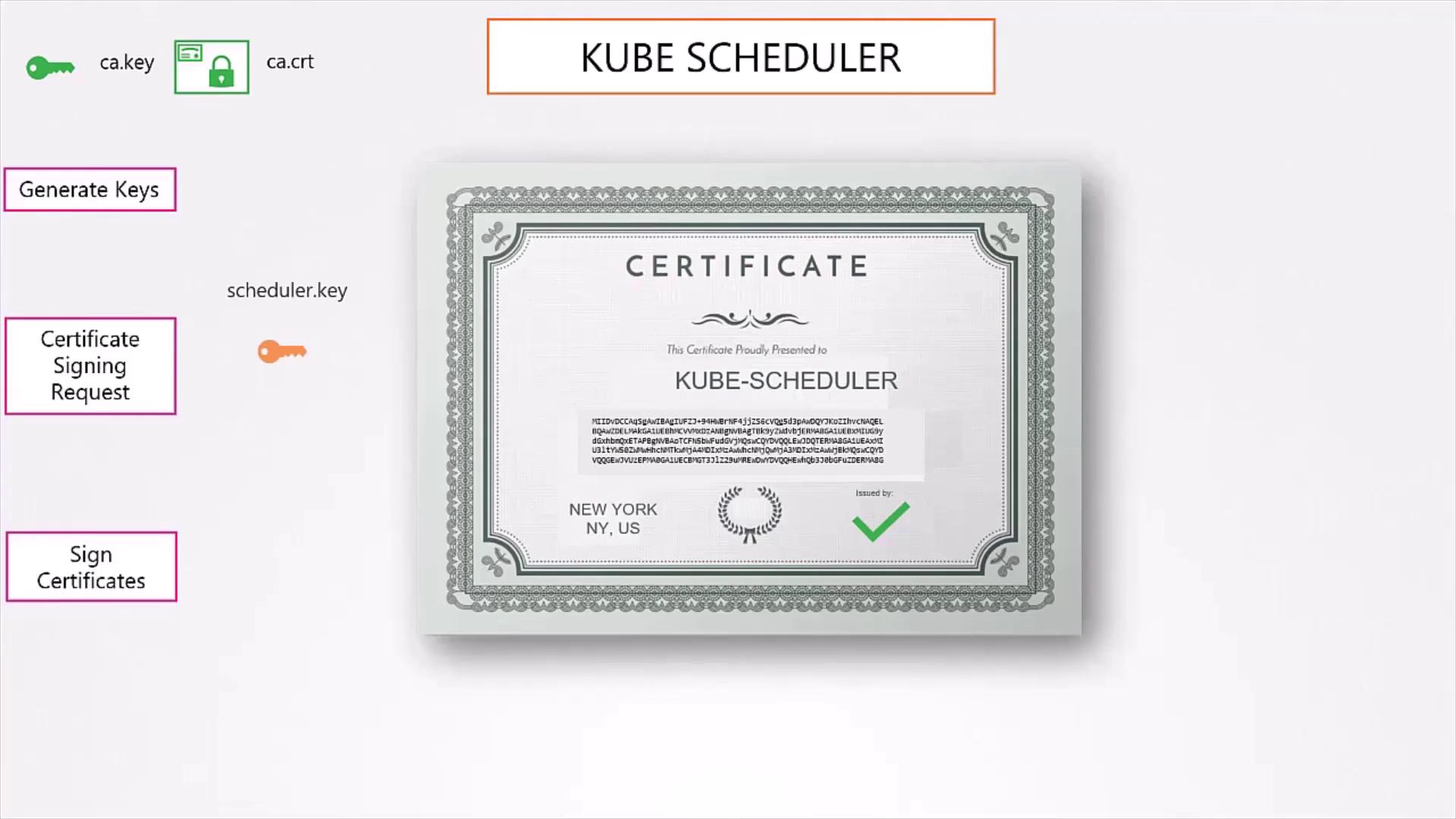
system: (e.g., /CN=system:kube-scheduler).
3. Using Client Certificates
You can invoke the API directly withcurl:
kubeconfig file:
kubeconfig to manage certificates and endpoints.
4. Server-Side Certificates
All Kubernetes servers must trust the CA root (ca.crt) and present valid certificates signed by it.
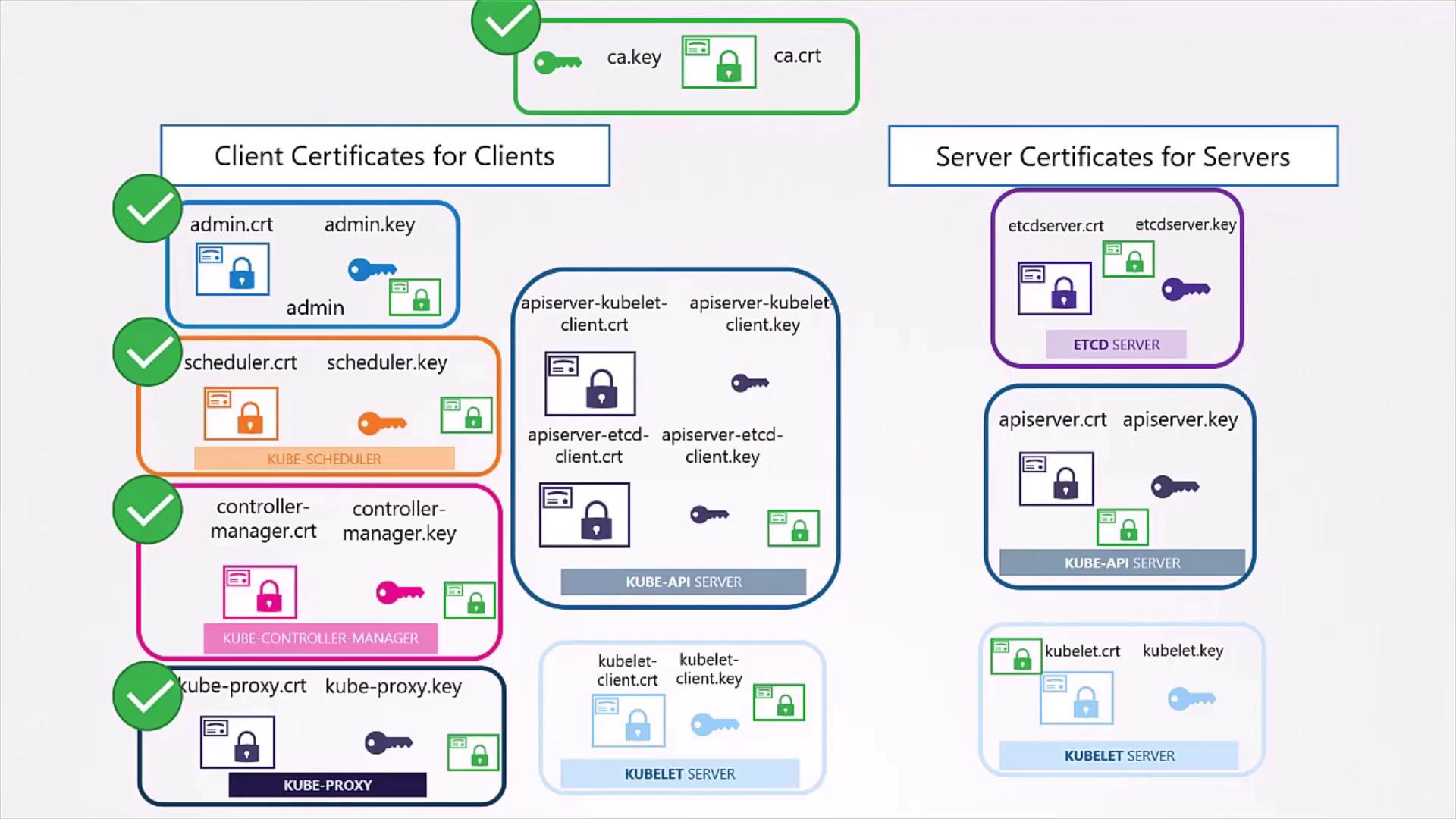
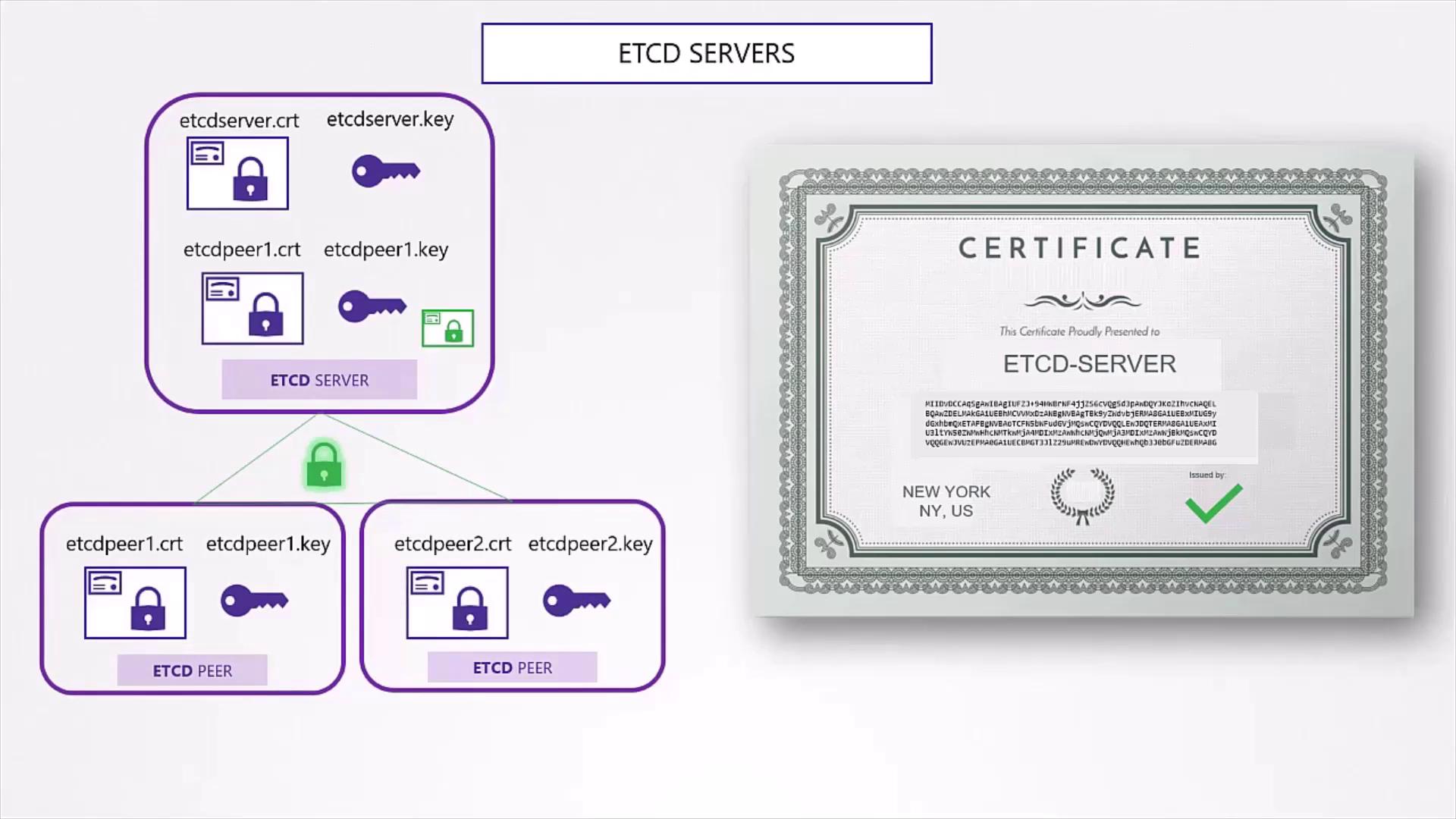
4.1 etcd Server and Peers
Generate a certificate for the etcd server and peers in HA clusters:/CN=etcd-peer. Then configure your etcd service:
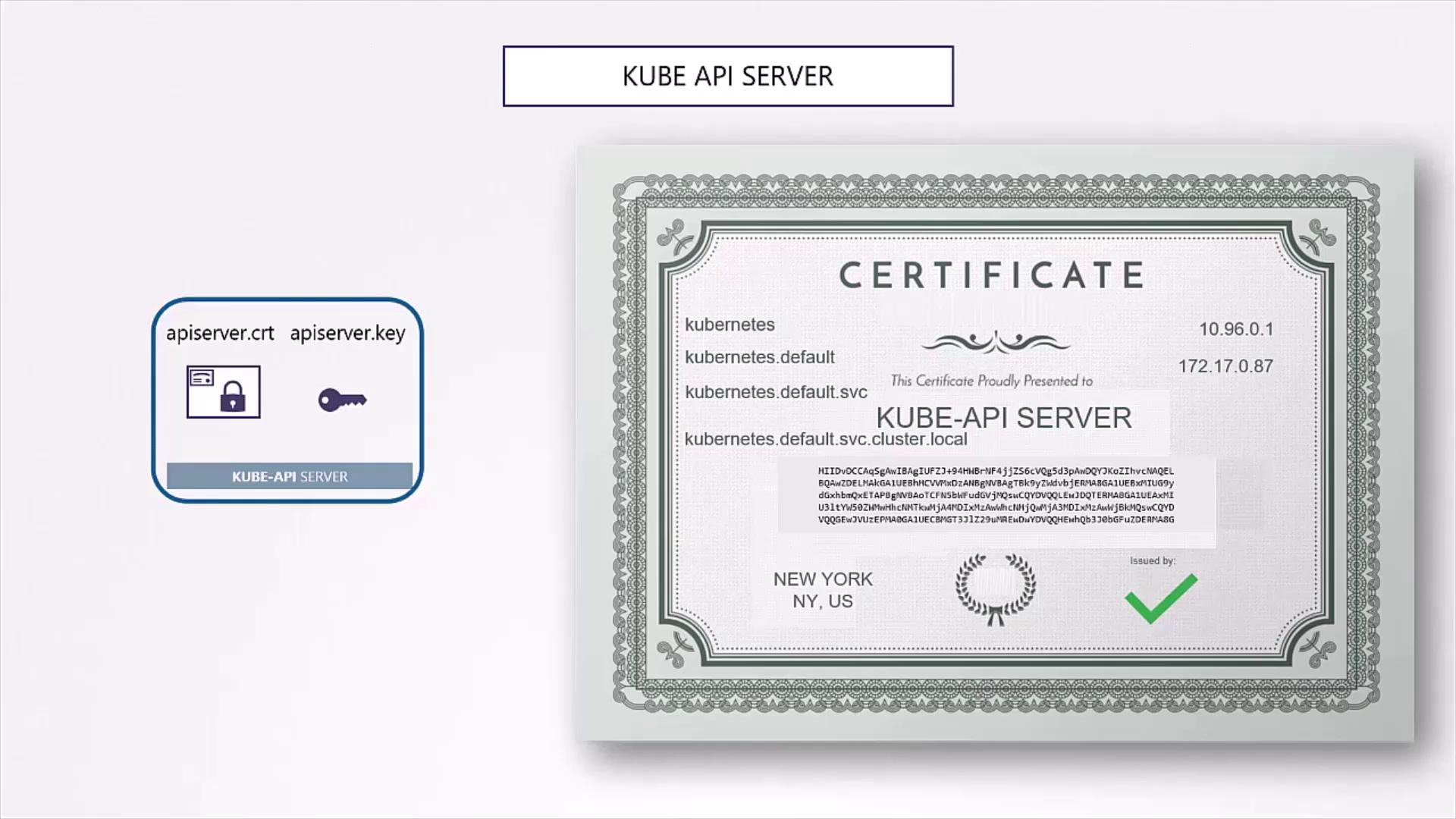
4.2 kube-apiserver
The API server certificate must cover all DNS names and IP addresses used by the service. Create an OpenSSL config (openssl.cnf) with an [ alt_names ] section:
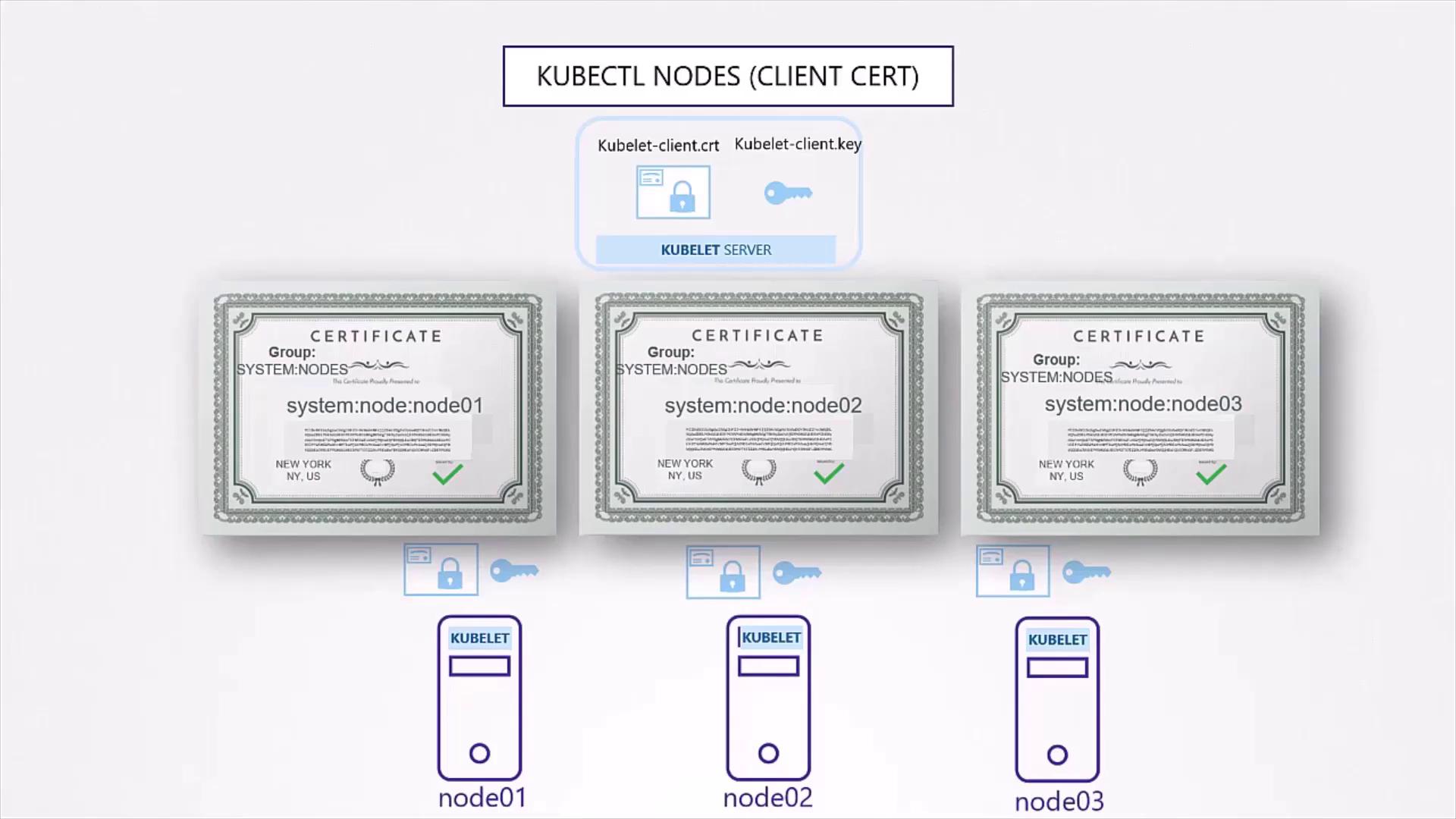
4.3 Kubelet Server
Each Kubernetes node requires its own TLS certificate named after the node:- CN:
system:node:<nodeName> - O:
system:nodes
/var/lib/kubelet/config.yaml):
That completes the Kubernetes PKI certificate generation process. For automation, explore how
kubeadm handles this in the docs.