In our Cats and Dogs election simulation, the attacker’s first move—after identifying host IPs—was a port scan. They discovered port 2375 (Docker) wide open, marking an entry point into the host and underlying Kubernetes infrastructure.
Exposed Docker ports (2375) allow unauthenticated remote container management. Always restrict access or enable TLS authentication.
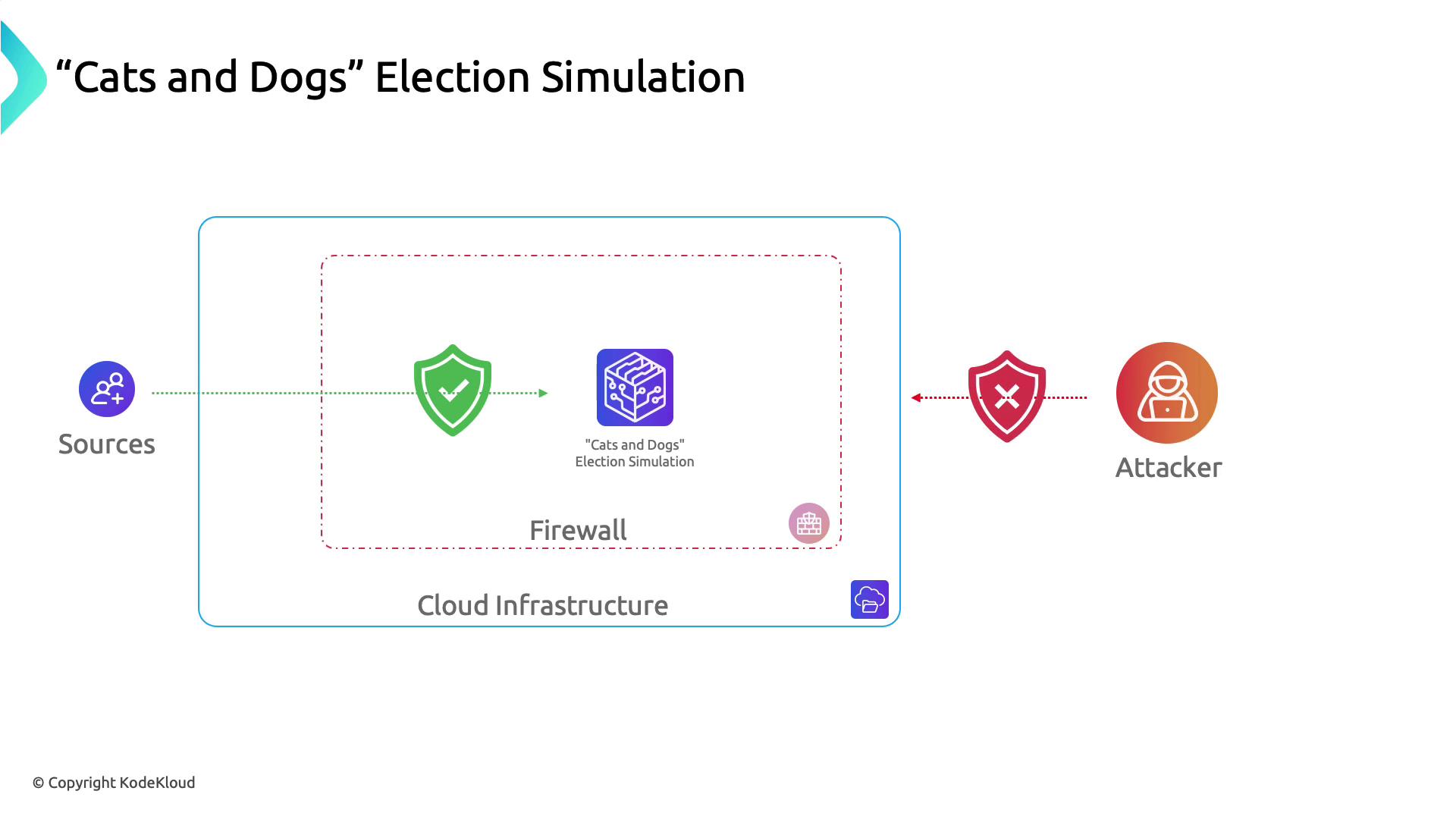
A simple preventative measure is a network firewall. By filtering traffic based on IP, port, and protocol, you can hide or block open ports on your servers.
The image illustrates a "Cats and Dogs" election simulation within a cloud infrastructure, protected by a firewall, with sources and an attacker depicted outside the firewall.
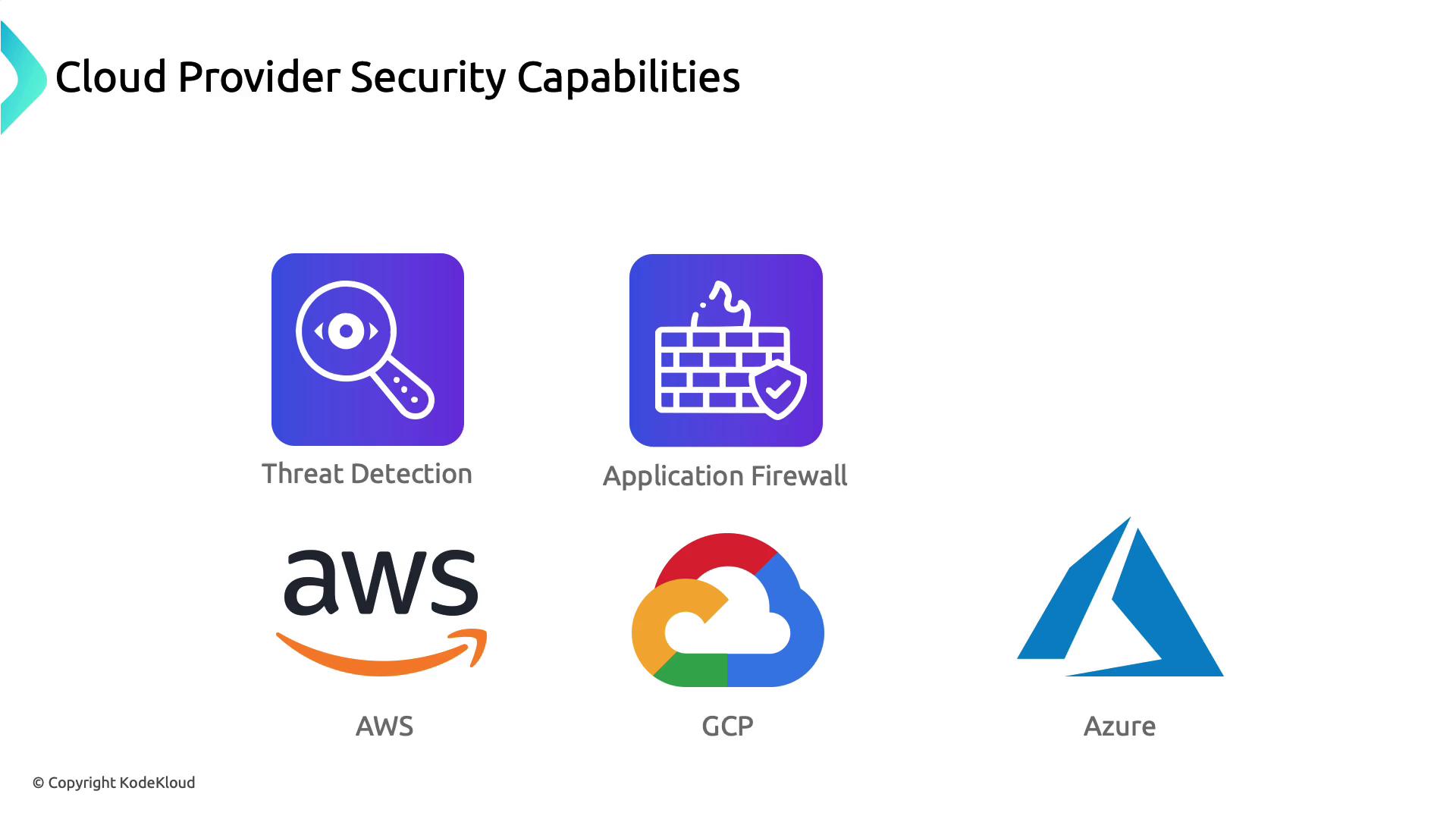
Cloud providers (AWS, Azure, GCP) supply multiple layers of infrastructure security—ranging from firewalls to advanced threat detection, WAFs, and container defenses. Below is an overview of these capabilities.
The image illustrates cloud provider security capabilities, highlighting threat detection and application firewall features, along with logos for AWS, GCP, and Azure.

Threat Management and Response

All three major cloud platforms offer managed SIEM/SOAR-style tools for continuous threat monitoring and automated response.
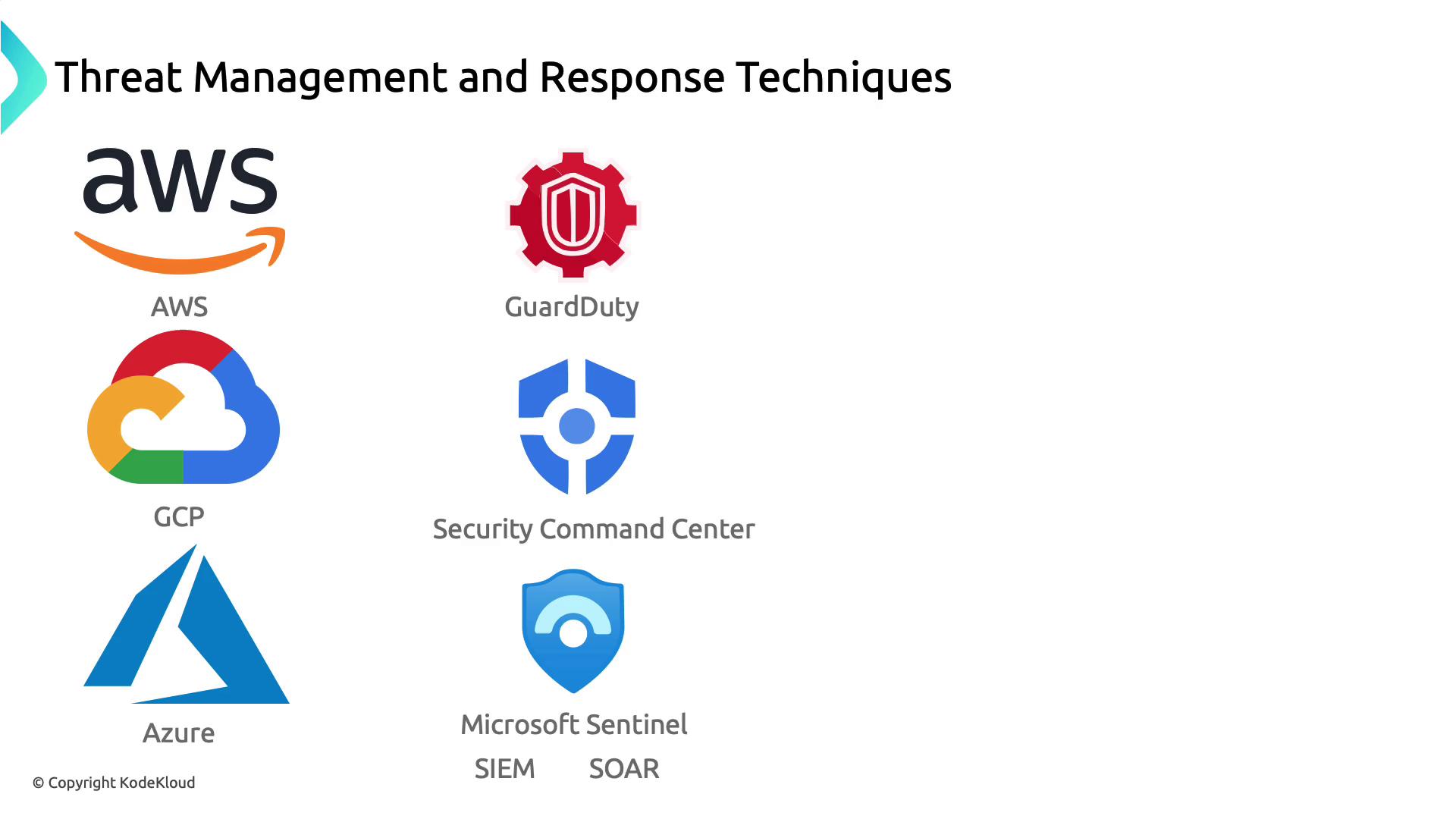
The image lists threat management and response techniques for cloud platforms, featuring AWS GuardDuty, GCP Security Command Center, and Microsoft Azure Sentinel.

Web Application Firewalls (WAF)

To defend against OWASP Top 10 attacks and DDoS, each provider offers a native WAF solution.
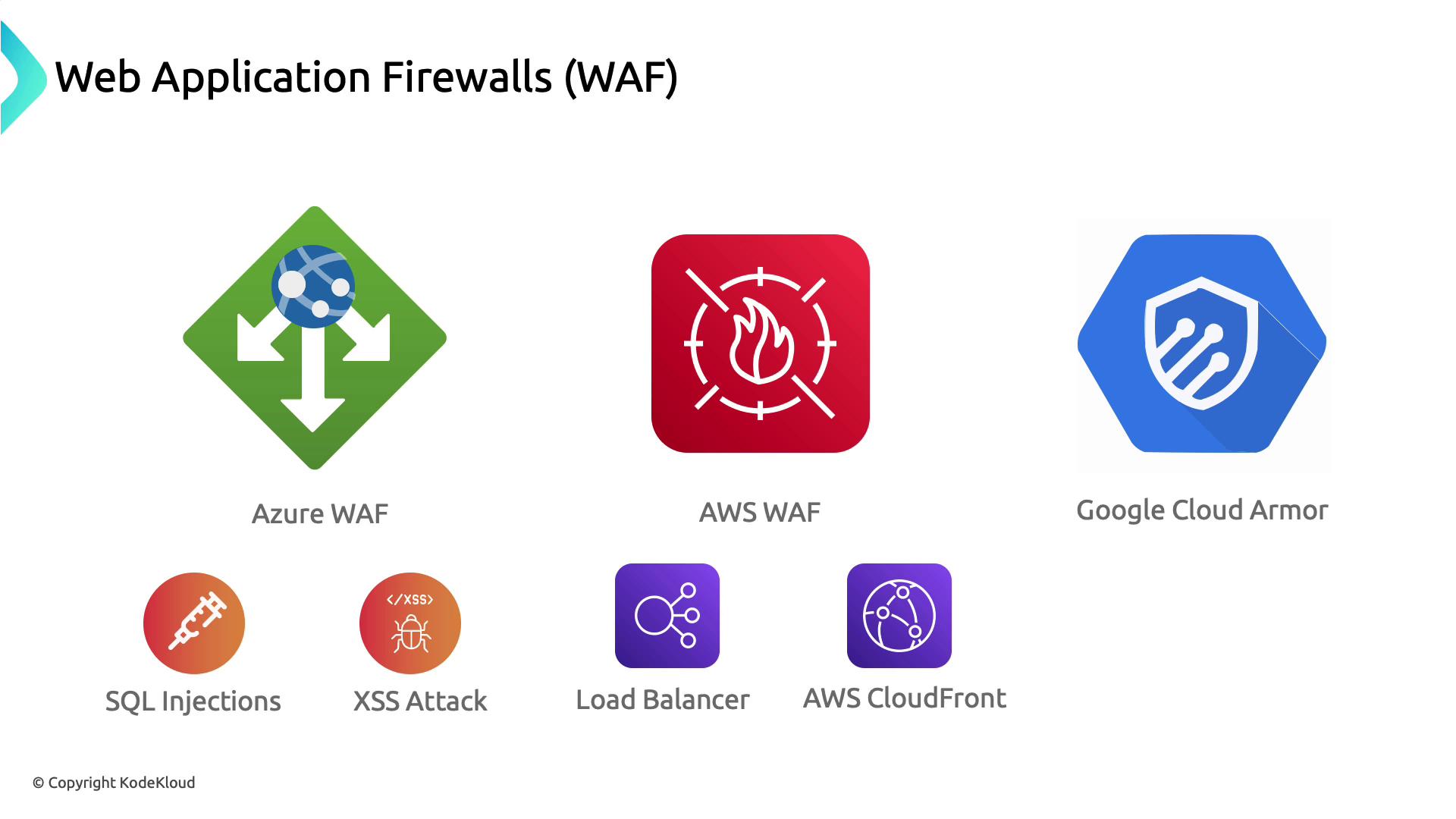
The image shows logos of different Web Application Firewalls (WAF) including Azure WAF, AWS WAF, and Google Cloud Armor, along with icons representing SQL Injections, XSS Attack, Load Balancer, and AWS CloudFront.

Container Security

Container orchestration platforms combine built-in controls with ecosystem tools to enforce runtime and image compliance.
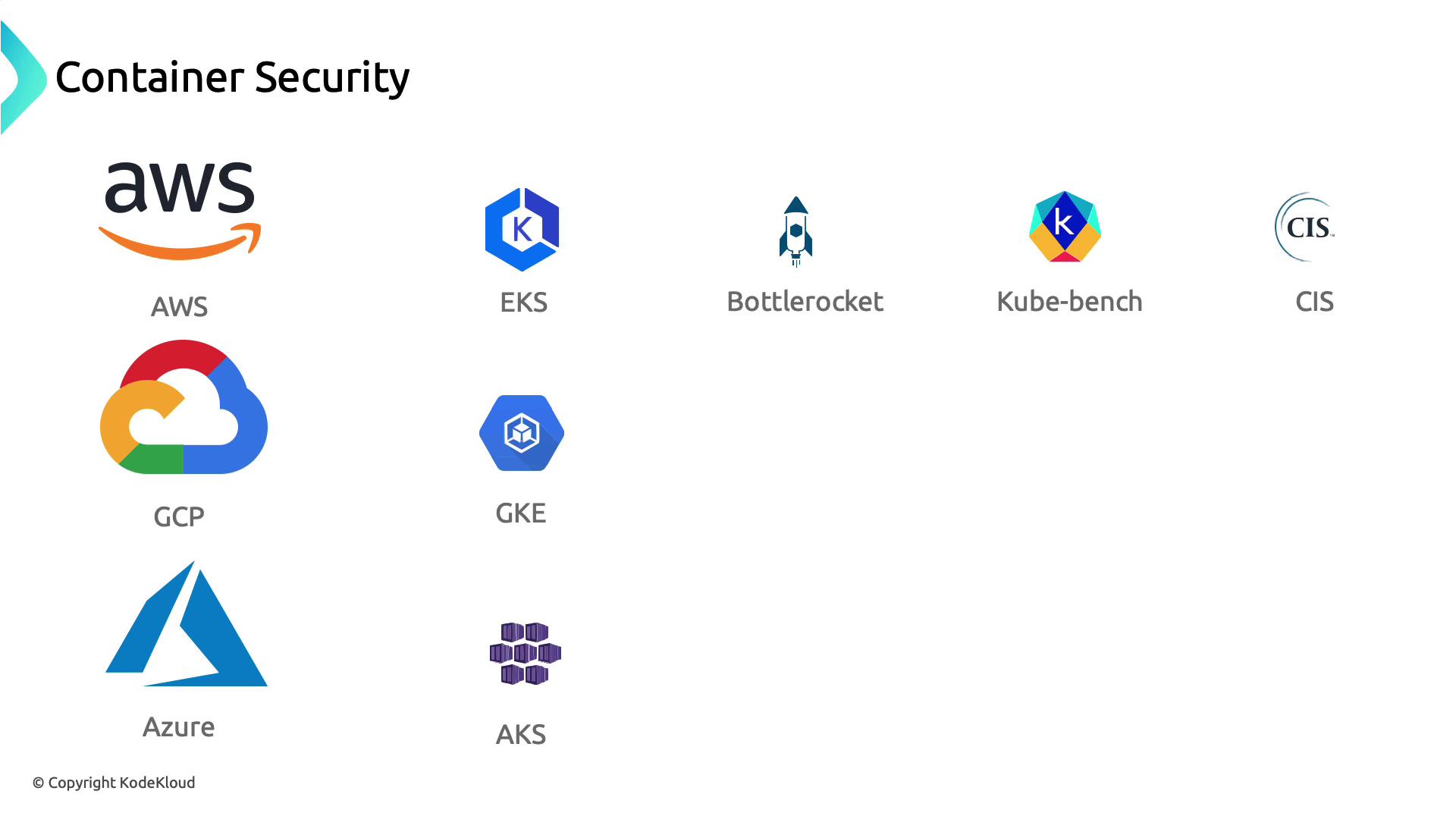
The image shows logos related to container security, including AWS, GCP, Azure, EKS, GKE, AKS, Bottlerocket, Kube-bench, and CIS.

Shared Responsibility Model

Cloud security is a partnership: the provider secures the cloud infrastructure, and you secure your workloads in the cloud.
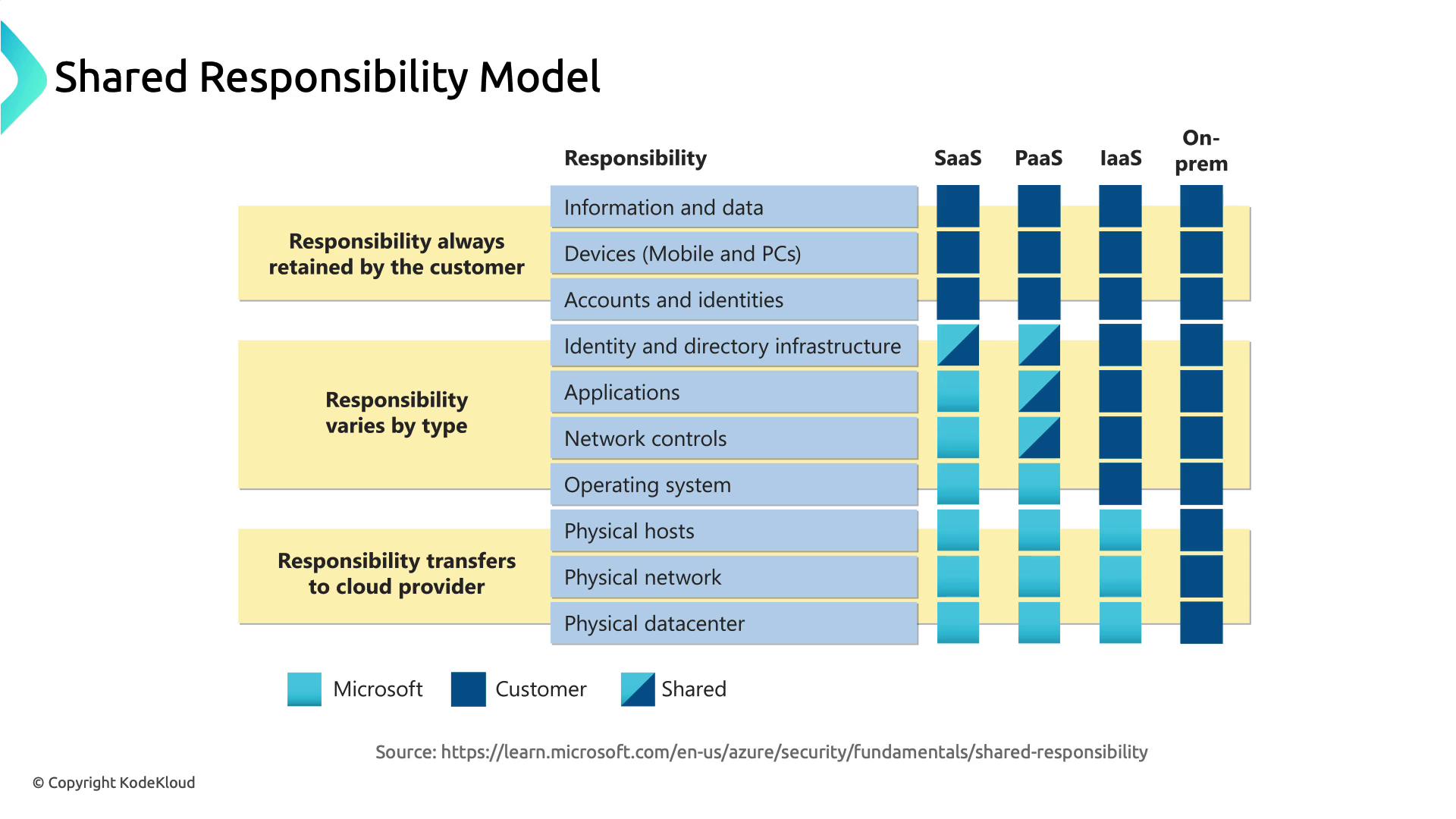
The image illustrates a shared responsibility model for cloud services, showing how responsibilities are divided between Microsoft and the customer across different service types (SaaS, PaaS, IaaS, On-prem). It uses color coding to indicate which responsibilities are retained by the customer, shared, or transferred to the cloud provider.
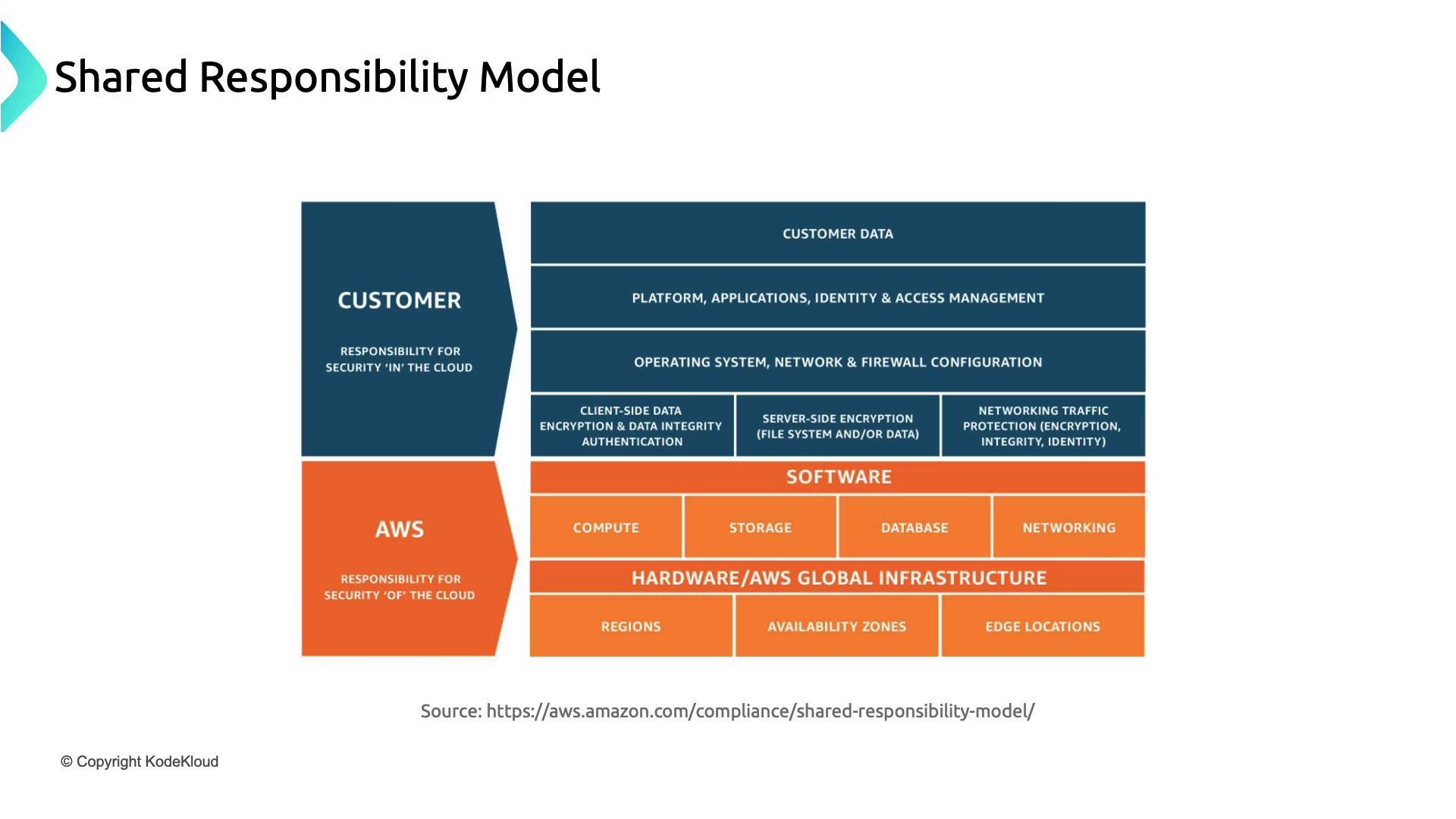
Every service tier (IaaS, PaaS, SaaS) shifts certain responsibilities. In AWS, for example, customers manage security in the cloud, while AWS handles security of the cloud.
The image illustrates the AWS Shared Responsibility Model, highlighting the division of security responsibilities between the customer and AWS. It shows that customers are responsible for security "in" the cloud, while AWS is responsible for security "of" the cloud.
Review the shared responsibility matrix for each cloud provider to ensure you cover all security controls—from networking rules to application hardening.

In this article, we examined how Azure, AWS, and Google Cloud approach:
  • Threat Management & Response
  • Web Application Firewalls
  • Container Security
  • The Shared Responsibility Model
Next, we’ll move into deeper infrastructure security practices.
The image is a summary slide highlighting four key points about cloud security: attackers scanning for vulnerabilities, activating firewalls, cloud providers offering security tools, and the shared responsibility model.

Watch Video