

- Inspecting API server authorization modes
- Counting existing Roles
- Examining the built-in
kube-proxyRole - Reviewing RoleBindings for
kube-proxy - Verifying
dev-userpermissions - Granting Pod permissions to
dev-user - Fixing Pod permissions in the
bluenamespace - Granting Deployment permissions in the
bluenamespace
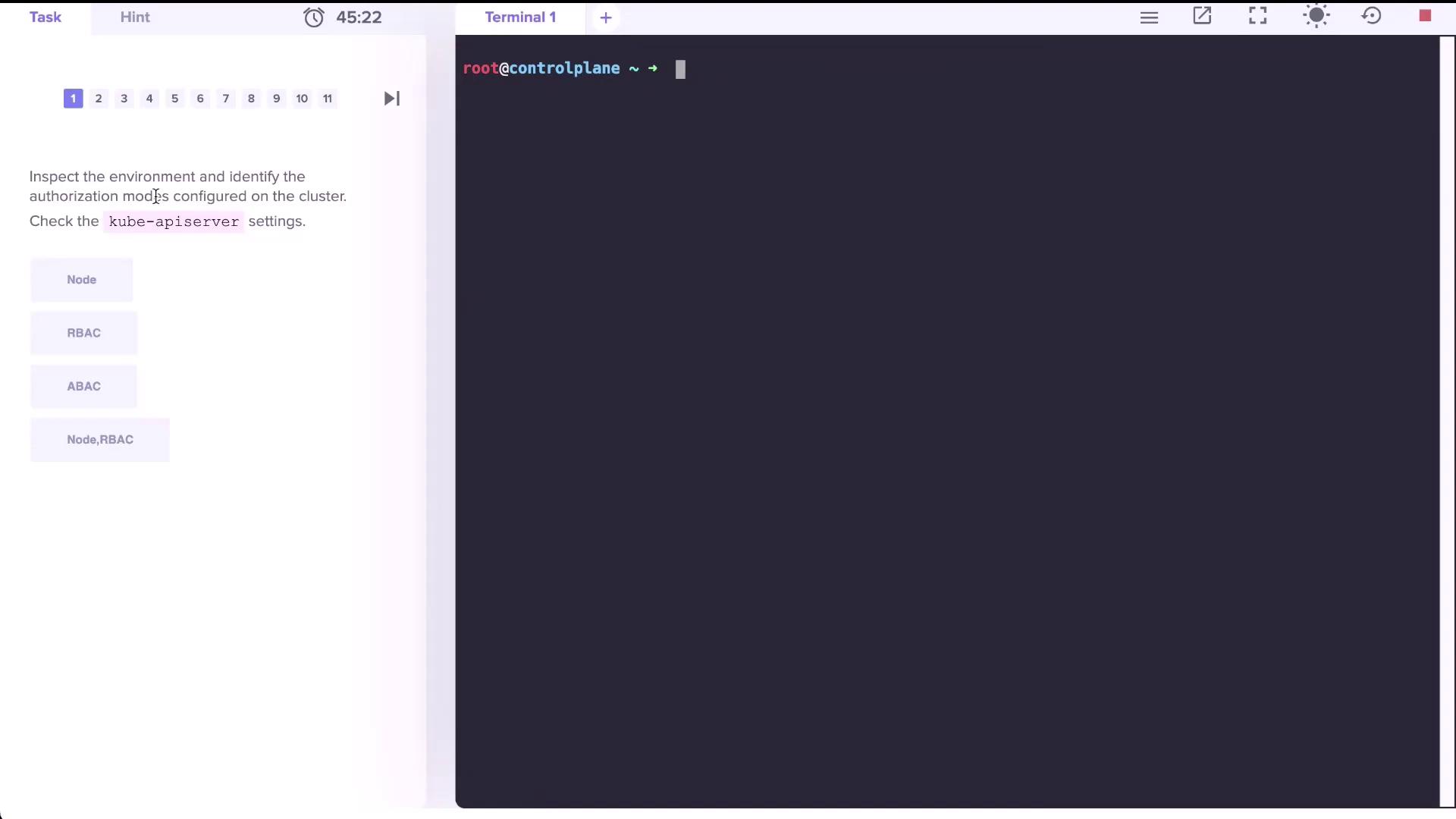
1. Inspect API Server Authorization Modes
To confirm that RBAC is enabled, inspect the API server manifest:--authorization-mode flag:
RBAC must be enabled on your API server for Roles and RoleBindings to function correctly.
2. Count Existing Roles
List Roles in thedefault namespace:
3. Examine the kube-proxy Role
View thekube-proxy Role in kube-system:
True/False:
- True: It can get the ConfigMap named
kube-proxy. - False: It cannot delete or update the ConfigMap.
- False: It cannot list or watch ConfigMaps.
4. Identify the Subject of the kube-proxy RoleBinding
List RoleBindings inkube-system:
kube-proxy RoleBinding:
5. Verify dev-user Permissions
After addingdev-user to your kubeconfig:
default:
dev-user currently has no permissions in default. You must create Roles and RoleBindings to grant access.6. Grant Pod Permissions to dev-user
6.1 Create the developer Role
6.2 Bind dev-user to the Role
dev-user can list Pods:
7. Fix Permissions for a Pod in the blue Namespace
-
Inspect existing Roles and RoleBindings:
-
Describe the
developerRole: -
Edit the Role to match the actual Pod name:
Update to:
-
Verify access:
8. Grant Deployment Permissions in the blue Namespace
-
Edit the
developerRole again: -
Add a rule for
deploymentsin theappsAPI group: -
Verify:
-
Create a Deployment as
dev-user: