

Kubernetes relies on external identity sources (files, certificates, identity services like LDAP or OIDC) for human user authentication, while it internally manages service accounts. All requests pass through the kube-apiserver, which authenticates before authorizing.
Supported authentication methods:
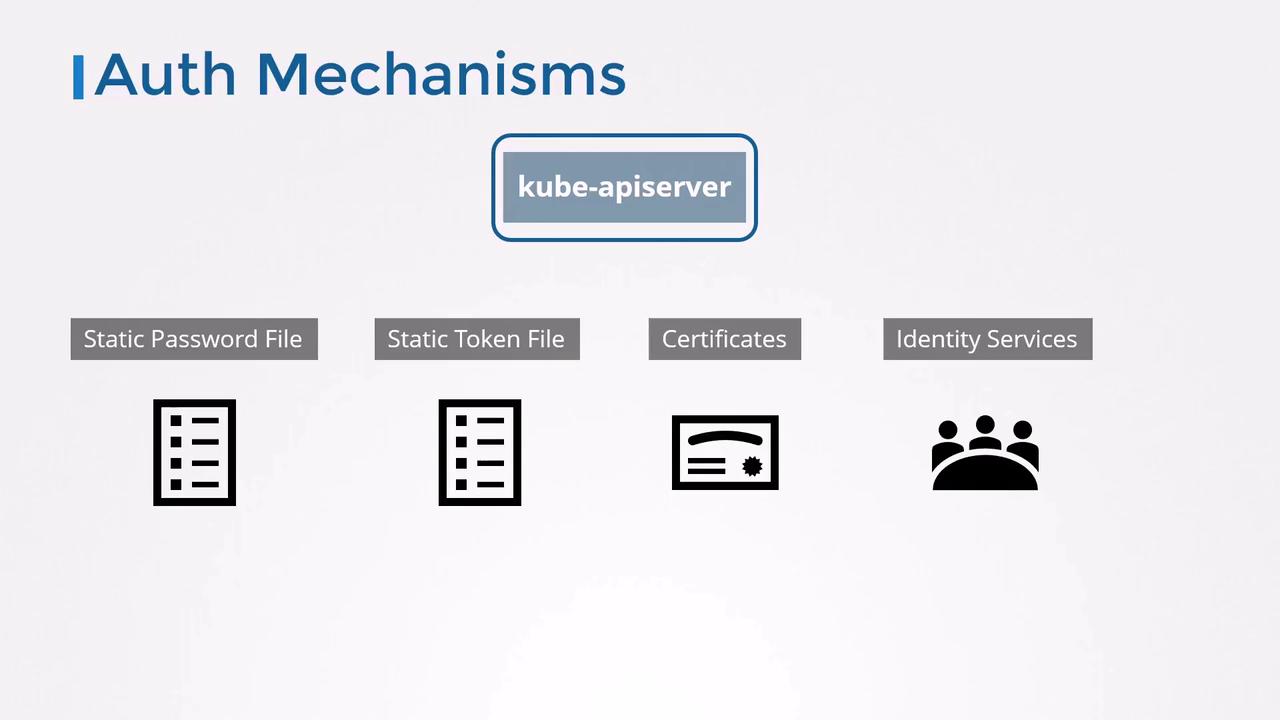
1. Static Password File
The simplest approach uses a CSV file with one line per user:Configuring the API Server
Choose your setup:-
Systemd unit (
/etc/systemd/system/kube-apiserver.service): -
kubeadm (edit
/etc/kubernetes/manifests/kube-apiserver.yamlunderspec.containers.command):
Testing Password Authentication
2. Static Token File
Bearer tokens offer another static method. Create a CSV containing tokens:Testing Token Authentication
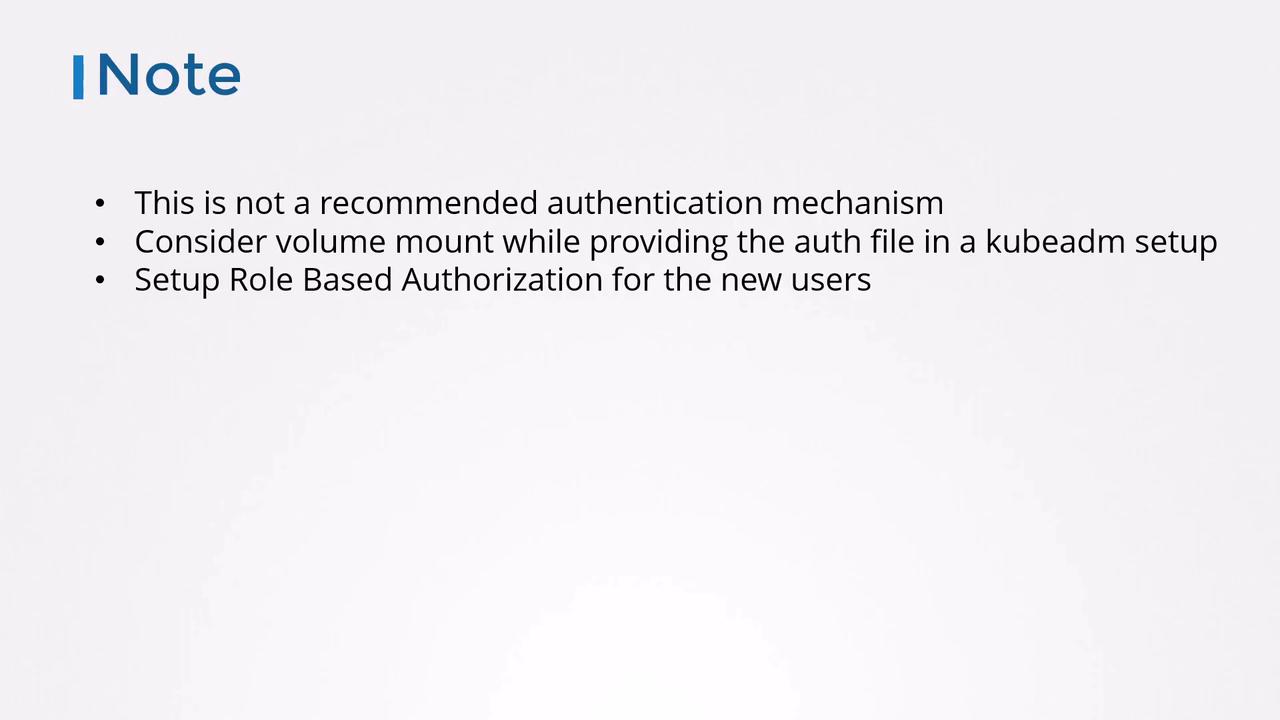
Storing usernames, passwords, or tokens in plain text is not recommended for production. Use secure vaults or external identity providers for sensitive environments.
Security Considerations
- For kubeadm clusters, mount your credential files into the API server Pod via a volume.
- Protect files with restrictive filesystem permissions (
chmod 600). - After authenticating users, configure Role-Based Access Control (RBAC) to grant least-privilege permissions.
Next, we’ll explore certificate-based authentication and how Kubernetes components use TLS certificates to secure communication.