

1) Instruction validation
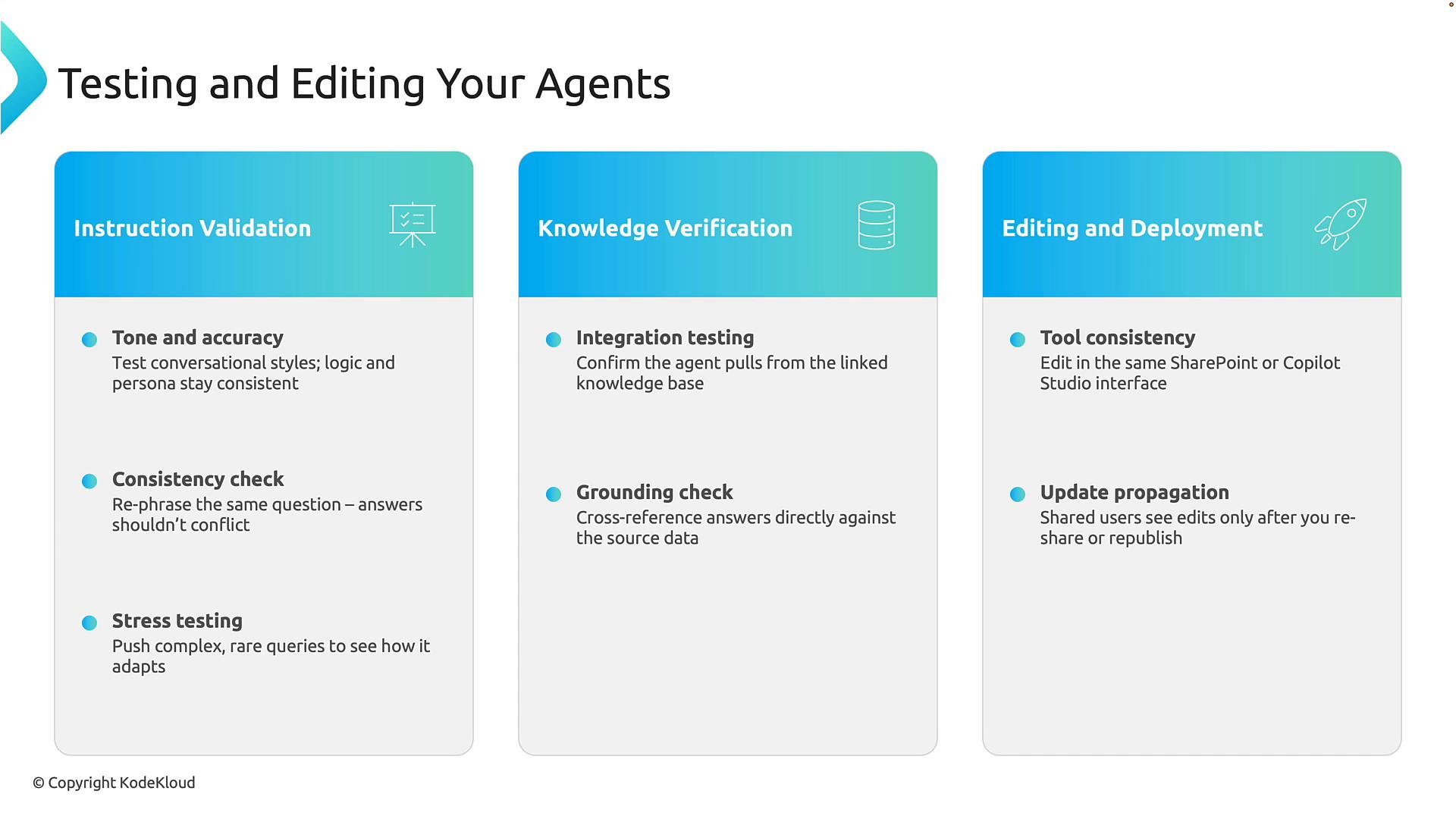
Objective: Confirm the agent follows the expected tone, persona, constraints, and system-level instructions across a variety of user interactions. What to test- Tone and persona: ensure the agent uses the correct voice and formality for your audience.
- Policy & safety compliance: check the agent respects safety rules, moderation filters, and system prompts.
- Consistency: verify the agent returns aligned answers when prompted in different ways (rephrases, follow-ups, or edge cases).
- Stress and adversarial testing: present ambiguous, contradictory, or complex queries to surface instruction gaps.
2) Knowledge verification
Objective: Ensure the agent retrieves, grounds, and cites content from the connected knowledge sources (documents, databases, SharePoint, etc.) and does not introduce unsupported claims. Verification techniques- Source-only questions: ask questions that can only be answered from your connected documents to confirm retrieval.
- Grounding comparisons: compare the agent’s answers against the authoritative source text to detect inaccuracies.
- Citation checks: require or verify inline citations, document references, or links when the answer relies on external content.
It is also important to understand how updates to knowledge are distributed to users and how often your system re-indexes connected sources.
3) Editing and deployment
Objective: Apply updates safely, validate changes, and ensure new behavior reaches intended users via a controlled publish process. Recommended workflow- Make edits in your authoring environment (e.g., Copilot Studio, SharePoint, or your content management system).
- Run the same instruction and grounding checks used during initial validation.
- Perform UAT (user acceptance testing) in a staging environment with representative users.
- Publish or reshare the agent, following platform-specific republishing steps to ensure caches and shares update.
- Monitor post-deployment behavior and user feedback; be prepared to roll back or patch if regressions appear.
Practical example
- A “holiday-info” agent initially included only national holidays. After feedback, you add regional holidays to the knowledge source, re-run grounding and instruction checks, then republish the agent so users receive the updated responses without rebuilding the agent.
Test every change in a controlled environment, verify grounding to source documents, then deploy. Re-publishing or resharing is often required for updates to reach all users.
Key takeaway
Agents require ongoing validation. Build a repeatable cycle of:- Instruction validation (tone, persona, safety),
- Knowledge verification (grounding and citations),
- Controlled editing and deployment (staging, publish, rollback).
Links and references
- Building and testing conversational agents (best practices)
- Copilot Studio documentation
- General AI safety and alignment guidelines