

- Zero Trust security model and how its principles are applied across Microsoft 365.
- Threat protection capabilities for detecting, investigating, and responding to phishing, malware, and account compromise.
- Identity and authentication, including multifactor authentication (MFA) and modern authentication flows (for example, OAuth and token-based sign-ins).
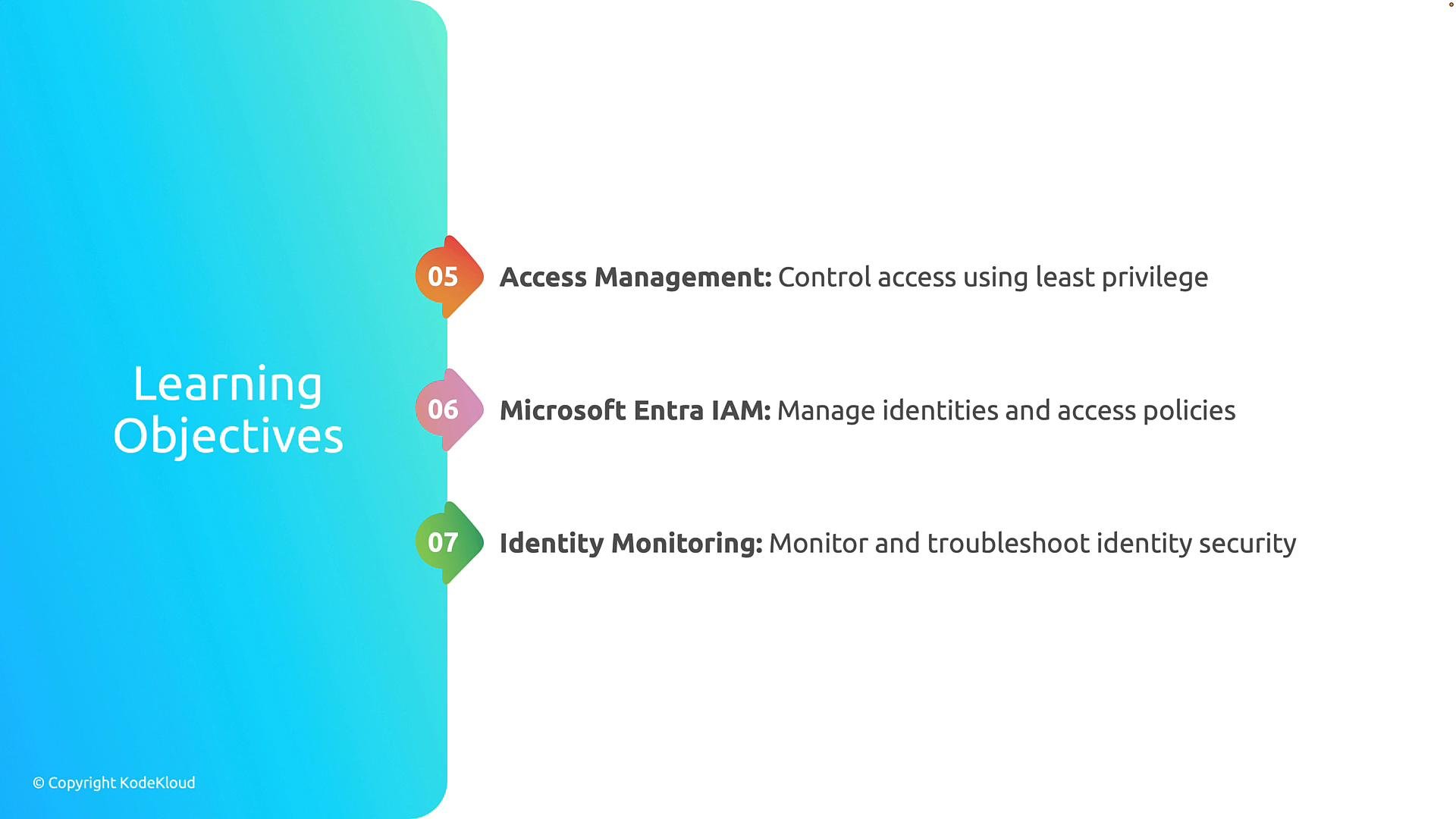
- Access management and the principle of least privilege to reduce attack surface.
- Identity and access management for governance, policy enforcement, and lifecycle operations.
- Identity monitoring, incident investigation, and remediation techniques.
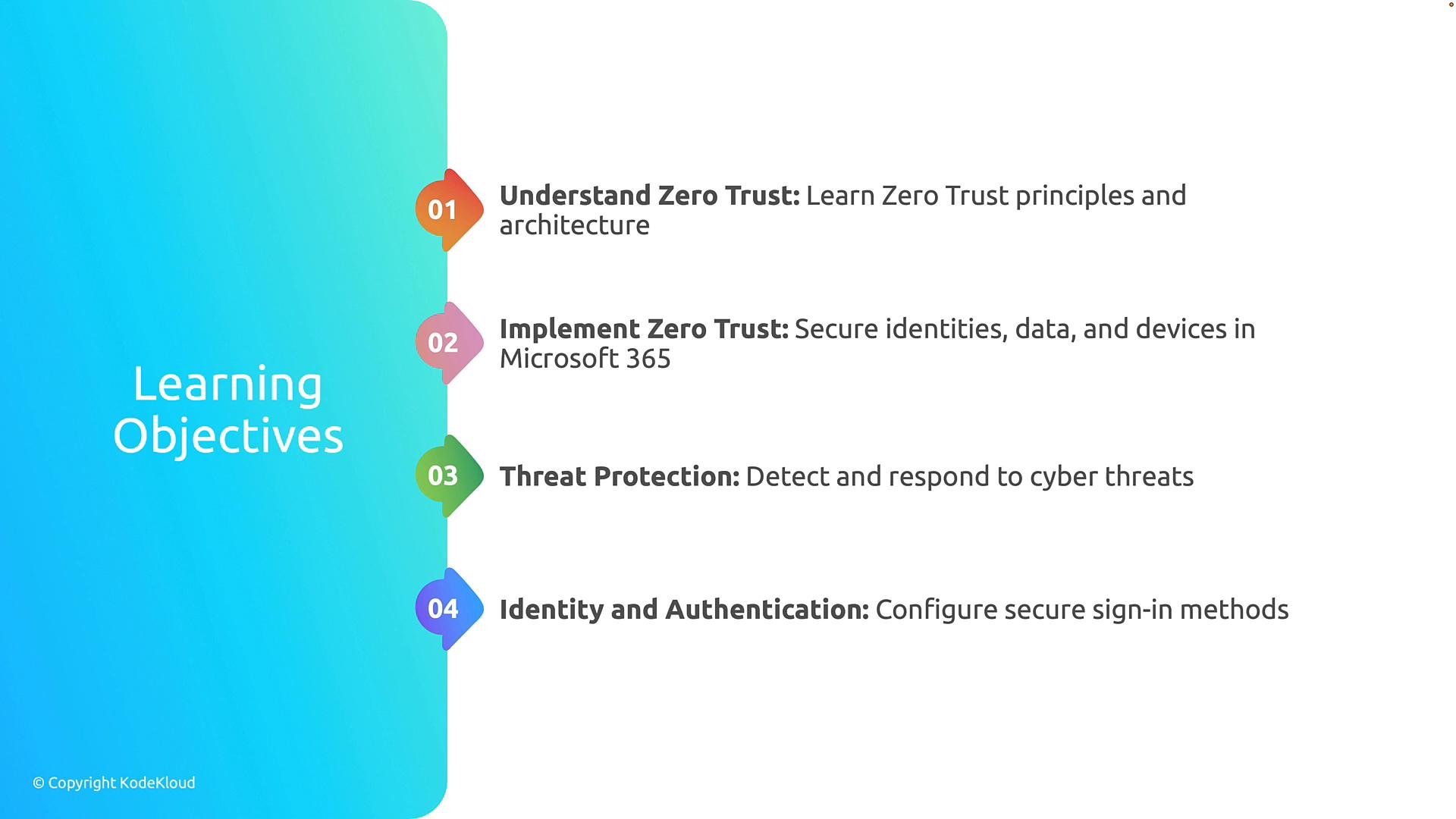
This module emphasizes practical protection and administrative controls: applying the Zero Trust model across Microsoft 365, configuring conditional access and MFA, managing identities with Microsoft Entra, and using threat protection and monitoring to detect and respond to incidents.
Module breakdown (at-a-glance)
The table below summarizes each section with its primary focus and example Microsoft 365 controls you’ll learn about.Learning sequence
We will explore these areas in the following sequence:- Zero Trust principles and how they map to Microsoft 365 controls.
- Threat protection for detecting and responding to phishing, malware, and compromised accounts.
- Identity and authentication best practices, including MFA and modern authentication.
- Access management and least privilege.
- Identity and access management for governance and policy enforcement.
- Identity monitoring and troubleshooting techniques for investigating security events.
Links and references
- Microsoft Zero Trust: https://learn.microsoft.com/security/zero-trust
- Microsoft Entra ID (Azure AD) documentation: https://learn.microsoft.com/azure/active-directory
- Conditional Access overview: https://learn.microsoft.com/azure/active-directory/conditional-access/overview
- Multifactor authentication (MFA) in Microsoft Entra ID: https://learn.microsoft.com/azure/active-directory/authentication/concept-mfa
- Microsoft Defender for Office 365: https://learn.microsoft.com/microsoft-365/security/office-365-security/compare-microsoft-defender-for-office-365-plans