

License assignment models
There are two common approaches to assigning Copilot licenses: individual seat assignment and group-based licensing. Choose the approach that fits your rollout strategy, organizational scale, and operational processes. Individual license assignment means assigning Copilot seats directly to specific users, one-by-one. This approach is useful for small pilots, proof-of-concepts, or when only a limited set of users require access (for example, a leadership team or an early-adopter cohort). It gives tight control but becomes labor-intensive as your user base grows.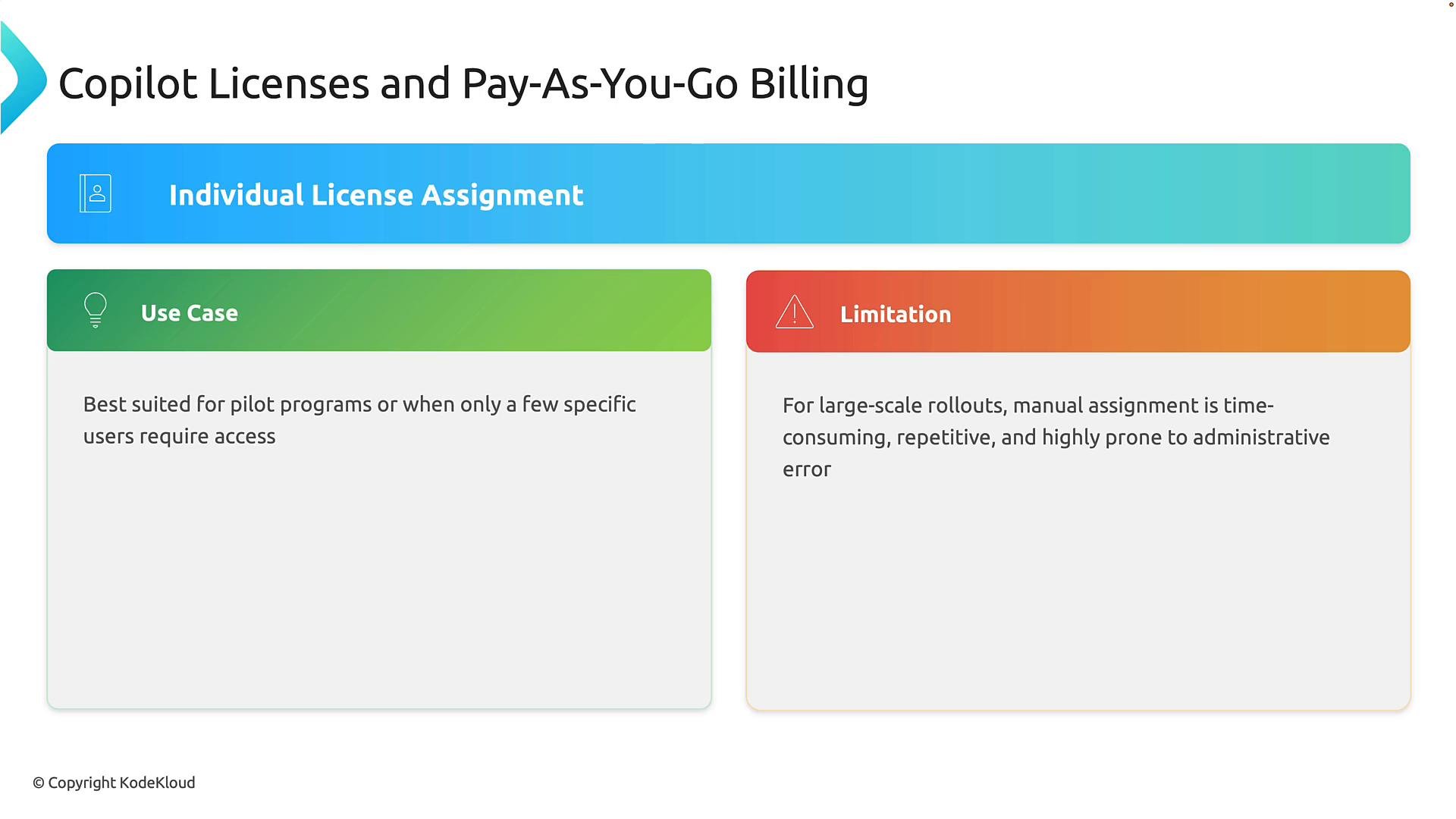
- Use group-based licensing for broad rollouts and production deployments.
- Reserve individual assignments for short-term pilots or exceptions.
- Maintain clear group naming and membership governance to avoid accidental access.
Pay-as-you-go (consumption) billing
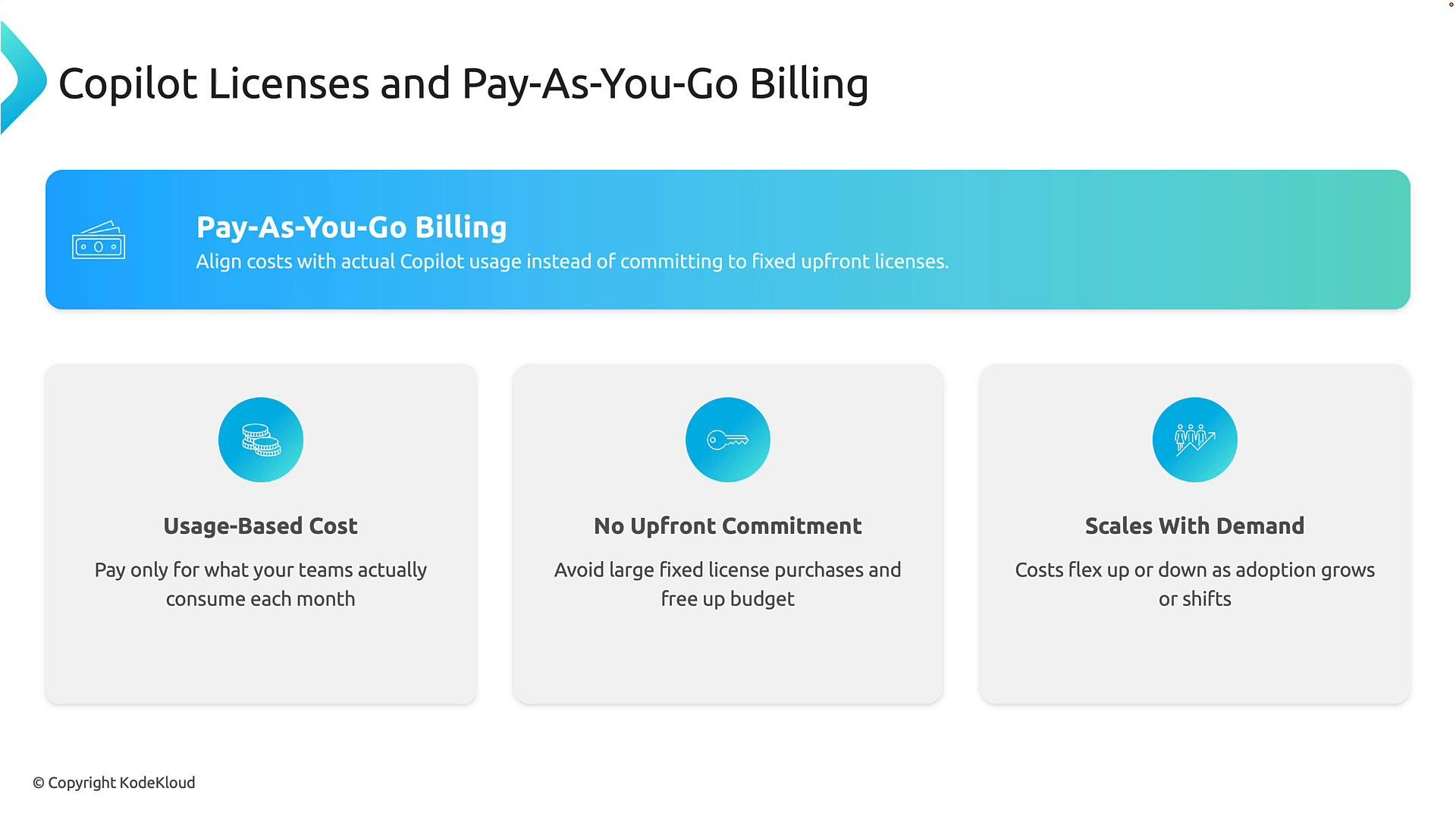
After you pick an assignment strategy, select the billing model that matches your financial controls and usage patterns. Pay-as-you-go (consumption) billing charges based on actual Copilot usage rather than a fixed number of seats. This model can be a good fit for trials, irregular usage patterns, or when you want to avoid large upfront commitments. Key benefits of pay-as-you-go:- Costs reflect actual usage — you pay for what you consume.
- Low upfront commitment, preserving budget flexibility.
- Costs scale with adoption, supporting evolving workloads.
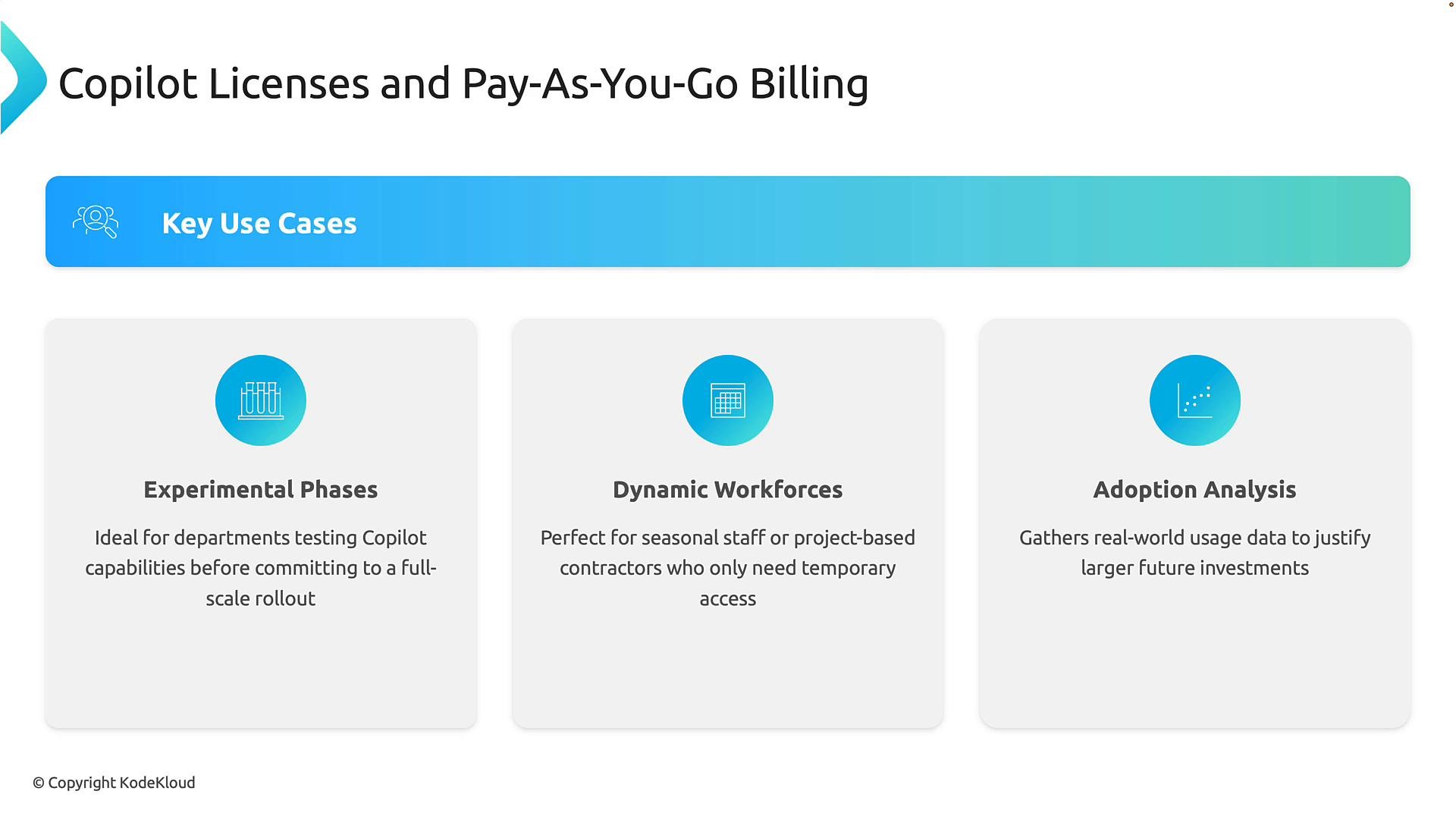
- Experimental or pilot phases — test capabilities with minimal financial risk.
- Dynamic workforces — seasonal employees, contractors, or project teams that require temporary access.
- Adoption analysis — collect usage telemetry to inform long-term licensing decisions.
Governance: policies, budgets, and guardrails
Consumption billing offers flexibility but requires governance to prevent unexpected charges. Implement role-based controls, budgets, and alerting so that only authorized groups create billing policies and consumption is monitored. Policy-based deployment allows you to target Copilot to high-value departments or projects rather than enabling it broadly. Combine policy restrictions with monitoring to balance innovation and cost control.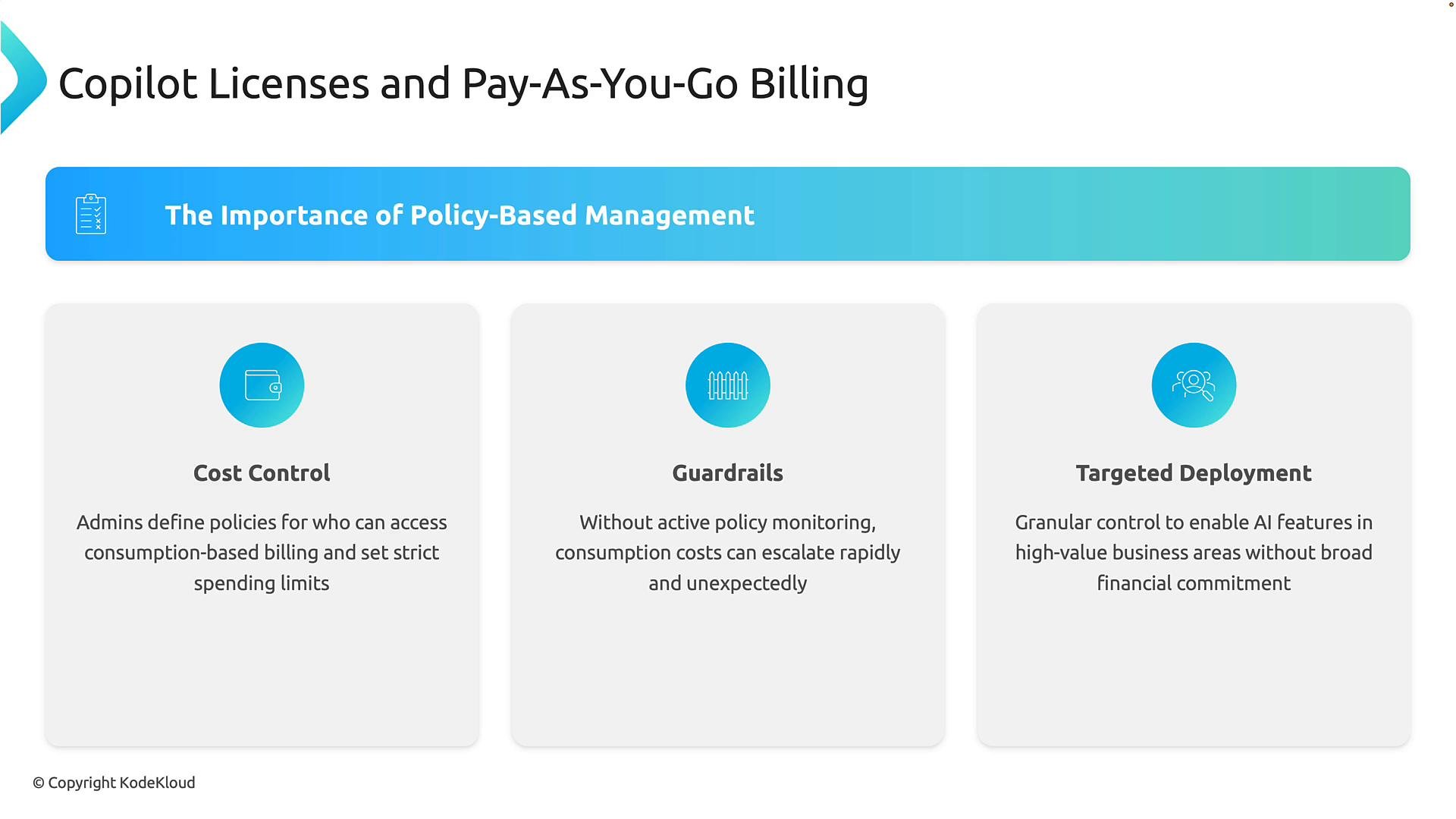
Use role-based policies and budgets to restrict who can create billing policies, set spending alerts, and require approvals for exceeding thresholds. Proactive alerts and periodic reviews help keep consumption predictable.
How to enroll for pay-as-you-go billing
To enable consumption billing for Copilot:- Open the Microsoft 365 admin center at https://admin.microsoft.com and sign in with an account that has billing or global admin privileges.
- Navigate to Copilot → Billing and usage.
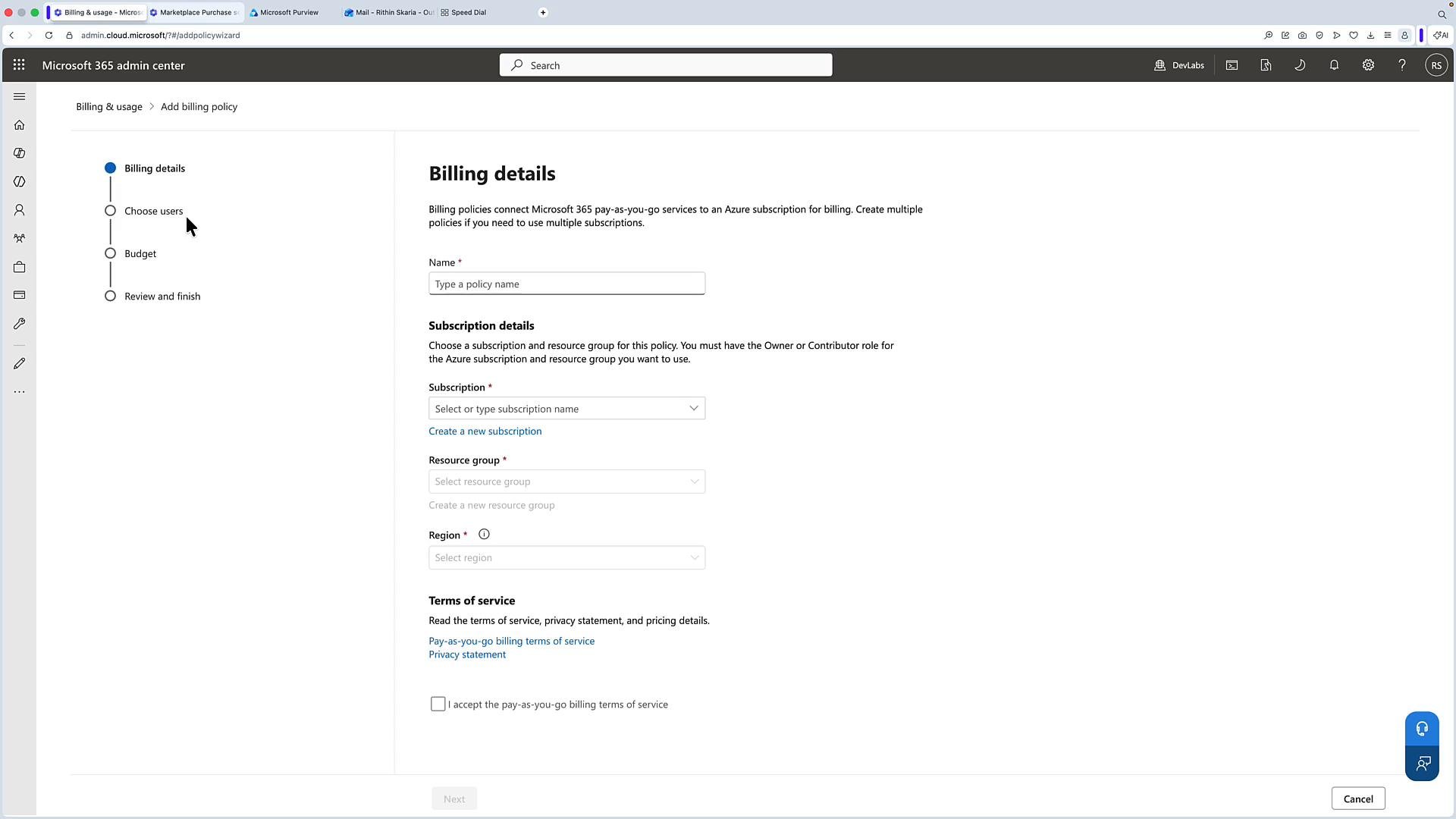
- Create a new billing policy:
- Enter a descriptive policy name.
- Select the Azure subscription and resource group to associate with billing.
- Choose the region (billing region can affect pricing and compliance).
- Accept the pay-as-you-go terms.
- Specify coverage:
- Select the users or groups that the policy will apply to.
- Configure budgets, spending limits, and alert thresholds.
- Review and finish to enable the policy.
Buying per-user (fixed-seat) licenses
If you prefer a fixed-seat model, purchase per-user Copilot licenses from the Microsoft 365 Marketplace (AppSource). Choose the product (for example, Microsoft 365 Copilot or Microsoft 365 Copilot Business), select plan and billing frequency (monthly or annual), set the license quantity, and complete checkout. Keep in mind that per-user licenses incur the full subscription fee for each licensed seat regardless of actual usage.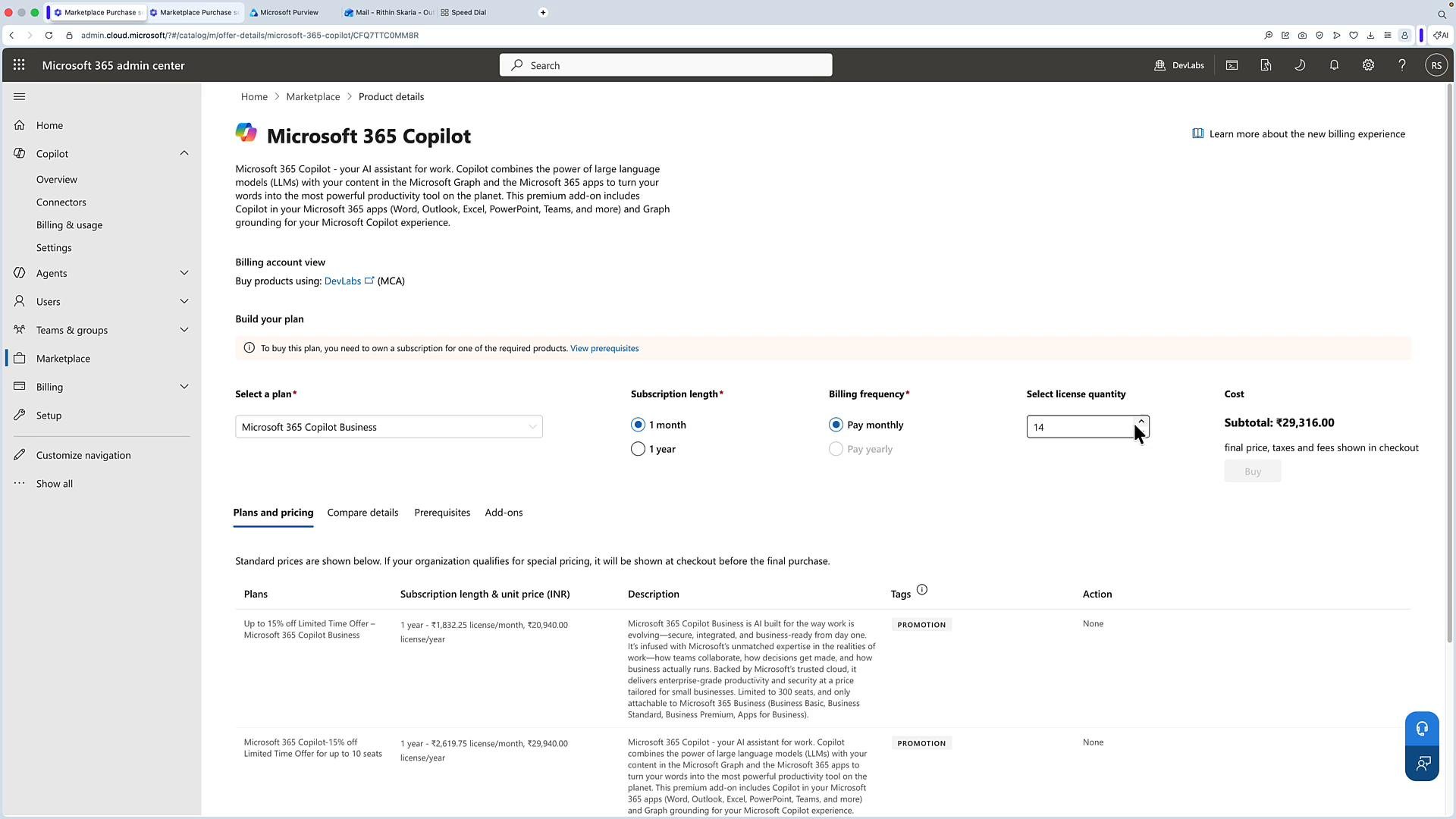
Quick comparison: licensing and billing options
Monitoring and next steps
After you’ve configured licensing and billing:- Monitor Copilot consumption and usage trends to refine budgets and policies.
- Use role-based access and approval workflows to control who can create or modify billing policies.
- Iterate: start small (pilot), measure usage and business value, then scale using group-based licensing or adjust budgets as needed.
Links and references
- Microsoft 365 admin center: https://admin.microsoft.com
- Microsoft 365 Marketplace (AppSource): https://appsource.microsoft.com
- Microsoft Copilot documentation: https://learn.microsoft.com/microsoft-365/copilot/