

- Where is the data located?
- What type of data is it?
- How should it be protected and managed?
Core capability areas
Purview capabilities can be grouped into three primary domains:
Example: A healthcare organization might apply data security to protect patient records, use governance to catalog medical data, and rely on risk & compliance to meet healthcare regulations.
Microsoft Purview capabilities that help protect sensitive information
-
Information protection and sensitivity labels
Sensitivity labels let organizations classify information by confidentiality (e.g., Public, Internal, Confidential, Highly Confidential). Labels enable Microsoft 365 to automatically apply protections such as encryption, access restrictions, and visual markings. -
Data Loss Prevention (DLP)
DLP policies detect and prevent sensitive data from being shared inappropriately. For instance, DLP can block or warn users when an email with credit card numbers is sent to external recipients. -
Insider Risk Management and Communication Compliance
These tools detect risky user behavior (unusual downloads or potential exfiltration) and review communications for policy violations to reduce internal and regulatory risk.
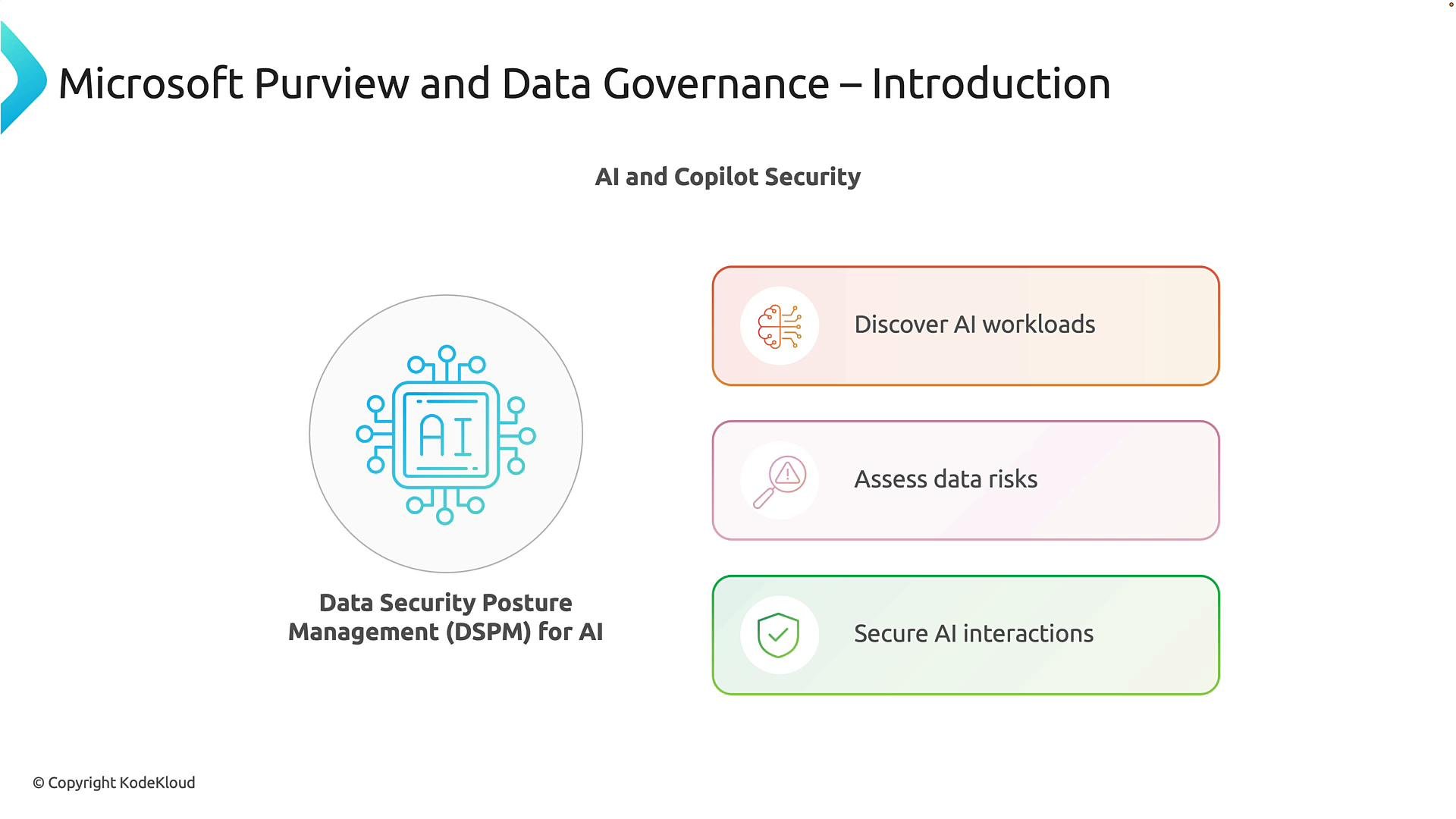
Extending Purview to AI: Data Security Posture Management (DSPM)
As organizations adopt AI (including Microsoft Copilot and other AI assistants), governing how AI systems access and use data becomes essential. Purview extends into AI governance via DSPM to give visibility and controls over AI interactions:- Discover AI workloads — Identify which AI tools and copilot experiences are used across the organization.
- Assess data risk — Detect situations where AI services may access sensitive or overexposed data.
- Secure AI interactions — Apply existing security and governance controls so AI responses only include data the requester is authorized to view (for example, preventing Copilot from exposing restricted records).
Data discovery, classification, and lifecycle management
Purview also provides core data governance features that establish data visibility and retention controls:-
Data discovery and classification
Automatic scans of data sources identify sensitive content such as personal data, financial records, or intellectual property. Automated classification reduces manual effort and improves consistency. -
Data lifecycle management
Create retention and deletion policies to meet legal, regulatory, and business requirements. For example, a record type can be retained for seven years while obsolete files are purged after a specified period.
Purview feature matrix
Accessing the Purview portal
Open the Microsoft Purview portal athttps://purview.microsoft.com. The portal consolidates capabilities such as Data Security Investigation, Data Catalog, Information Protection, DLP, Insider Risk Management, and DSPM into one interface. Solutions are grouped by categories like data security, data governance, and risk & compliance for easy navigation.
To begin, sign in to
https://purview.microsoft.com with an account that has the required administrative permissions. You can also access Purview from the Microsoft 365 admin center.Summary and next steps
Microsoft Purview unifies discovery, classification, lifecycle management, protection, compliance, and AI governance into a single platform. This integration helps organizations:- Understand their data estate
- Apply consistent protections and retention policies
- Maintain compliance as data and AI usage expand
Links and references
- Microsoft Purview overview: https://learn.microsoft.com/microsoft-365/compliance/microsoft-purview-overview
- Data Loss Prevention (DLP) in Microsoft 365: https://learn.microsoft.com/microsoft-365/compliance/dlp-microsoft-365
- Information protection and sensitivity labels: https://learn.microsoft.com/microsoft-365/compliance/sensitivity-labels
- Microsoft 365 admin center:
https://admin.microsoft.com