

Operational goals
- Ensure least-privilege administration and clear accountability.
- Streamline license assignment and user onboarding to accelerate adoption.
- Proactively detect and remediate issues to minimize downtime and maintain trust.
- Communicate change and feature updates so users can apply Copilot effectively.
Key operational best practices
-
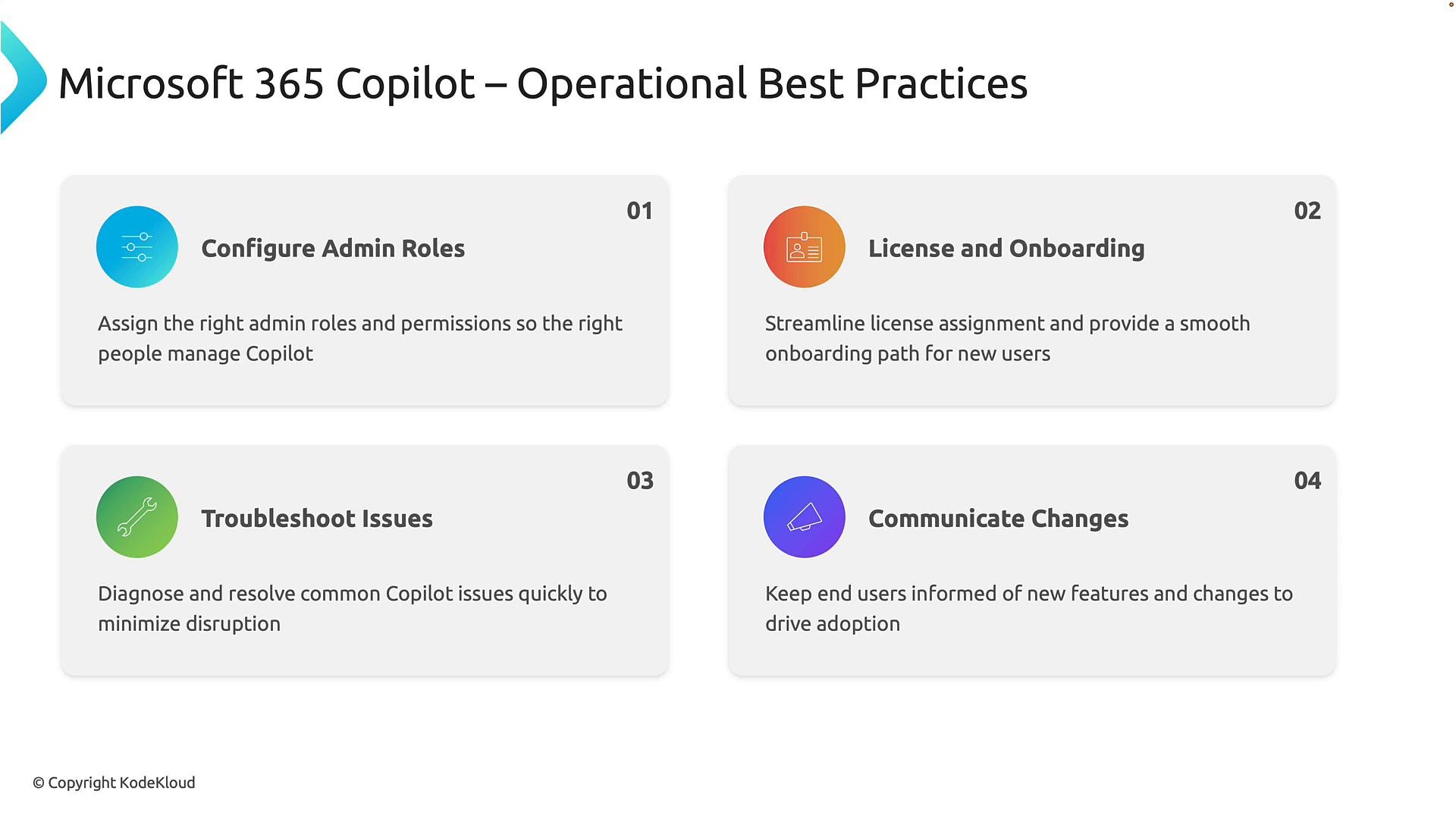
Configure appropriate administrative roles
- Use role-based access control (RBAC) to restrict Copilot administrative capabilities to named owners or teams.
- Map responsibilities (licensing, compliance, security, support) to specific Azure AD or Microsoft 365 roles and enforce periodic reviews.
- Example roles to define: Copilot Service Owner, Identity & Access Admin, Security/Compliance Lead, Support Lead.
- Reference: Microsoft Entra roles & privileges.
-
License management and onboarding
- Automate license assignment through your identity management system (Azure AD group-based licensing or provisioning flows).
- Provide a structured onboarding toolkit: quick-start guide, role-specific training, sample prompts and templates, and a step-by-step FAQ.
- Track license utilization and reassign unused licenses to optimize cost.
-
Troubleshooting and support
- Monitor Copilot service health and telemetry to detect errors, degraded performance, or sudden usage changes.
- Maintain a runbook with common issues (sign-in, licensing, permission errors, prompt performance) and stepwise remediation steps.
- Define an escalation path to Microsoft Support with required diagnostics to reduce mean time to resolution.
- Tip: Integrate Copilot monitoring into your existing ServiceNow, Teams, or ITSM workflow to centralize incident handling.
-
Communication and change management
- Establish a cadence for announcing Copilot updates (monthly newsletter, highlights in All Hands, short how-to videos).
- Share real-world success stories, templates, and new scenario demos to increase adoption.
- Provide administrators and champions with release notes and practical guidance for each new capability.
Practical suggestions for daily operations
- Establish a small core operations team responsible for governance, licensing, telemetry, and communications. This team should own regular audits and playbooks.
- Create dashboards that surface adoption metrics, feature usage, license consumption, and security/compliance anomalies.
- Schedule quarterly reviews to align Copilot usage with business goals and to retire or refresh prompts, templates, and training.
- Include Copilot in regular compliance checks and data governance reviews (sensitive information handling, DLP policy alignment).
Recommended metrics to monitor
- Adoption: active users, daily/weekly active users, feature usage breakdown.
- Health: service availability, error rates, response latency.
- Licensing: assigned licenses vs. active users, license churn.
- Security/compliance: anomalous queries, DLP violations, risky data exposures.
Example operational checklist
Troubleshooting runbook (short)
- Verify user identity and license assignment in Azure AD.
- Check Copilot service health and Microsoft 365 service status.
- Review telemetry and logs for recent errors or rate limits.
- If unresolved, collect diagnostics and escalate to Microsoft Support with incident IDs.
Operational consistency — clear roles, repeatable onboarding, proactive monitoring, and structured communications — is the foundation for scaling Microsoft 365 Copilot successfully across your organization.