

Why oversharing matters
Broad sharing can boost productivity, but it also increases the chance that sensitive content is accessible to people who should not see it. Even content stored in secure locations becomes risky when permissions are incorrect or overly permissive. Key reasons to address oversharing:- Prevent unauthorised exposure of regulated or confidential information.
- Reduce the likelihood that in‑product assistants (like Microsoft 365 Copilot) or search features surface sensitive content to unintended users.
- Focus remediation efforts on the highest business impact findings instead of manual review of thousands of sites and files.
How Microsoft Purview evaluates oversharing
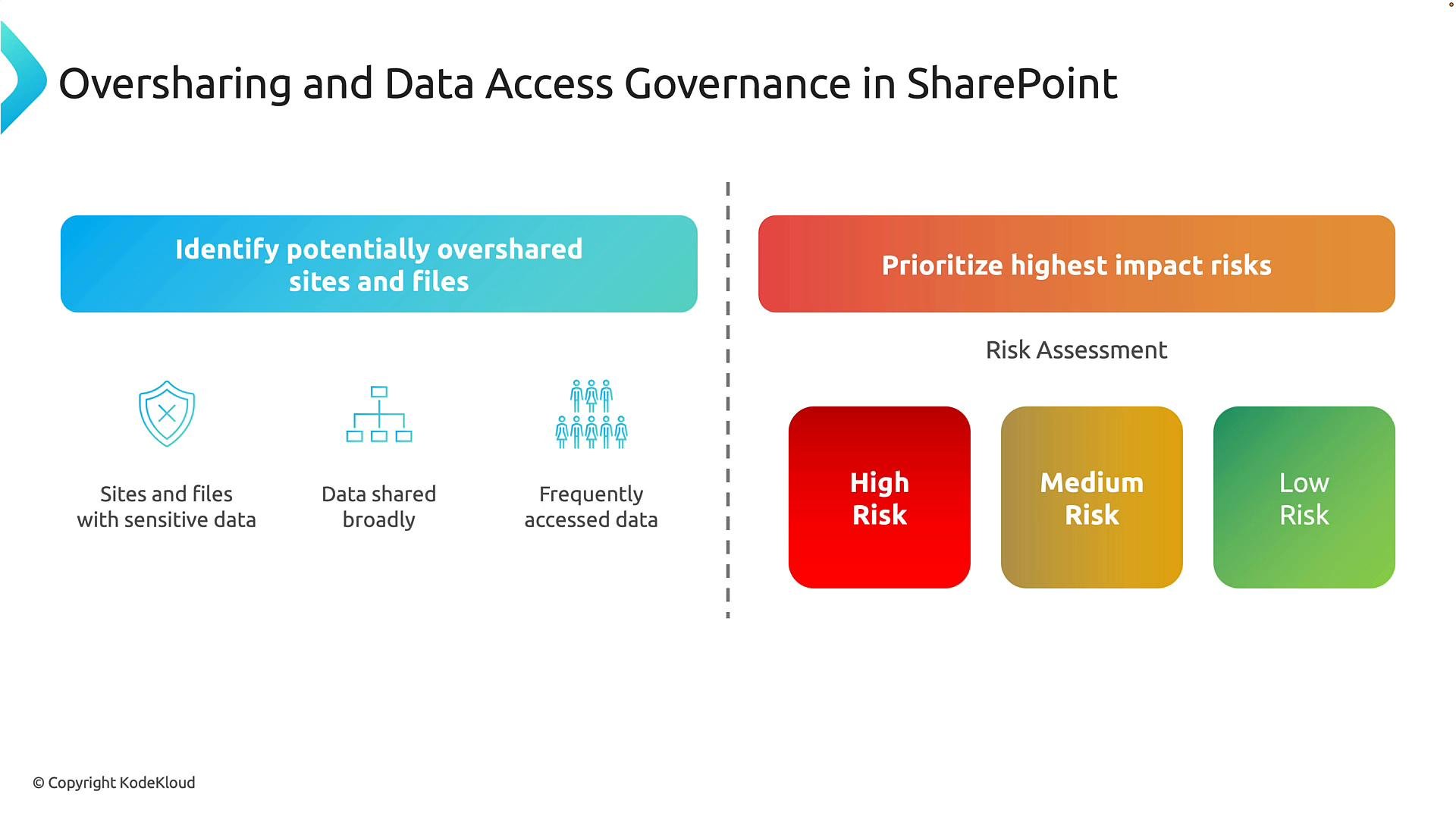
Purview continuously analyzes a combination of signals to identify potentially overshared content and triage risk:
Based on these signals Purview assigns a risk priority (High, Medium, Low) so administrators can focus on the most critical exposures.
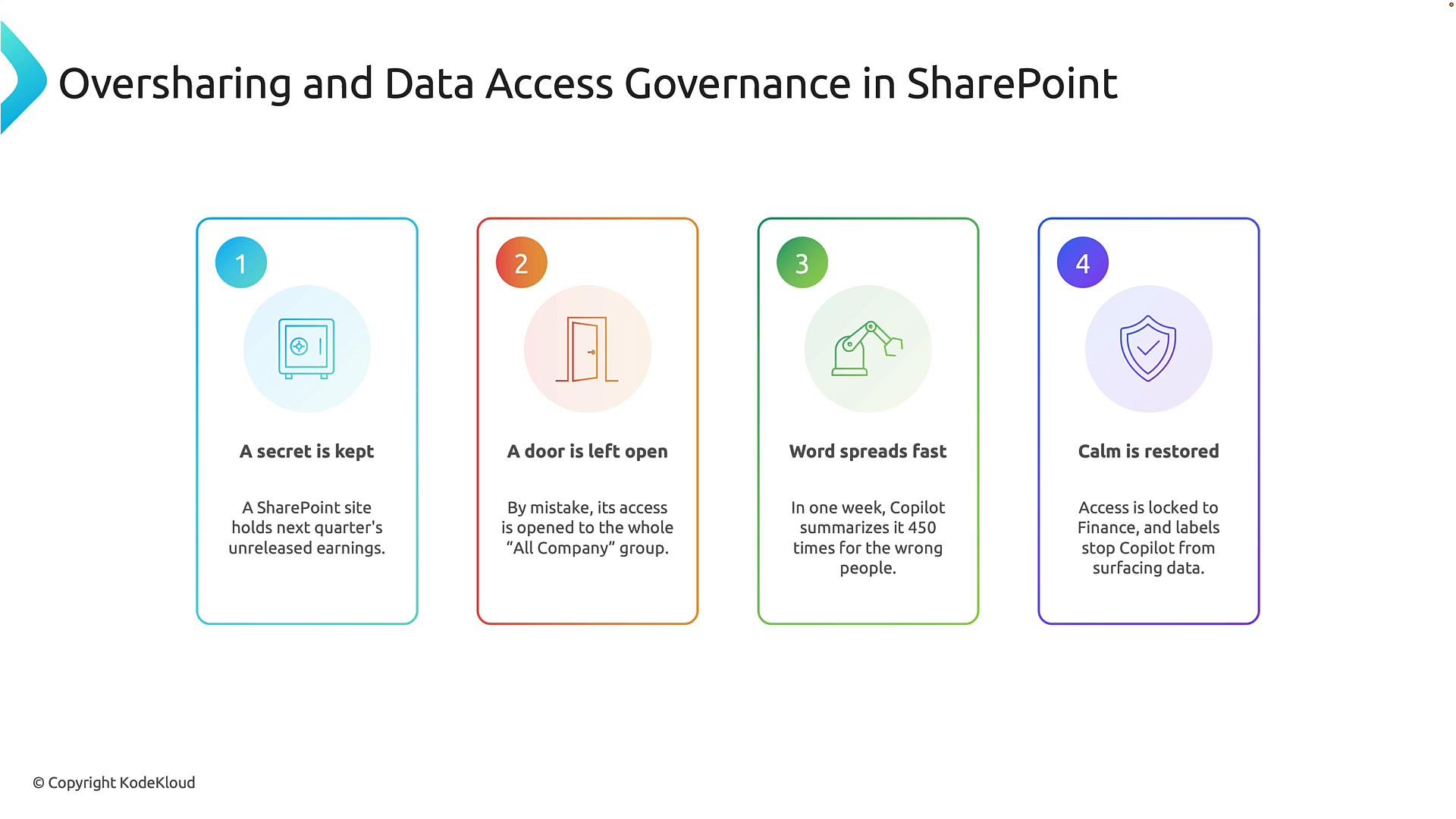
Example scenario — how a simple permission change creates exposure
- Initial state: A SharePoint site contains sensitive financial information (for example, an unreleased earnings report). Access is restricted to the finance team and other authorized staff.
- Accidental permission change: A permission edit (for example, granting access to “Everyone” or “All company”) unintentionally broadens access to a much wider audience. This commonly happens as teams change and permissions are edited.
- Rapid exposure: With the content accessible to many more users, it can be viewed frequently and appear in search or productivity tools. For example, Microsoft 365 Copilot and other in‑product experiences may summarize or surface results based on content the requesting user is allowed to view.
- Remediation: Use governance and protection controls — tighten access back to the finance group, apply sensitivity labels or DLP policies, and use Purview findings to prioritize follow‑up actions.
Microsoft 365 Copilot and related experiences only surface content a user already has permission to view. Implementing
sensitivity labels, DLP rules, and Purview policies helps ensure protected content isn’t inadvertently exposed or summarized outside approved boundaries.Recommended remediation and preventive controls
- Tighten permissions on overshared sites and files; remove broad or external access where unnecessary.
- Apply sensitivity labels to classify and enforce handling rules for confidential content.
- Configure DLP policies to block, restrict, or monitor sharing of sensitive data.
- Use Purview risk priorities to sequence remediation (start with High risk findings).
- Educate site owners about sharing best practices and implement automation to prevent future oversharing.
Links and references
- Microsoft Purview overview: https://learn.microsoft.com/microsoft-365/compliance/microsoft-purview?view=o365-worldwide
- Microsoft 365 Copilot: https://learn.microsoft.com/microsoft-365/copilot/?view=o365-worldwide
- Sensitivity labels: https://learn.microsoft.com/microsoft-365/compliance/sensitivity-labels?view=o365-worldwide
- Data Loss Prevention (DLP): https://learn.microsoft.com/microsoft-365/compliance/data-loss-prevention?view=o365-worldwide