

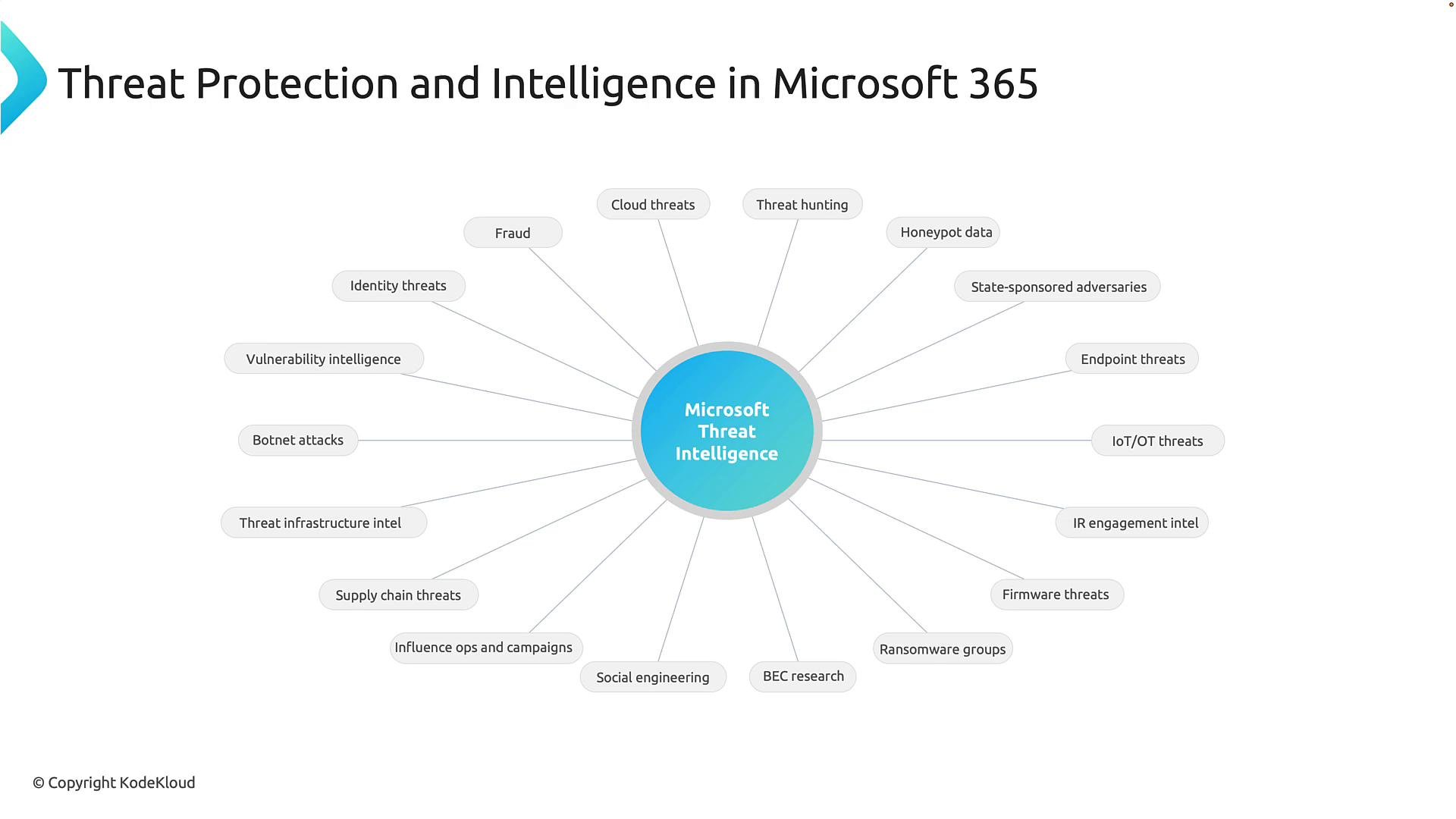
Microsoft Threat Intelligence: a global early-warning system
Microsoft Threat Intelligence aggregates signals from a broad set of sources — identity systems, email, endpoints, cloud services, honeypots, telemetry from partner ecosystems, and research into threat actor activity. This intelligence feeds across Microsoft’s security portfolio so protection, detection, and response improve continuously as new attack techniques are observed. When a novel attack pattern is discovered anywhere in the world, that knowledge can be used immediately to strengthen defenses for Microsoft 365 customers. The system learns from real-world incidents and adapts defenses continuously.Telemetry at scale: turning signals into insights
Microsoft analyzes massive telemetry datasets every day to surface meaningful threats that humans could not spot alone. These signals include sign-in attempts, device behavior, application activity, network events, and more. AI and machine learning are essential to correlate events, detect anomalies, and prioritize incidents for action. When a user account begins accessing resources in unusual ways, or a device shows suspicious process activity, these deviations are identified and can trigger automated protections.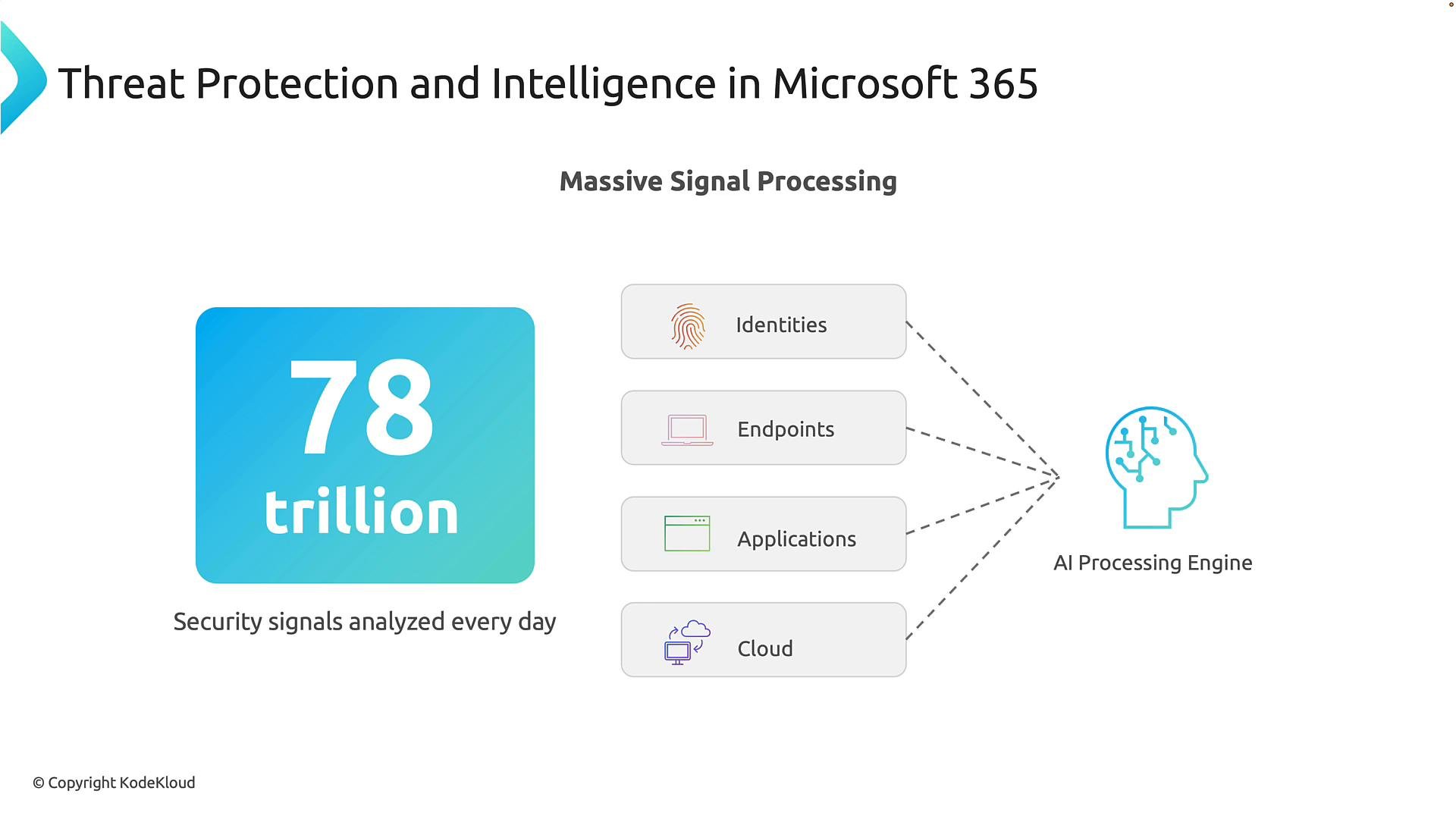
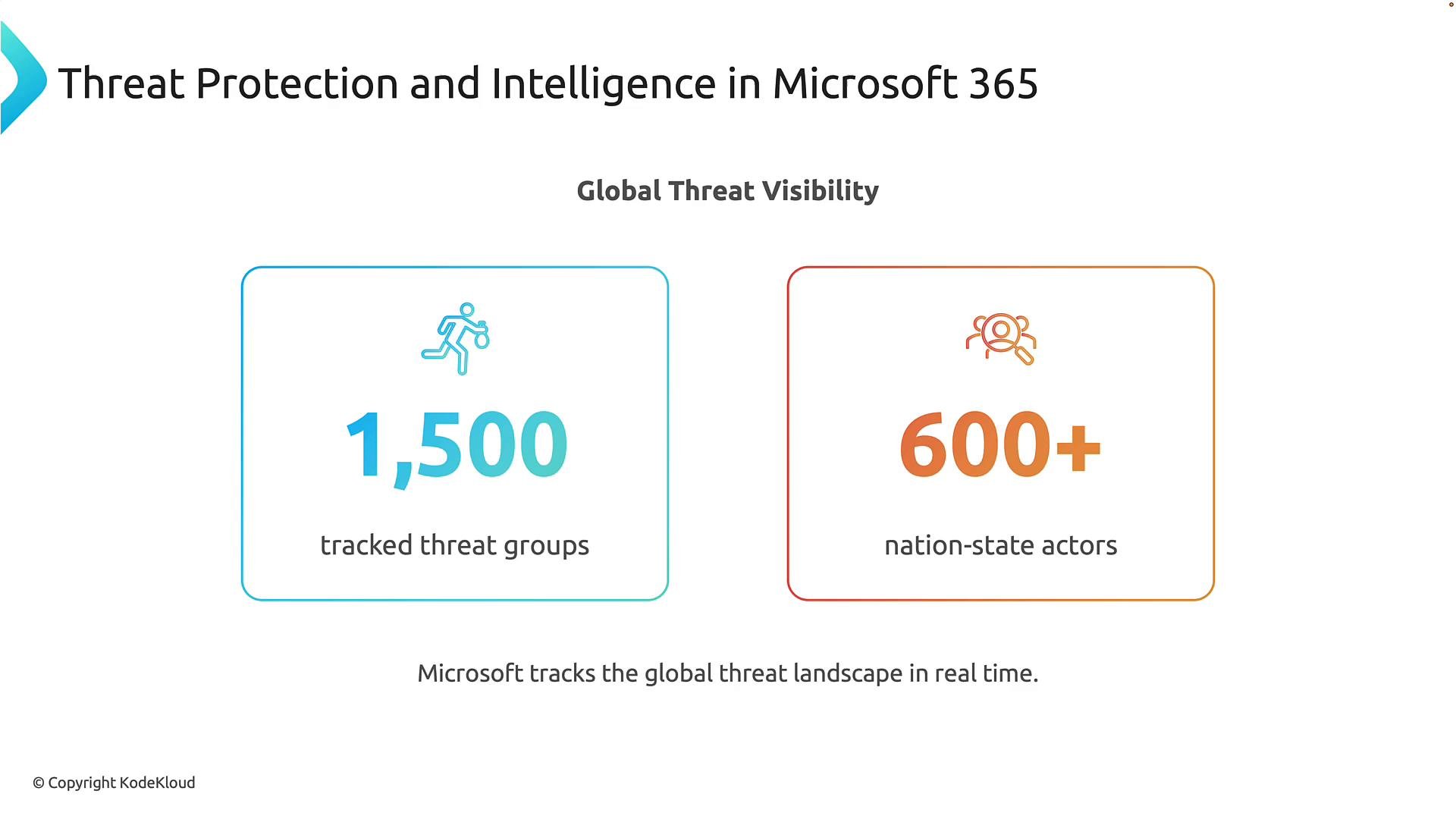
Quick facts
From detection to disruption: automated protection with Defender XDR
Detection alone doesn’t stop breaches — time to respond matters. Microsoft Defender XDR (Extended Detection and Response) correlates related signals (for example, a malicious email click, subsequent malware execution, and anomalous sign‑ins) into a single incident and can automatically take mitigation actions. Typical automated responses include isolating an infected device, terminating malicious processes, disabling compromised accounts, and blocking lateral movement. Automation reduces attacker dwell time and often prevents ransomware or botnet campaigns from completing their objectives.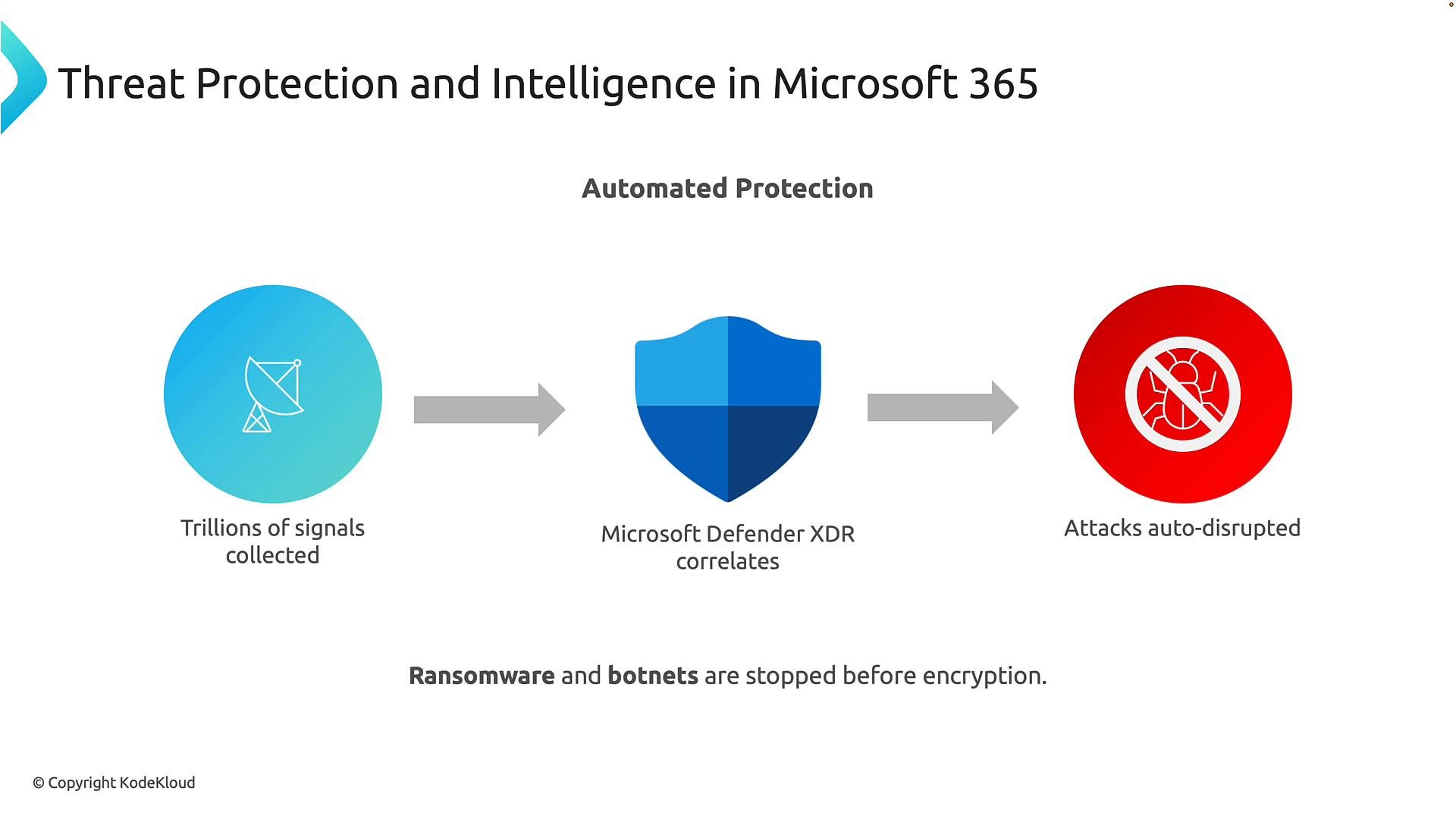
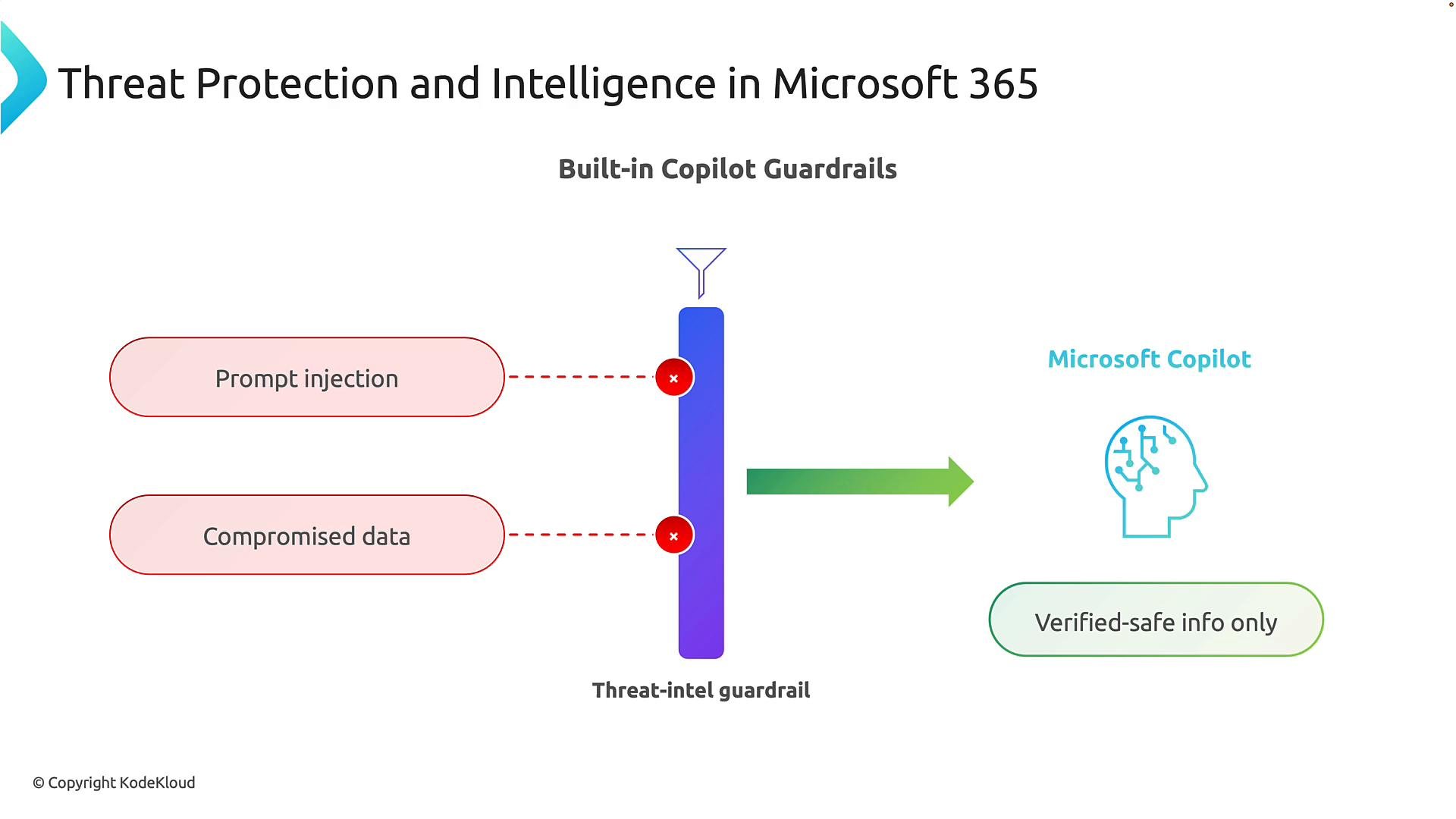
Protecting AI assistants: Copilot guardrails
As organizations adopt AI assistants like Microsoft Copilot, protecting data and preventing malicious manipulation of AI becomes essential. Two common AI-specific risks:- Prompt injection — attacks that manipulate instructions given to the AI, causing it to ignore rules or reveal sensitive information.
- Compromised data — untrusted or malicious inputs that cause the AI to produce incorrect or harmful outputs.
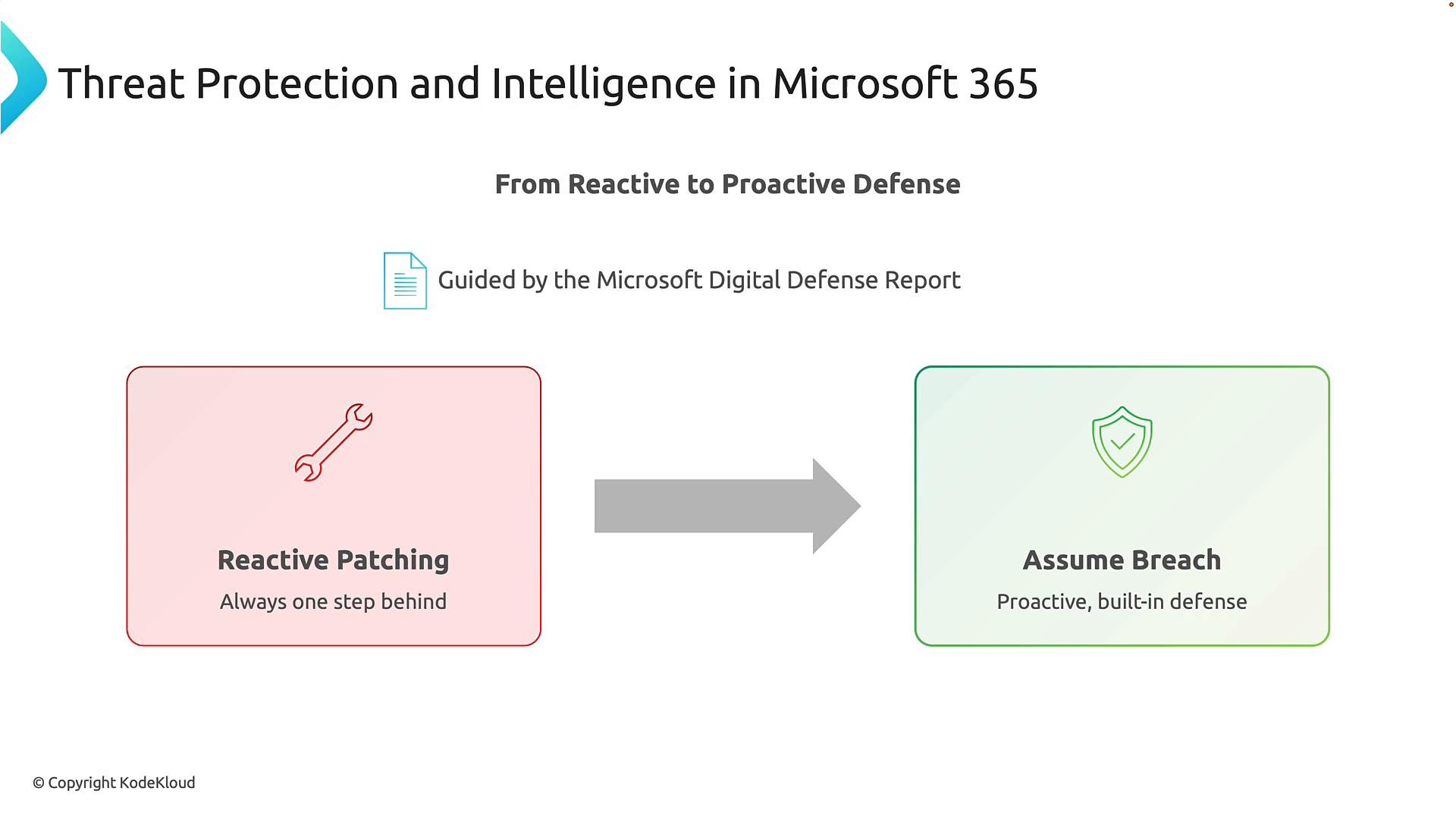
Move from reactive patching to an “assume breach” mindset
Traditional security often reacts: find a vulnerability, respond to exploitation, then patch. Microsoft’s approach emphasizes anticipating threats and reducing impact through continuous verification, telemetry-driven detection, and automated disruption — consistent with Zero Trust principles.Adopting an “assume breach” posture drives proactive defenses: continuous monitoring, automated disruption, and threat-informed policies shorten attackers’ windows and limit damage.
Summary
Microsoft 365 couples global threat telemetry, AI-driven analytics, and automated response to detect and disrupt attacks quickly. Built-in guardrails for AI assistants protect sensitive data while enabling productivity. This combination supports a proactive security posture aligned with Zero Trust: continuous verification, persistent monitoring, and rapid disruption of malicious activity. Next, we will examine how identity telemetry and controls play a central role in detection and response across Microsoft 365.References and further reading
- Microsoft Defender XDR documentation: https://learn.microsoft.com/microsoft-365/security/defender/
- Microsoft Threat Intelligence overview: https://www.microsoft.com/security/blog/spotlight/threat-intelligence
- Microsoft Digital Defense Report: https://www.microsoft.com/security/business/threat-intelligence/digital-defense-report