

This lesson focuses on administrative responsibilities—licensing, cost and usage monitoring, adoption measurement, prompt governance, and ongoing operational practices—to help organizations run Microsoft 365 Copilot safely and efficiently.
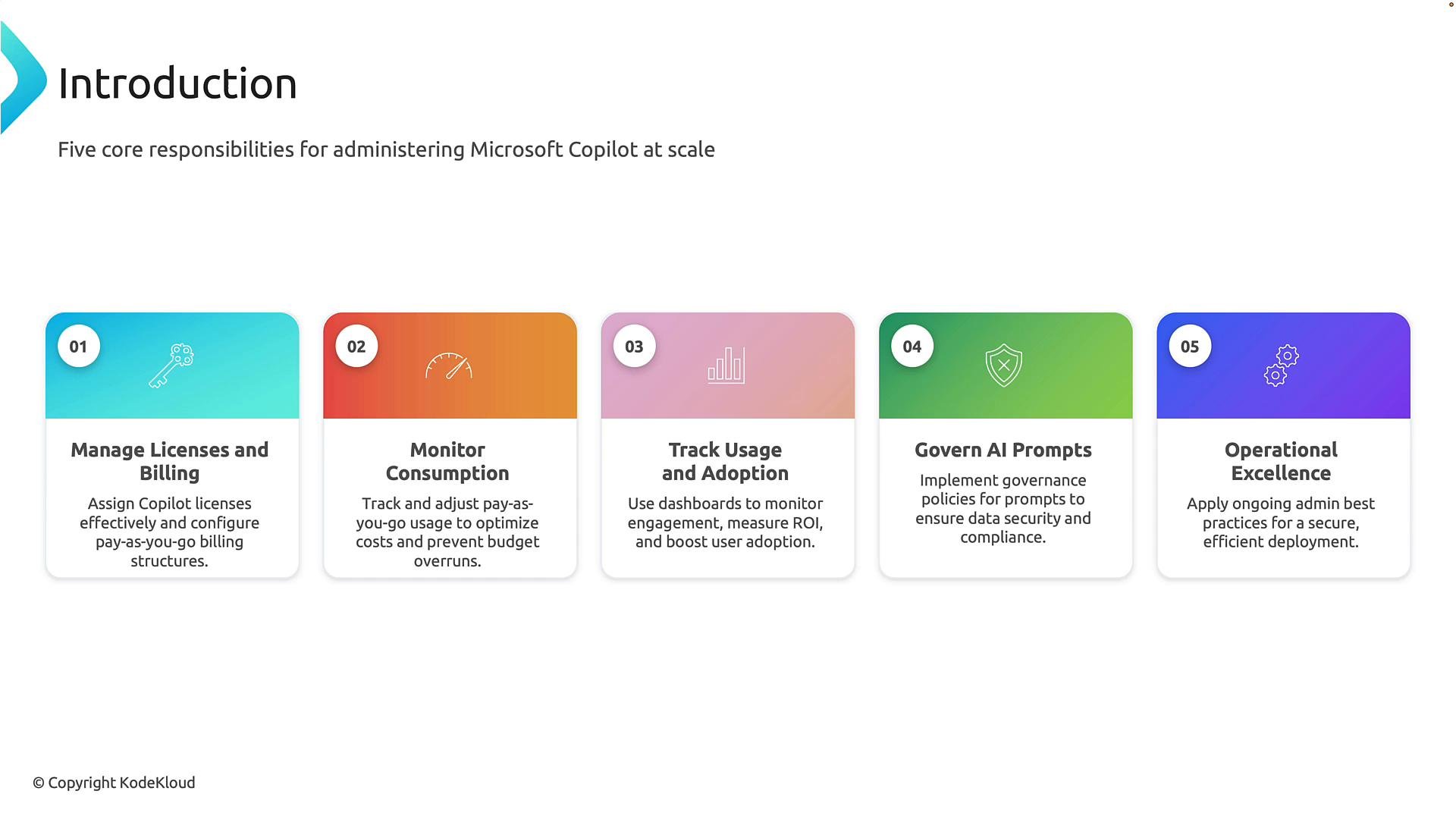
1. Manage licenses and billing
Assigning and managing Copilot licenses correctly prevents overspend, ensures compliance, and gives users the features they need.- Common models:
- Per-user licensing for standard access.
- Consumption-based billing when Copilot integrations use Azure services (for example, Azure OpenAI) — this can introduce pay-as-you-go charges for specific workloads.
- Best practices:
- Use Azure AD groups and automated group-based license assignment to ensure consistent entitlements.
- Review license allocations regularly (monthly or quarterly) to reclaim unused seats.
- Implement cost-approval workflows for provisioning high-cost or consumption-based integrations.
- Tools and steps:
- Microsoft 365 admin center — view and assign licenses, export reports.
- Azure portal — monitor consumption for services like Azure OpenAI.
- Example resources: Azure AD groups overview
Automate recurring license reviews (for example with scripts or Microsoft Graph) and tie them into your procurement or finance processes to avoid surprise charges.
2. Monitor consumption
Tracking consumption lets you spot cost drivers and detect unusual activity early.- What to monitor:
- API calls, compute chargeable units, and data egress for Azure services.
- Usage spikes by department or project that may indicate misconfiguration or misuse.
- Recommended approach:
- Combine Microsoft 365 telemetry with Azure Cost Management dashboards.
- Set budgets and alerts in Azure Cost Management for consumption-based services.
- Create dashboards that show cost per department, per workload, and forecasts.
- Useful tools:
- Azure Cost Management and Billing
- Microsoft 365 admin center usage reports
- Custom reports via Microsoft Graph for detailed telemetry
3. Track usage and adoption
Adoption measurement ensures Copilot delivers business value and informs training and expansion.- Key metrics:
- Active users, frequency of interactions, and feature adoption (e.g., Copilot in Word, Teams, Outlook).
- Time saved estimates, ticket reduction, or productivity KPIs linked to Copilot use cases.
- Mix quantitative and qualitative data:
- Usage dashboards + targeted surveys and feedback loops from early adopters.
- Collect case studies from teams demonstrating business impact.
- Rollout guidance:
- Pilot with a representative group, measure outcomes, then iterate before broader deployment.
- Use champions and enablement sessions to accelerate adoption.
4. Govern AI prompts
Governing prompts and prompt data is critical to protect sensitive information and ensure outputs meet compliance requirements.- Policy controls:
- Define acceptable prompt behavior, including prohibitions on sharing sensitive corporate data in free-text prompts.
- Apply data classification and DLP policies (for example, Microsoft Purview) to block or redact sensitive inputs.
- Technical controls:
- Use conditional access, tenant-level settings, and integration-level controls to restrict data flows.
- Monitor prompts and outputs for sensitive entities and apply automated remediation.
- Compliance and audit:
- Log prompt interactions and correlate with user and device telemetry for auditability.
- Keep retention and eDiscovery requirements in mind when storing prompts or outputs.
AI prompts can unintentionally expose sensitive data. Apply DLP and classification controls proactively and educate users on what not to include in prompts.
5. Operational excellence
Ongoing operational practices ensure Copilot remains secure, performant, and aligned with business needs.- Processes to adopt:
- Continuous policy reviews and tuning as features and risks evolve.
- Incident response playbooks that include AI-specific scenarios (e.g., prompt leakage).
- Change control for integrations that use Azure services or third-party connectors.
- Enablement and support:
- Provide training, FAQs, and troubleshooting guides to end users and help desk staff.
- Establish owner roles—license manager, cost owner, compliance owner, and support lead—for clear accountability.
- Continuous improvement:
- Use feedback loops from adoption metrics to prioritize training or policy changes.
- Schedule periodic reviews of entitlements, telemetry, and costs.
Quick checklist
- Assign licenses via Azure AD groups or automated workflows.
- Configure cost alerts and budgets in Azure Cost Management.
- Build adoption dashboards and collect qualitative feedback.
- Apply DLP and data classification for prompt governance.
- Define incident response and operational ownership.
Links and references
- Microsoft 365 admin center overview: https://learn.microsoft.com/microsoft-365/admin/admin-overview?view=o365-worldwide
- Azure Cost Management: https://learn.microsoft.com/azure/cost-management-billing/cost-management/
- Azure OpenAI: https://learn.microsoft.com/azure/cognitive-services/openai/
- Azure AD groups membership: https://learn.microsoft.com/azure/active-directory/fundamentals/active-directory-groups-membership?view=azure-portal
- Microsoft Purview (DLP and compliance): https://learn.microsoft.com/microsoft-365/compliance/microsoft-purview-overview?view=o365-worldwide