

- Identity — who you are and what you can access
- Service — the Microsoft 365 apps and services where people work
- Data — the business content that provides context
- Intelligence — Graph and AI that understand relationships and intent
- Security & Compliance — governance controls that protect data and enforce policies
Layer-by-layer breakdown
1. Identity (Microsoft Entra ID)
The identity layer authenticates users, enforces sign-in conditions, and determines resource access. Microsoft Entra ID (formerly Azure AD) governs authentication, single sign-on, conditional access, and identity-based entitlements. Copilot respects those identity controls so responses and surfaced content are scoped to what the invoking user is allowed to see.- Read more: Microsoft Entra ID documentation: https://learn.microsoft.com/en-us/azure/active-directory/
2. Service (Microsoft 365 apps and services)
The service layer includes the platforms where users collaborate and perform tasks: Microsoft Teams, Exchange Online, SharePoint Online, OneDrive, and other Microsoft 365 apps. Copilot is embedded directly into these services so users receive assistance inside existing workflows rather than switching context.- Key services:
- Microsoft Teams: https://learn.microsoft.com/en-us/microsoftteams/
- Exchange Online: https://learn.microsoft.com/en-us/exchange/exchange-online
- SharePoint Online: https://learn.microsoft.com/en-us/sharepoint/sharepoint-online
- OneDrive: https://learn.microsoft.com/en-us/onedrive/
3. Data (Emails, documents, chats, files, meetings, calendars)
The data layer stores the organization’s business content — emails, documents, chats, files, meetings, and calendars — that provide the context Copilot uses to generate relevant, meaningful responses. Copilot does not create new access paths; it uses the existing permissions associated with that data.4. Intelligence (Microsoft Graph + AI)
The intelligence layer is powered by Microsoft Graph and Microsoft’s AI capabilities. Graph models the relationships between people, content, conversations, and activities. AI uses that context to produce recommendations, summaries, insights, and other contextual assistance that Copilot surfaces.- Learn how Graph enables context: https://learn.microsoft.com/en-us/graph/overview
5. Security & Compliance
Security and compliance ensure that all interactions follow organizational policies, regulatory requirements, and governance rules. Copilot operates within the same protections — it does not bypass compliant controls, retention rules, or access governance.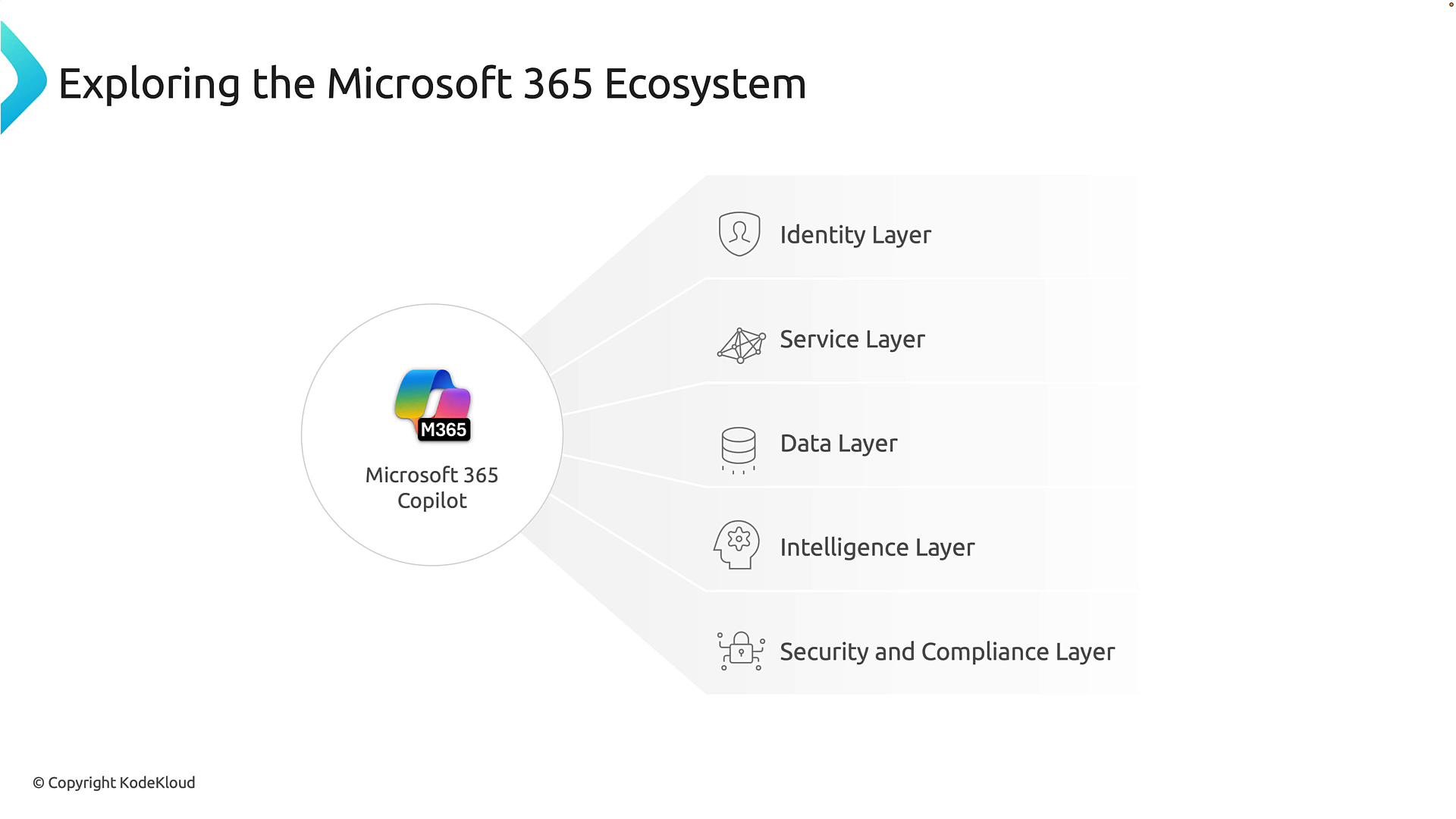
Copilot follows the same access, compliance, and governance rules you already enforce. Its outputs are scoped to the data and permissions available to the user invoking it.
Quick reference table
How Copilot integrates in practice
- Copilot respects identity and permission boundaries (Entra ID).
- It accesses data only through the Microsoft 365 service layer (Teams, Exchange, SharePoint, OneDrive).
- Microsoft Graph provides contextual signals (people, files, calendar events) that AI uses to generate responses.
- Security and compliance controls (DLP, retention, conditional access, eDiscovery) remain enforced for any Copilot interaction.
Further reading and references
- Microsoft 365 Copilot overview: https://learn.microsoft.com/en-us/microsoft-365/copilot/overview
- Microsoft Entra ID documentation: https://learn.microsoft.com/en-us/azure/active-directory/
- Microsoft Graph overview: https://learn.microsoft.com/en-us/graph/overview
- Microsoft Teams documentation: https://learn.microsoft.com/en-us/microsoftteams/
- Exchange Online documentation: https://learn.microsoft.com/en-us/exchange/exchange-online
- SharePoint Online: https://learn.microsoft.com/en-us/sharepoint/sharepoint-online
- OneDrive documentation: https://learn.microsoft.com/en-us/onedrive/