

Microservices vs. Tightly Coupled Services
Modern application development increasingly favors microservices, where large monolithic applications are broken down into smaller, independent sub-components. This design paradigm allows developers to build, deploy, and scale individual services independently, streamlining both development and maintenance.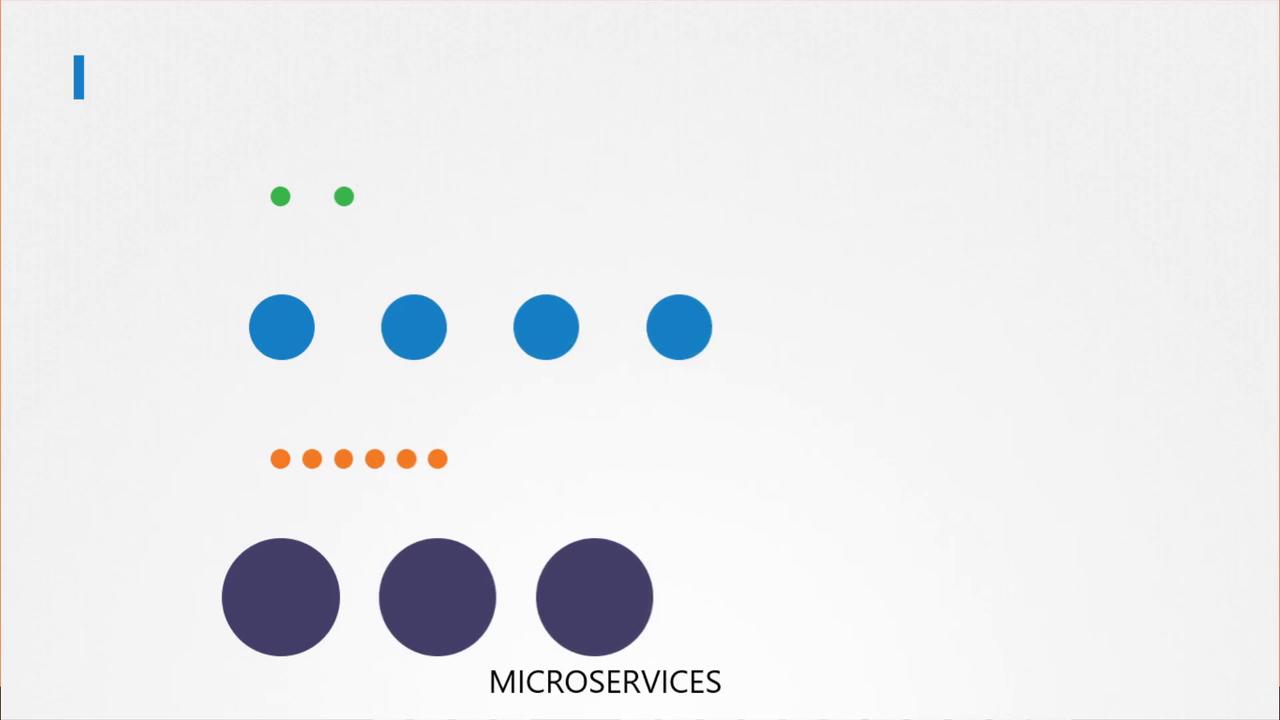

Advantages of Multi-Container Pods
Multi-container pods offer several significant advantages:- Shared Lifecycle: All containers in the pod start and stop simultaneously.
- Unified Network Namespace: Containers communicate via localhost without extra configuration.
- Shared Storage Volumes: Persistent and shared storage is available between containers.
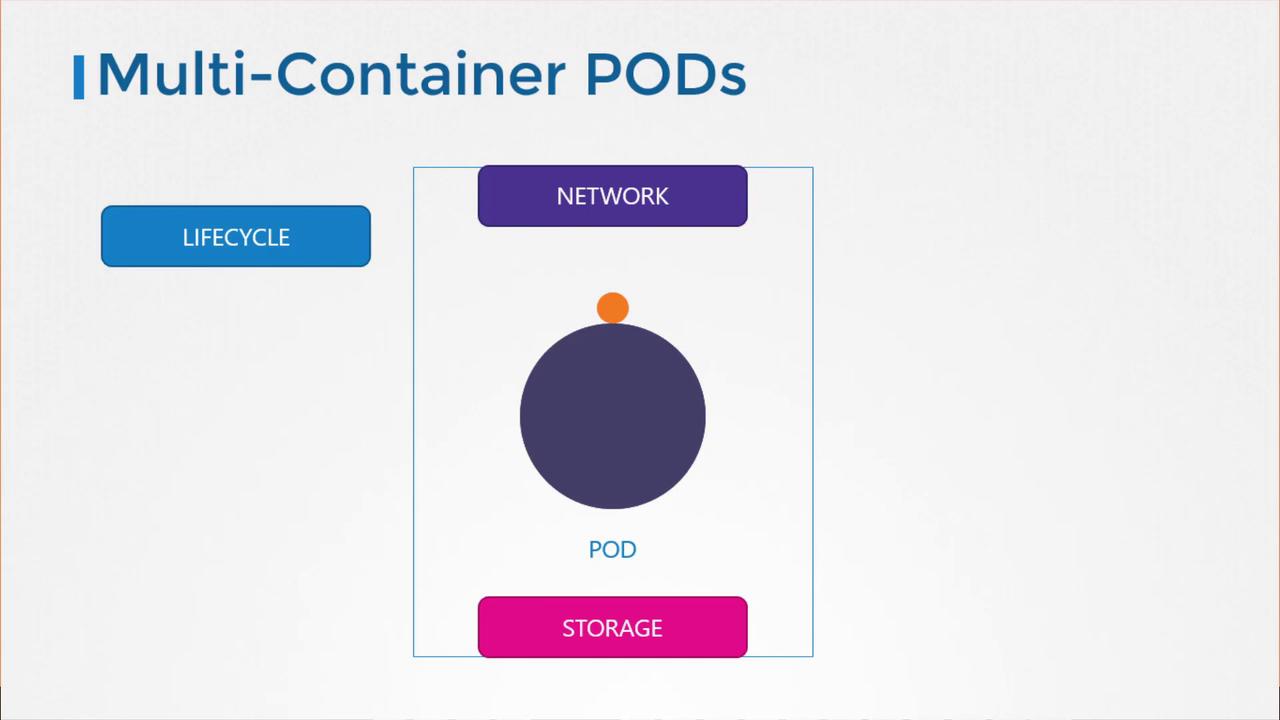
To create a multi-container pod, simply list multiple container definitions under the
containers array in your pod specification file.Creating a Multi-Container Pod
Below is an example of a basic pod definition with a single container:Multi-Container Pod Design Patterns
There are three common patterns for designing multi-container pods:- Sidecar Pattern
- Adapter Pattern
- Ambassador Pattern
Sidecar Pattern
The sidecar pattern involves deploying a supplemental container, such as a logging agent, alongside your primary container. This design pattern enables services to extend or enhance the capabilities of the main application without altering its code. It is particularly useful when the application produces logs in various formats across different services.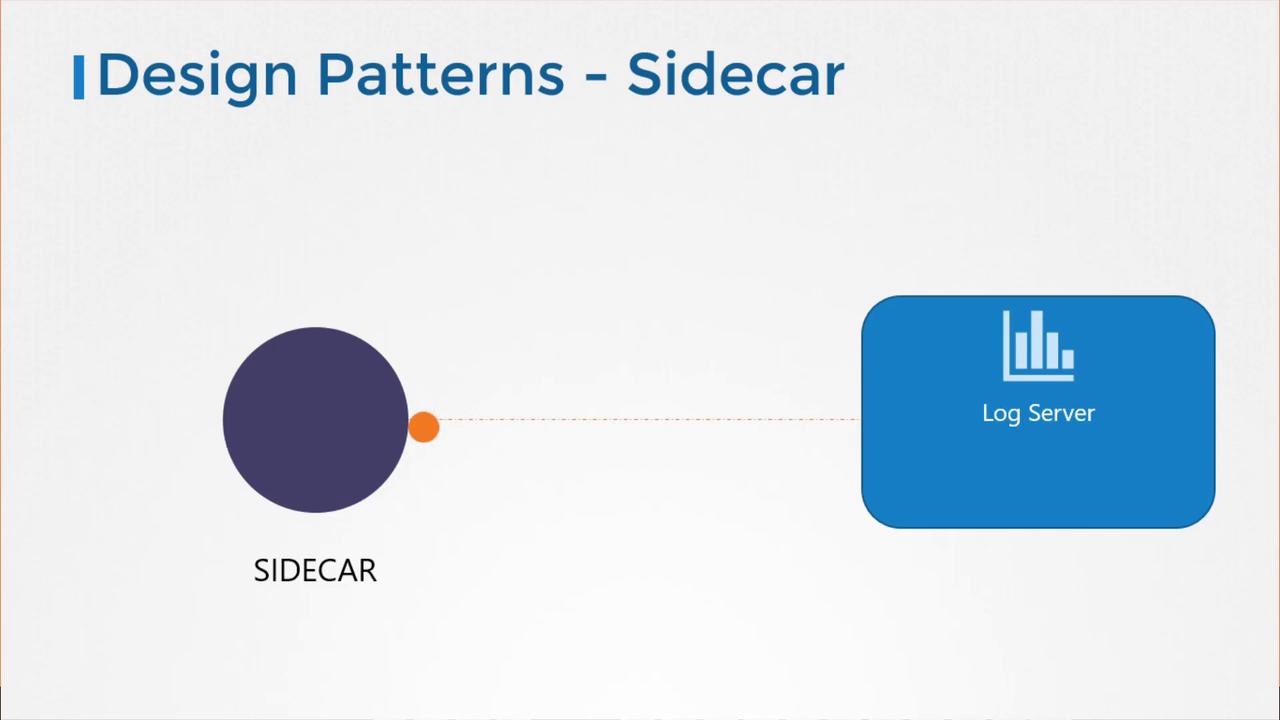
Adapter Pattern
The adapter pattern is useful when you need to standardize data formats. For example, when logs from multiple sources need to be unified before they are processed by a central logging service. Log messages might vary as follows:Ambassador Pattern
The ambassador pattern is applied when an application needs to communicate with different database environments. For example, the application might require a local database for development, another for testing, and a production database in live deployment. Instead of incorporating logic to handle multiple environments in the application code, an ambassador container acts as a proxy. The application always sends requests to localhost, while the ambassador routes traffic to the appropriate database backend.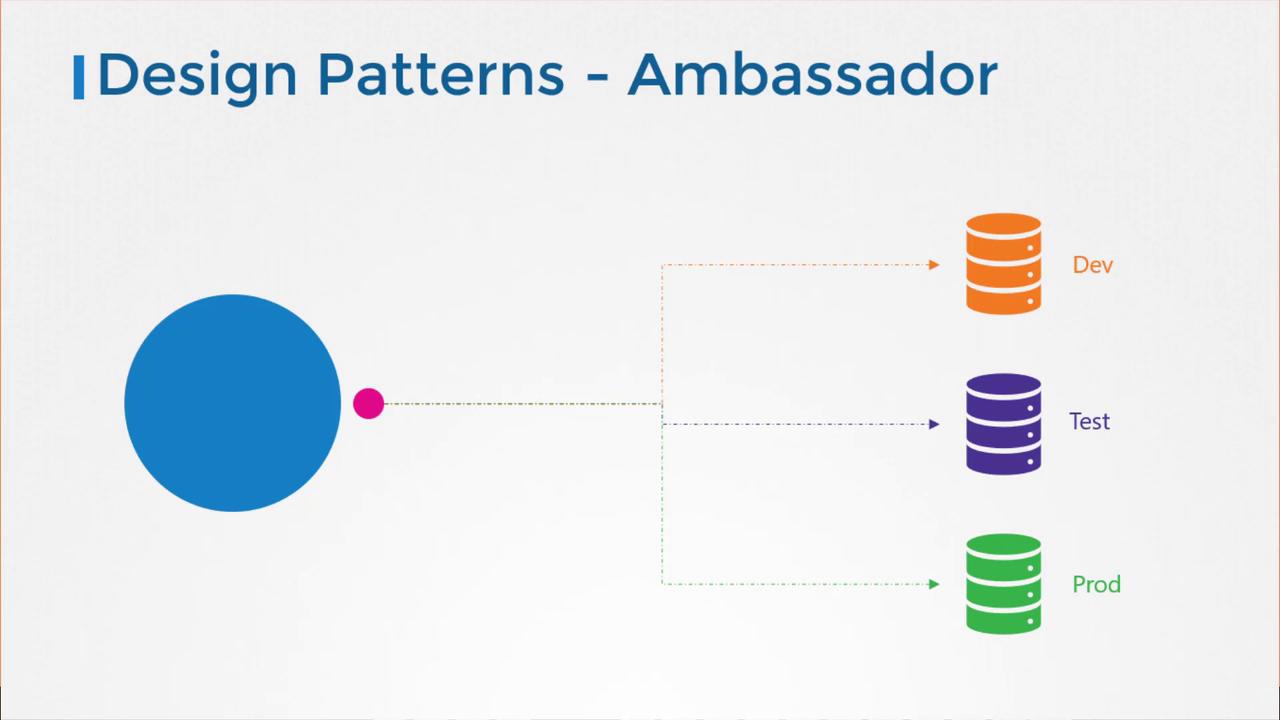
Head over to the coding exercises section to practice configuring multi-container pods. Real-world practice will solidify your understanding of these patterns and their implementation in Kubernetes.