

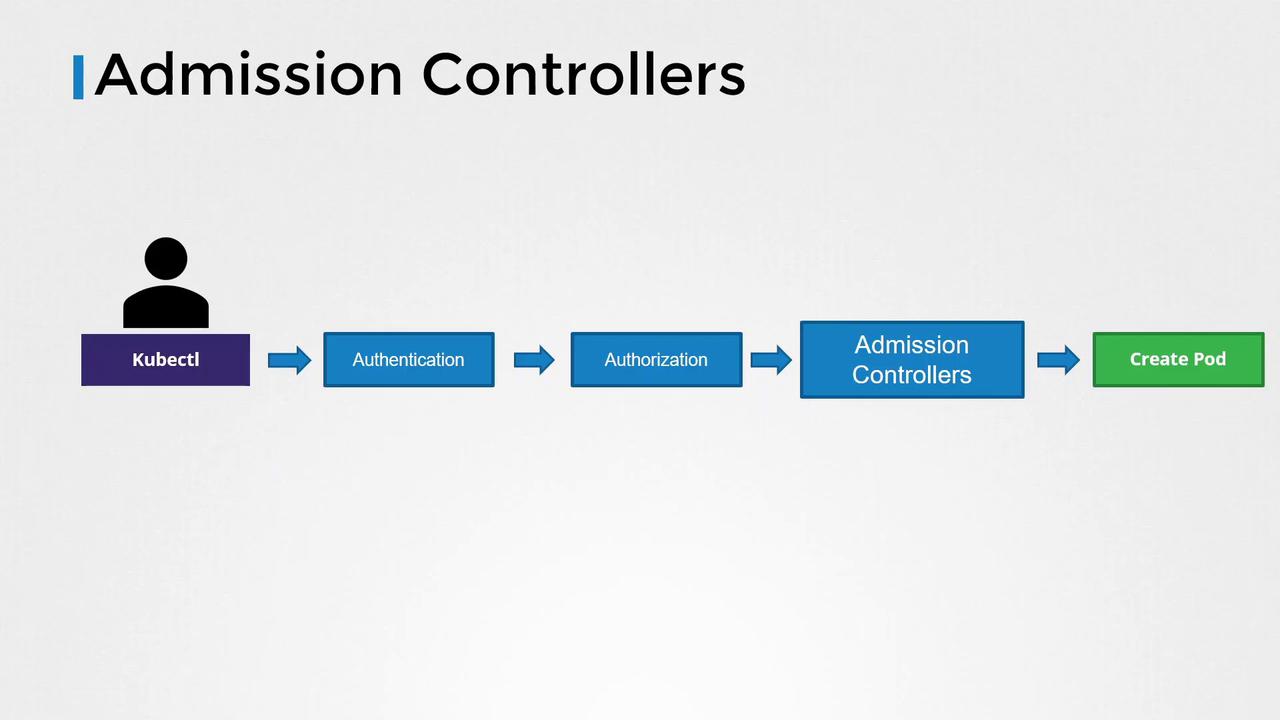
- The API server receives the request.
-
It authenticates the request—commonly using certificates specified in your KubeConfig file. For example, inspect your KubeConfig with:
-
Once authenticated, the request proceeds to the authorization phase where Kubernetes checks if the user has permission to perform the operation, typically using Role-Based Access Control (RBAC). For example, a developer role can be defined as follows:
In this example, the developer role is limited to operations on pods named “blue” or “orange”. These RBAC rules operate solely at the API level to control permitted operations.
- Preventing images from public Docker Hub by allowing only images from a specific internal registry.
- Enforcing that images never use the “latest” tag.
- Rejecting pod creation when a container is configured to run as the root user.
- Allowing specific capabilities (like “MAC_ADMIN”) only under certain conditions.
- Ensuring resource metadata always includes specific labels.
Built-in Admission Controllers
Kubernetes includes several built-in admission controllers, such as:- Always Pull Images: Ensures that images are pulled every time a pod is created.
- Default Storage Class: Automatically assigns a default storage class to PersistentVolumeClaims (PVCs) when none is specified.
- Event Rate Limit: Throttles the number of requests processed by the API server to prevent overload.
- Namespace Exists: Rejects requests for resources in namespaces that do not exist.
Example: Namespace Existence Check
Consider the “namespace exists” admission controller. When you attempt to create a pod in a namespace that doesn’t exist, for instance:Some clusters may have the namespace auto-provision admission controller enabled (disabled by default) to automatically create missing namespaces.
Configuring Admission Controllers
To add an admission controller, update the--enable-admission-plugins flag on the Kubernetes API server. In a kubeadm-based setup, modify the kube-apiserver manifest file accordingly. For example, to enable both NodeRestriction and NamespaceAutoProvision, update the ExecStart command as follows:
--disable-admission-plugins flag similarly.
Auto-Provisioning Example
With NamespaceAutoProvision enabled, running the following command:Note that the NamespaceAutoProvision and NamespaceExists admission controllers are deprecated. They have been replaced by the Namespace Lifecycle admission controller, which now ensures that requests to non-existent namespaces are rejected and protects default namespaces (such as default, kube-system, and kube-public) from deletion.