

1. Identifying Service Accounts in the Default Namespace
To begin, check the number of service accounts in the default namespace by running:2. Checking the Secret Token for the Default Service Account
Next, verify whether the default service account has an associated secret token. Run the following command:3. Inspecting the Dashboard Deployment
After deploying the dashboard application, inspect its deployment configuration and container image details.-
List Deployments:
-
Describe the Dashboard Deployment:
Focus on the “Pod Template” section under “Containers.” An example of the output is:At one point, an error occurs:
4. Determining the Service Account Used by the Dashboard Application
The logs and error messages confirm that the default service account is being used. To verify which service account is mounted on the dashboard pod, execute:5. Creating a New Service Account for the Dashboard
Since the default service account has limited permissions, create a new service account (named dashboard-sa) with enhanced rights.-
Create the New Service Account:
You should see a confirmation message:
-
Review RBAC Configurations:
Check the RBAC configuration files (e.g.,
dashboard-sa-role-binding.yamlandpod-reader-role.yaml) located in the/var/rbac/directory. These files contain role and role-binding settings that grant additional permissions. For more details on RBAC, review the relevant documentation. -
Generate an Access Token:
To authenticate with the dashboard application, generate an access token for dashboard-sa:
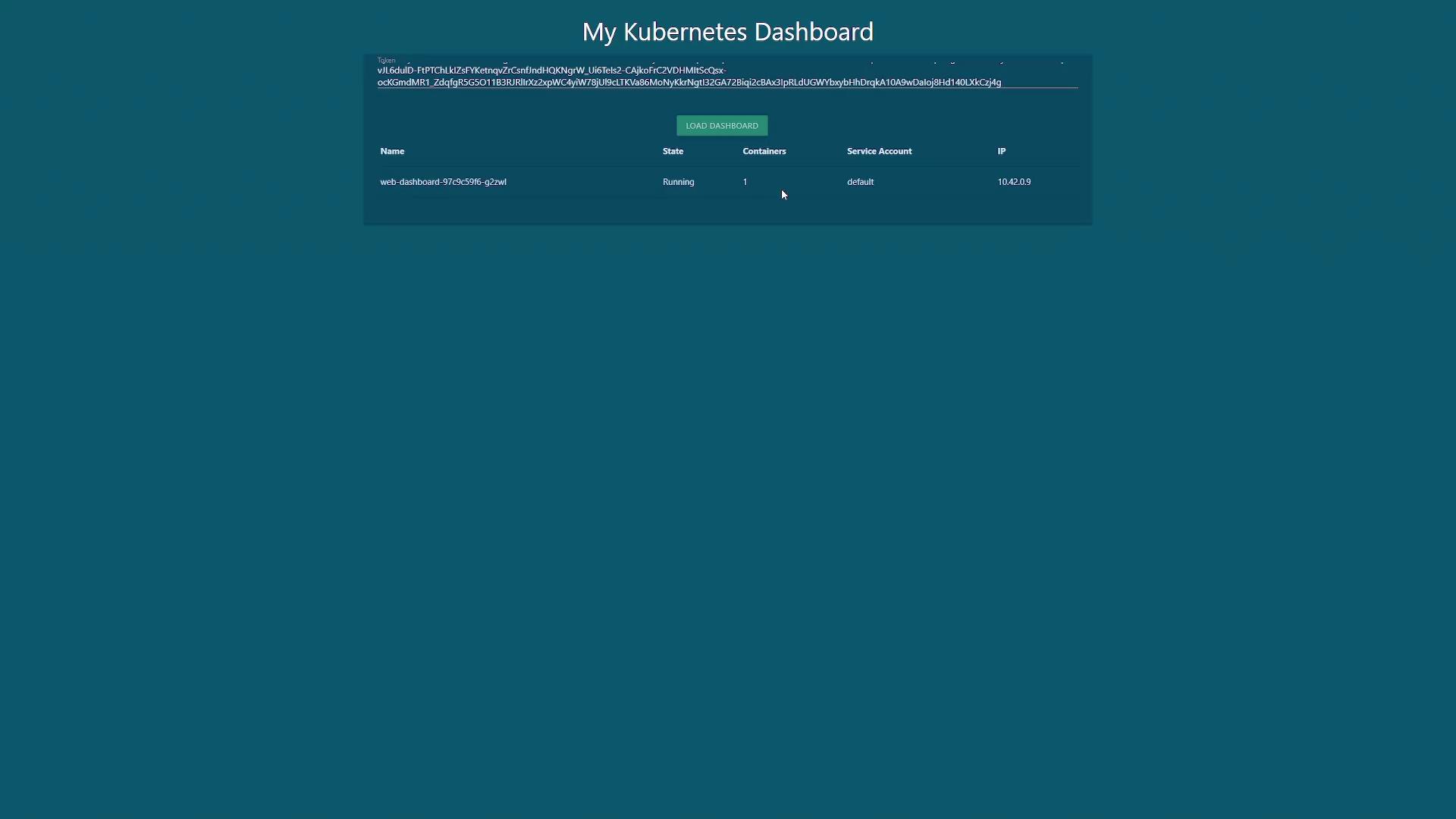
The output might be similar to:Copy the token and paste it into the dashboard UI. Once authenticated, you should see all the pods running within your cluster.
After generating the token for dashboard-sa, enter it into the dashboard UI to access the cluster’s detailed information.
6. Updating the Deployment to Use the New Service Account
To eliminate the need for manual token retrieval, update the dashboard deployment so it automatically uses dashboard-sa.-
Export the Current Deployment Configuration:
-
Update the Deployment YAML:
Open
dashboard.yamlin your preferred editor and locate the pod specification within the spec section. Add theserviceAccountNamefield with the value “dashboard-sa” under the pod spec. The updated portion should resemble: -
Apply the Updated Configuration:
You might see a warning about a missing annotation due to changes in resource management history; this warning is harmless as the configuration will be patched automatically.
-
Verify the Deployment:
Check the deployment status by running:
Conclusion
By following these steps, you have accomplished the following:- Identified service accounts in the default namespace.
- Inspected the token associated with the default service account.
- Noted that the dashboard application was using a default account with insufficient permissions.
- Created a new service account (dashboard-sa) with enhanced permissions using RBAC.
- Updated the dashboard deployment to automatically use the new service account, streamlining the authentication process with the Kubernetes API.
Managing service accounts and RBAC configurations properly is vital for maintaining security and operational efficiency in your Kubernetes environment.