This article provides a comprehensive guide on readiness probes in Kubernetes, focusing on their configuration and importance for application reliability.
Welcome to this comprehensive guide on observability in Kubernetes. In this guide, we explore readiness and liveness probes, logging, and monitoring concepts to help you build reliable applications.
Below is a brief recap of the pod lifecycle stages, which is essential for understanding how readiness probes function:
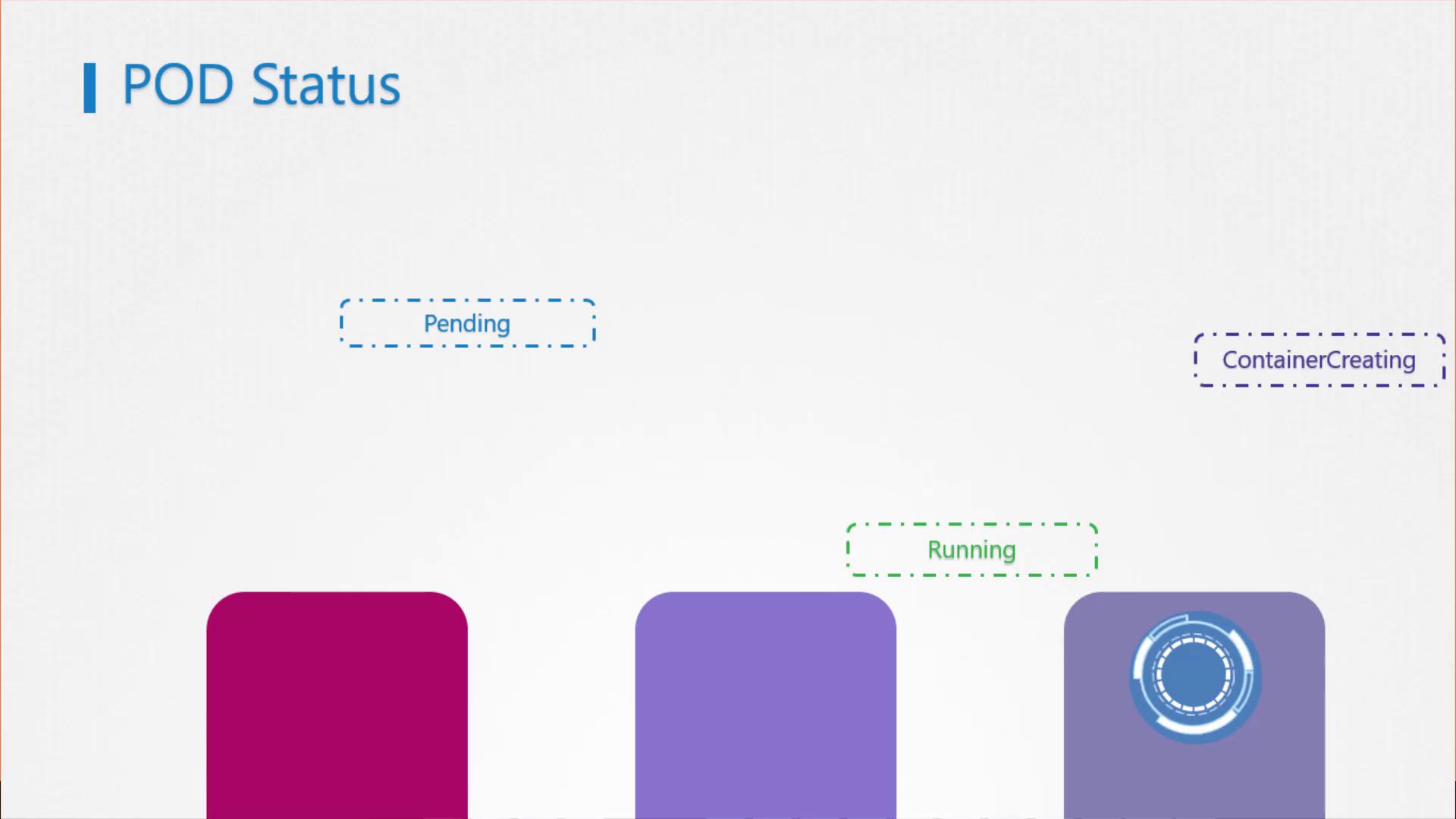
When a pod is first created, it enters a Pending state while the scheduler selects an appropriate node for placement. If no node is immediately available, the pod stays in the Pending state. Use kubectl describe pod to investigate any delays.
After scheduling, the pod transitions to the ContainerCreating state as images are pulled and containers begin their startup process.
Once all containers launch successfully, the pod moves into the Running state and remains there until the application completes execution or is terminated.
To view the current status of your pods, run the following command:
osboxes@kubemaster:~$ kubectl get podsNAME READY STATUS RESTARTS AGEjenkins-566f687bf-c7nzf 1/1 Running 0 12mnginx-65899c769f-9lzh 1/1 Running 0 6hredis-b48685f8b-fbnmx 1/1 Running 0 6h
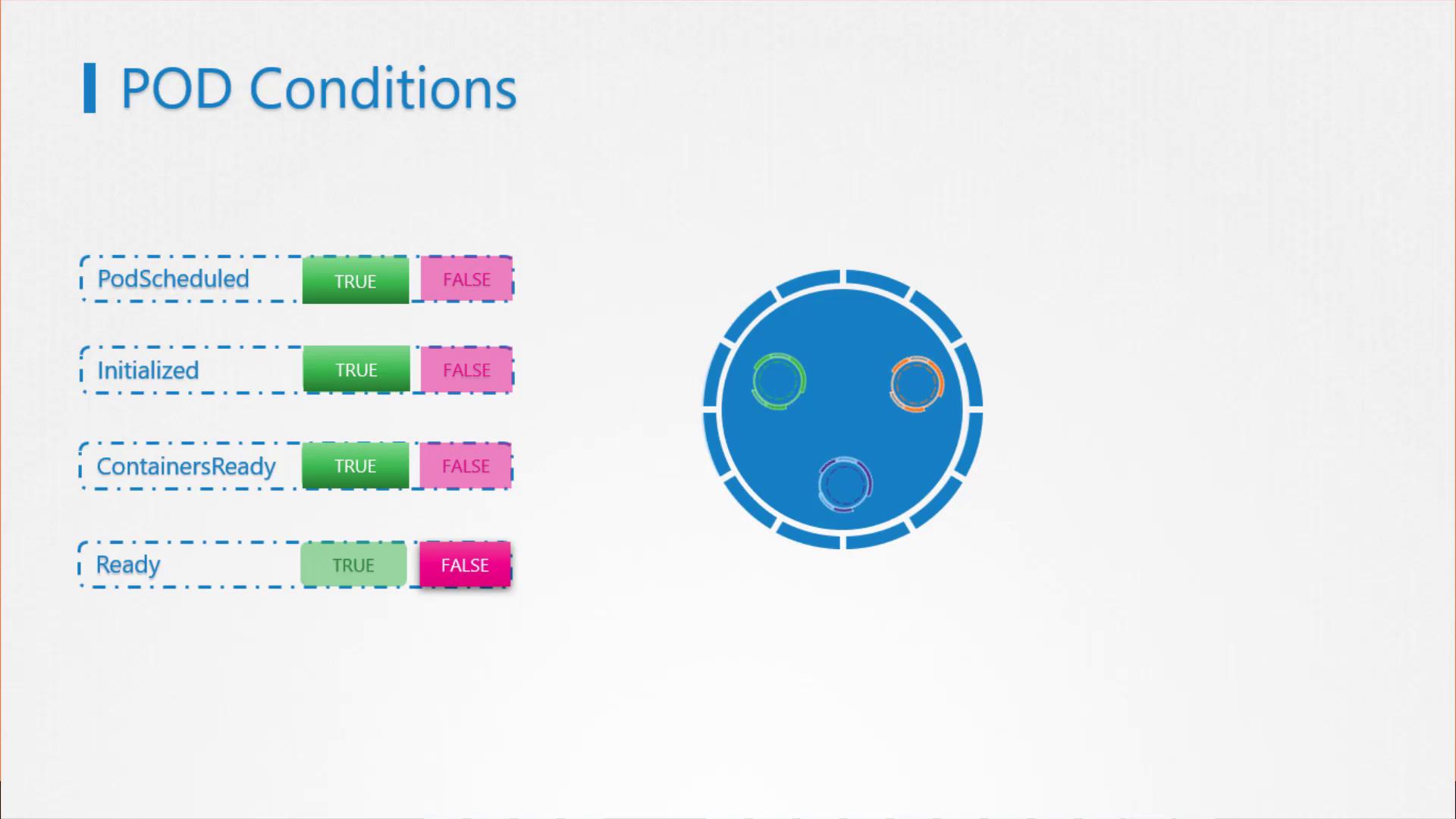
For more detailed insights, inspect the pod’s conditions. Initially, when a pod is scheduled, the “PodScheduled” condition becomes true. Following initialization, the “Initialized” condition is set to true, and finally, once all containers are ready, the “ContainersReady” condition is affirmed. When all these conditions are true, the pod is officially considered ready.
Examine these conditions by running:
osboxes@kubemaster:~$ kubectl describe pod <pod-name>
Additionally, the kubectl get pods command output reflects the ready state, confirming whether the application’s components are fully operational:
osboxes@kubemaster:~$ kubectl get podsNAME READY STATUS RESTARTS AGEjenkins-566f687bf-c7nzf 1/1 Running 0 12mnginx-65899c769f-9lwzh 1/1 Running 0 6hredis-b48685f8b-fbnmx 1/1 Running 0 6h
The ready condition signifies that the application inside the pod can receive traffic. However, this status might not reflect the actual readiness of your application, as different applications require varying warm-up times.
For example:
A minimal script might be ready within milliseconds.
A database service may take several seconds to become responsive.
Complex web servers could require minutes to fully initialize.
A Jenkins server, for instance, might take 10 to 15 seconds to initialize followed by a brief warm-up period. Without suitable readiness checks, traffic might be erroneously routed to an unready pod:
osboxes@kubemaster:~$ kubectl get allNAME READY STATUS RESTARTS AGEpod/jenkins 1/1 Running 0 11s
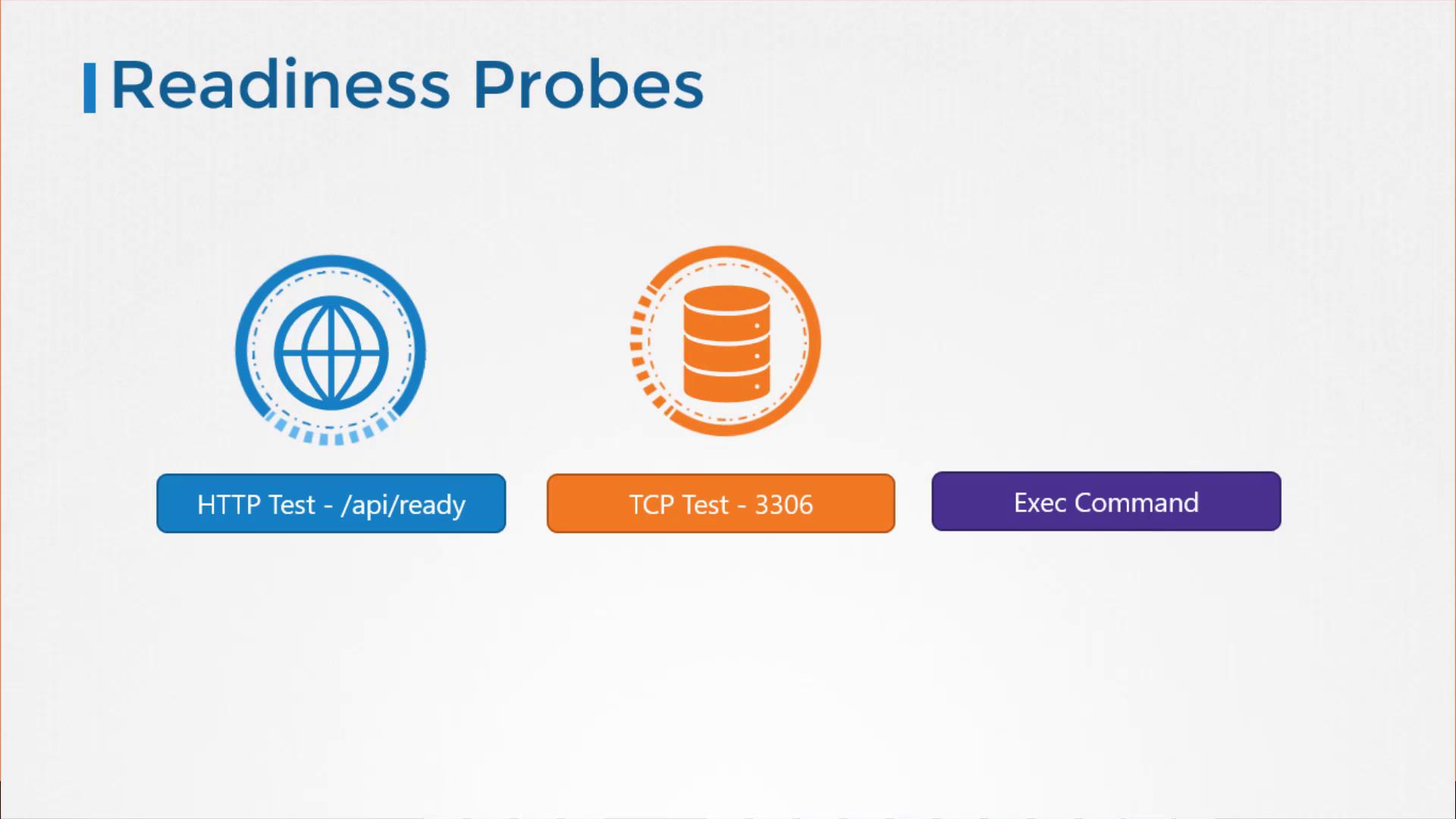
Kubernetes relies on the pod’s ready condition to determine if it should receive traffic. By default, it assumes that container creation equates to readiness. This is where readiness probes are critically important—they help signal the true readiness of the application within the container.As an application developer, you can define tests (probes) that confirm the application has reached a ready state. Examples include:
An HTTP GET request to check API responsiveness for a web application.
A TCP port check for database services.
Executing a custom command that confirms the application is ready.
To configure a readiness probe, include the readinessProbe field in your pod specification. For an HTTP-based readiness probe, specify the endpoint path and port. For example:
In addition to the probe type, you can also configure parameters such as:
initialDelaySeconds: The delay before the first probe.
periodSeconds: How frequently the probe is executed.
failureThreshold: The number of consecutive failures that trigger the pod to be marked as not ready.
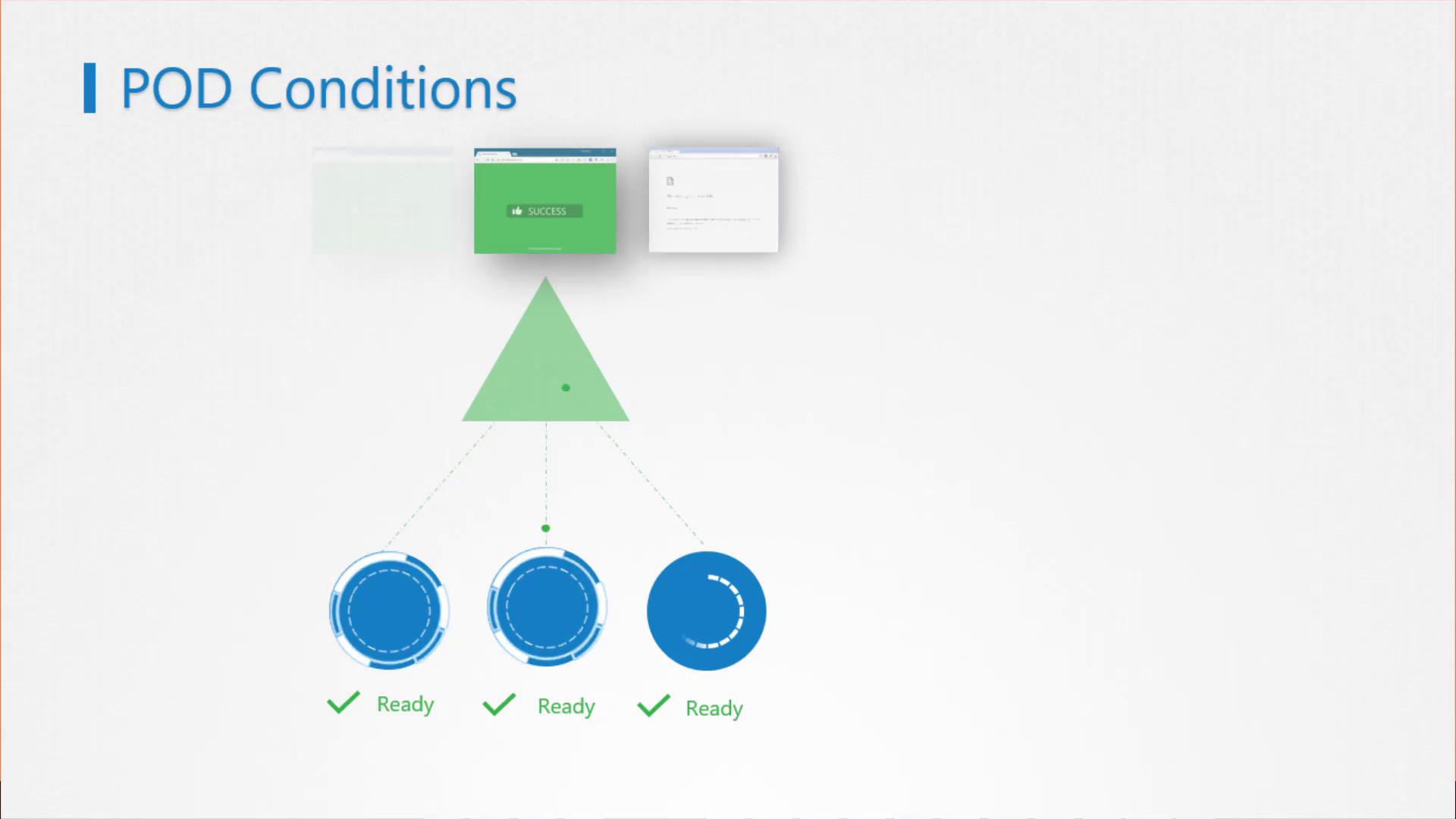
Now, consider a multi-pod setup under a ReplicaSet or Deployment. When scaling up, a new pod might take a minute or more to warm up. Without properly configured readiness probes, traffic could be routed to a pod that isn’t fully ready, leading to potential service disruptions.
A correctly configured readiness probe ensures that only pods that pass the readiness checks will receive traffic. This maintains a smooth user experience even during pod updates or scaling events.
That concludes our discussion on readiness probes. To further reinforce these concepts, we encourage you to practice with the available labs and exercises. For more details on Kubernetes observability, refer to the Kubernetes Documentation.Happy probing!