

Inspecting Default Secrets
Begin by checking the number of secrets within the default namespace with the following command:ca.crt(570 bytes)namespace(7 bytes)token(a long encoded token)
kubernetes.io/service-account-token.
Reviewing the Secret Data
When you run the following command:ca.crtnamespacetoken
Even though these keys represent secret data, the “type” field (
kubernetes.io/service-account-token) is not classified as secret data.Reviewing the Application Architecture
The next step involves inspecting the deployed application architecture. The necessary Pods and Services are already created. However, note that there is no deployment resource in the default namespace. Check deployments using:Application Error and Creating the DB Secret
Upon examining the application, you might notice an error indicating a failure to connect to MySQL. This happens because the necessary environment variables (database host, user, and password) are not set. The error message typically includes:- Database host is not set.
- DB user is not set.
- DB password is not set.
db-secret containing the required credentials. Execute the following command:
DB_Host, DB_User, and DB_Password.
Configuring the Web Application Pod to Use the Secret
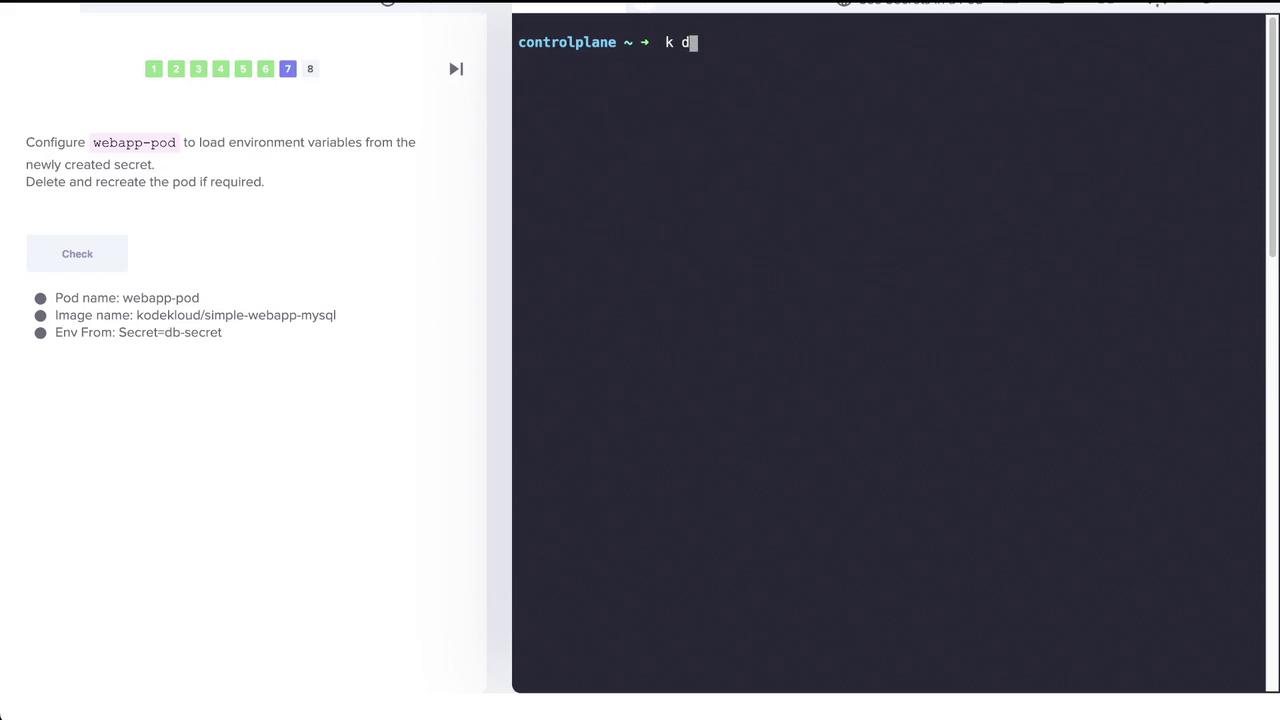
Now, update your web application Pod so that it sources its environment variables from the newly createddb-secret. This configuration allows the container to directly access the MySQL connection information via environment variables.
Below is a sample pod specification illustrating how to include the secret using the envFrom field:
db-secret.
Conclusion
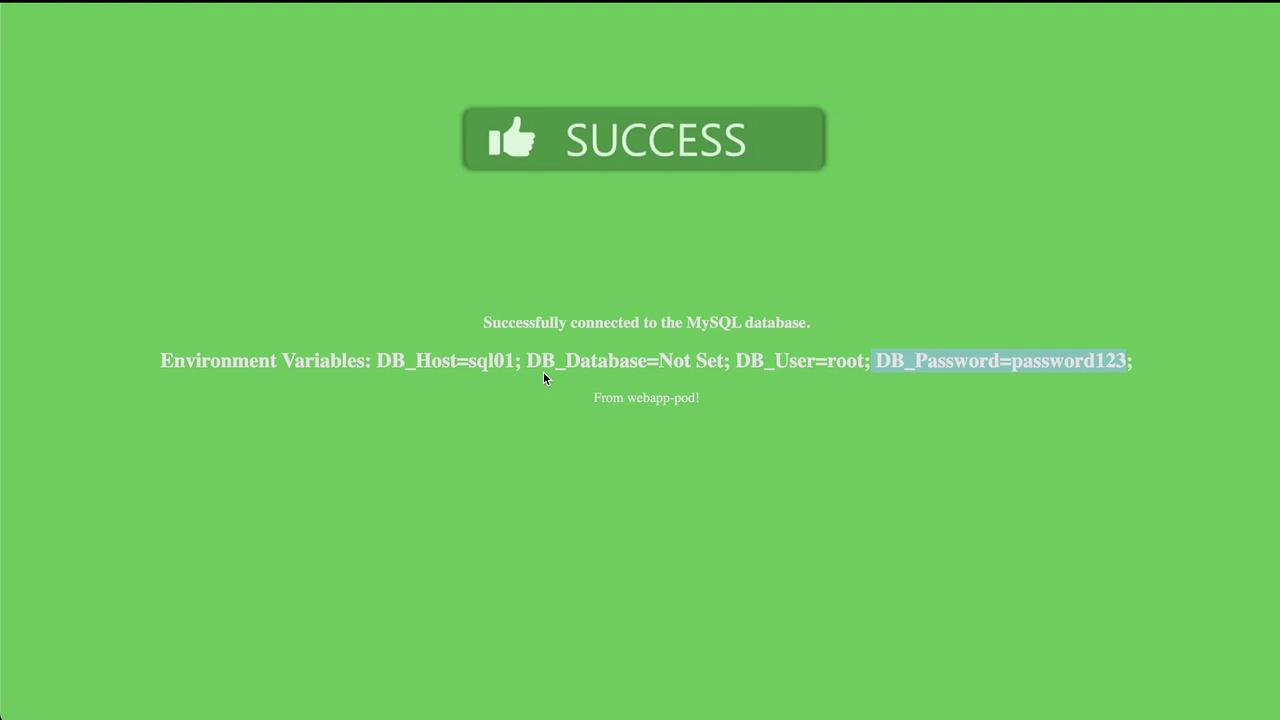
After updating the pod configuration, the web application now correctly reads the required environment variables fromdb-secret and connects to the MySQL database. This lab exercise emphasizes how Kubernetes Secrets can be used to securely externalize sensitive data—like database credentials—and integrate them seamlessly into application Pods.
This completes the lab exercise.