This article explains how to securely manage sensitive data using Secrets in Kubernetes.
Welcome to this comprehensive guide on managing Secrets in Kubernetes. In this article, we explain how to securely handle sensitive data for your applications. We begin by reviewing a Python web application that connects to a MySQL database. Upon a successful connection, the application displays a success message. However, the application currently contains hardcoded values for the hostname, username, and password. While moving configuration data to a ConfigMap is suitable for non-sensitive information, it is not recommended for handling passwords and other sensitive data.Below is an excerpt from the Python application:
While ConfigMaps are a great option for storing configuration data in plain text, they are not designed to keep passwords or keys secure. This is where Secrets come in. Kubernetes Secrets store sensitive information in an encoded format, making them more secure than using ConfigMaps for these purposes.Here is an example of a ConfigMap definition:
Storing passwords in plain text—even in a ConfigMap—exposes them to potential security risks. Using Secrets ensures that sensitive data is handled more securely.
If you need to include multiple key-value pairs, use additional --from-literal options. For larger datasets, creating the Secret from a file might be more efficient.
The declarative approach leverages a definition file to create a Secret, similar to how ConfigMaps are defined. A typical Secret definition includes the API version, kind, metadata, and data fields. Note that sensitive values should always be encoded in base64. Below is an example of a Secret definition file. Although the values appear in plain text here for demonstration, they must be encoded for production use:
Once you have created your Secret, you can inject its data into a Pod. There are two common methods for this: as environment variables or by mounting them as files in a volume.
Another approach involves mounting Secrets as files within a Pod. When mounted, each key in the Secret becomes a file, and its content is the corresponding decoded value. For example:
Important Considerations When Working with Secrets
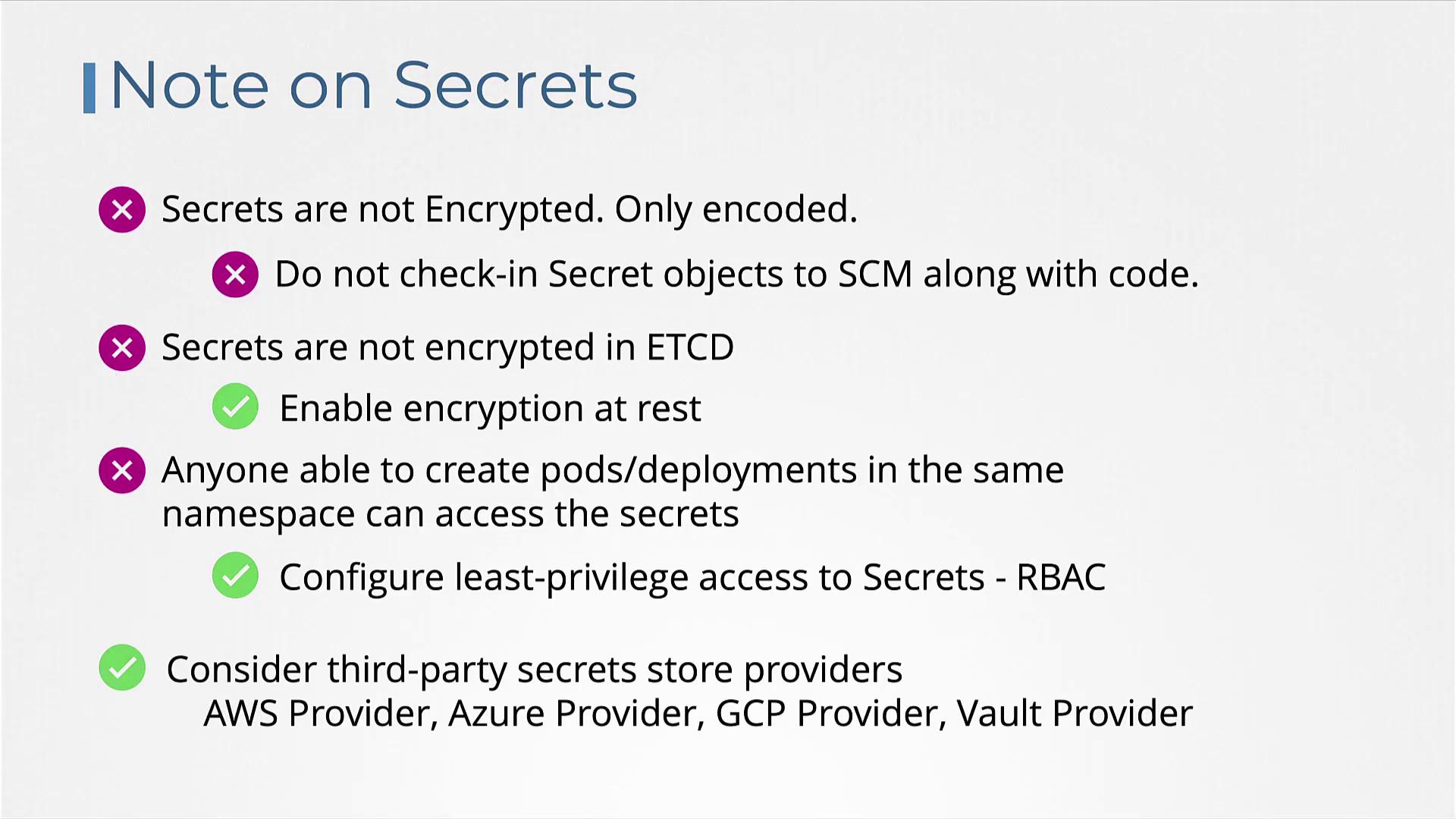
Secrets are encoded in base64, not encrypted. Anyone with access to the Secret object can decode the sensitive data.
Avoid version controlling your secret definition files to prevent accidental exposure.
By default, Secrets stored in etcd are not encrypted. Consider enabling encryption at rest in your Kubernetes cluster.
Ensure that secrets in etcd are properly encrypted and that access is restricted using Role-Based Access Control (RBAC). Do not expose your secret files in public repositories.
For example, here is an encryption configuration file that secures Secrets along with other resources:
You must pass this file to the Kubernetes API server. Here is an example of modifying the kube-apiserver pod configuration to make use of the encryption configuration:
This setup ensures that Secrets stored in etcd are encrypted. Note that only users with the correct permissions can create pods or deployments that have access to these Secrets. It is important to enforce proper RBAC policies.Additionally, consider leveraging third-party secret management providers such as AWS, Azure, GCP, or HashiCorp Vault. These external providers help in storing secrets securely outside of etcd and enforce robust security measures.
For further details on advanced secret management and external providers, check out the Certified Kubernetes Security Specialist (CKS) course.That concludes our guide on Kubernetes Secrets. Now, head over to the labs and practice managing Secrets to enhance your security skills in a Kubernetes environment.