

Inspecting the Pods and Services
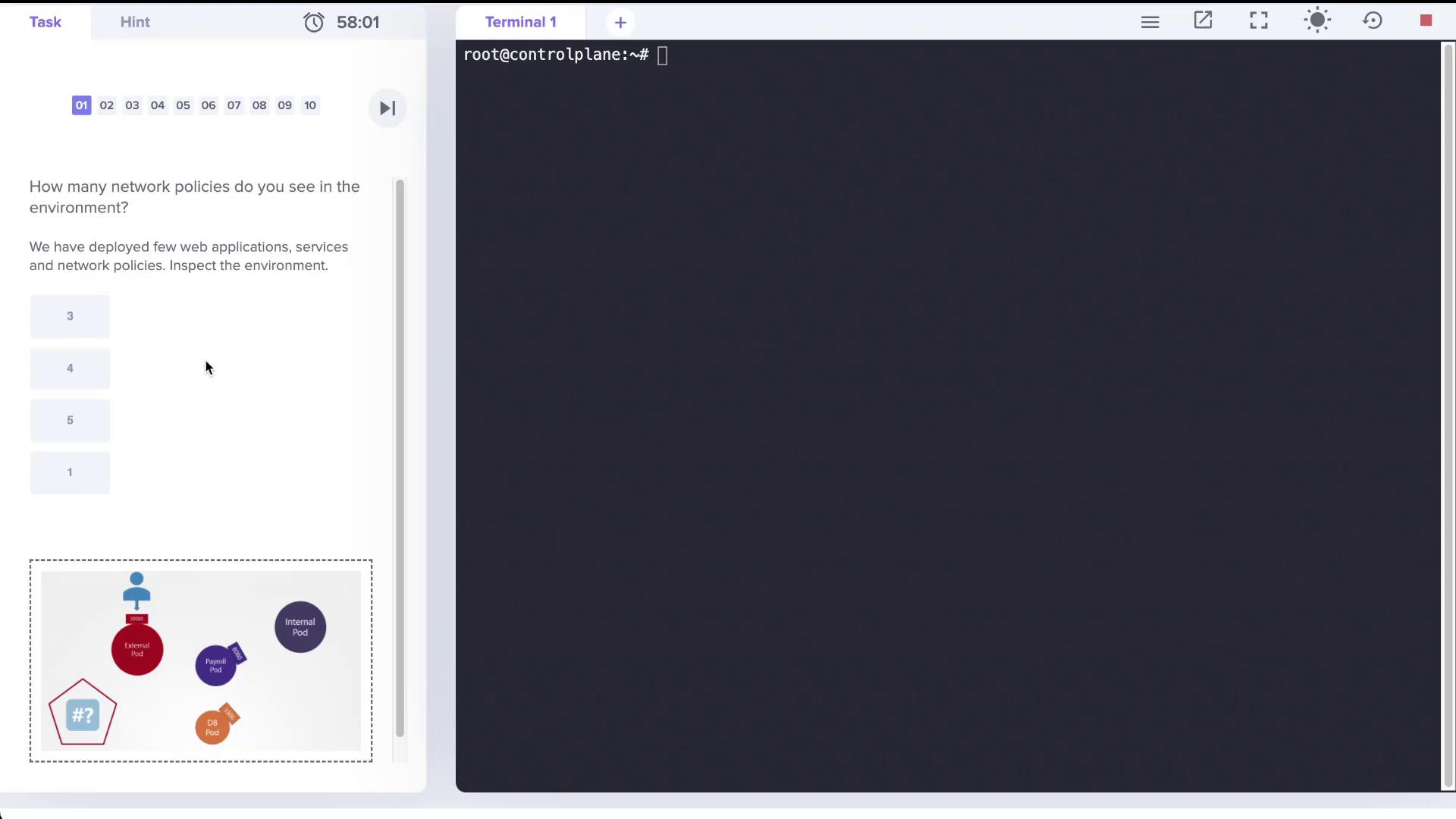
Start by checking the list of running pods with:Here, notice that the payroll service is exposed on port 8080, the database service on port 3306, and both the external and internal services are available on port 8080.
Checking the Network Policies
When you list network policies using the following command:name=payroll.
Reviewing the Network Policy Details
Examine the details of the network policy with:name=internal. Since no egress rules are defined, the payroll pod continues to allow all outgoing traffic.
Understanding the Impact of the Network Policy
By default, all pods allow both ingress and egress traffic. Once a network policy is applied, only the traffic permitted by the policy is allowed. In this scenario:- Only ingress traffic from the internal pod on TCP port 8080 is allowed to reach the payroll pod.
- All egress traffic from the payroll pod remains unrestricted.
- Pods or sources without the label
name=internalcannot access the payroll pod on port 8080.
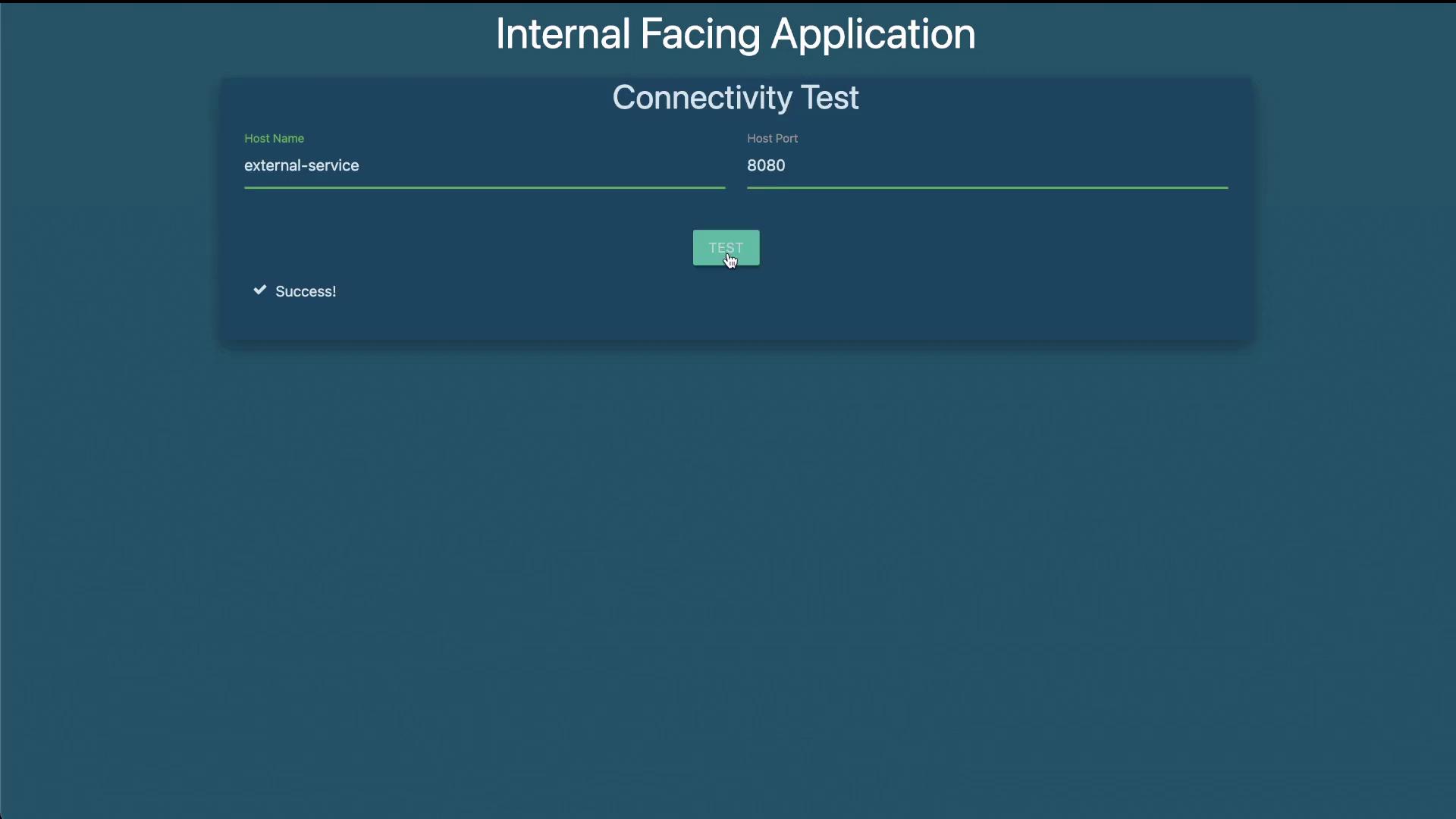
- The internal-facing application successfully connected to the payroll service on port 8080.
- The external-facing application timed out when attempting to access the payroll service, confirming that the policy is working as intended.
Creating a Custom Network Policy
The lab exercise also requires creating a new network policy to allow traffic exclusively from the internal application to both the payroll and database (MySQL) services. This policy will restrict egress traffic from the internal pod so that it only communicates with the payroll pod on TCP port 8080 and the MySQL pod on TCP port 3306. Below is a sample YAML specification for this custom network policy. Save it asinternal-policy.yaml:
This policy selects the internal pod (using the label
name: internal) and applies an egress rule that allows traffic:- To the payroll pod on TCP port 8080.
- To the MySQL pod on TCP port 3306.
Final Connectivity Testing
After applying these policies:- The internal-facing application should be able to access both the payroll and database services.
- The external-facing application or any other source will be unable to access the payroll pod on port 8080.