This article explains creating Persistent Volume Claims in Kubernetes and how they bind to Persistent Volumes, including reclaim policies for efficient storage management.
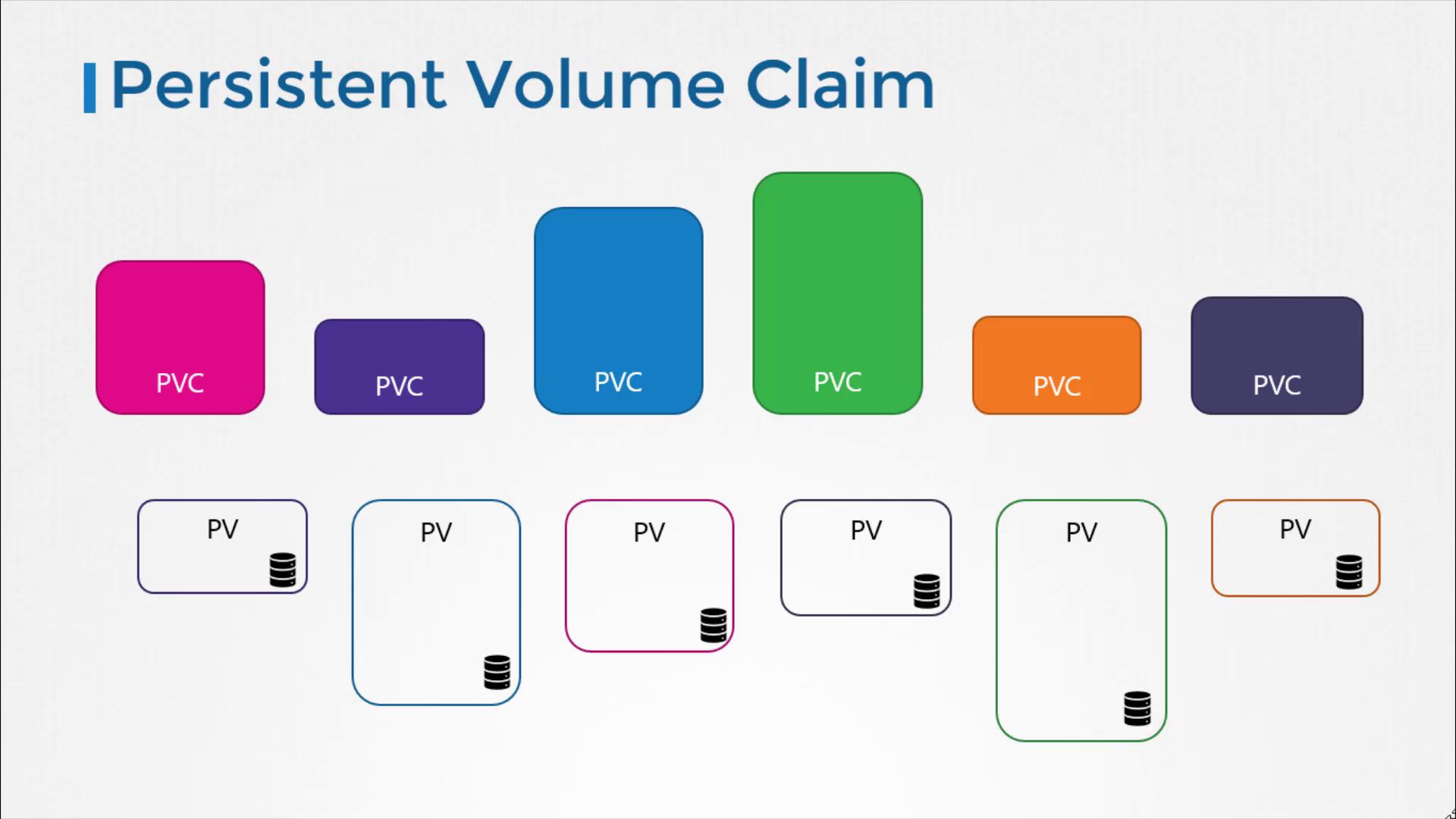
Welcome to this lesson on Persistent Volume Claims (PVCs) in Kubernetes. In this article, we will walk through the process of creating a PVC, explain how Kubernetes binds PVCs to Persistent Volumes (PVs), and discuss reclaim policies for managing storage efficiently.Before you create a PVC, ensure that one or more persistent volumes are available in your cluster. Remember, persistent volumes and persistent volume claims are separate Kubernetes objects. Typically, an administrator creates a pool of persistent volumes, while a user creates PVCs to request and access that storage.When a PVC is created, Kubernetes searches for an appropriate PV that meets the requested capacity and matching properties such as access modes, volume modes, and storage class. Each PVC is bound to a single PV based on a best-match algorithm. The diagram below illustrates the relationship between PVCs and PVs:
If multiple persistent volumes could satisfy a claim’s requirements, labels and selectors can be used to bind a claim to a specific volume. For example, consider the following configuration snippet that uses a selector with a label match:
selector:
  matchLabels:
    name: my-p
On the PV side, you might define:
labels:
  name: my-pv
Even if the PVC requests a smaller amount of storage, it may bind to a larger PV if all other criteria match and no better option is available. Once a PV is bound to a PVC, its remaining capacity cannot be used for other claims.
If no suitable volumes are available, the PVC remains in a pending state. When new PVs are added that meet the claim’s requirements, Kubernetes binds the PVC automatically.
Let’s create a persistent volume claim using a YAML template. In this example, the API version is set to v1 and the kind is PersistentVolumeClaim. The claim is named “myclaim”. Under the specification, we set the access mode to ReadWriteOnce and request 500Mi of storage.Below is the YAML definition for the PVC:
Since the PV’s access mode matches and its capacity (1Gi) exceeds the PVC’s request (500Mi), Kubernetes binds the PVC to this PV if no other closer match exists. You can verify the binding by executing:
Deleting a Persistent Volume Claim and Reclaim Policies
To delete a PVC, use the following command:
kubectl delete persistentvolumeclaim myclaim
After deletion, it’s important to understand the fate of the underlying PV based on its reclaim policy. The reclaim policy determines what happens to a PV when its associated PVC is deleted.
The default reclaim policy is set to Retain, which means the PV remains available until manually deleted by an administrator:
persistentVolumeReclaimPolicy: Retain
If you want Kubernetes to automatically delete the PV when the PVC is removed—thus freeing up the storage—you can change the reclaim policy accordingly. Alternatively, you might choose the Recycling policy, where the data on the volume is scrubbed before the volume is made available for reuse:
persistentVolumeReclaimPolicy: Recycling
To practice configuring and troubleshooting persistent volumes and claims in Kubernetes, review the above configurations and experiment with these commands on your cluster.