This article reviews essential Docker security concepts, including process isolation, user context, and privilege management.
Welcome to this comprehensive guide on Docker security. In this article, we explore key Docker security concepts that form the basis for understanding security contexts in Kubernetes. If you are already comfortable with Docker security, feel free to move on to the next sections.
Imagine a host machine running Docker with multiple processes such as OS services, the Docker daemon, and an SSH server. When you launch an Ubuntu container that executes a sleep command for one hour, you run:
docker run ubuntu sleep 3600
Containers are lightweight because, unlike virtual machines, they share the host’s kernel. They achieve isolation through Linux namespaces. Each container gets its own isolated namespace, so checking processes within the container might show the sleep process with a PID of 1. However, on the host, the process appears with a different PID. For example, running:
ps aux
might yield:
USER PID %CPU %MEM VSZ RSS TTY STAT START TIME COMMANDroot 1 0.0 0.0 4528 828 ? Ss 03:06 0:00 sleep 3600
Here, even though the sleep process is isolated within the container, it is visible on the host but with a different PID.A more detailed host process listing could look like:
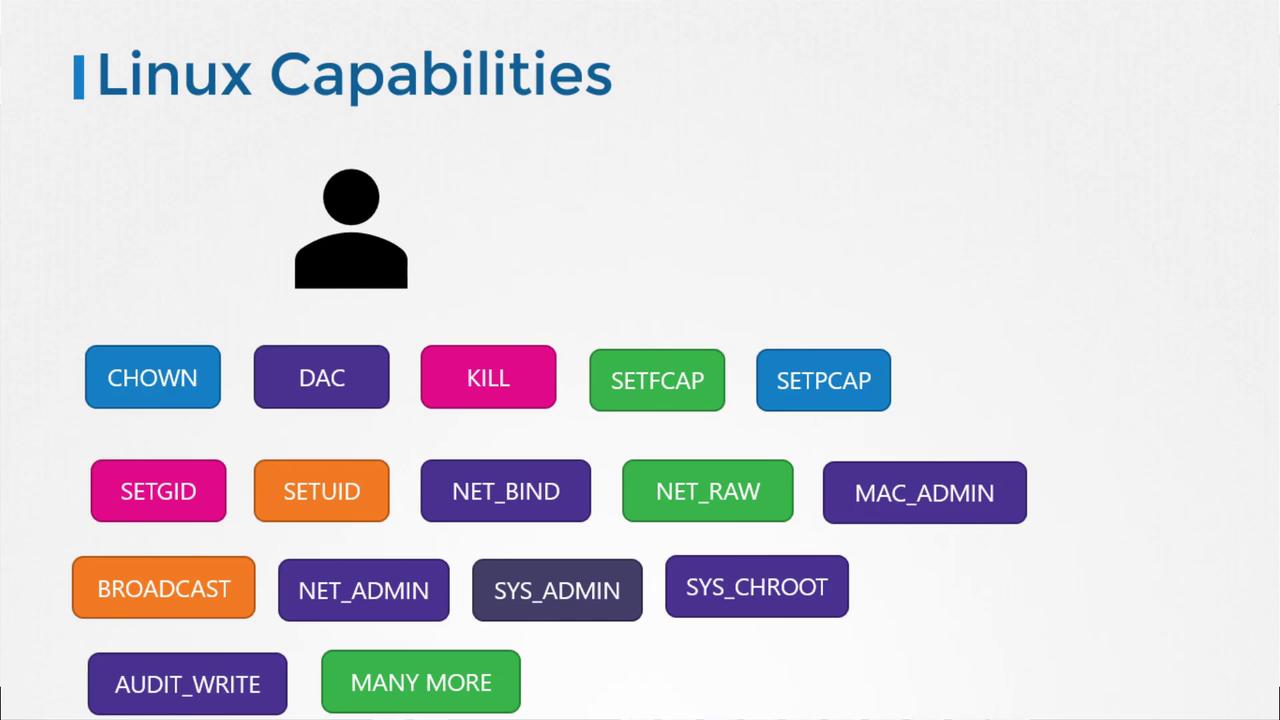
A common question concerns whether the root user inside a container has the same privileges as the host’s root user. By design, Docker restricts the container’s root privileges using Linux capabilities.On a standard Linux system, the root user can modify file permissions, control network ports, manage processes, reboot the system, and perform various critical tasks. In contrast, Docker limits these actions within containers. This means that a container’s root user cannot, for example, reboot the host or impact other containers.The diagram below illustrates some of the key Linux capabilities (like CHOWN, KILL, and NET_ADMIN) available to a process:
Docker provides runtime flags to customize these capabilities. You can add a capability with the —cap-add option:
docker run --cap-add MAC_ADMIN ubuntu
To remove specific capabilities, use —cap-drop. If you need to run a container with full privileges, the —privileged flag is available, though it should be used with caution.
Avoid using the —privileged flag in production environments unless absolutely necessary, as it elevates container privileges significantly.
This article reviewed essential Docker security concepts, including:
Process isolation using Linux namespaces
User context and privilege management
Limiting root user actions through Linux capabilities
These principles are crucial for understanding similar security mechanisms in Kubernetes. For further reading, explore Kubernetes Basics.Thank you for reading this guide on Docker security.