- User Accounts: For human users such as administrators and developers.
- Service Accounts: For machine users, such as monitoring tools (e.g., Prometheus) or CI/CD systems like Jenkins.
Example: Kubernetes Dashboard Application
Consider a simple dashboard application, “my Kubernetes dashboard,” built in Python. When deployed, it queries the Kubernetes API to retrieve the list of Pods and displays them on a web page. For secure communication with the Kubernetes API, the application uses a service account to authenticate.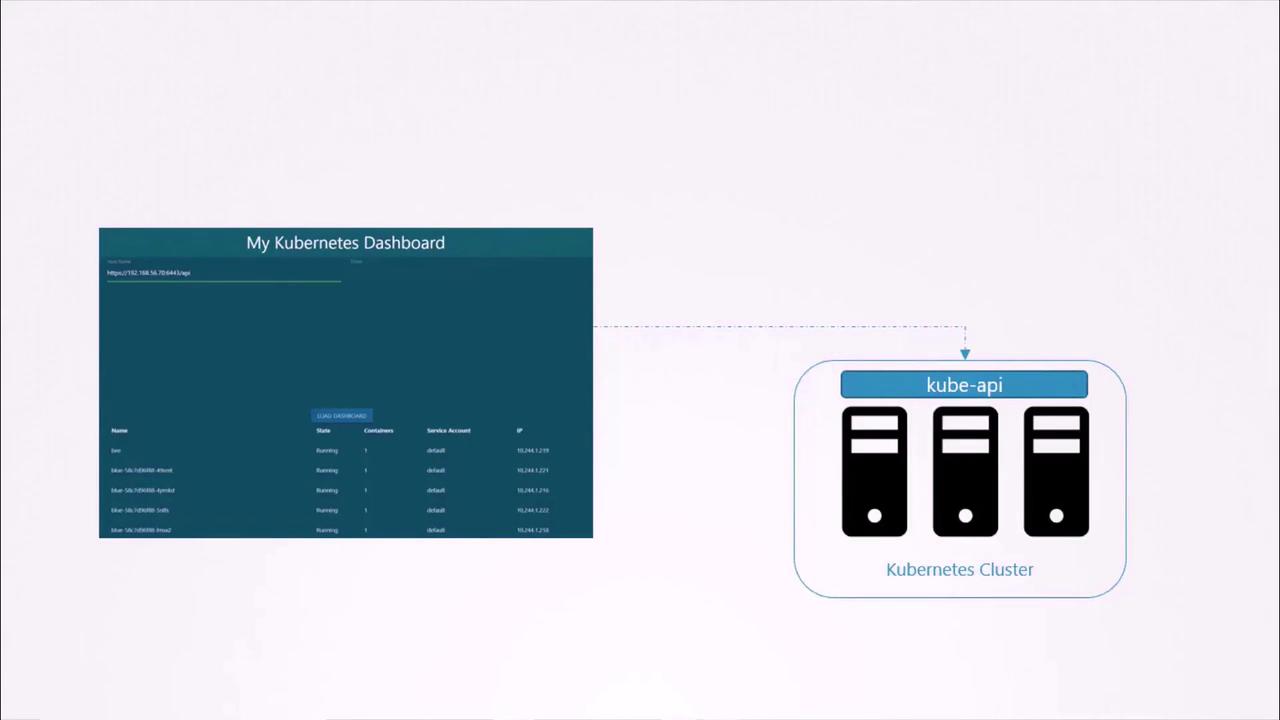
Creating a Service Account
To create a service account for your application, run the following command. In this example, we create a service account nameddashboard-sa:
Automatic Token Mounting in Pods
When a third-party application is deployed on a Kubernetes cluster, the service account token is automatically mounted as a volume inside the Pod. This allows your application to read the token from a well-known location rather than providing it manually.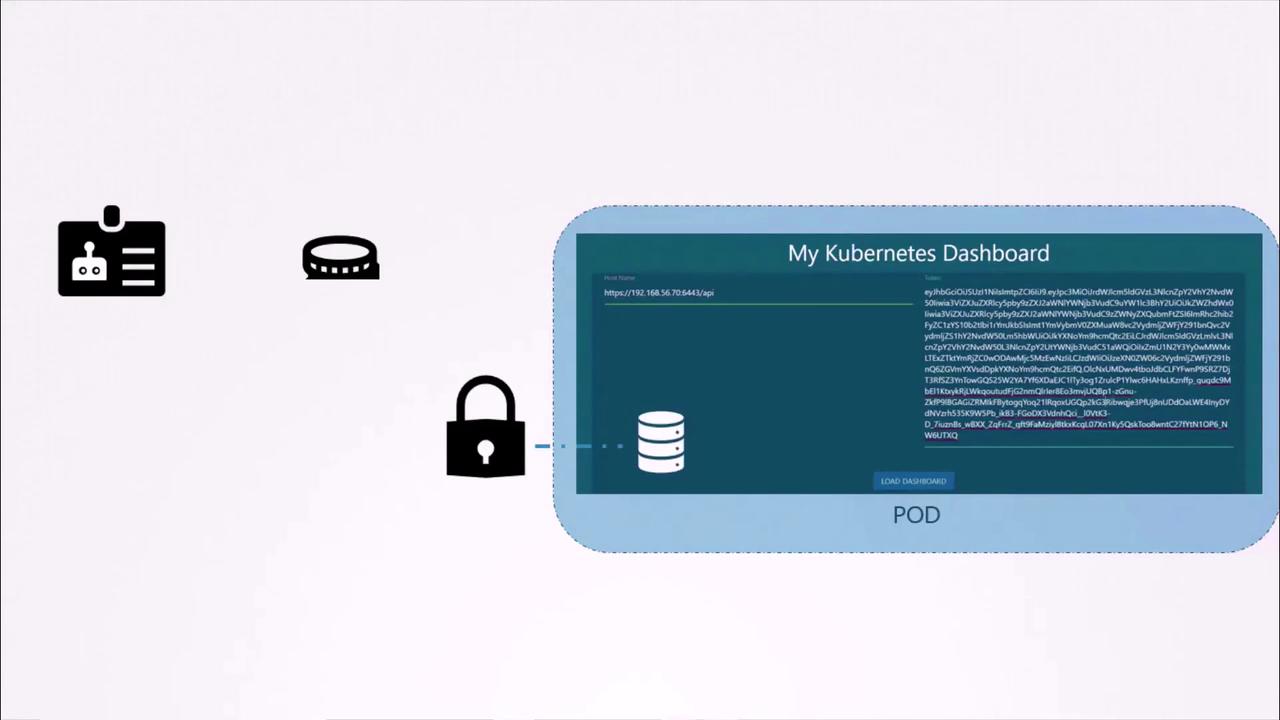
default. When a Pod is created without specifying a service account, Kubernetes mounts the default service account’s token into the Pod. Consider the following minimal Pod definition:
default-token-j4hkv) is mounted at /var/run/secrets/kubernetes.io/serviceaccount:
token contains the bearer token used for accessing the Kubernetes API. Keep in mind that the default service account has limited permissions geared towards basic API queries.
Using a Custom Service Account in Pods
To use a service account other than the default (for example,dashboard-sa), update your Pod definition by specifying the serviceAccountName field:
dashboard-sa:
automountServiceAccountToken field to false:
Changes in Kubernetes Versions 1.22 and 1.24
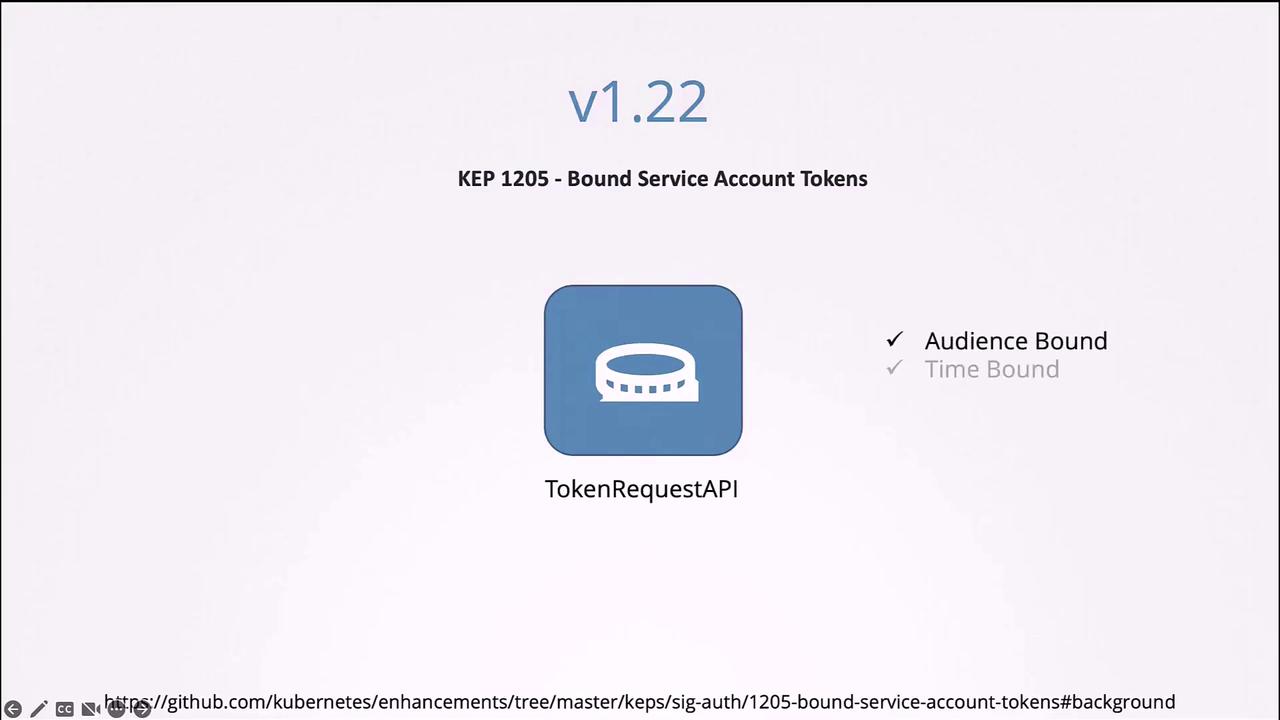
Starting with Kubernetes 1.22, enhancements were made to how service account tokens are handled. Previously, creating a service account automatically produced a Secret with a non-expiring token. Now, tokens are generated via the token request API and mounted as projected volumes with a defined lifetime. The following is an example Pod manifest that reflects the new token provisioning method:dashboard-sa) already exists before creating this Secret.
Decoding the token using tools like
jq or services such as jwt.io can help verify token details. Note that earlier tokens did not have an expiry date, but the new token request API provides tokens with a bounded lifetime for enhanced security.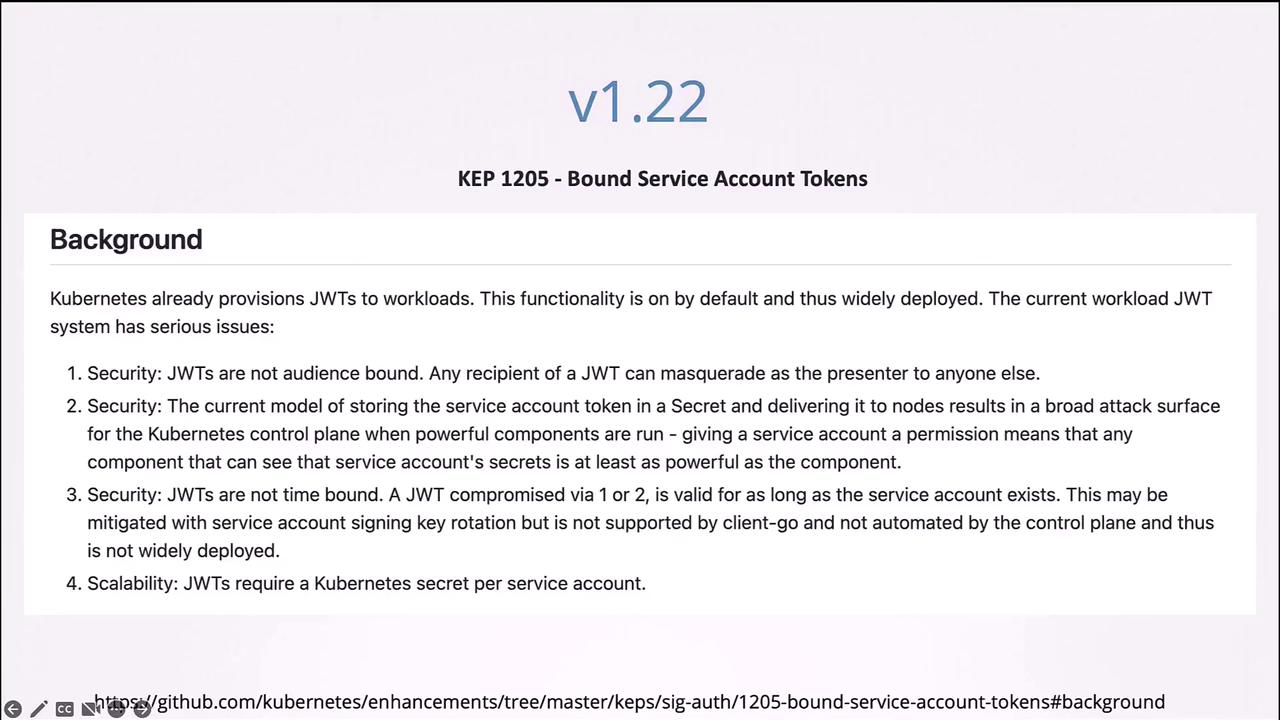
Summary
In this lesson, you learned how to:- Create a service account and retrieve its token (either stored as a Secret or generated via the token request API).
- Automatically mount the service account token into Pods for in-cluster applications.
- Customize Pod definitions to use a specific service account or disable automatic token mounting.
- Understand the improvements in Kubernetes versions 1.22 and 1.24 regarding bound, time-limited tokens using the token request API.