

- Development: 1 replica
- Staging: 2 or 3 replicas
- Production: 5 to 10 replicas
While this method works, it quickly becomes unmanageable. When new resources (like a
service.yaml) are added, you need to duplicate and update the file in every environment directory.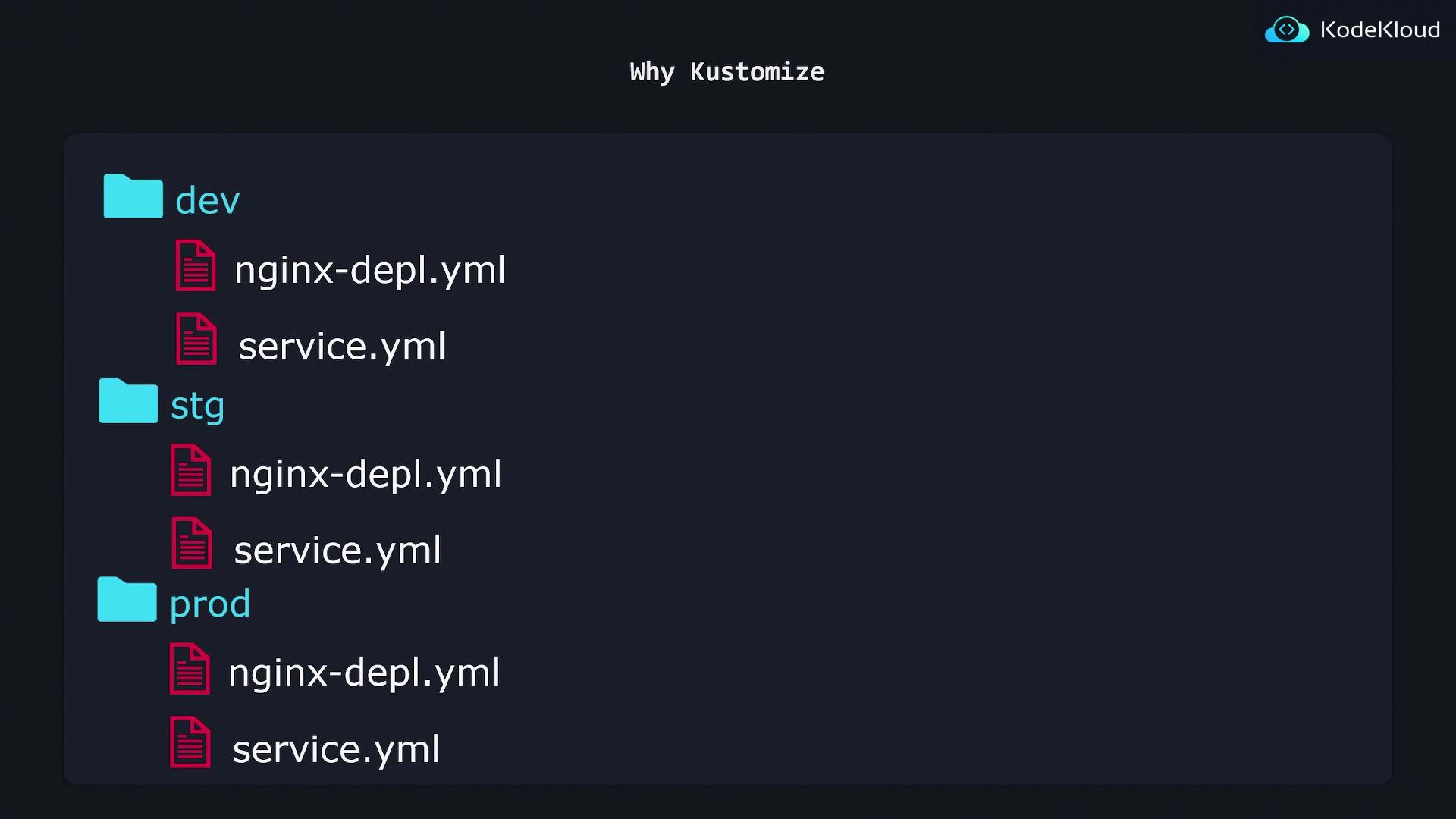
Kustomize: Base and Overlays
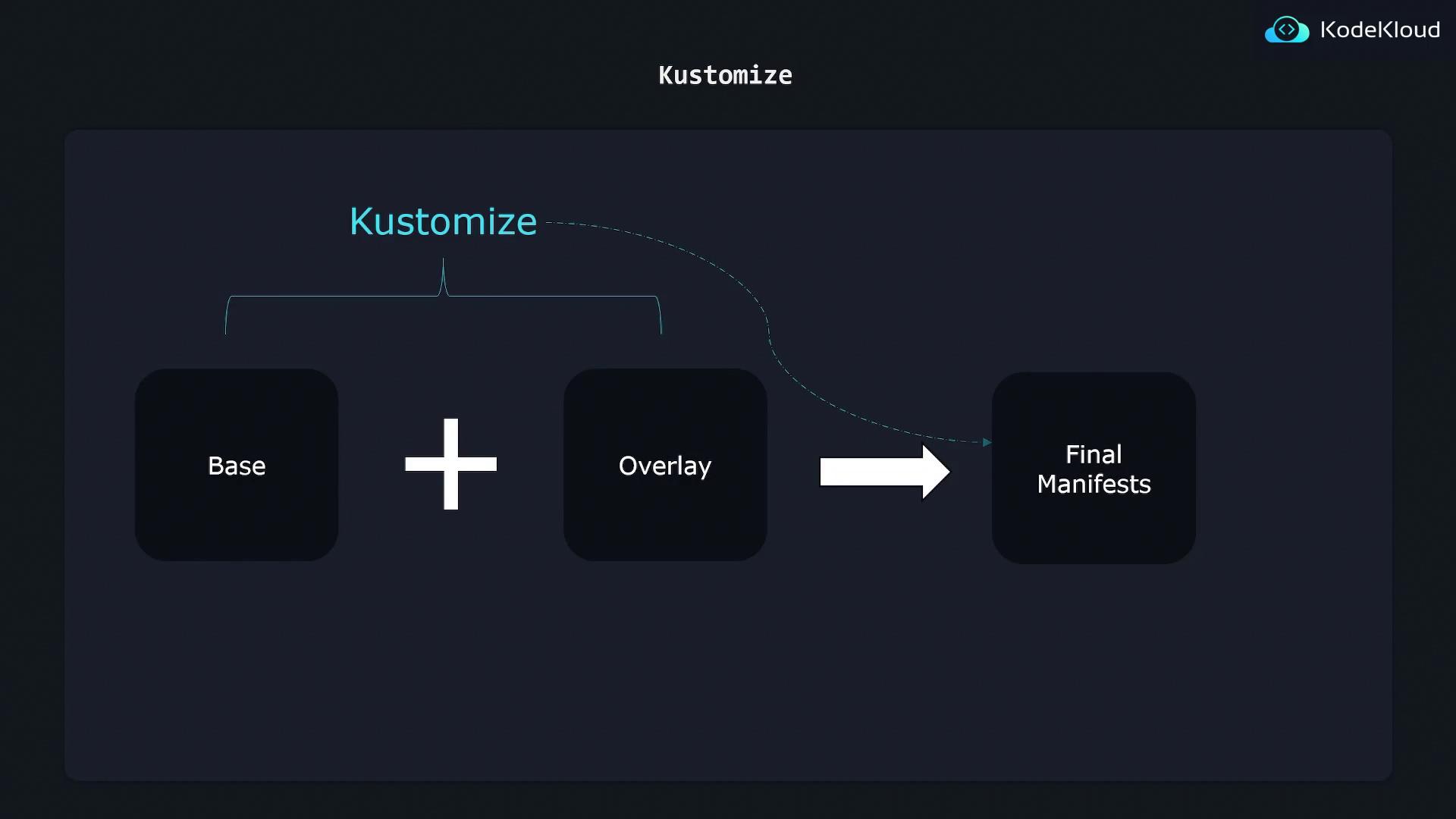
Kustomize was created to address these challenges by eliminating code duplication while allowing environment-specific customizations. It introduces two key concepts:- Base Configuration: Contains common settings and resources applicable across all environments. This is your single source of truth for shared configurations.
- Overlays: Customize the Base configuration for specific environments by modifying only the parameters that vary.
replicas count.
Project Directory Structure
A typical Kustomize project structure might look like this:kustomization.yaml and any additional configuration files.
After combining the Base and the appropriate Overlay, Kustomize generates the final Kubernetes manifest ready to be applied to your cluster.
Advantages of Using Kustomize
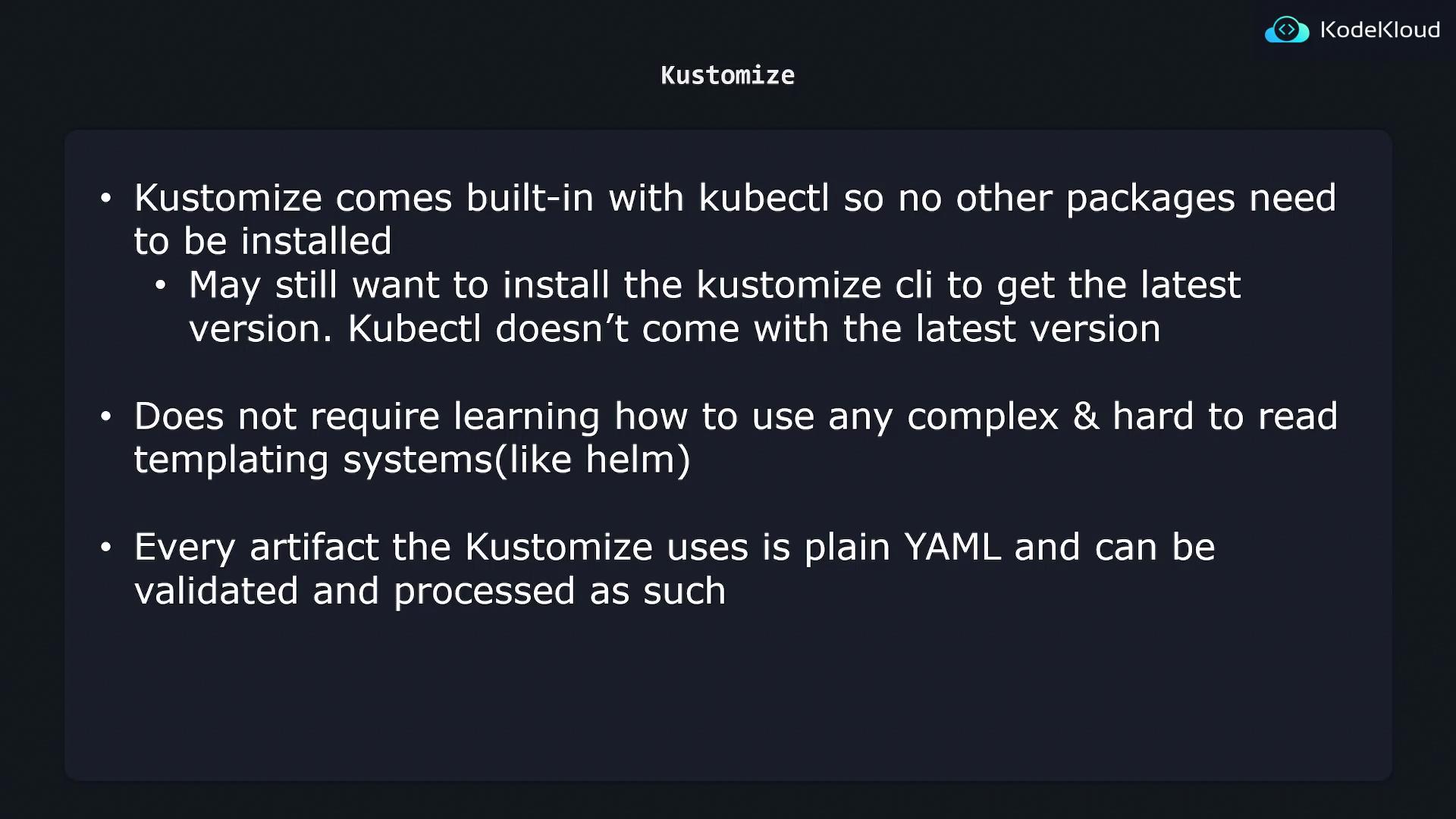
Kustomize is integrated into kubectl, so there’s no need for additional installations. Although the built-in version works well, you might consider installing the latest version of Kustomize for access to new features. Unlike Helm, Kustomize avoids templating and works entirely with plain YAML files, which offers several benefits:- No need to learn or manage a templating language.
- Improved readability and maintainability of configuration files.
- Seamless validation and processing with existing YAML tools.
Kustomize enables you to maintain a single base configuration while selectively overriding parameters for each environment. This approach reduces duplication, minimizes errors, and scales efficiently as your Kubernetes environment grows.