

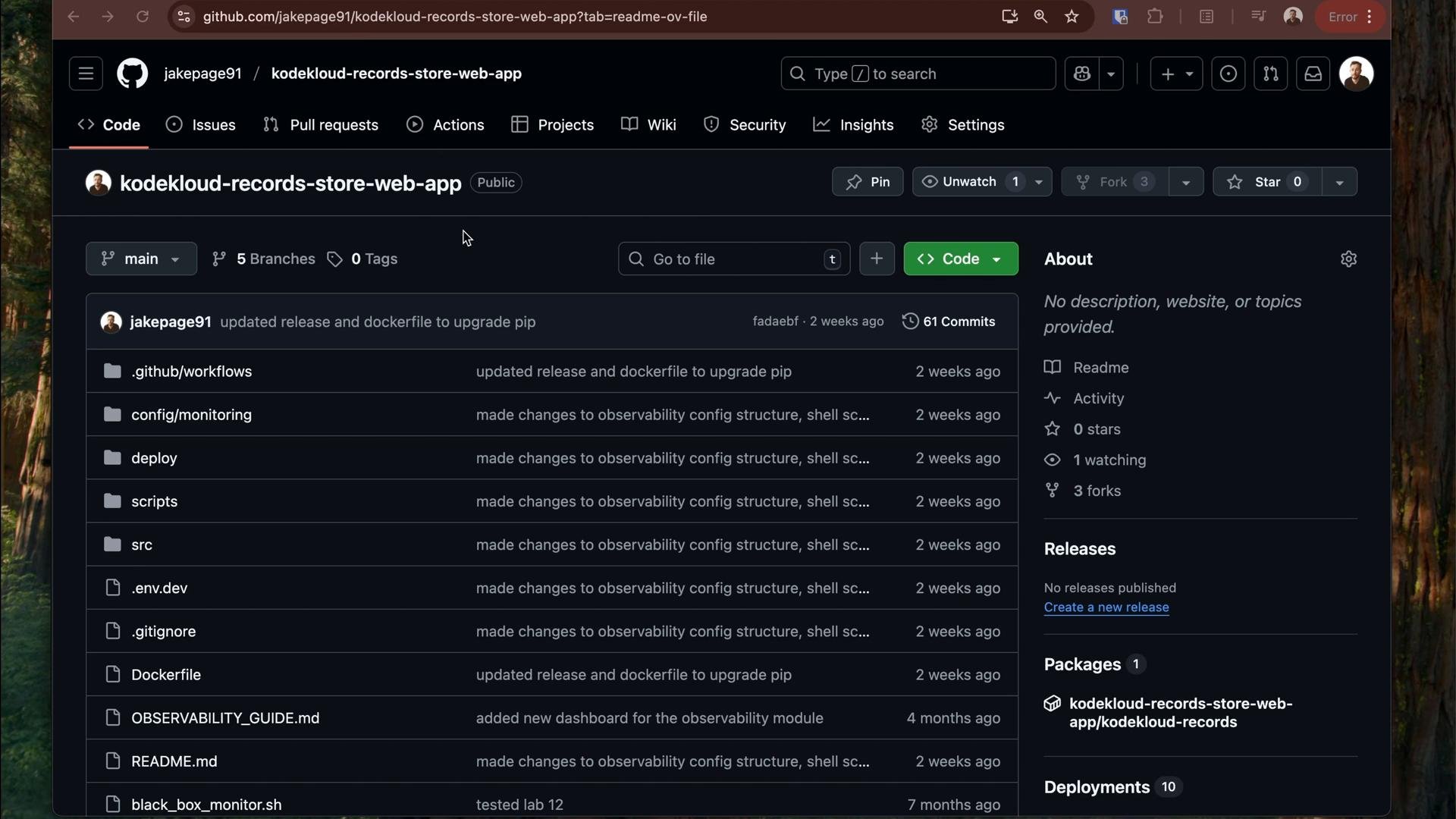
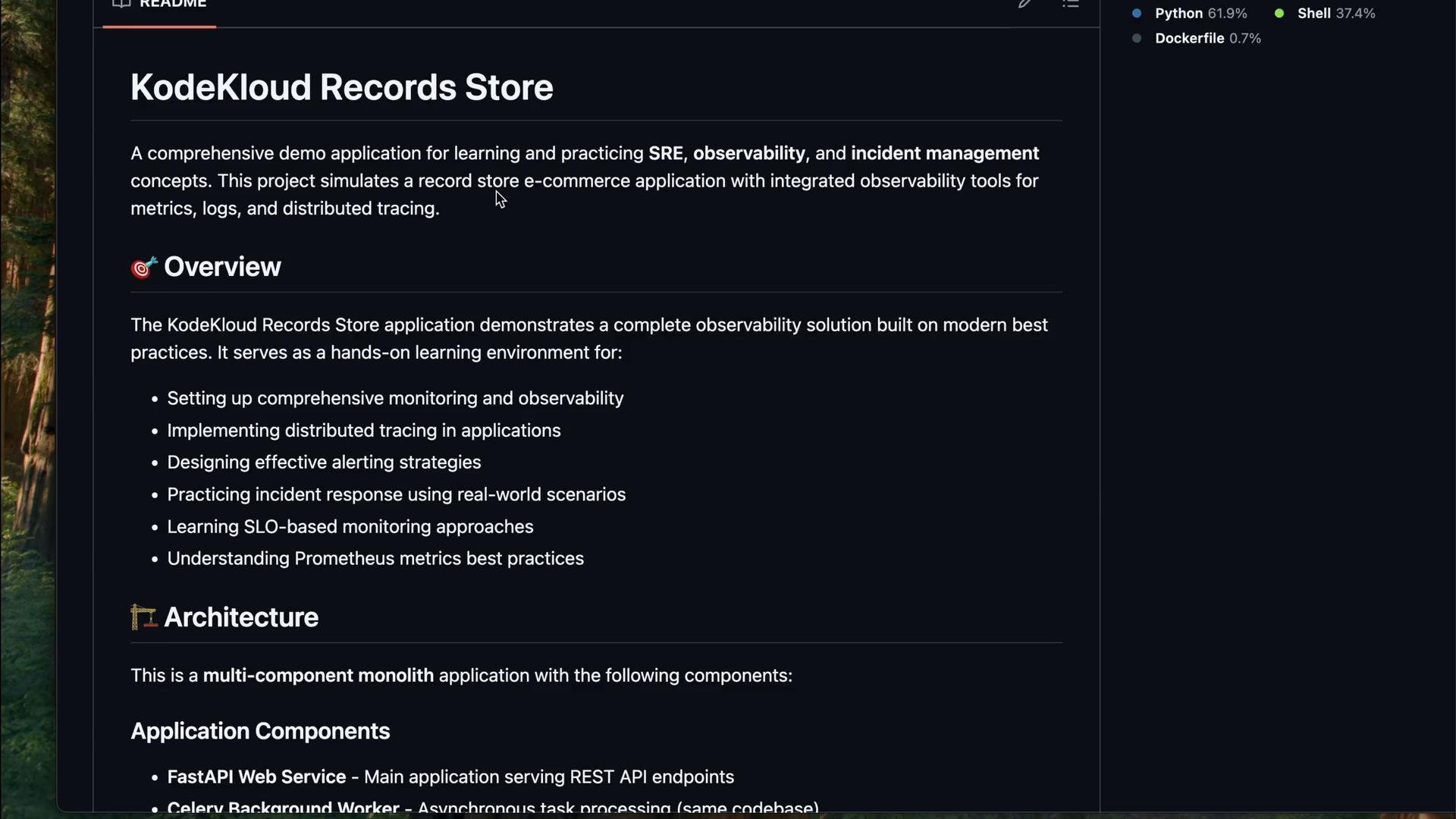
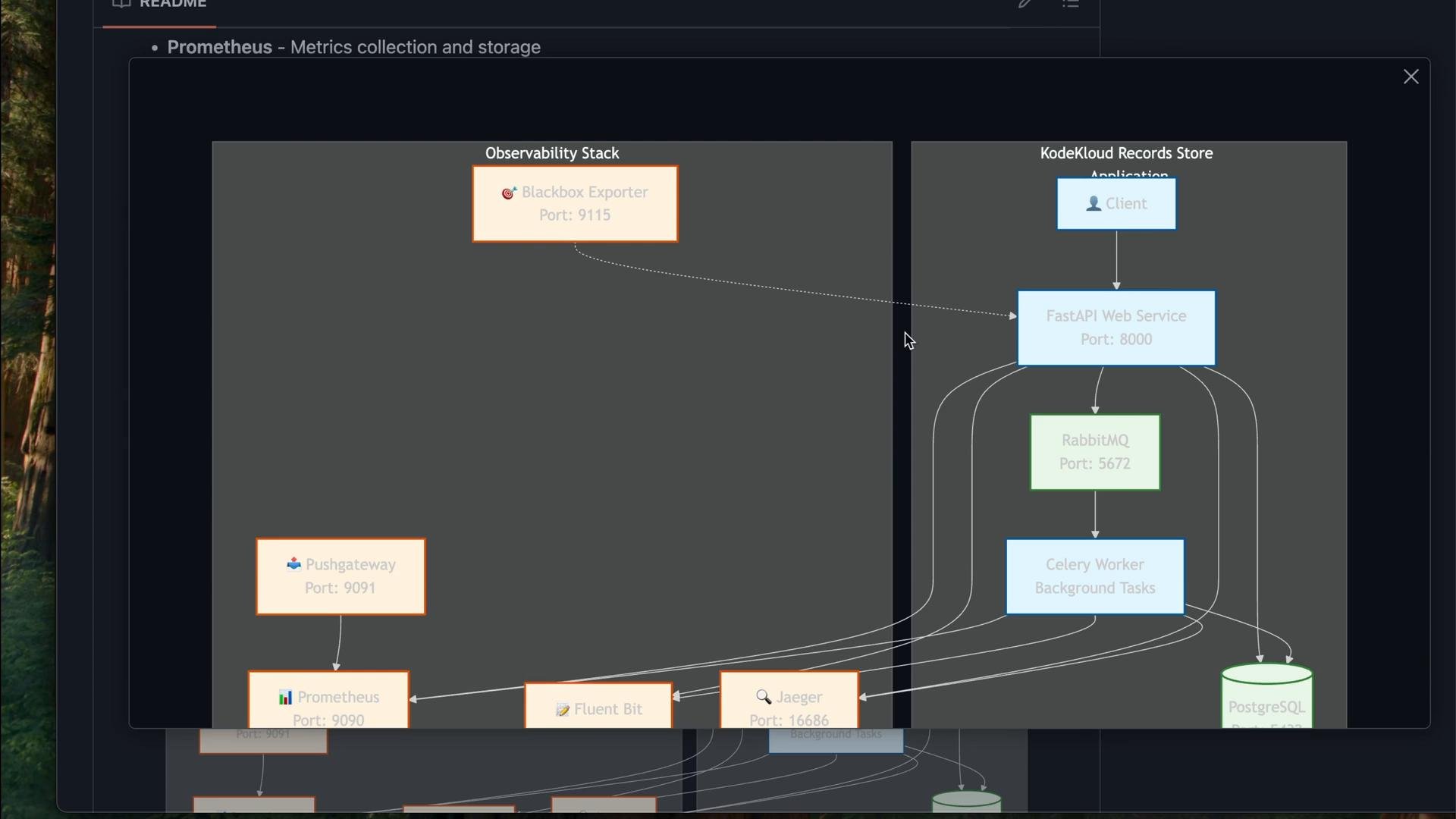
Overview and architecture
Key components:- FastAPI web service: handles HTTP requests and serves the API.
- Celery workers: handle background processing with RabbitMQ as the broker.
- PostgreSQL: persistent storage for products, orders, and other state.
- Observability stack: Prometheus, Grafana, Jaeger, Loki, Fluent Bit, Pushgateway, Blackbox Exporter, and Alertmanager collect metrics, logs, and traces.
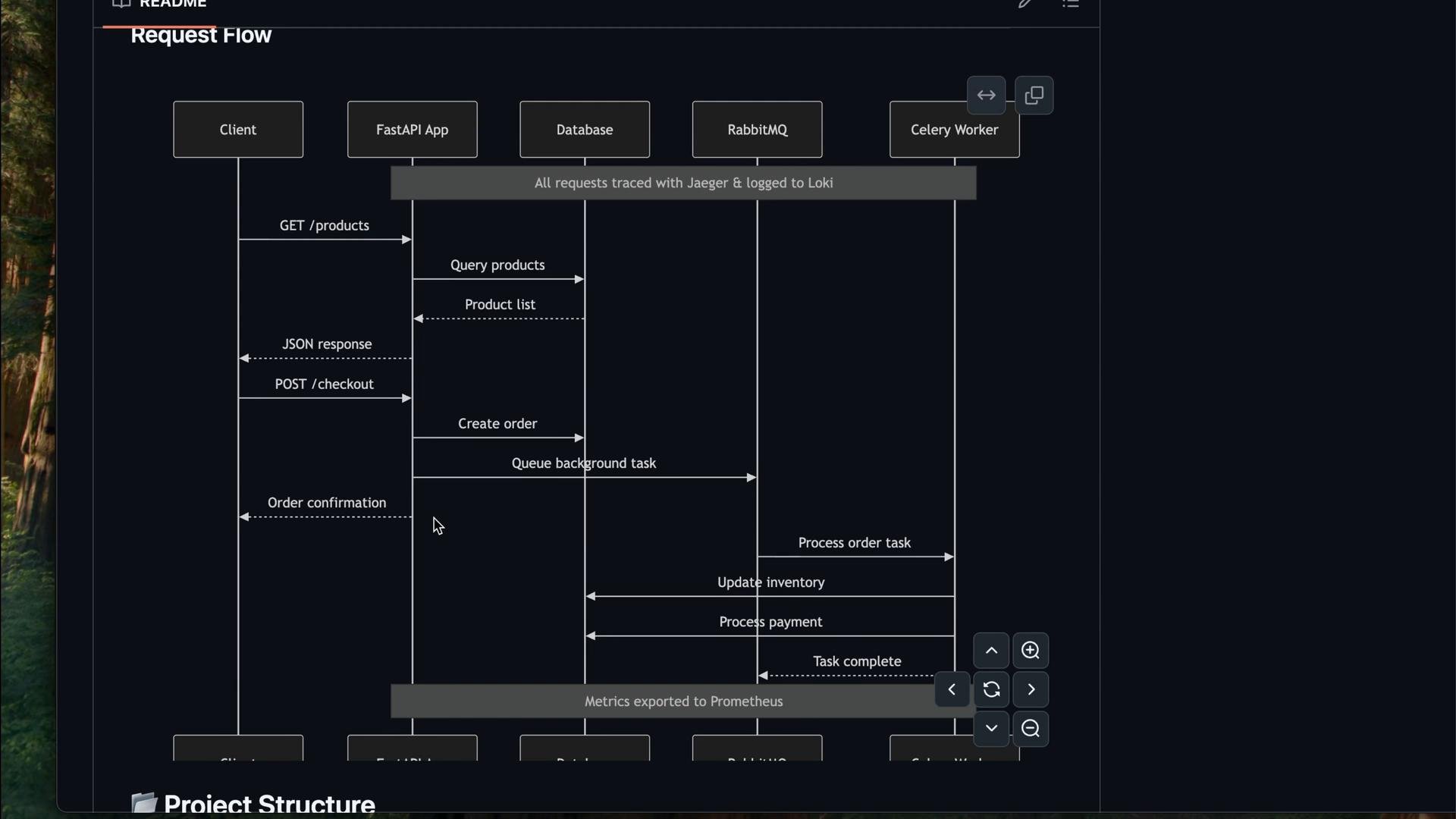
Request flow (how requests propagate and where signals are produced)
- Read-only requests (example:
GET /products) are handled fully by the FastAPI app querying PostgreSQL. - Stateful/business requests (example:
POST /checkout) create orders and emit background tasks to RabbitMQ. Celery workers then process payments, update inventory, and persist results back to PostgreSQL. - Traces, logs, and metrics are exported so you can follow end-to-end request paths in Jaeger, correlate logs in Loki, and inspect metrics in Prometheus/Grafana.
Project structure (simplified)
Below is a simplified tree of the files and directories you’ll interact with in the course:Get started (local development)
- Clone the repository and prepare a development environment file:
deploy/environments/.env.dev
- Start the full stack with Docker Compose using the
.env.devfile:
- Verify containers are running:
- Test key endpoints and generate traces/metrics:
Available services (default ports and access)
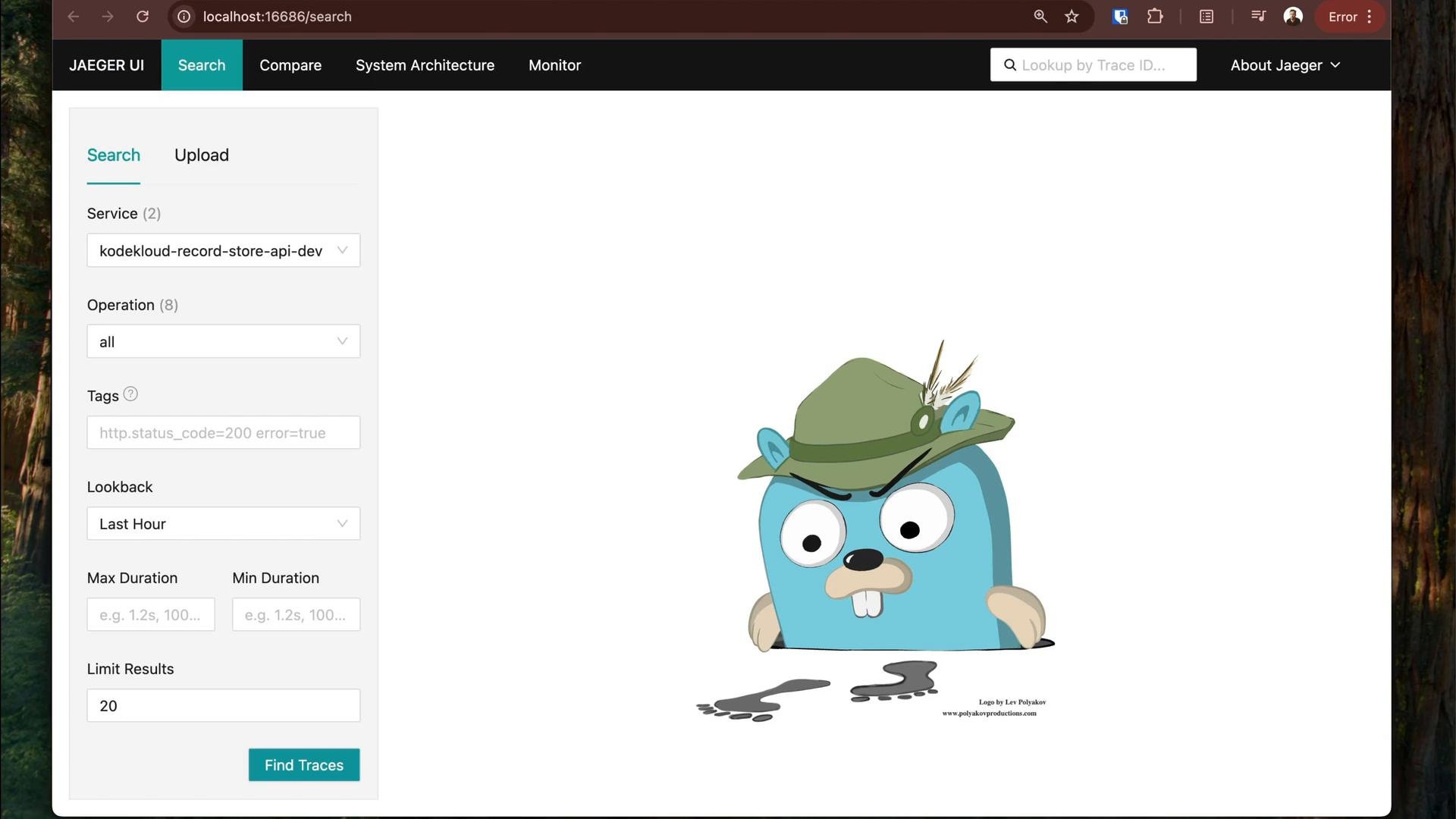
Inspecting Prometheus and Jaeger
After the stack is up, verify metrics and traces in the Prometheus and Jaeger UIs.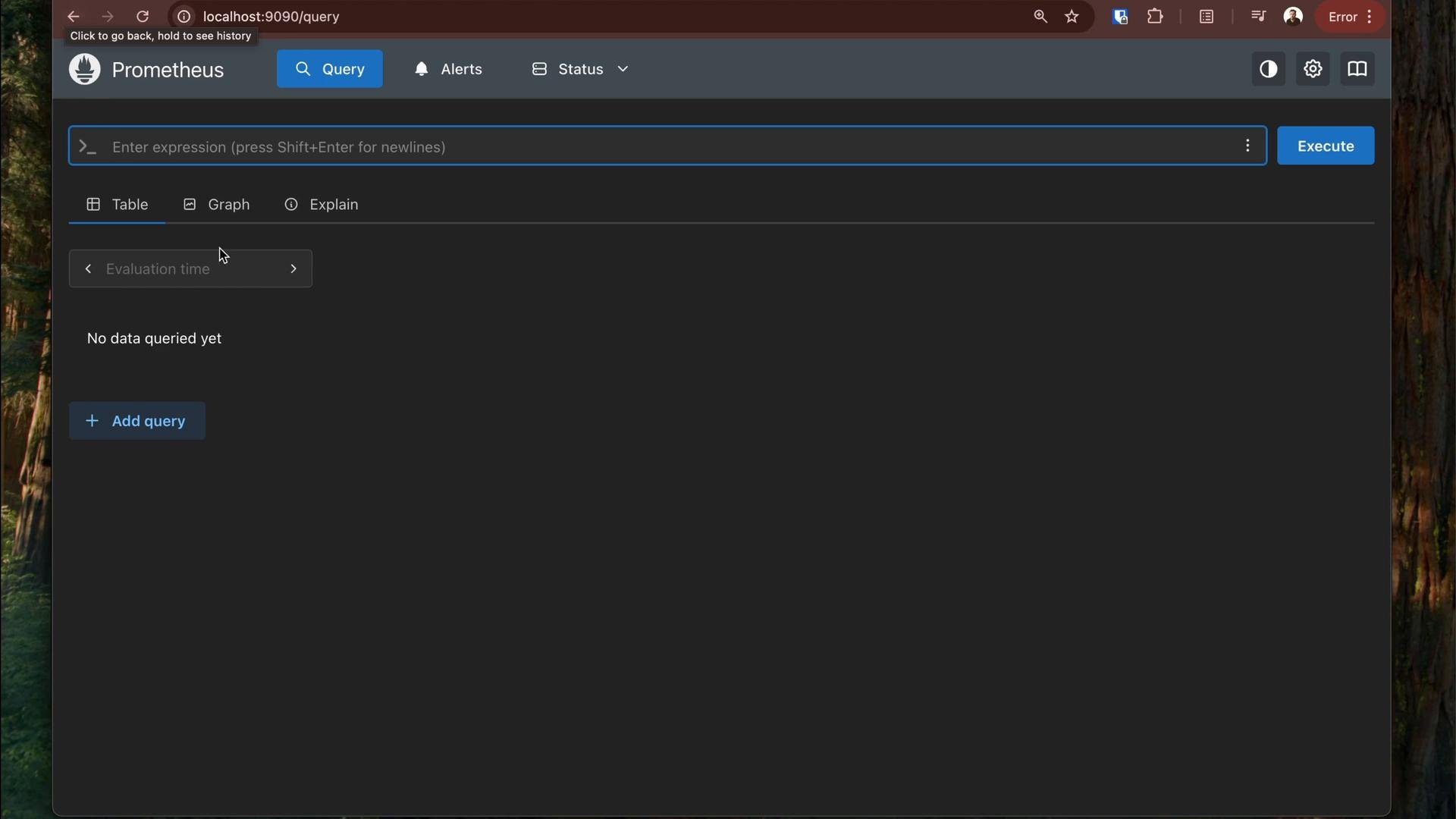
Docker Compose highlights
The repository provides a singledocker-compose.yaml describing the application and the observability stack. The api service reads many values via environment variables from the external .env.* file. Example excerpt showing environment injection:
worker (Celery), db (Postgres), rabbitmq, prometheus, pushgateway, grafana, alertmanager, jaeger, loki, fluent-bit, and blackbox_exporter. The repository already contains Prometheus scrape configs, Grafana provisioning, Loki/fluent-bit logging pipelines, and alert rules to explore.
Testing and demo scripts
Use included helper scripts to generate traffic, produce log lines, and run synthetic probes:Common troubleshooting and tips
- If ports conflict, check listeners with
netstat -tulnorss -tulnand update the.env.*files accordingly. - Verify container health with
docker-compose psand inspect logs withdocker logs <container>. - Confirm Prometheus scrape targets: http://localhost:9090/api/v1/targets
- Verify application metrics are exported:
When deploying to staging or production, copy a template from
deploy/environments/templates/, replace sensitive values via CI/CD secrets, and run docker-compose with the chosen .env.* file. Use environment-specific OTEL and Prometheus settings to avoid sending dev telemetry to production systems.Final notes
This lesson provides the repository and step-by-step instructions so you can explore the app and its observability stack at your own pace. Subsequent modules dive deeper into each component (Prometheus, Grafana, Jaeger, Loki, Fluent Bit), show how to instrument code with OpenTelemetry, create meaningful alerts and dashboards, and correlate traces, logs, and metrics for effective incident analysis. For more on the tools used:- Prometheus: https://prometheus.io/
- Grafana: https://grafana.com/
- Jaeger: https://www.jaegertracing.io/
- OpenTelemetry: https://opentelemetry.io/