

- What CodeBuild does and when to use it
- What ECR provides and why it’s helpful
- A practical next step with a sample
buildspec.ymlto build and push Docker images to ECR
CodeBuild
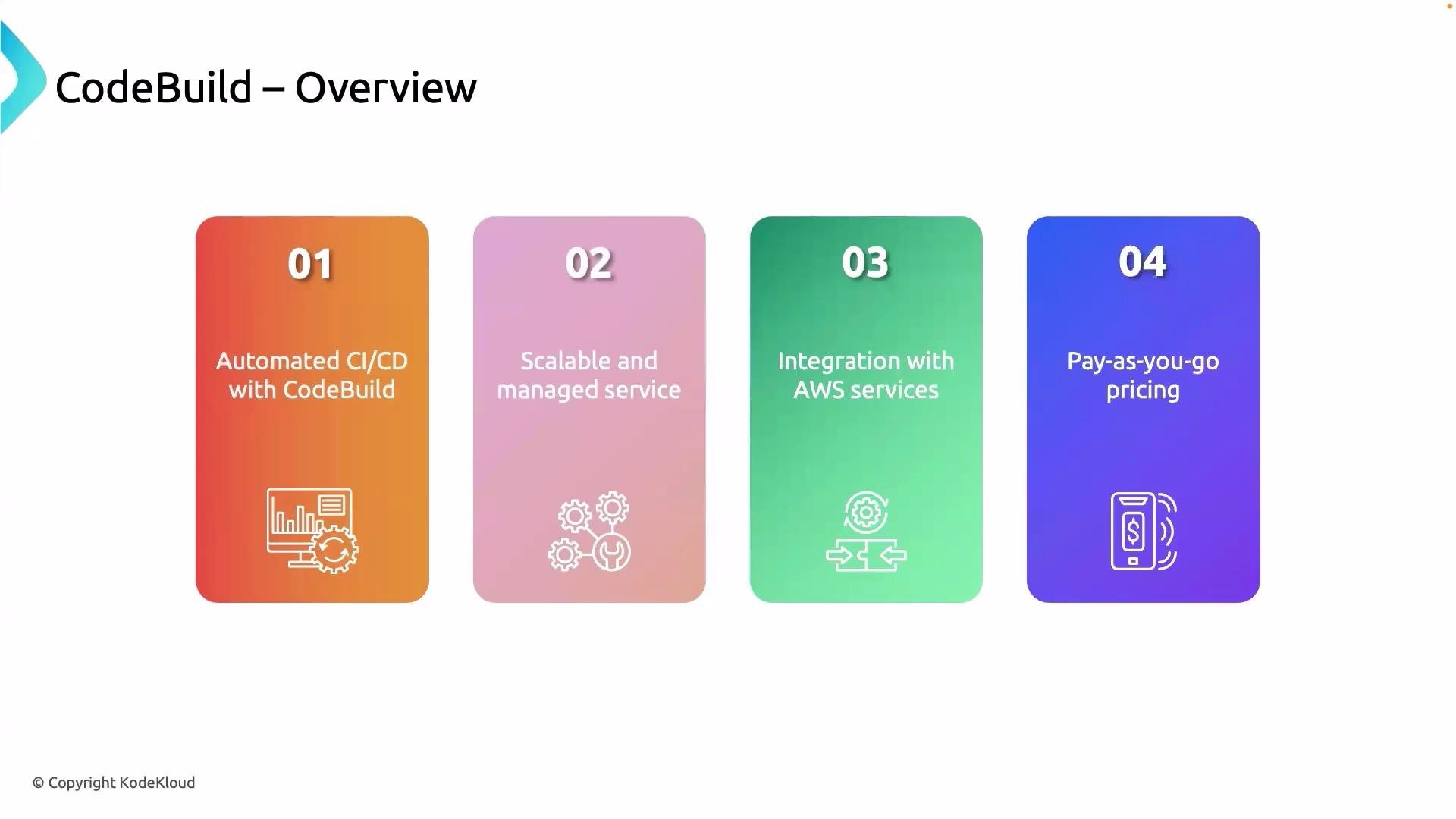
AWS CodeBuild is a fully managed continuous integration service that compiles source code, runs tests, and produces deployable artifacts. Because AWS manages the build infrastructure, scaling, and maintenance, you can focus on writing build steps and test logic instead of operating CI servers. CodeBuild at a glance:
Key benefits:
- Fully managed build infrastructure and scaling
- Native integration with AWS services (CodePipeline, S3, CloudWatch)
- Flexible build environments including custom Docker images
Elastic Container Registry (ECR)
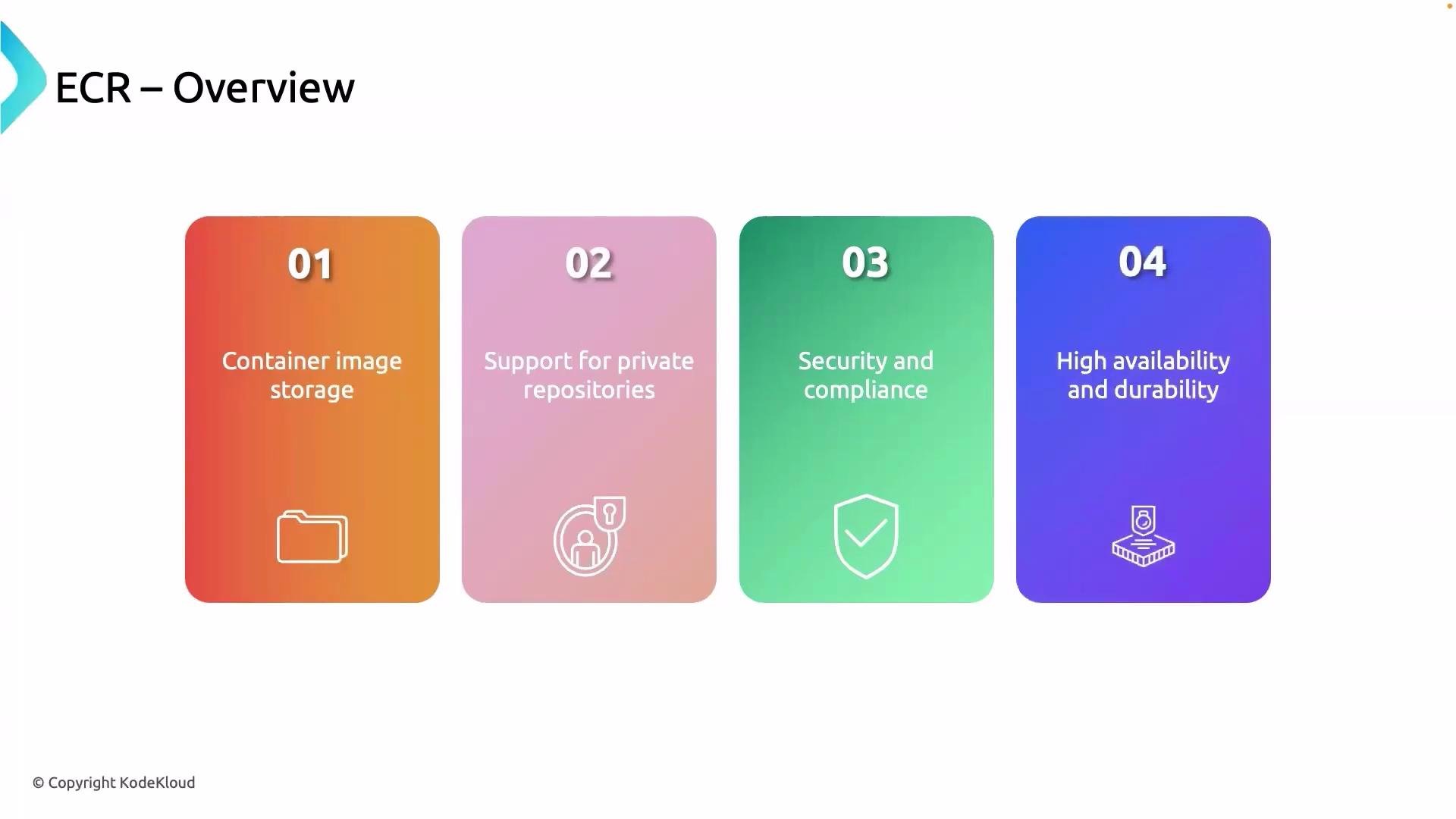
AWS Elastic Container Registry (ECR) is a fully managed container image registry for storing, versioning, and sharing Docker and OCI images. ECR integrates with Amazon ECS, Amazon EKS, and CodeBuild so you can push/pull images as part of CI/CD workflows. ECR highlights:
Note: ECR repositories are regional by default. Use cross-region replication to copy images to other AWS Regions for higher availability and multi-region deployments.
Next steps — build and push image to ECR
A practical next step is to create an ECR repository and configure a CodeBuild project that builds your Docker image and pushes it to ECR. The typical flow inbuildspec.yml is:
- Authenticate to ECR
- Build the Docker image
- Tag the image for the target ECR repository
- Push the image to ECR
buildspec.yml (simplified):
AWS_ACCOUNT_ID— your AWS account IDAWS_DEFAULT_REGION— the region of your ECR repositorymy-repo— your ECR repository name
Tip: Use a
buildspec.yml to automate Docker build, tag, and push steps. Ensure CodeBuild has an IAM role with permissions for ECR (push/pull), S3 (if storing artifacts), and CloudWatch Logs for build logs.Warning: Grant least-privilege permissions to the CodeBuild service role. Do not attach overly broad policies (like
AdministratorAccess) to CodeBuild — limit actions to only the ECR and S3 resources the build requires.References and further reading
- AWS CodeBuild Documentation: https://docs.aws.amazon.com/codebuild/
- Amazon ECR Documentation: https://docs.aws.amazon.com/ecr/
- AWS CodePipeline (CI/CD Pipeline): https://learn.kodekloud.com/user/courses/aws-codepipeline-ci-cd-pipeline
- AWS CloudWatch Logs: https://learn.kodekloud.com/user/courses/aws-cloudwatch