

In this lesson we’ll cover why AWS ECS (Elastic Container Service) is a practical choice for running containerized applications and prepare to create our first ECS cluster.
- ECS is a fully managed container orchestration service from AWS. Using the Fargate launch type you can run containers without managing servers (serverless compute).
- ECS reduces operational complexity compared with managing a full Kubernetes cluster—no need to manage cluster nodes, Helm charts, cluster-level authentication, or Kubernetes-specific IAM intricacies.
- For many projects, ECS provides a faster path to production while integrating tightly with other AWS services.
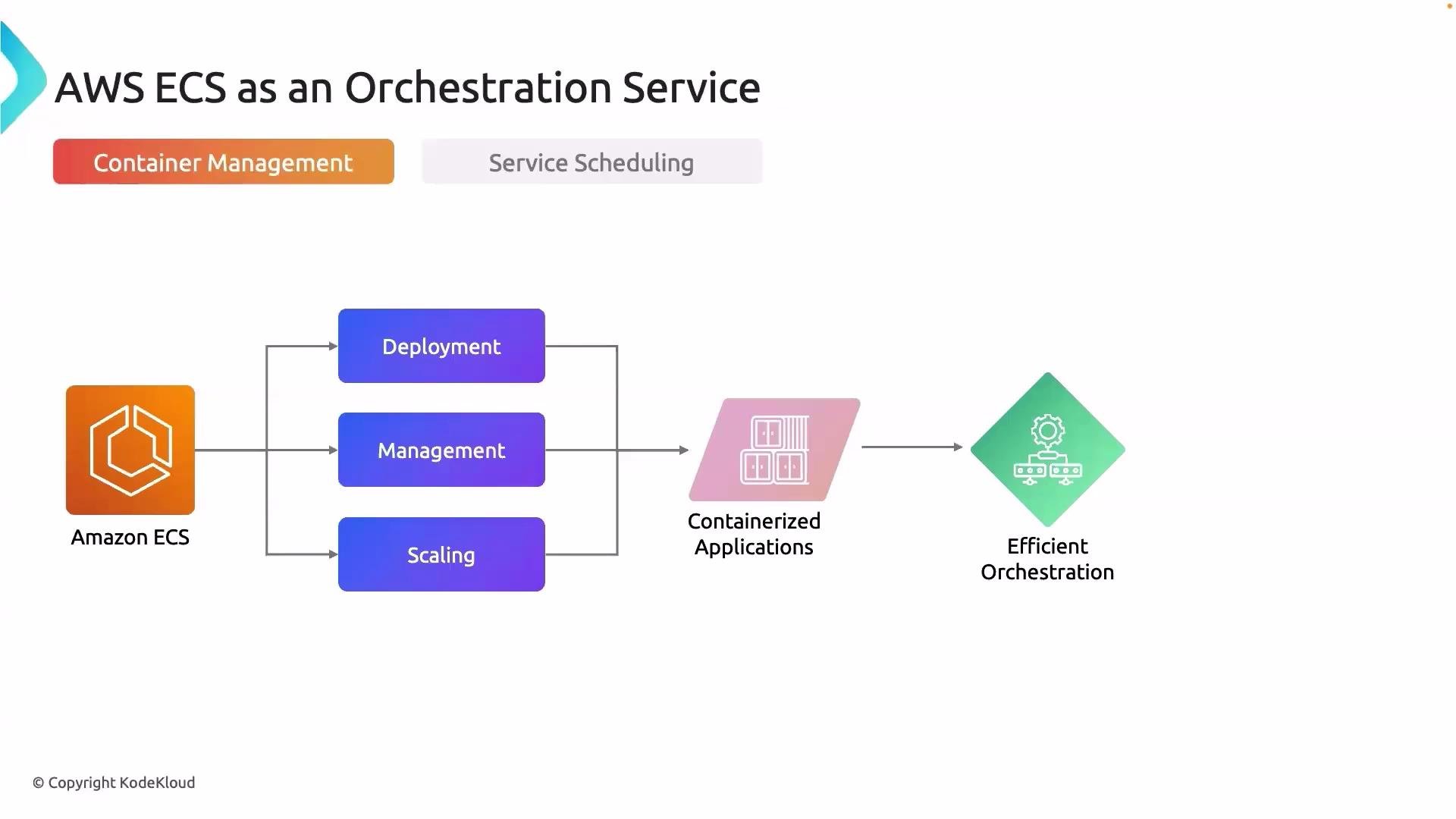
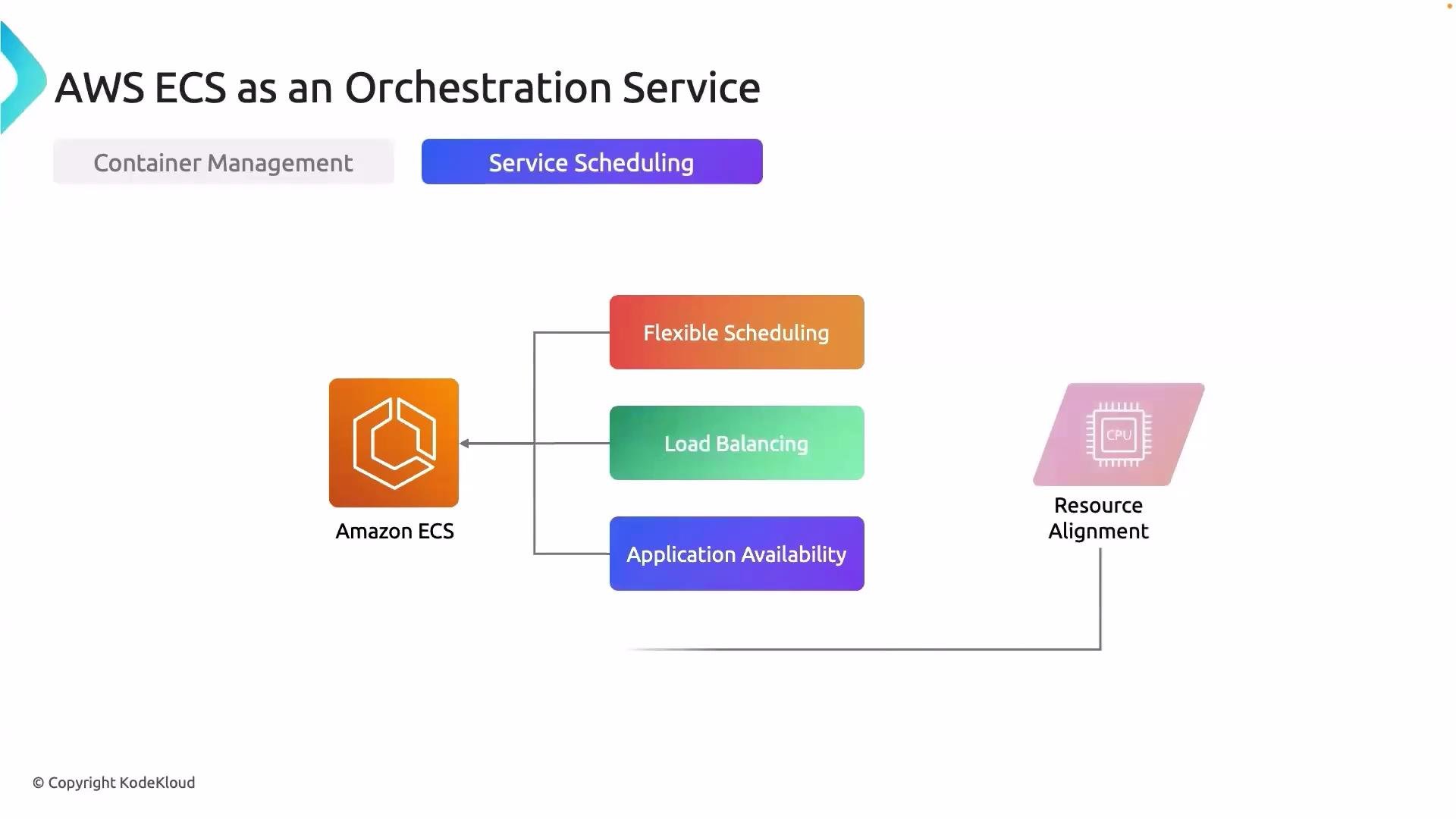
ECS also provides service scheduling to control how tasks are placed and run. It integrates with load balancers to distribute traffic and automates replacement of unhealthy tasks to maintain availability.
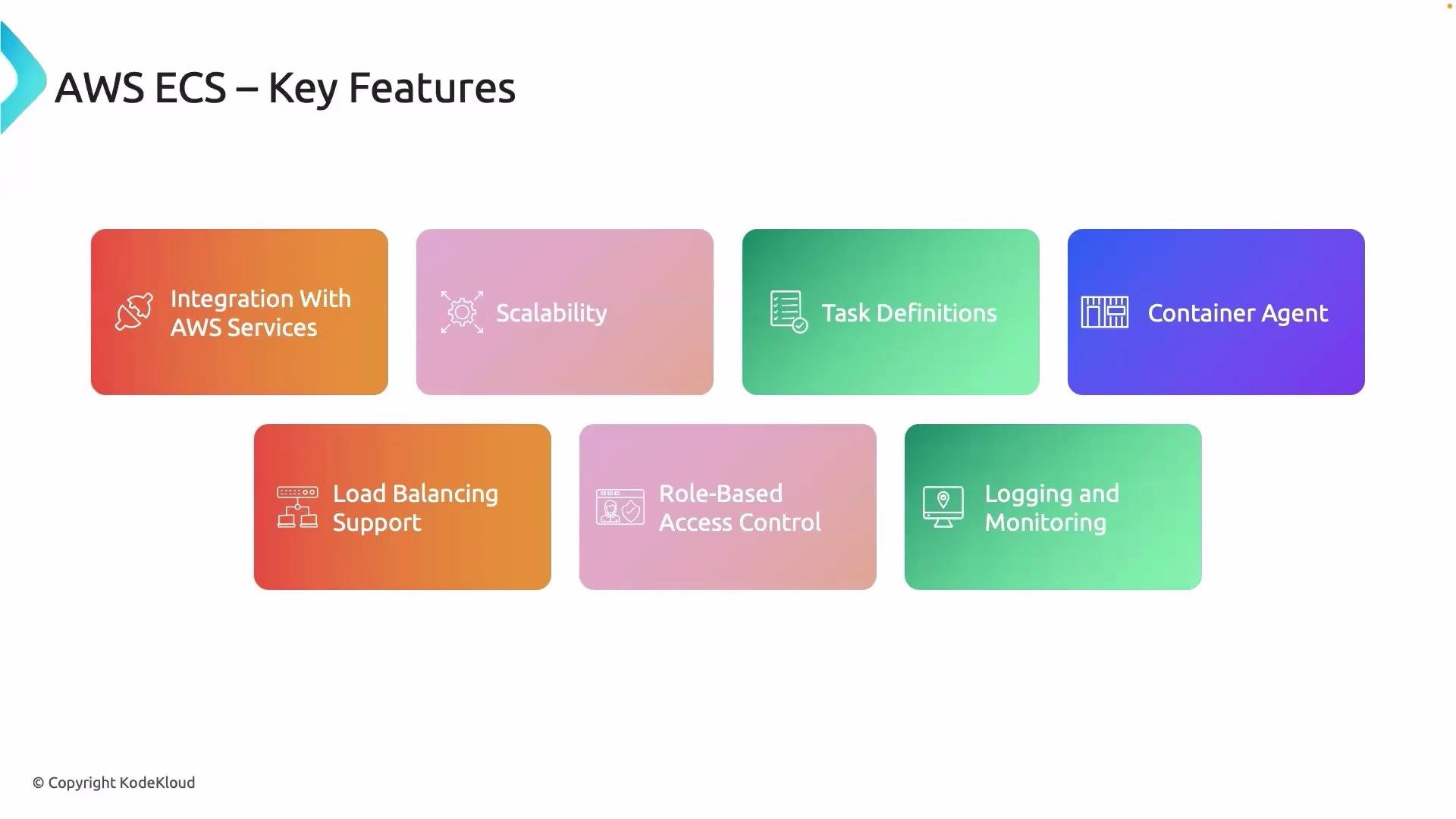
- Tight integration with AWS developer tools and services—examples include CodeBuild, CodePipeline, AWS Secrets Manager, and CloudWatch. These integrations streamline CI/CD, secrets management, and observability.
- Built-in scalability: scale tasks up or down manually or use ECS service autoscaling.
- Task definitions: versioned JSON/registration artifacts that define container images, CPU/memory, environment variables, volumes, networking mode, and runtime settings—making rollbacks and configuration management straightforward.
- Load balancing: native support for Application Load Balancers (ALB) and Network Load Balancers (NLB) via target groups to route traffic to running tasks.
- Fine-grained IAM: use IAM roles for tasks and task execution for secure, least-privilege access to AWS resources.
- Observability: integrate with CloudWatch Logs and Metrics (and other monitoring tools) to capture logs, set alarms, and trace task health.
Good logging and monitoring are essential in both development and production. Without them, diagnosing deployment or runtime problems is much harder. ECS’s native integrations make it straightforward to collect logs, create metrics, and configure alerts so you can respond quickly to incidents.
If your team doesn’t yet require the complexity of a full Kubernetes platform, ECS—especially with Fargate—offers a pragmatic, production-ready solution with less operational overhead.
Next steps
Now that you understand why we’re using AWS ECS and the features it provides, the next lesson will guide you through creating an ECS cluster and deploying a containerized service to it.
That’s it for this lesson. See you in the next one.