

What is AWS Cloud9?
AWS Cloud9 is a cloud-hosted IDE that delivers a full-featured code editor and built-in terminal accessible from your browser. It provides an experience similar to popular local editors (VS Code, Atom) but runs on a managed environment in AWS, so you can write, run, debug, and test applications without relying on a high-powered local machine. Key advantages:- Familiar, full-featured editor available in the browser.
- Preinstalled tools and runtimes for popular languages.
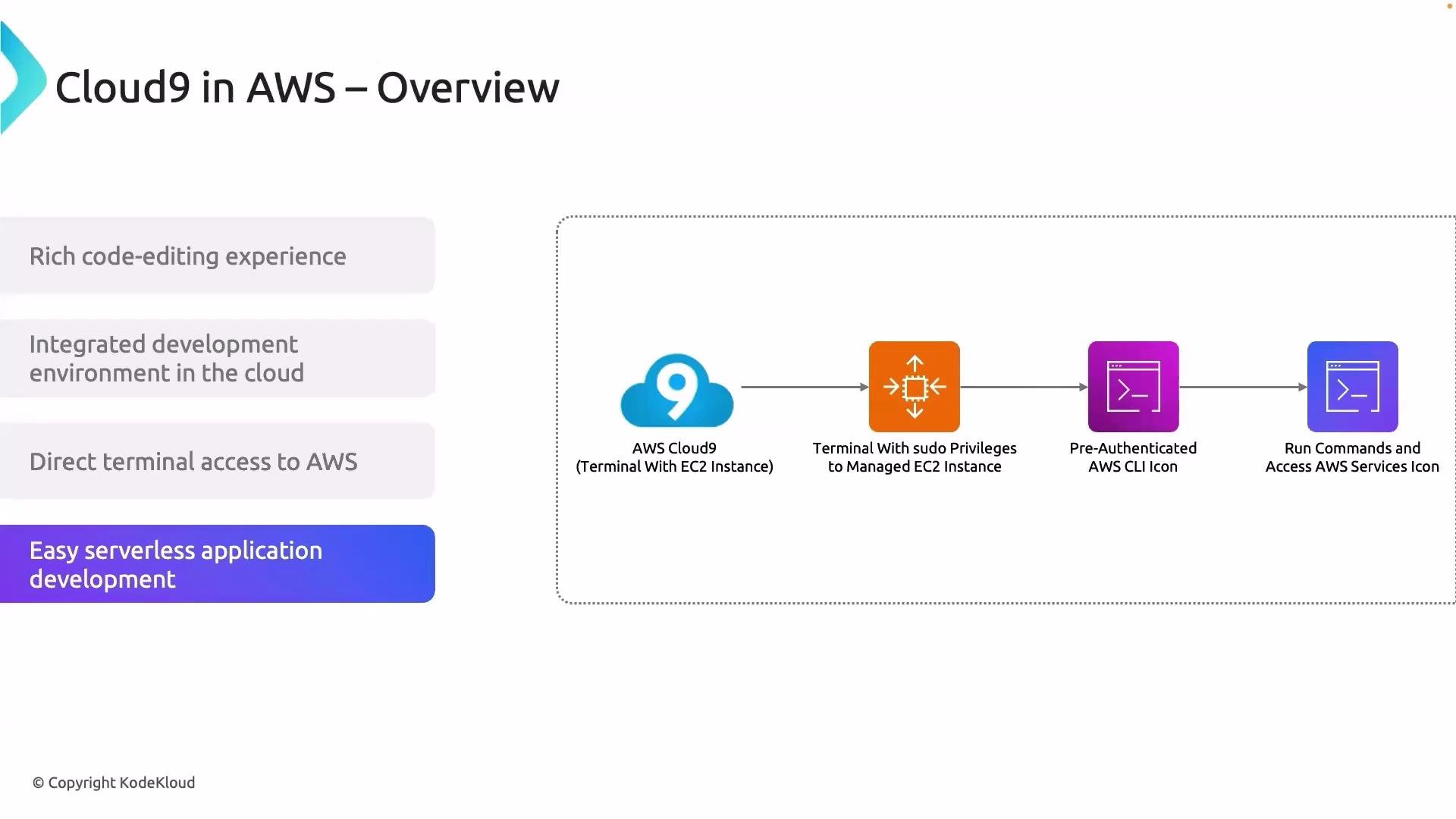
- Built-in terminal with direct access to AWS CLI and SDKs.
- Quick setup and reproducible development environments.
- Tight integration with AWS services like Secrets Manager, S3, RDS, and Lambda.
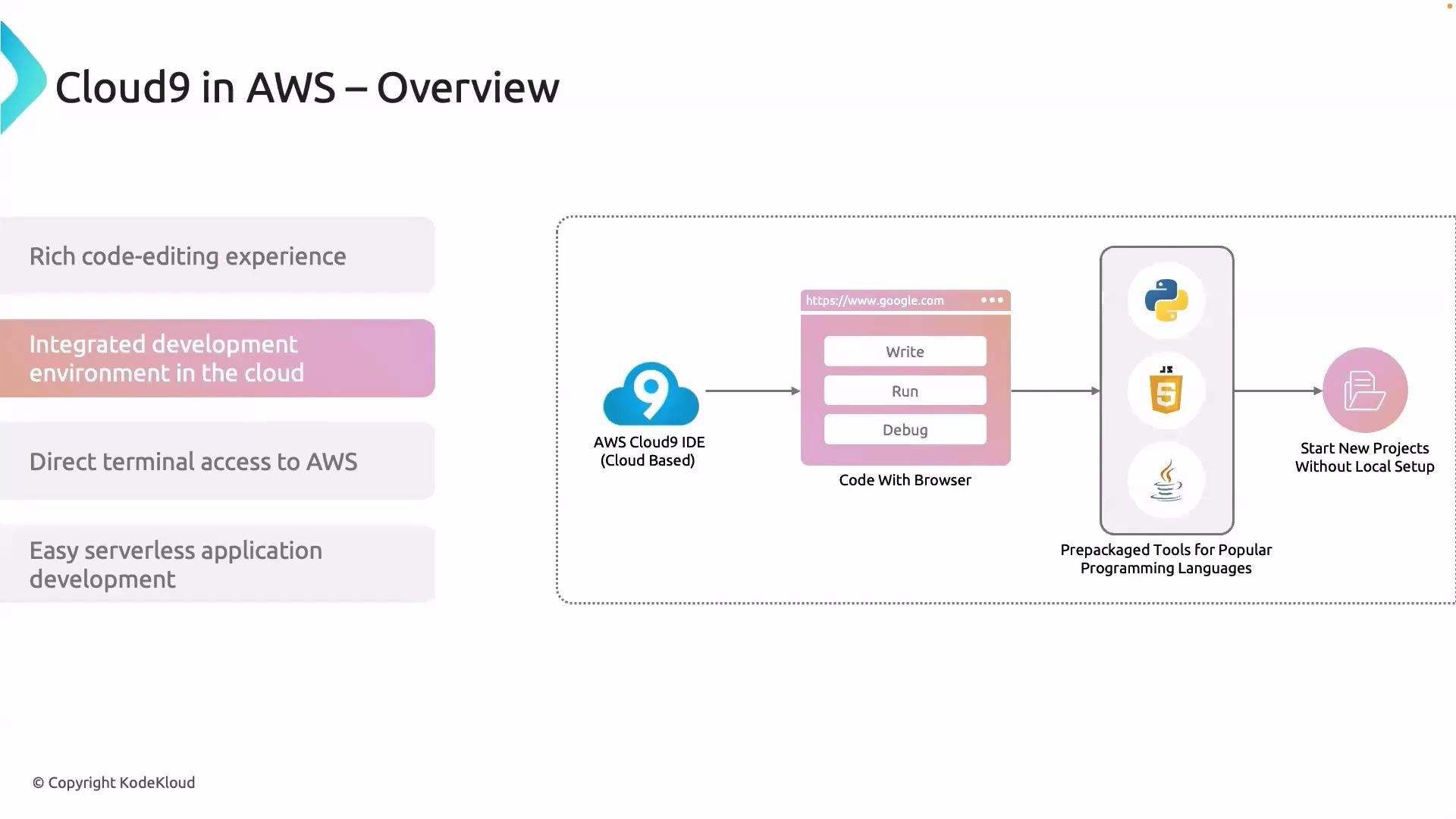
- Rapid prototyping or demos where you need an environment that’s consistent across team members.
- Development that needs direct, authenticated access to AWS resources (CLI, SDKs, or interactive debugging against managed services).
- Lightweight workstations or remote contributors who don’t want to install dependencies locally.
- Retrieve secrets from AWS Secrets Manager during development.
- Upload/download assets to Amazon S3.
- Connect to RDS or other databases for integration testing.
- Execute load tests and automation scripts from the built-in terminal.
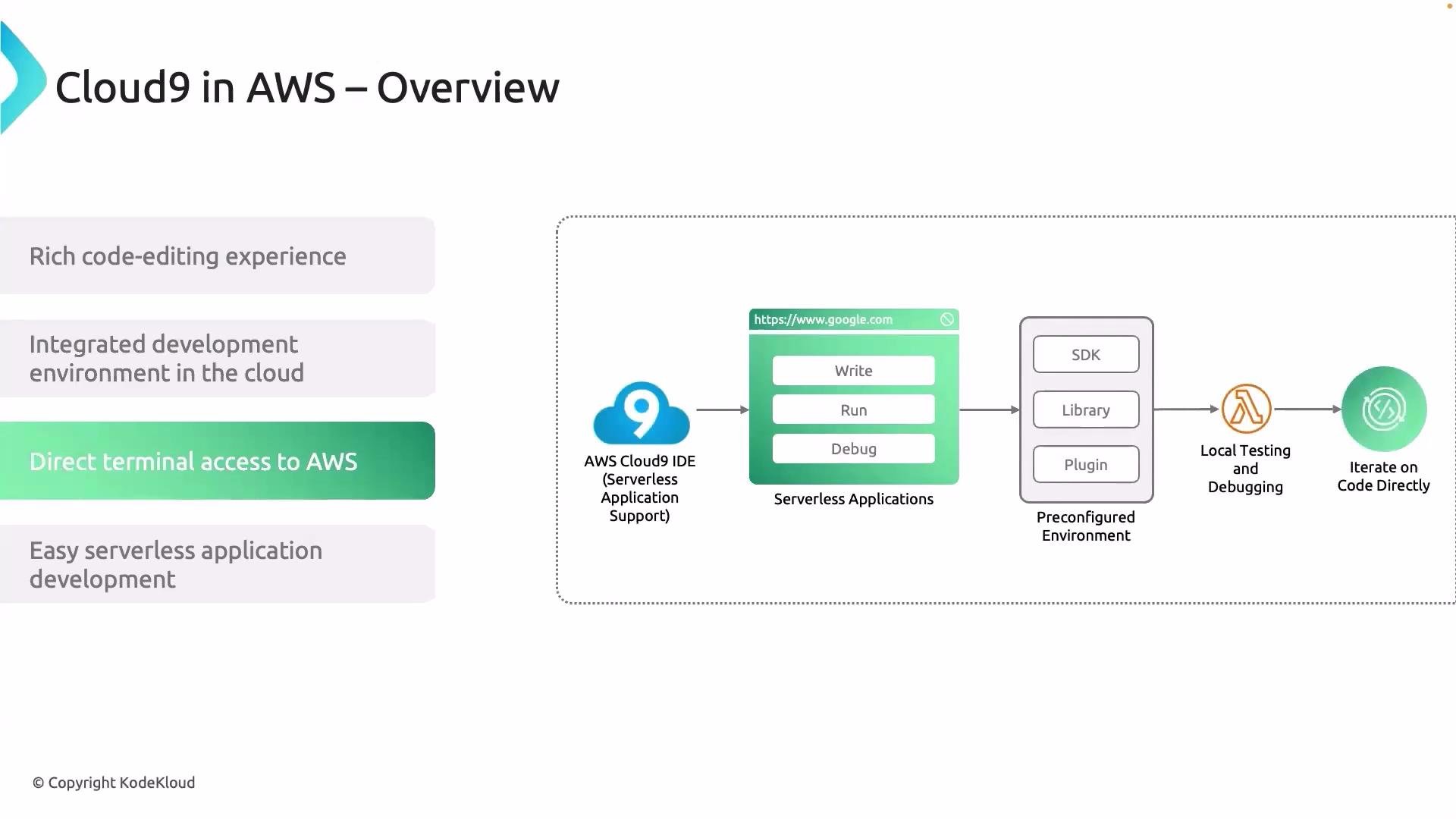
Although Cloud9 runs on EC2, its managed lifecycle (auto-start/stop, preconfigured tools, and IAM integration) gives you a serverless-like experience from a developer perspective.
Resources and further reading
- AWS Cloud9 documentation: https://docs.aws.amazon.com/cloud9
- Getting started with AWS Cloud9: https://aws.amazon.com/cloud9
Practical note for this course: the lab environment may provide a VS Code–based editor that behaves similarly to Cloud9. We reference Cloud9 throughout the course to illustrate workflows and integrations with AWS services, even if your lab uses a different browser-based editor.