

Build spec (for reference)
This is the CodeBuild buildspec that builds, tags, and pushes the image to ECR:After committing changes
Here is the local git output after pushing changes to CodeCommit:Common error when pulling without authentication
If you try todocker pull a private ECR image without logging in, Docker returns a no credentials error:
aws ecr get-login-password command and pipe it into docker login. Be sure to use the correct region (for example, eu-central-1) or export an environment variable such as AWS_DEFAULT_REGION beforehand.
Authenticate, pull, and run (commands)
Example explicit login (eu-central-1) and pull: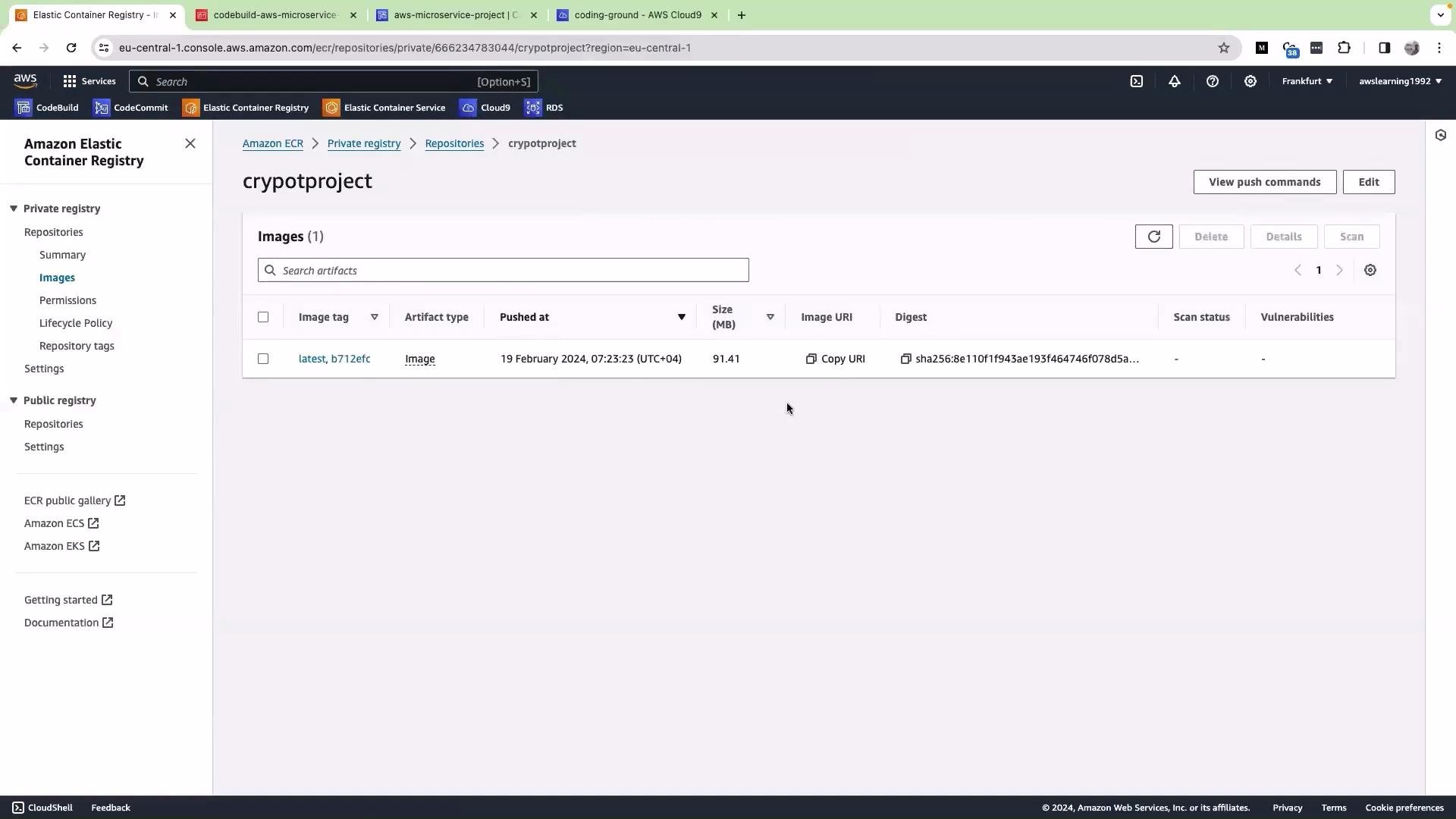
Run the container in Cloud9 and validate
Start the container and map the app port (the app listens on port 5000):- In the AWS Console navigate to EC2 and select the instance that hosts your Cloud9 environment (or the EC2 instance you’re using).
- Copy the instance Public IP address.
- Ensure the instance Security Group allows inbound TCP on port 5000 from your source IP (or use the Cloud9 preview feature).
- Open your browser and visit
http://<PUBLIC_IP>:5000(replace<PUBLIC_IP>with the copied address).
- Username:
admin - Password:
password123
Tip: If you prefer an environment variable for the region, export it first:Then authenticate with:
Security reminder: Avoid opening port 5000 to the public internet in production. Limit access via the EC2 Security Group to trusted IPs or use an SSH tunnel / VPN. Exposing management interfaces publicly can lead to unauthorized access.