

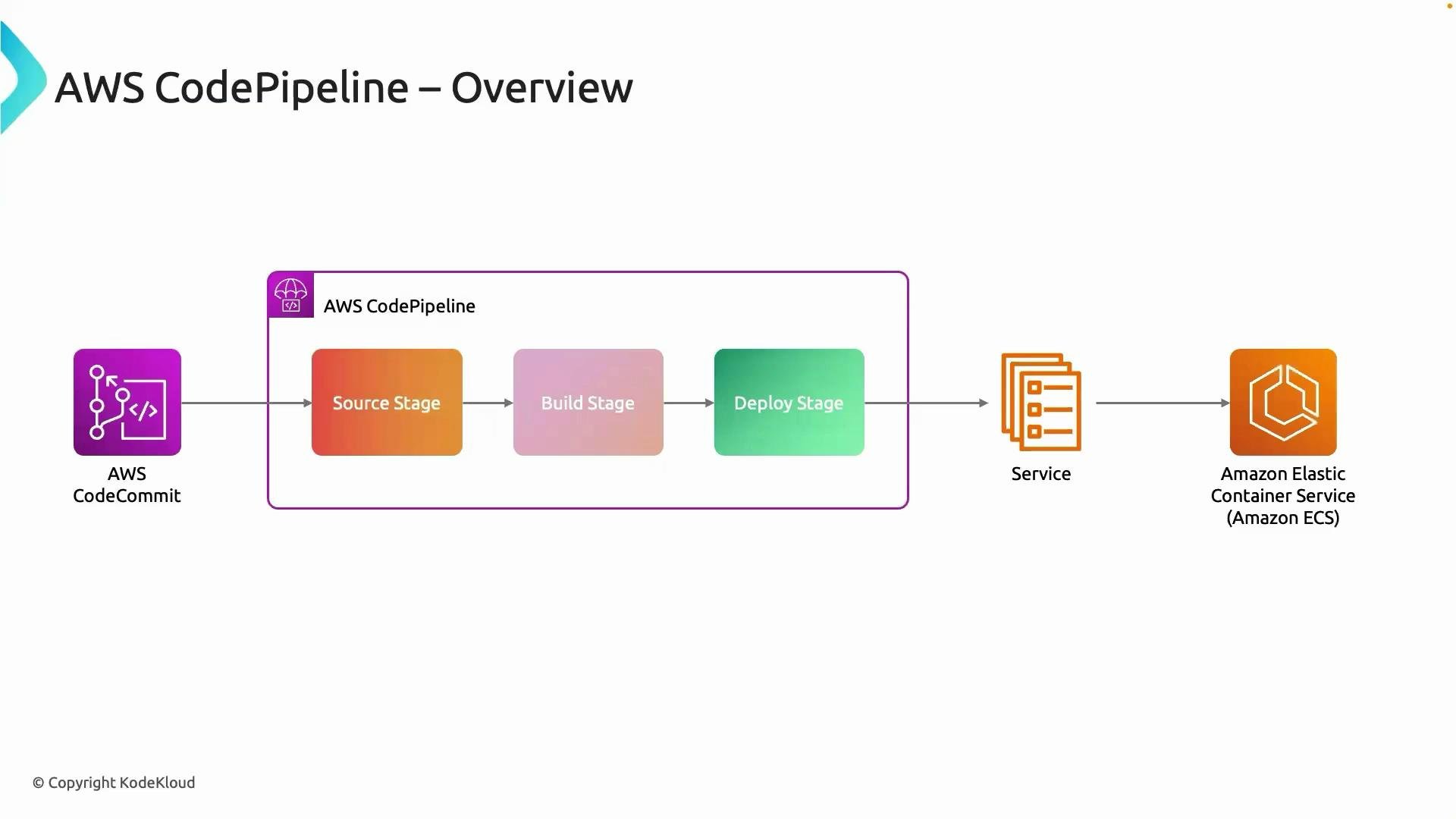
- A change is pushed to the source repository (for example, CodeCommit or GitHub).
- CodePipeline detects that change and pulls the latest code (Source stage).
- The code moves into a Build stage (for example, CodeBuild) that compiles, tests, and produces artifacts.
- Artifacts are passed forward to Test and Deploy stages; the Deploy stage updates the runtime environment (for example, an ECS service).
- Optional Approval stages can require manual confirmation before progressing to production.
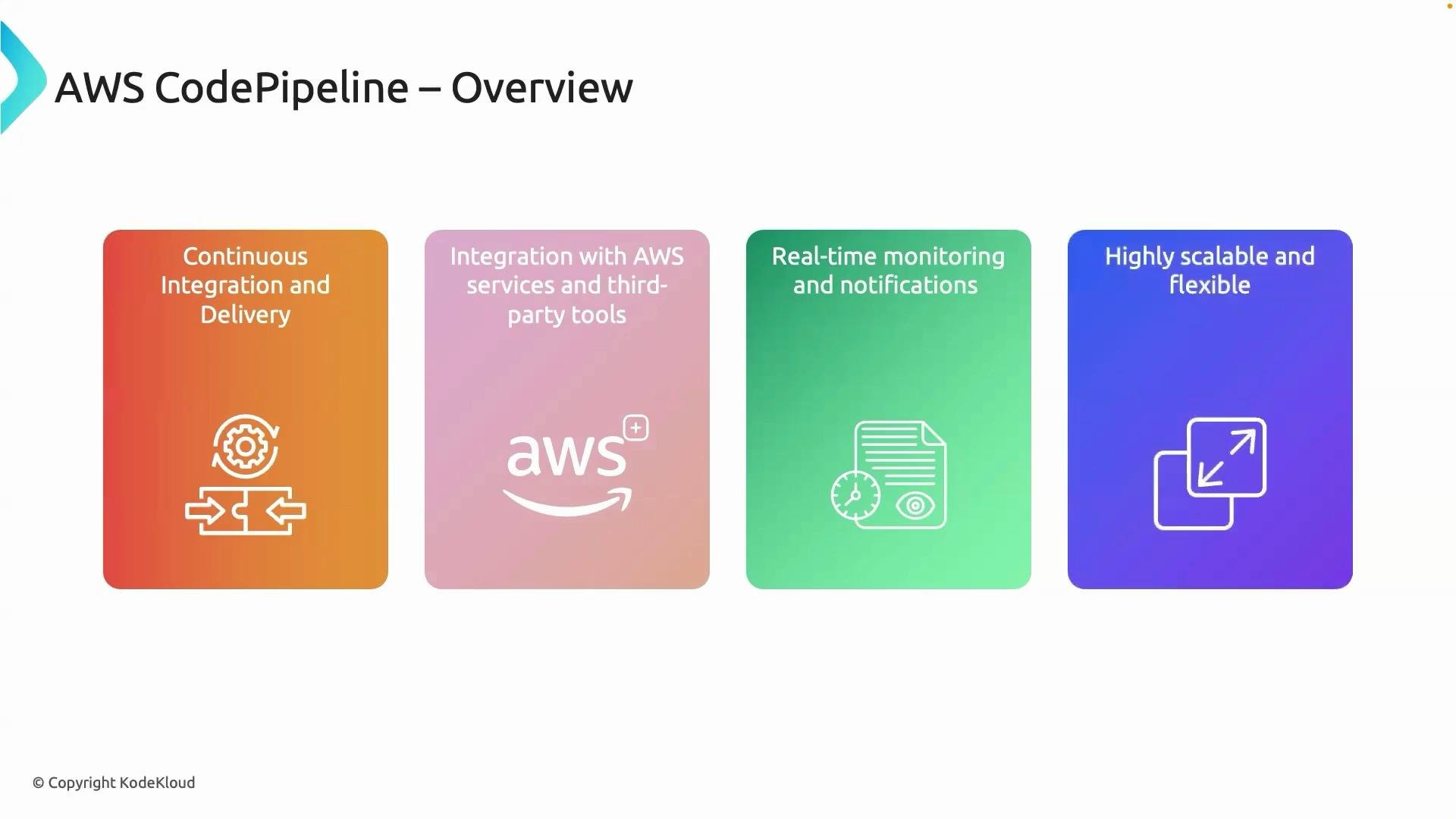
- CI/CD orchestration: Automates the flow from source to deployment, enabling continuous integration and continuous delivery (CI/CD).
- Pluggable actions: Orchestrates actions across AWS services (CodeBuild, Lambda, ECS, S3, CloudFormation) and third‑party tools (GitHub, Jenkins).
- Artifact passing: Artifacts produced in one stage are passed to downstream stages so each stage operates on the exact outputs of the previous step.
- Event-driven triggers: Pipelines can start automatically on source changes, be triggered manually, or started via scheduled or external events.
- Observability and notifications: Execution history, stage logs, and integration with CloudWatch, Amazon SNS, and other monitoring tools provide visibility and alerting for pipeline runs.
- Managed service: CodePipeline is serverless from the user perspective — no control plane infrastructure to provision or manage.
Remember: CodePipeline orchestrates actions but does not replace them. Each action (for example, a CodeBuild project or an ECS deploy) executes with its own IAM permissions and configuration. Ensure actions have the required roles and access to the artifacts and resources they need.
- Small teams: Simple linear pipelines (Source → Build → Deploy) provide fast feedback and automated deployments.
- Complex enterprises: Pipelines can include parallel actions, multiple environments (dev/stage/prod), manual approvals, and cross-account deployments.
- Integration: CodePipeline integrates with your existing toolchain while giving you end-to-end visibility for every release.
- Build a sample pipeline: Connect
CodeCommit→CodeBuild→ECSto see artifacts flow automatically from source to running containers. - Add testing and approval gates: Enforce quality checks and manual approvals before production rollouts.
- Monitor and iterate: Use CloudWatch and SNS to observe pipeline runs and alert on failures.