

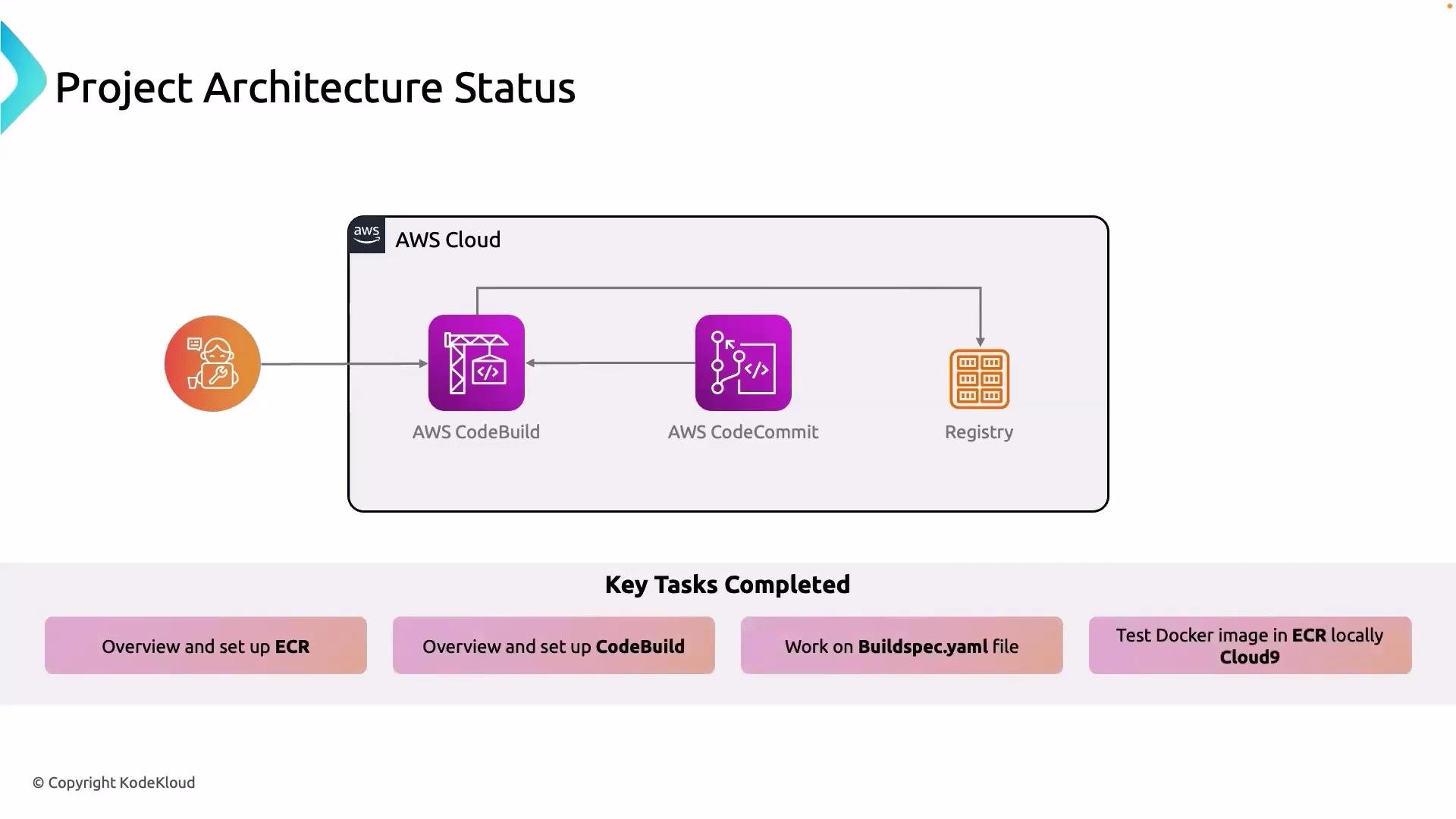
- Set up AWS CodeBuild and integrated it with AWS CodeCommit for automated builds.
- Configured CodeBuild to use a
buildspec.ymlfile to produce Docker images during the build lifecycle. - Pushed the resulting Docker image into Amazon ECR (Elastic Container Registry).
- Validated the Docker image by running it on an EC2 instance.
- Learned how to authenticate locally to ECR so developers can pull and test images on their machines.
- CodeBuild reads the
buildspec.ymlin your repository root (or a path you specify in the CodeBuild project). It executes the standard phases:install,pre_build,build, andpost_build. Make surebuildspec.ymlis in the intended location and correctly formatted YAML. - The Docker image produced during the build must be tagged for your ECR repository and pushed using authenticated Docker commands. Typical steps are to obtain ECR auth token, log in Docker, tag the image, and push.
- To validate images on EC2, authenticate the instance to ECR the same way you authenticate locally, then
docker pullthe image and run it withdocker run.
- Authenticate Docker to ECR (Linux/macOS):
- Tag and push the image:
- Pull and run on EC2 (after authenticating on the instance):
- Minimal
buildspec.ymlexample (used by CodeBuild to build and push a Docker image):
Do not commit credentials, tokens, or long-lived secrets into your repository. Use IAM roles (for CodeBuild and EC2) or secrets managers to provide secure access to ECR and other resources.
Summary of completed tasks: ECR setup, CodeBuild project creation and integration with CodeCommit,
buildspec.yml-driven Docker builds, pushing images to ECR, and validating images from both EC2 and local development environments.- AWS CodeBuild documentation: https://docs.aws.amazon.com/codebuild/
- Amazon ECR documentation: https://docs.aws.amazon.com/AmazonECR/
- Docker CLI documentation: https://docs.docker.com/engine/reference/commandline/cli/