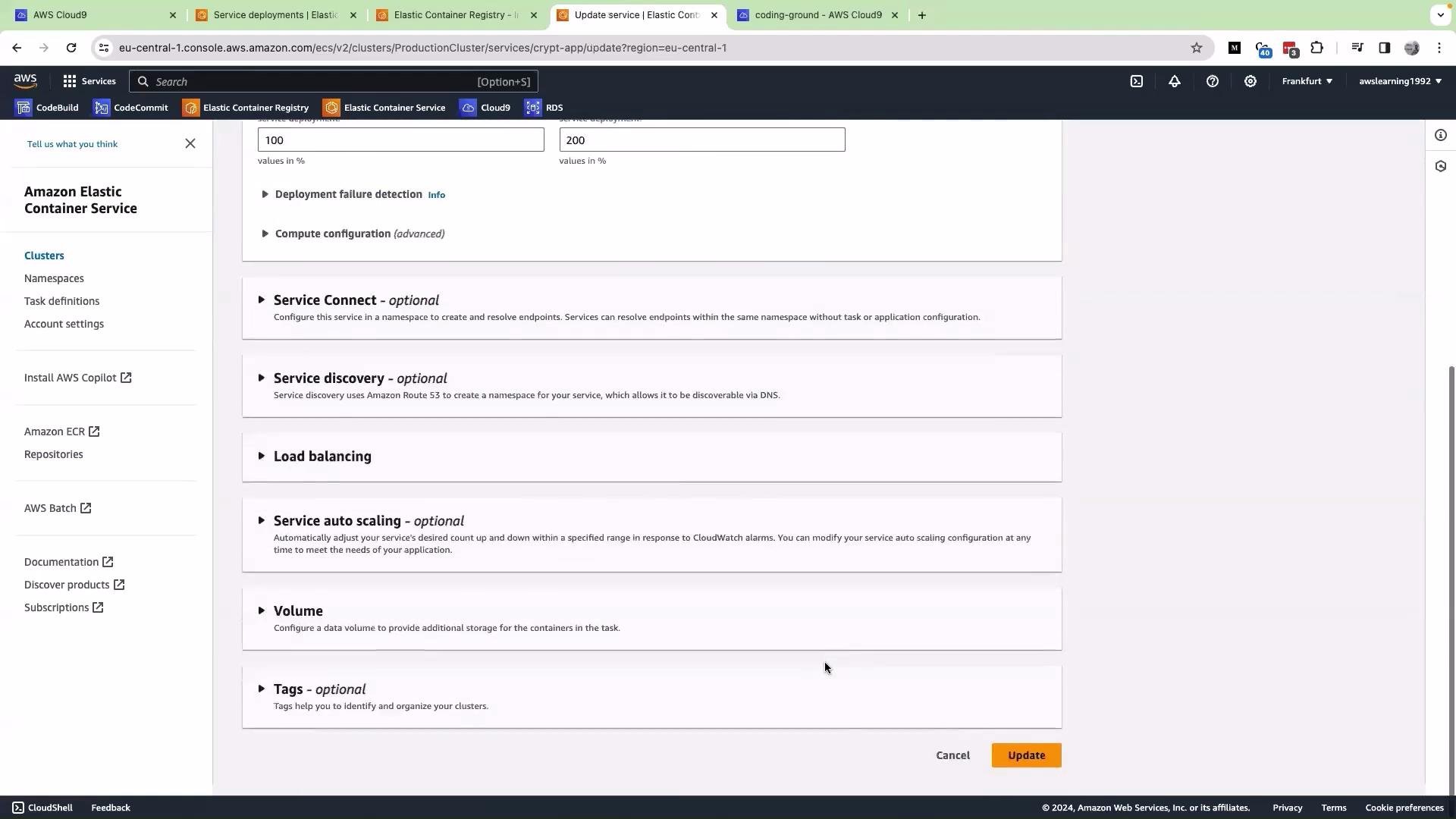
Hello and welcome back. Earlier we attempted a rolling update, and that rolling update failed. Here we attempt to roll back the service manually and explain why the rollback keeps failing. First, in the service console I click Update service and select revision three — the revision that previously worked and that we expect to restore. I then scroll down and click Update.
This image shows a user interface for updating a service within Amazon Elastic Container Service (ECS) on the AWS management console, displaying various optional configurations like Service Connect, Service Discovery, and Auto Scaling.
You would expect this rollback to succeed. However, when observing the deployment (task set), the number of failed tasks keeps increasing (ten failed tasks in my example). The service repeatedly tries to start tasks but they never become healthy. We rolled back to the previous task definition (revision three), yet the service still fails to start the tasks. Why? The root cause is how the container image tags were used when building and registering task definitions. Let’s inspect the task definitions. Here is task definition revision 4 (the most recent), showing the container image pointing to the latest tag:
And here is task definition revision 3 (the earlier revision we attempted to roll back to), which also points to the latest tag:
Because both revisions reference the mutable latest tag, rolling back to revision 3 still causes ECS to pull whatever image is currently labeled ...:latest in ECR. If latest has been overwritten by a newer (possibly broken) build, the rollback will not restore the known-good image. This explains why the rollback did not fix the problem.
Avoid using a mutable tag like latest in production task definitions. Always reference an immutable tag (for example, a commit hash or build number) in the task definition so that each revision pulls the exact image you expect.
What caused this in our pipeline? Our build produced two tags in ECR — a latest and a commit-hash tag — but the task definitions we registered used :latest. Below is the buildspec we used during the demo (updated to a modern, recommended login flow):
Note: the example above tags both :$IMAGE_TAG (typically a commit hash) and :latest and pushes both to ECR. The important detail is what gets written into task-definition.json when registering the task definition. If task-definition.json contains ...:latest, each revision will still point to the mutable latest image — making rollbacks ineffective. How to fix this Summary of recommended changes: Step-by-step approach
  1. Ensure your pipeline builds and pushes an immutable tag (for example, the commit hash).
  2. Do not register a task definition that hardcodes :latest. Instead, update the task definition to reference the immutable tag produced by the build.
  3. Replace the image field in the task definition during the pipeline (post-build) before calling aws ecs register-task-definition.
Here is a sample post-build sequence that updates the task definition file with the exact image tag and then registers it:
With this approach, every task definition revision will reference an immutable image tag. Rolling back to a previous task definition revision will instruct ECS to pull the specific image associated with that revision (the exact commit hash), allowing rollbacks to restore a working version reliably. Further reading and references That is it for this article.

Watch Video