

What is the ECS deployment circuit breaker?
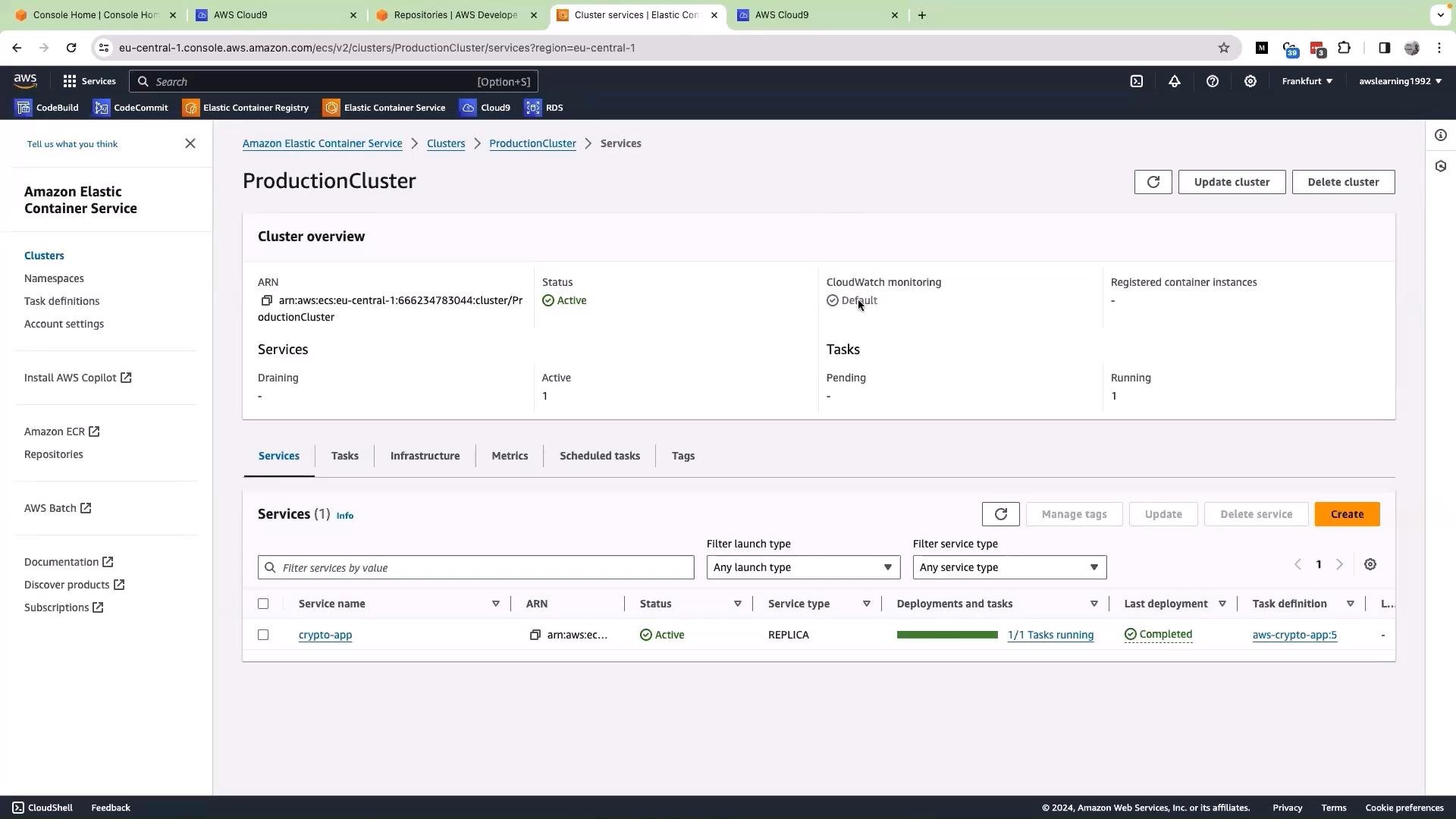
The ECS deployment circuit breaker is a built-in safety mechanism that improves deployment reliability. When a new deployment repeatedly fails its health checks, the circuit breaker can stop further attempts and (optionally) trigger an automatic rollback to the last known-good task set. This conserves cluster resources, reduces downtime, and restores a stable baseline for debugging. Key benefits:- Limits wasted compute and networking resources during repeated failures.
- Reduces time-to-recovery by restoring a known-good task set automatically.
- Provides predictable behavior during rolling updates for safer CI/CD pipelines.
How the circuit breaker fits into a typical CI/CD pipeline
A common CI/CD flow where the circuit breaker is helpful:- A developer pushes code to a source repository (for example, AWS CodeCommit, GitHub, or another VCS).
- A pipeline (for example, AWS CodePipeline with CodeDeploy or another deployer) builds a new image and updates the ECS service to a new task definition (e.g.,
v0.1→v0.2). - ECS launches new tasks and evaluates their health against configured signals.
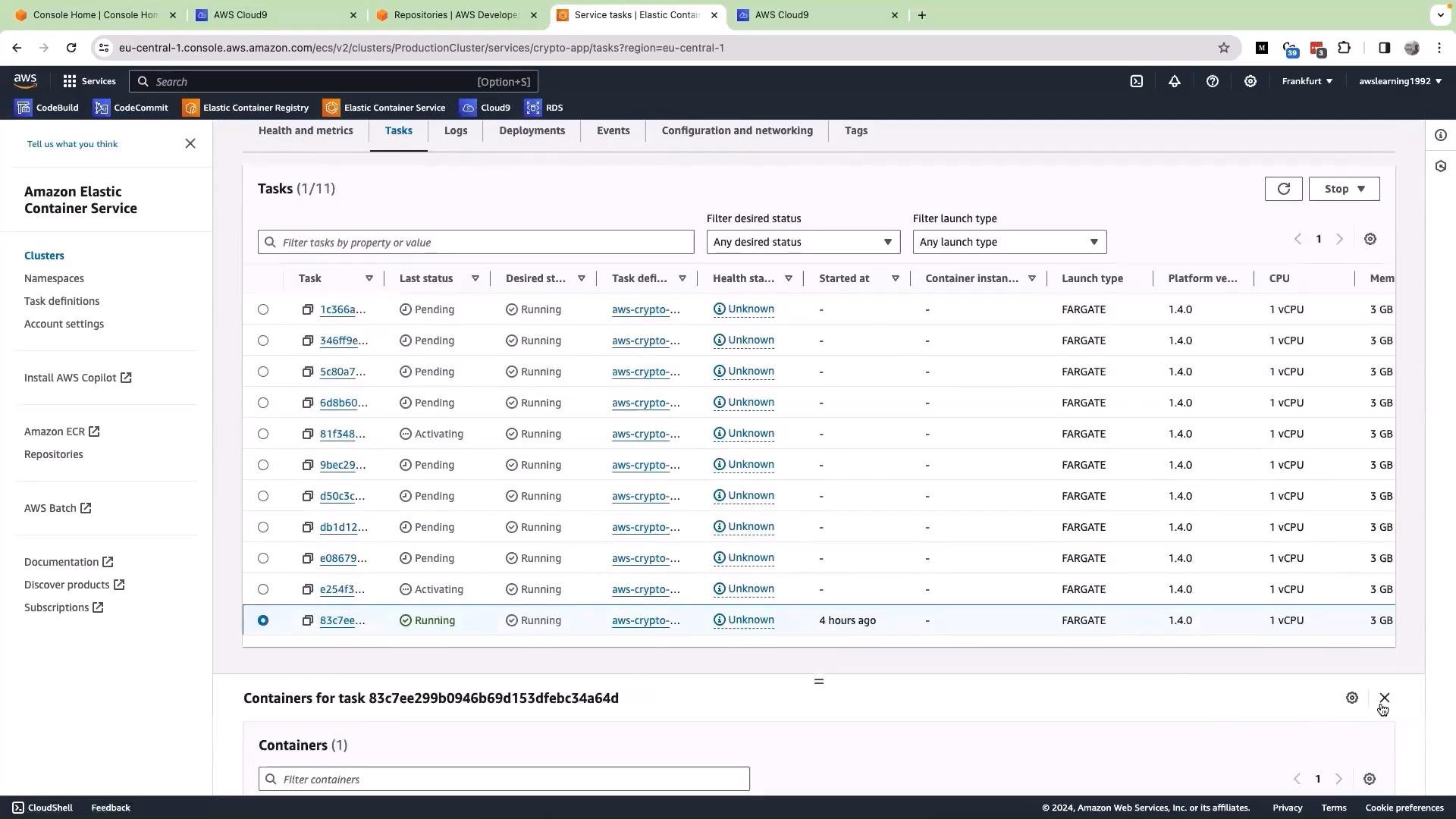
- If new tasks repeatedly fail health checks, the deployment failure count increases. When a threshold is met, ECS marks the deployment failed and the circuit breaker stops further rollout. If automatic rollback is enabled, ECS reinstates the previous stable task set.
What health signals does ECS watch?
ECS relies on the health signals you’ve configured to determine deployment success or failure. Common health signals include:
If tasks repeatedly fail these checks, ECS increments the deployment failure count. When the failure count crosses a service-specific threshold, ECS will mark the deployment as failed and (if configured) trigger a rollback.
Define meaningful health checks (for example, container-level HTTP probes and proper ALB target group health checks). The circuit breaker relies on these signals to decide whether a deployment is healthy or failing.
Failure threshold: how ECS decides a deployment failed
ECS uses a failure threshold to decide when to abort a deployment. A practical example often used in demos:- Desired task count = 10
- Example threshold = ceiling(0.5 × desiredCount) = ceiling(0.5 × 10) = 5
- Exact threshold computation, rounding behavior, and any upper caps can vary by account, ECS agent version, and platform. Some examples reference an upper cap (for instance, 200) to avoid unbounded thresholds on very large services.
- Always review the official ECS documentation and your service settings before relying on a particular threshold.
Automated rollback behavior
When the circuit breaker marks a deployment as failed and automatic rollback is enabled:- ECS restores the service to the previous stable task set (previous task definition and desired count).
- This minimizes downtime by returning to a known-good configuration while you investigate the root cause.
- Rollback events are emitted so pipelines and alerting systems can react.
Enable automated rollback only after validating your health checks and understanding threshold behavior. In some environments you may prefer manual rollbacks for more controlled troubleshooting to avoid masking intermittent issues.
Event monitoring and observability
ECS emits service and deployment state-change events. Use these to monitor and alert:- Console events (ECS service events view)
- AWS EventBridge (formerly CloudWatch Events) rules to capture deploy/rollback events
- CloudWatch Logs/metrics and centralized logging for task/container logs
Quick operational checklist (recommended steps)
- Define and test container-level
HEALTHCHECKand ALB target group probes locally and in a staging environment. - Configure your ECS service to enable the deployment circuit breaker (and automated rollback if appropriate).
- Validate threshold and deployment settings in a non-production environment.
- Add EventBridge/CloudWatch rules to capture and alert on deployment failures and rollbacks.
- Peer-review rollback configuration and health checks before enabling automated rollback for critical production services.
Best practices
How to enable the ECS deployment circuit breaker (high level)
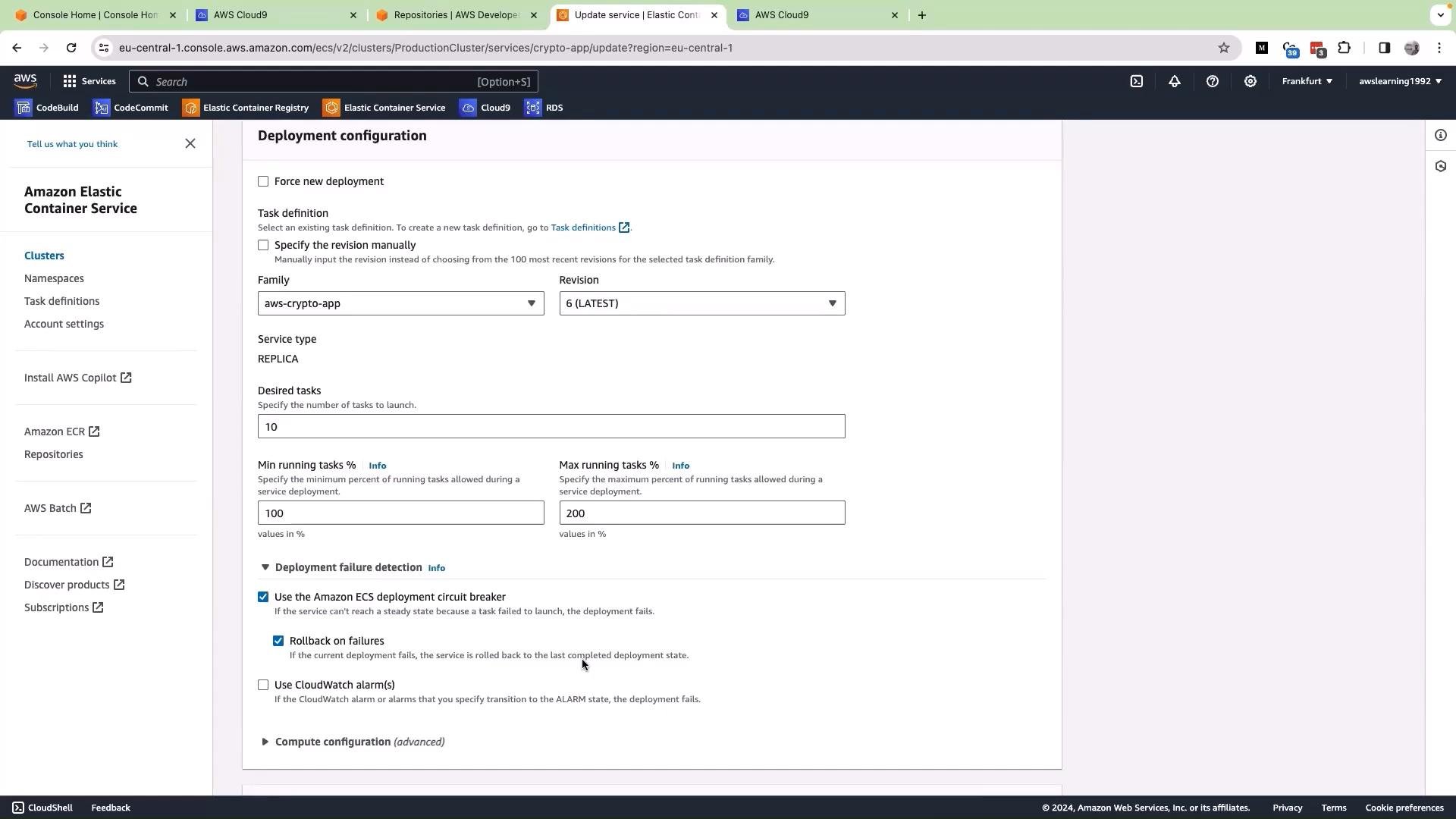
- Console: Edit the ECS service → Deployment configuration → Enable “Deployment circuit breaker” and “Rollback on failure” (if desired).
- CloudFormation / CDK / Terraform: Set the service’s deployment configuration/attributes to enable the circuit breaker and rollback options. Refer to your IaC provider docs for exact attribute names.
- Validation: Test in a staging environment and simulate failing health checks to ensure rollback behavior meets expectations.
Links and references
- Amazon ECS Documentation
- AWS EventBridge (formerly CloudWatch Events)
- Elastic Load Balancing (ALB/NLB)
- Docker HEALTHCHECK reference
- AWS CodePipeline and AWS CodeDeploy