This article demonstrates adding a Jenkins stage to test an AWS Lambda function by retrieving its URL and confirming the endpoints response.
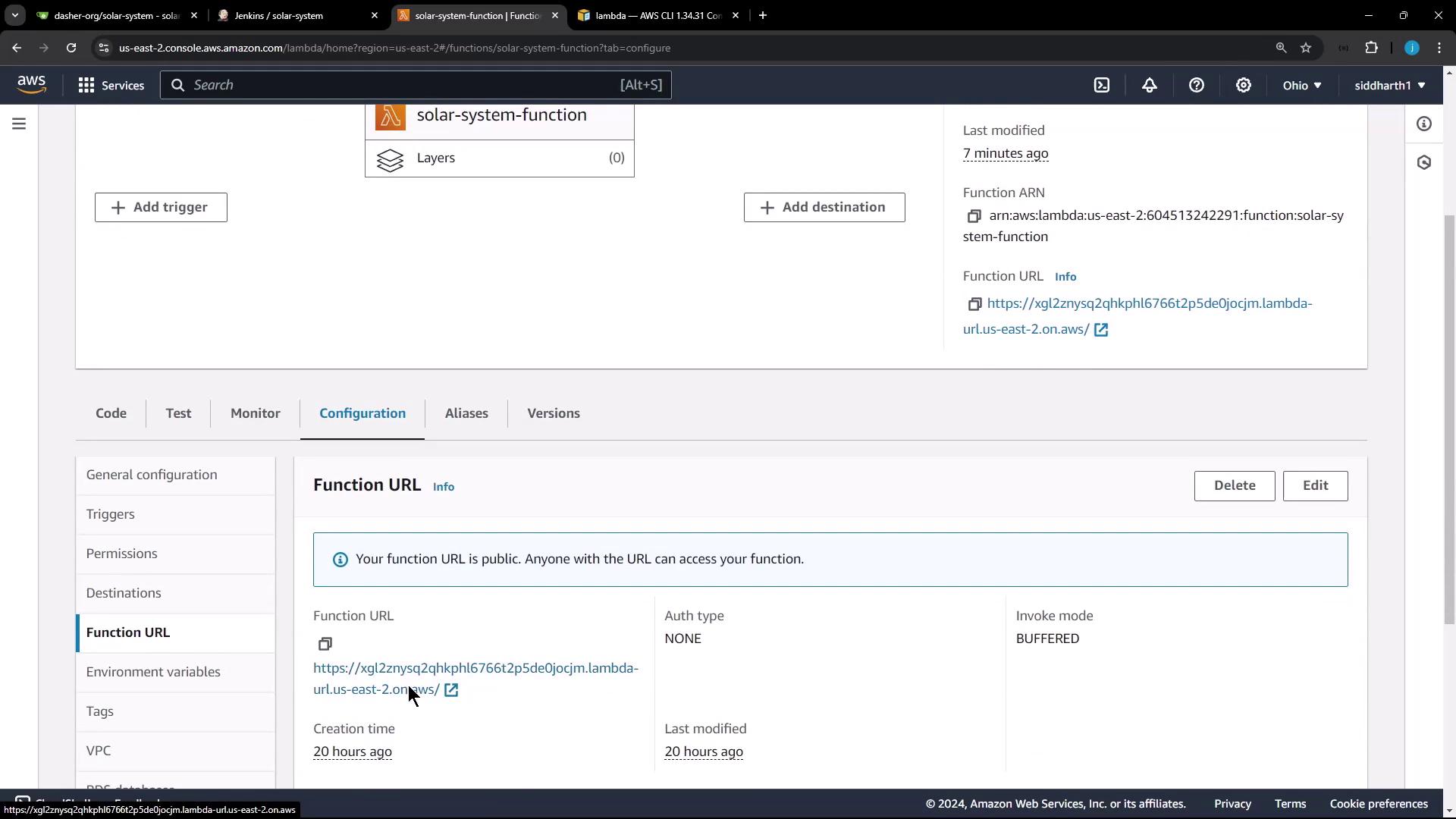
In this lesson, we demonstrate how to add a new Jenkins stage to test an AWS Lambda function. The objective is to dynamically retrieve the Lambda function’s URL using the AWS CLI and then confirm that the endpoint responds correctly.For testing purposes, it is essential to automatically obtain the function URL. Although you could manually retrieve this information from the Lambda configuration, automating the process saves time and reduces human error.
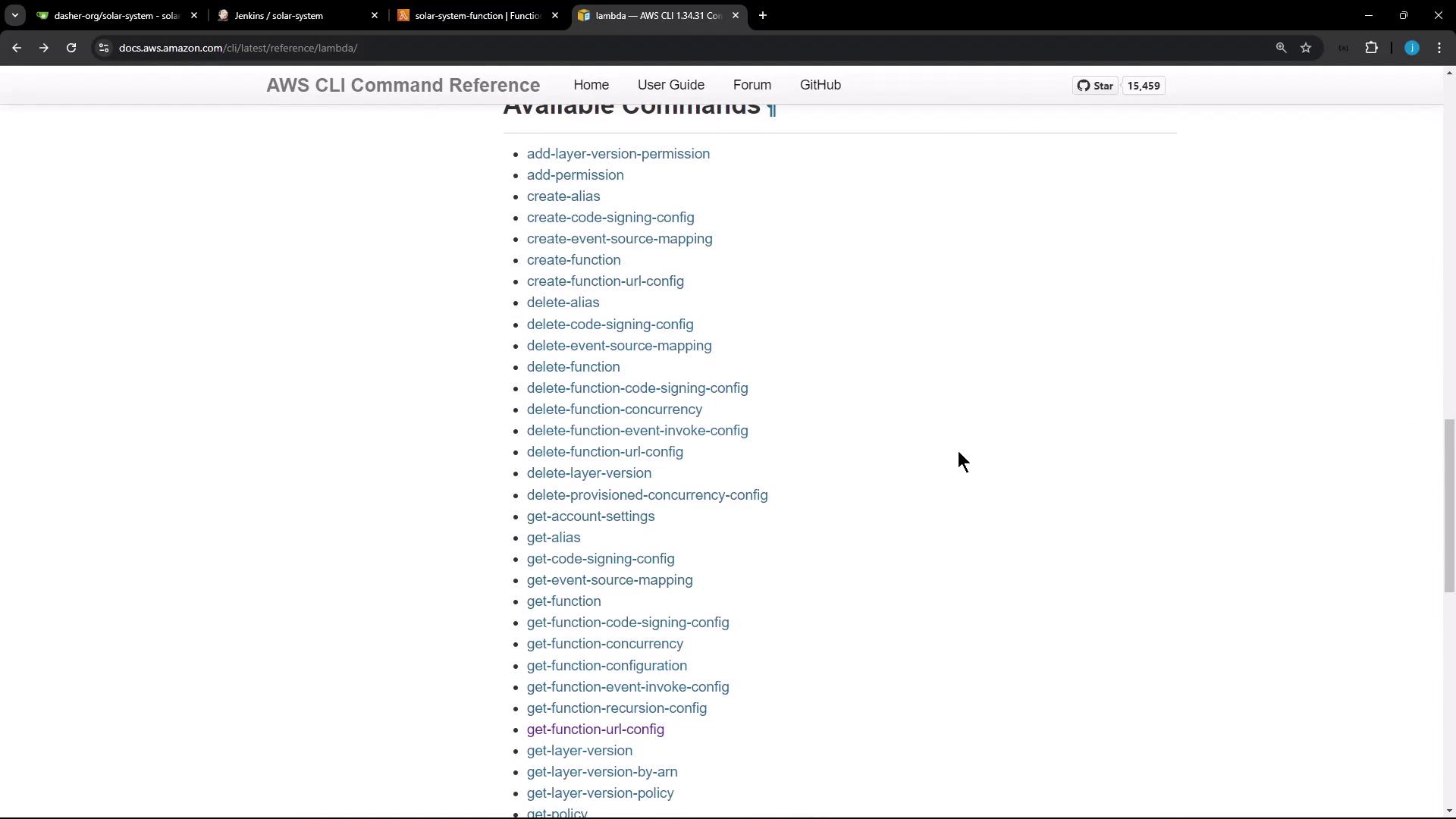
To retrieve the URL programmatically, refer to the AWS CLI documentation for Lambda. Scroll down to view the available CLI commands related to AWS Lambda.
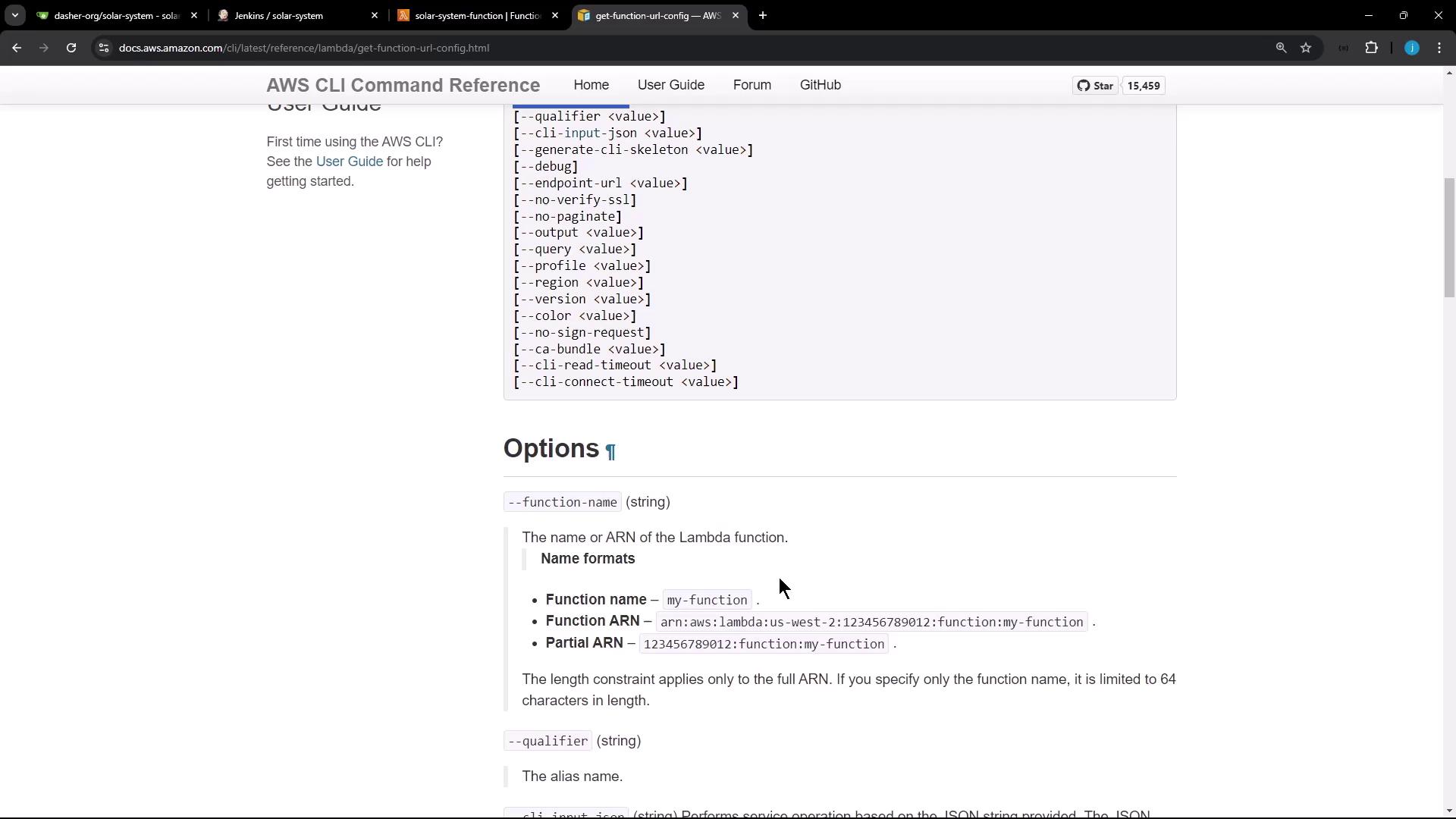
When you examine the relevant section, you’ll notice that specifying the function name returns a comprehensive JSON output. This JSON contains the function URL, which can be filtered using tools such as jq before sending a test request with cURL.
Using tools like jq to filter JSON output simplifies the process of extracting the necessary values directly from the CLI commands.
Below is the Jenkinsfile stage that triggers the Lambda invoke function step. This stage is executed only on the main branch, utilizes AWS CLI commands, and securely accesses the required credentials to extract and test the Lambda function’s URL.The script workflow is as follows:
It pauses for 30 seconds to allow the Lambda function to update after uploading.
It then retrieves the function URL configuration using the AWS CLI.
The URL is extracted from the JSON response (any trailing slash is removed).
A cURL command is executed with the -I option to display only the HTTP response headers.
Finally, the response is filtered to verify that the HTTP status code is “200 OK,” confirming that the function is operational.
If the HTTP status is not “200 OK,” the deployment may have encountered an error. Investigate further to ensure your Lambda function is deployed correctly.
After these changes are committed, a new build is initiated, and the pipeline executes the Lambda invoke function stage. During deployment, you might encounter an error in the OWASP dependency check stage. Although this error is typically ignored in this context (since the “stop build” flag is set to false), it is advisable to address such issues in a production scenario.Below is an excerpt from the Jenkins output illustrating part of the process:
shellnpm install --no-audit
Later in the log, you will notice messages similar to:
Even if the OWASP dependency check stage shows an error, the Lambda S3 upload and deployment stages continue and complete successfully. After a 30-second pause, the Lambda invoke function stage runs the AWS CLI command to fetch the function URL and test it.
Below are examples of how other deployment commands can be executed, including updating both the Lambda configuration and the function code. These commands are designed to update environment variables and deploy a new code package, respectively.
This concludes the demonstration on invoking and validating a Lambda function within the Jenkins pipeline. For more detailed information, please refer to the AWS CLI documentation. Happy deploying!