This article explains how to use the options directive in Jenkins pipelines to configure behaviors for optimizing continuous integration workflows.
This article explains how to leverage the options directive in a Jenkins pipeline to configure various behaviors at both the global and stage levels. With options such as timestamps, timeouts, retry logic, and concurrent build management, you can optimize your continuous integration workflows effectively.
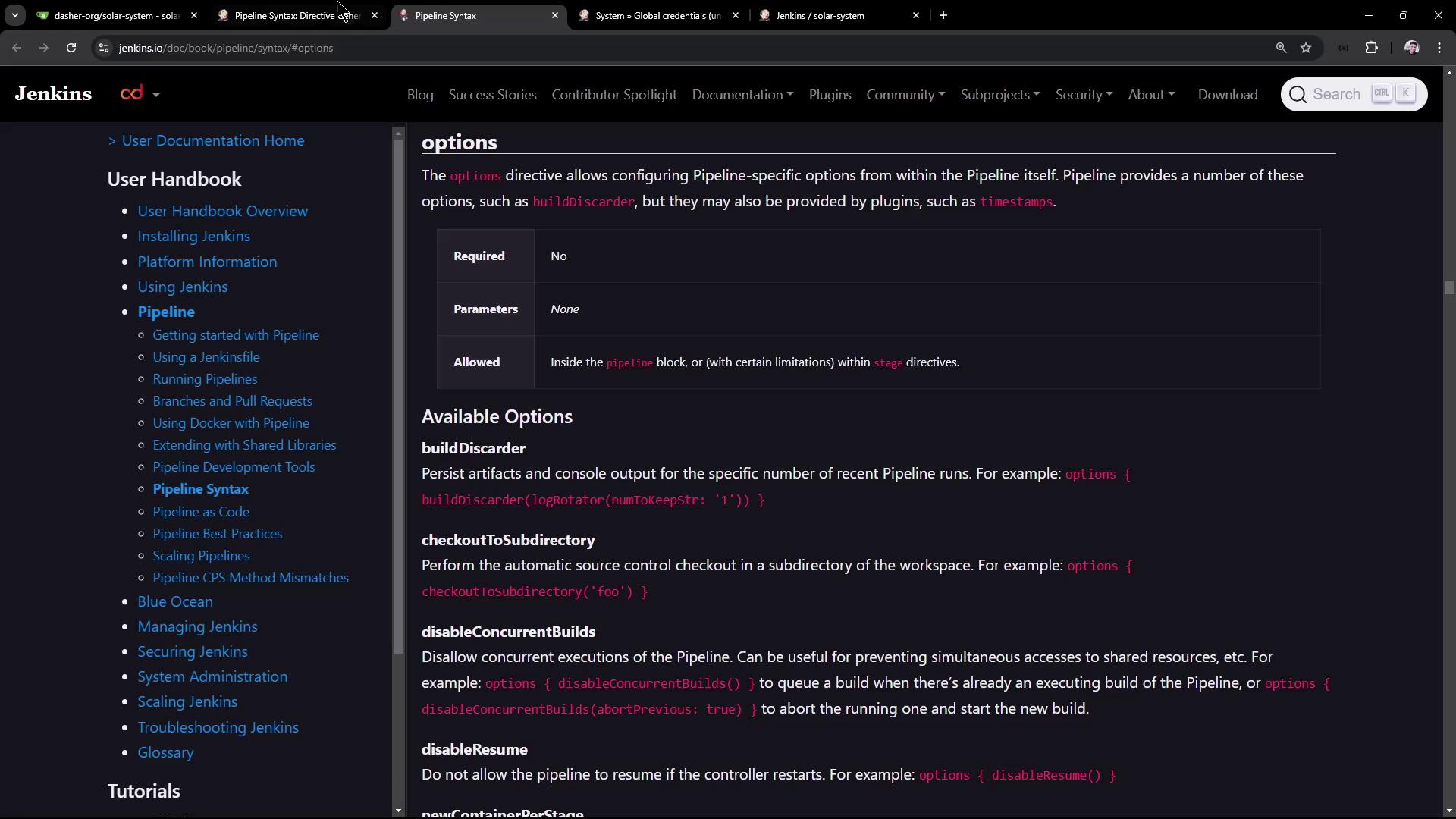
To explore the available options for your pipeline, refer to the Jenkins Declarative Directive Generator. Simply search for “options” and generate the corresponding code block. Initially, the configuration may be empty as shown below:
options {}
You can click on the online documentation from the generator to obtain detailed descriptions on how to integrate and customize these options within your pipeline. Options can be applied globally or within individual stages as required.
Enhance your pipeline’s logging by adding timestamps. To do this, choose the “timestamp” option from the generator and update your directive as follows:
options { timestamps()}
Keep in mind that when using options like timestamps, you must use the method syntax (with parentheses), even if the generator output omits them.Below is an example of a pipeline that sets a global timeout option:
Apply options to specific stages to tailor behaviors per stage. In the example below, the “Installing Dependencies” stage uses the timestamps option, while the “Unit Testing” stage applies a retry option to handle potential intermittent failures.
If the “Unit Testing” stage depends on external parameters (such as a Mongo URI), ensure that they are provided; otherwise, the stage may fail. The retry option is especially useful in these cases.
Another example demonstrating the use of a retry option at the stage level is shown below:
After saving and pushing these changes, a new pipeline run is initiated. You may encounter log messages like the following when the retry option is activated:
ERROR: script returned exit code 1Retrying
This indicates that the unit testing stage failed initially and was retried as per the configuration.
Global options can control the overall pipeline behavior. For example, you might choose to disable resume on controller restart and prevent concurrent builds by aborting any previous running builds when new ones are triggered.Consider the following example that incorporates these global options:
In one scenario, a sleep command is added to simulate long-running processes:
sh 'sleep 100s'
When a new build is triggered during an ongoing build, the global option disableConcurrentBuilds abortPrevious: true ensures that the previous build is aborted. Log outputs might indicate:
16:06:57 + sleep 100s16:07:25 Sending interrupt signal to processSuperseded by #1616:07:29 Terminated16:07:29 script returned exit code 143
Ensure that critical processes are not unexpectedly terminated when using concurrent build management options.
After triggering your pipeline, reviewing the Jenkins UI console output can provide insights into how the options are impacting the run. For instance, if the Mongo URI is missing in the “Unit Testing” stage, the stage will fail and the retry option will trigger, leading to log entries similar to:
+ npm test> Solar System@6.7.6 test> mocha app-test.js --timeout 10000 --reporter mocha-junit-reporter --exitMongooseError: The `uri` parameter to `openUri()` must be a string, got `undefined`. Make sure the first parameter to `mongoose.connect()` or `mongoose.createConnection()` is a string. at Connection.openUri (/var/lib/jenkins/workspace/lar-system_feature_enabling-cicd/node_modules/mongoose/lib/connection.js:694:11) ...
In a successful run, you might observe:
+ npm test> Solar System@6.7.6 test> mocha app-test.js --timeout 10000 --reporter mocha-junit-reporter --exitServer successfully running on port - 3000{ node:94408 } [DEP0170] DeprecationWarning: The URL mongodb://... is invalid. Future versions of Node.js will throw an error.
Notice that timestamps are only active for the “Installing Dependencies” stage, which improves log visibility for that particular phase of the pipeline.
This configuration improves log visibility during dependency installation, implements a robust retry mechanism for unit tests, and ensures that concurrent builds are managed effectively.
The options directive in Jenkins pipelines provides a powerful way to manage pipeline behavior, enhance debuggability with timestamps, handle transient failures through retries, and control build concurrency. Experiment with various options to fine-tune your continuous integration workflows within Jenkins.Thank you for reading this article. Happy building!