Ensure that your pipeline has executed a checkout stage before this build step so that the necessary environment variables, including the Git commit hash, are available.
Jenkinsfile Stage for Building the Docker Image
Below is the Groovy snippet for the Docker image build stage. It uses thedocker build command to tag the image with the specified username, image name, and Git commit:
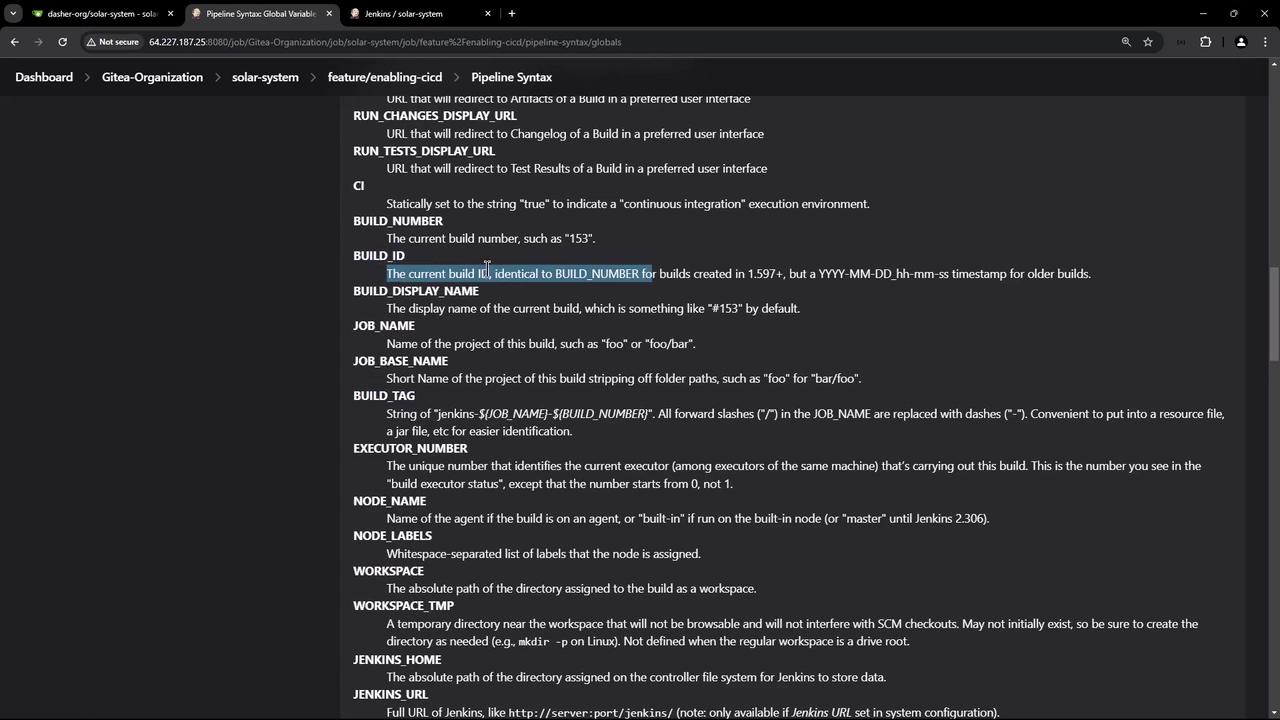
printenv command is invoked to display all environment variables available in the pipeline. These variables include custom ones defined in the Jenkinsfile and built-in variables such as the Git commit hash, build ID, job URL, branch name, among others. This output is useful for debugging and ensuring that the correct values are being used.
Dockerfile for Building the Image
Next, review the Dockerfile that is used to build the Docker image. This file performs the following actions:- Uses a Node 18 Alpine base image.
- Sets the working directory to
/usr/app. - Copies package files and installs dependencies.
- Copies the remaining source code.
- Sets placeholder environment variables for MongoDB.
- Exposes port 3000.
- Starts the application using
npm start.
Use a
.dockerignore file to exclude unnecessary files and directories from the Docker build context, improving build performance.The .dockerignore File
The.dockerignore file functions similarly to a .gitignore file and prevents certain files from being copied to the Docker image during the build. Below is an example of its contents:
Build Output
After saving and committing these changes, a new pipeline job is triggered. The build output will display theprintenv command output along with the docker build command that uses the Git commit hash to build the image. Below is an example snippet from the build output: