

Overview of DAST
Dynamic Application Security Testing (DAST) is an essential method for identifying vulnerabilities before an application goes live. DAST tools automatically scan web interfaces and APIs for common security issues such as SQL injection, cross-site scripting, and more. Unlike static analysis, which reviews source code without execution, DAST requires the application to be running so that it can inject malicious payloads and reveal potential exploits. There are various tools available for DAST, ranging from open-source solutions to commercial products. In our example, we are utilizing the open-source tool OWASP ZAP (Zed Attack Proxy), one of the most popular options. Commercial alternatives include Netsparker and Burp Suite.Using ZAP with Docker
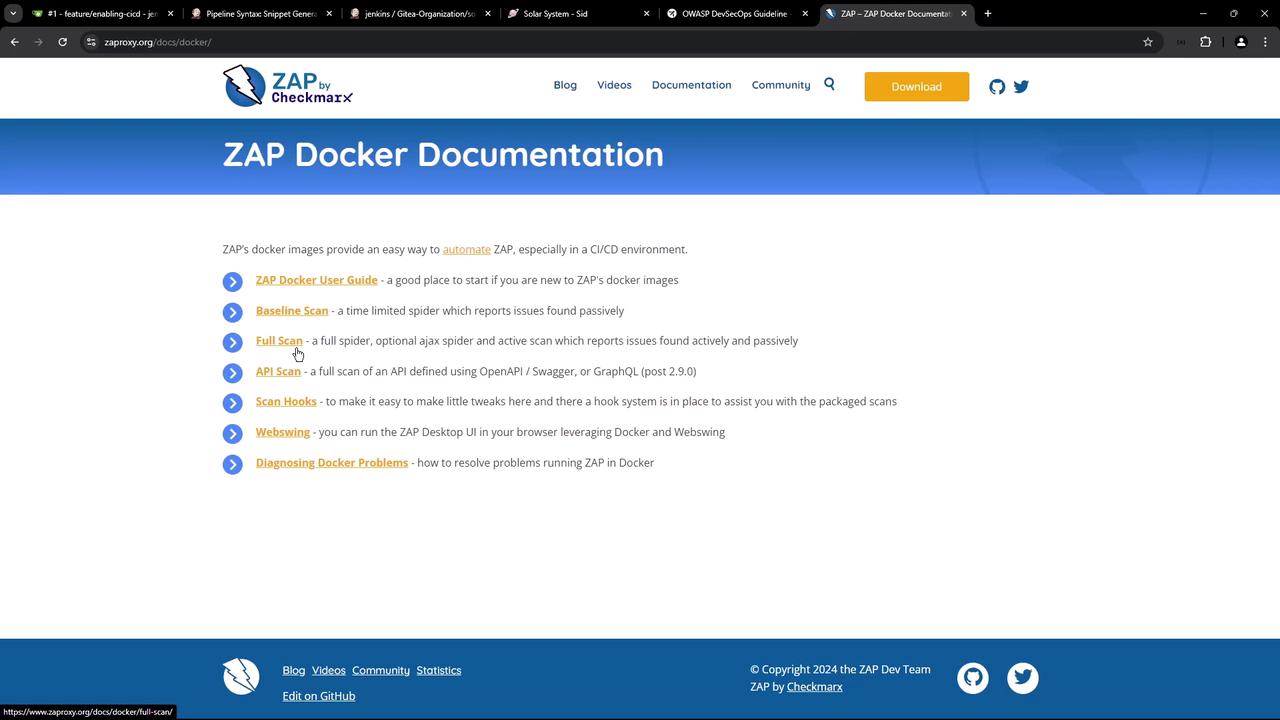
ZAP can be easily integrated into a CI/CD environment using Docker images. Different Docker images are provided for various scanning needs:- Baseline Scan: A time-limited, passive scan that reports issues.
- Full Scan: Combines both active and passive scanning, using tools like Ajax spider, SpyDdos, and ActiveScan.
- API Scan: Performs a comprehensive scan of an API based on its specification (OpenAPI, GraphQL, or SOAP).
If URLs return unexpected content types, the script raises corresponding alerts. For more information on available options, please refer to the usage message above.
Configuring DAST in the Jenkins Pipeline
The following snippet from a Jenkinsfile illustrates how to configure the DAST stage using ZAP running in Docker. In this stage, a Docker container is executed to run an API scan against your application’s OpenAPI specification, typically served from the/api-docs endpoint.
Jenkinsfile Stage for DAST
The command
chmod 777 $(pwd) ensures that the generated reports have appropriate permissions, allowing them to be copied from the Docker container to the current working directory. Make sure to replace the target URL with your actual Kubernetes endpoint.API Documentation
Before starting the scan, verify that the/api-docs endpoint correctly returns your API’s OpenAPI specification. Below is a sample JSON output:
OAS.json.
Integrating Manual Approval
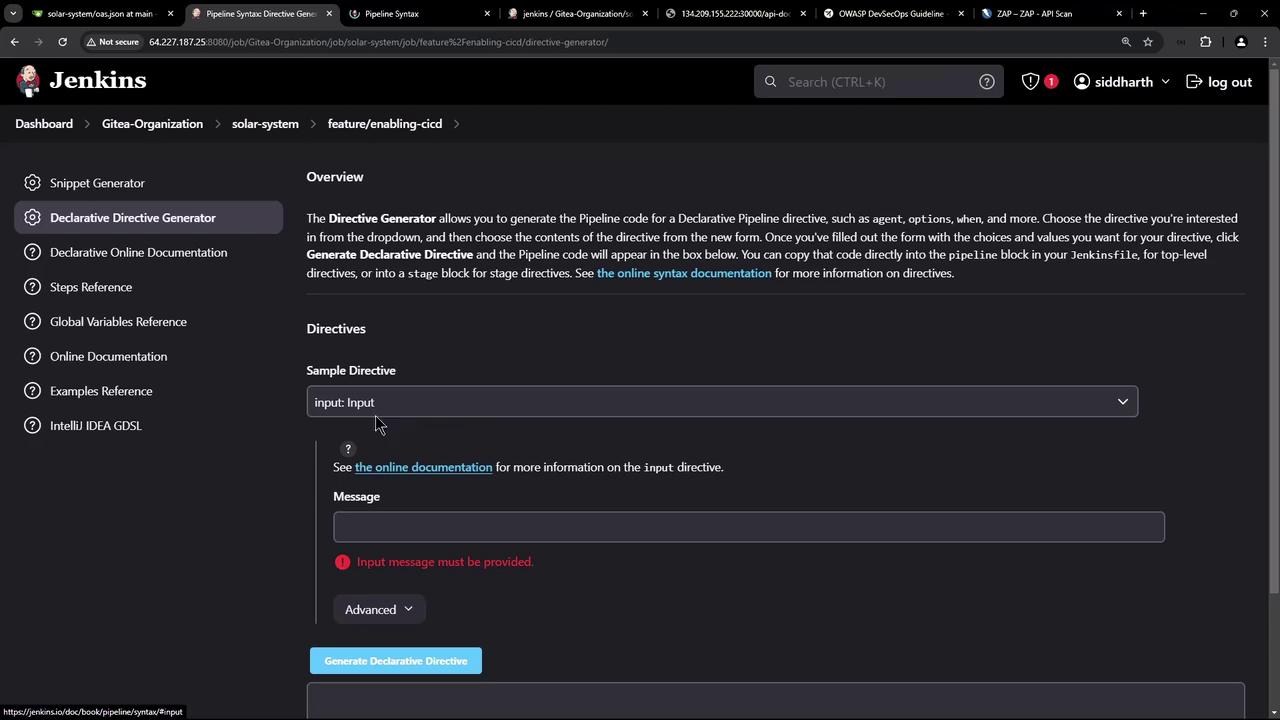
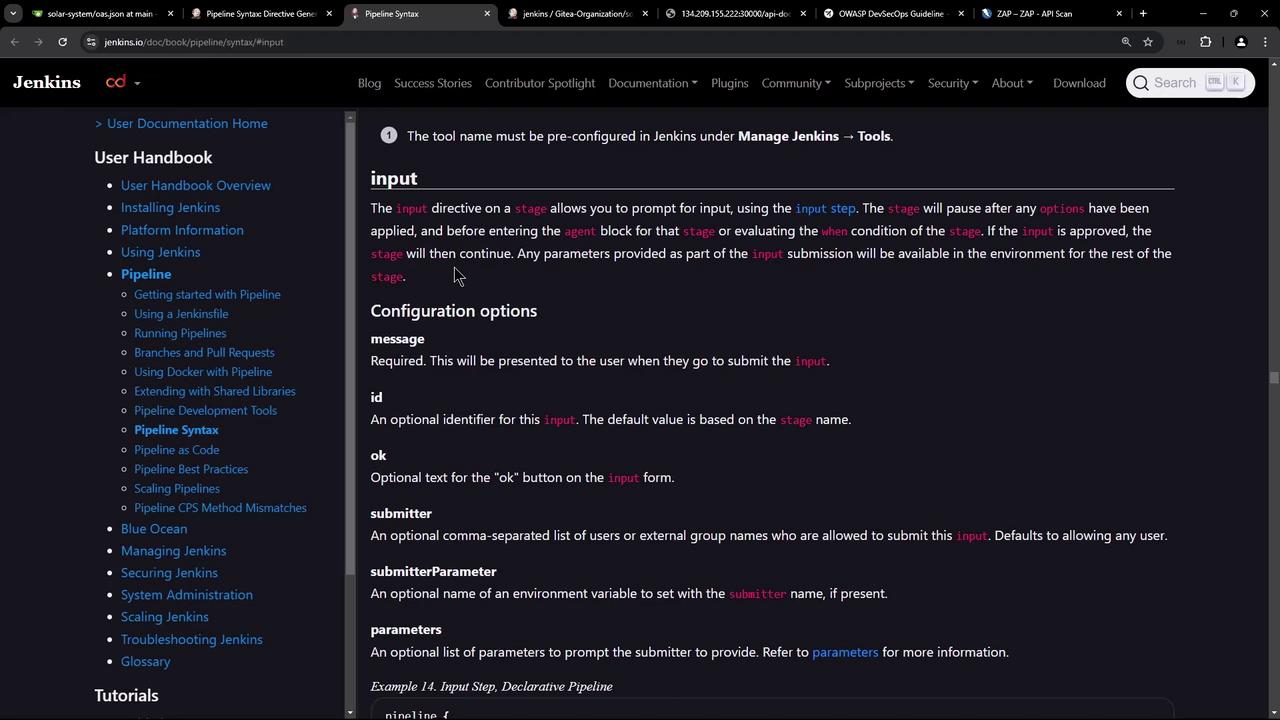
To ensure that the DAST scan runs against the latest version of the application, we introduce a manual approval stage. This stage pauses the pipeline until a user verifies that the pull request has been merged and the application has been synchronized (typically via Argo CD).Jenkins Pipeline Stages Overview
Example of the Input Step in Jenkins
When the pipeline reaches the input step, a prompt is displayed asking for confirmation before proceeding. The screenshots below illustrate examples of the Jenkins interface for input configuration:
The Complete Flow
The complete CI/CD flow is as follows:- Application Deployment: The latest changes are deployed using a GitOps approach. A pull request (PR) is created, manually merged, and synchronized via Argo CD.
- Manual Approval: The pipeline pauses at the “App Deployed” stage, awaiting confirmation that the PR is merged and the deployment is updated.
- DAST Execution: After approval, the “DAST - OWASP ZAP” stage is executed. The Docker container scans the API (served at
/api-docs) according to the OpenAPI specification. - Results and Reporting: The scan generates multiple reports (HTML, Markdown, JSON, XML). Note that while tests may pass, warnings such as unexpected content types can trigger a non-zero exit code, causing the stage to fail until resolved.
If warnings are detected (e.g., unexpected content types), the scan might complete most tests successfully but still return a non-zero exit code. You can either address the warning or configure ZAP to ignore it in subsequent runs.