Original Pipeline: Checking Node.js and npm Versions
Initially, the pipeline checks the versions of Node.js and npm using a multi-line shell command. Below is the original configuration:Updated Pipeline: Installing Dependencies
We have refactored the stage to install Node.js dependencies using a single-line shell command. The command now includes the--no-audit flag to bypass the audit process (which will be addressed in a later stage). The updated pipeline configuration is shown below:
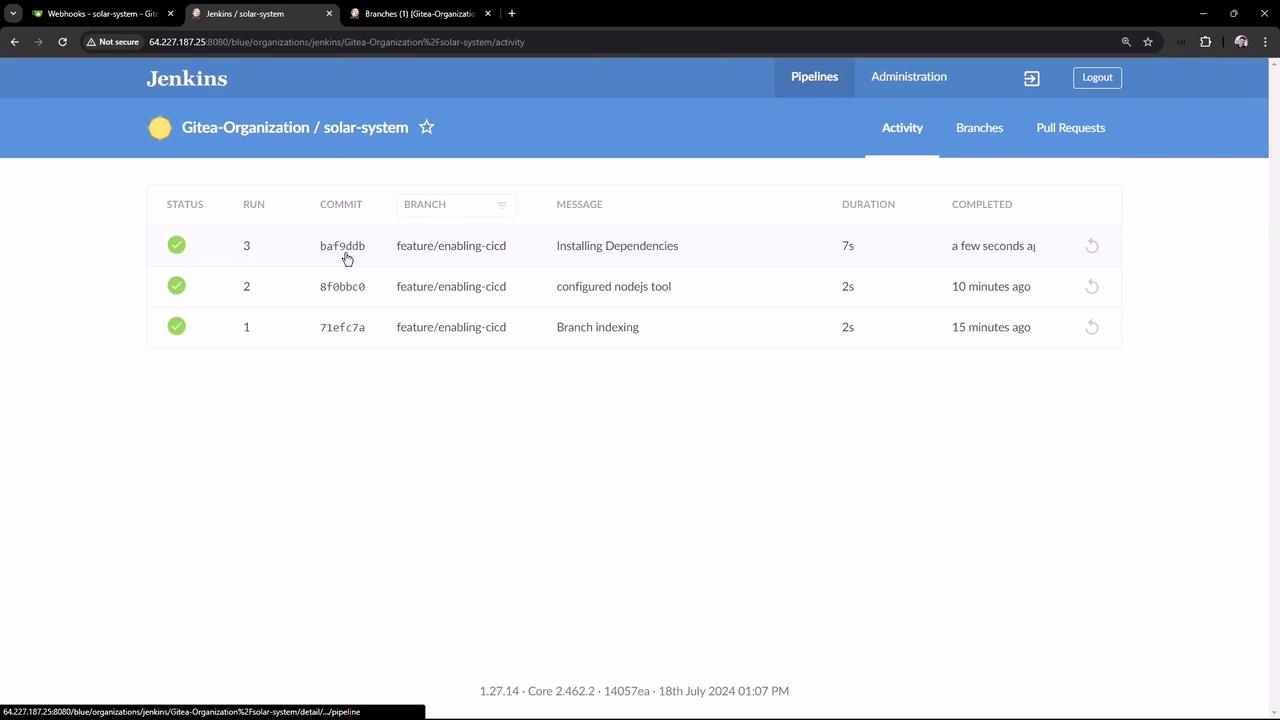
Expected Installation Output
During the installation stage, the terminal output should resemble the following:The output confirms that the Node.js environment is set up properly and that the necessary dependencies have been installed.
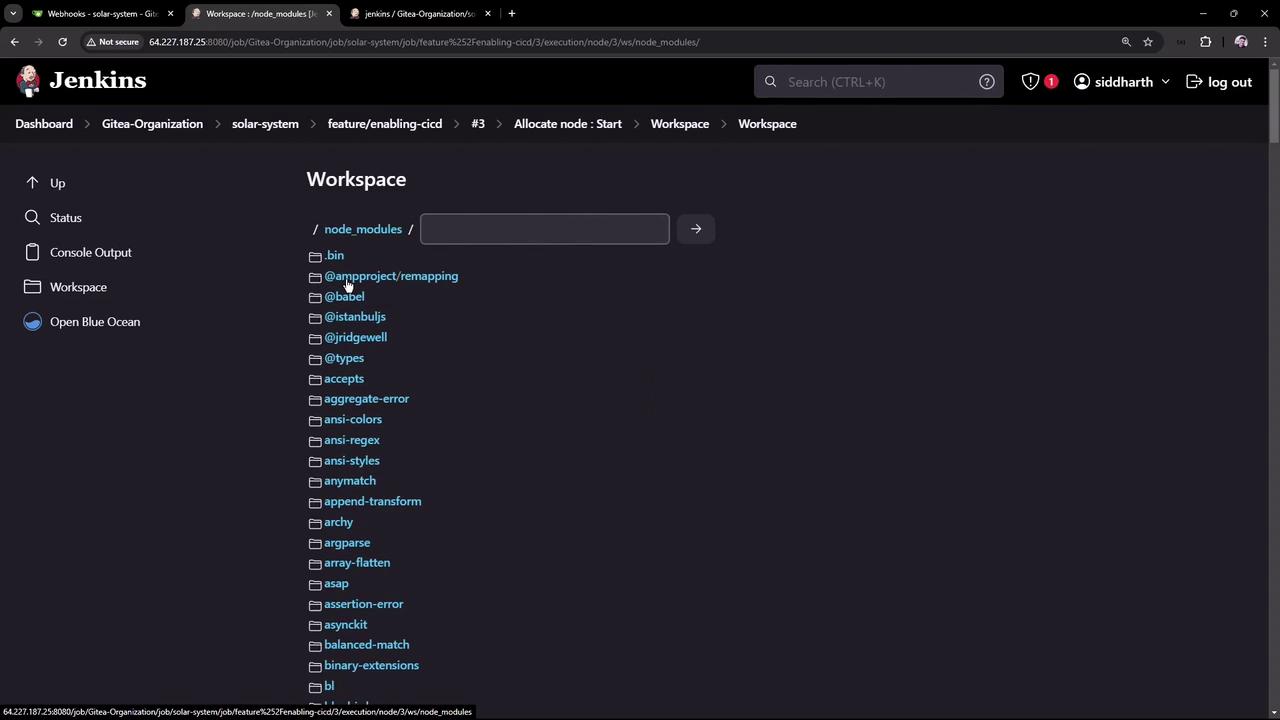
Verifying Dependency Installation
After the installation is complete, check thenode_modules folder in the Jenkins workspace to confirm that all dependencies have been added correctly. This view can be accessed via the Jenkins workspace interface: