

1. Steps to Deploy a Node.js Application to AWS Lambda Using a Jenkins Pipeline
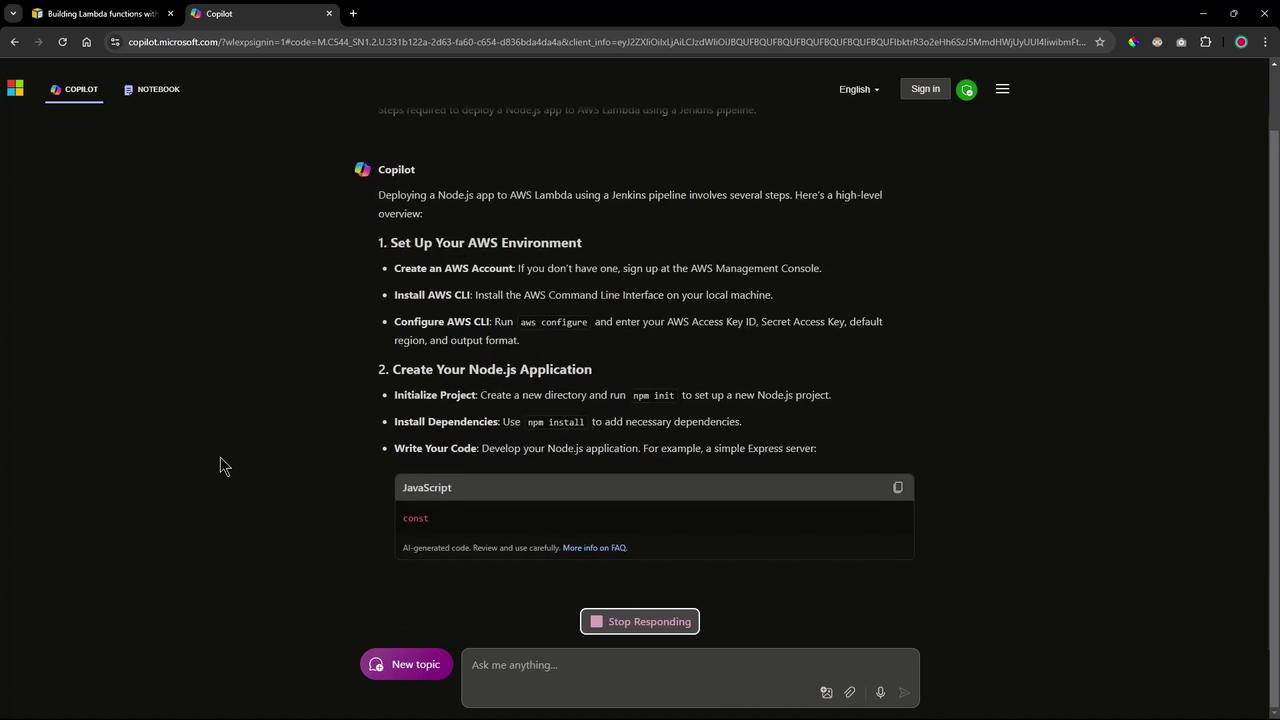
The following steps outline the key actions involved:- Setup AWS Environment
Ensure you have an active AWS account to deploy your Lambda function.
-
Prepare the Node.js Application
Even if your application is ready, make sure to install all necessary dependencies. -
Package Your Application
Package your application into a zip file for upload. For example: -
Deploy to AWS Lambda
Create a Lambda function using the AWS CLI, ensuring you specify the correct IAM role: -
Configure Jenkins Pipeline
In Jenkins, set up multiple stages including dependency installation, unit testing, packaging, and deployment. Consider installing plugins like Git and AWS Lambda to facilitate the process.
2. Addressing Lambda or Serverless Dependencies in the Node.js Application
When adapting your Node.js application for Lambda, you will often need to include additional dependencies. GenAI recommends adding packages such asserverless and serverless-http along with Express.
You can install these dependencies using:
app.js file should be structured as follows:
serverless.yml configuration file might be:
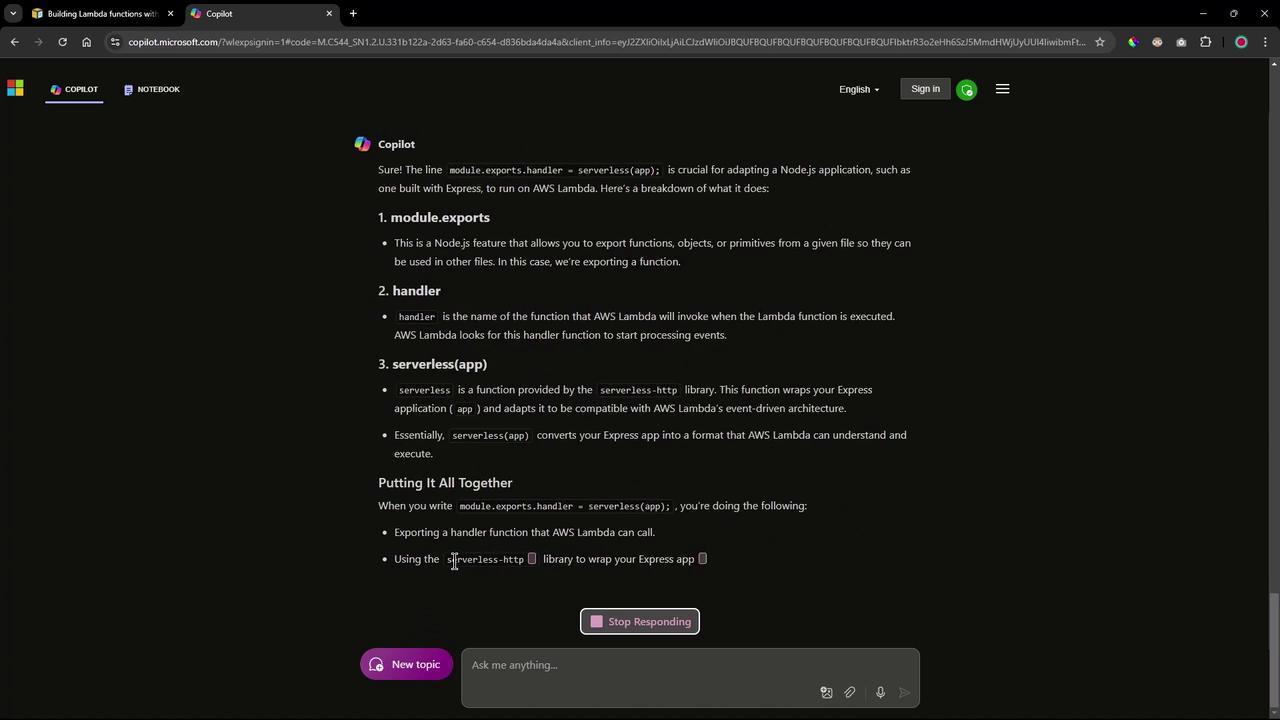
serverless-http library wraps your Express application and adapts it for AWS Lambda’s event-driven architecture.
3. Modifying the app.js File for Lambda Compatibility
To ensure your application is compatible with AWS Lambda, you need to export the handler using theserverless-http library. This change adapts your Express routes to work within the event-driven model of Lambda. Update your app.js file as shown:
4. Updating a Lambda Function Using the AWS CLI
When updating your Lambda function’s code, you can use the AWS CLI commandupdate-function-code. Based on where your deployment package is stored, you have three options:
-
Update directly with a zip file:
-
Update from an S3 bucket:
-
Update and publish the new version:
5. Retrieving the Lambda Function URL
After deployment, you can retrieve the function URL by running the following command: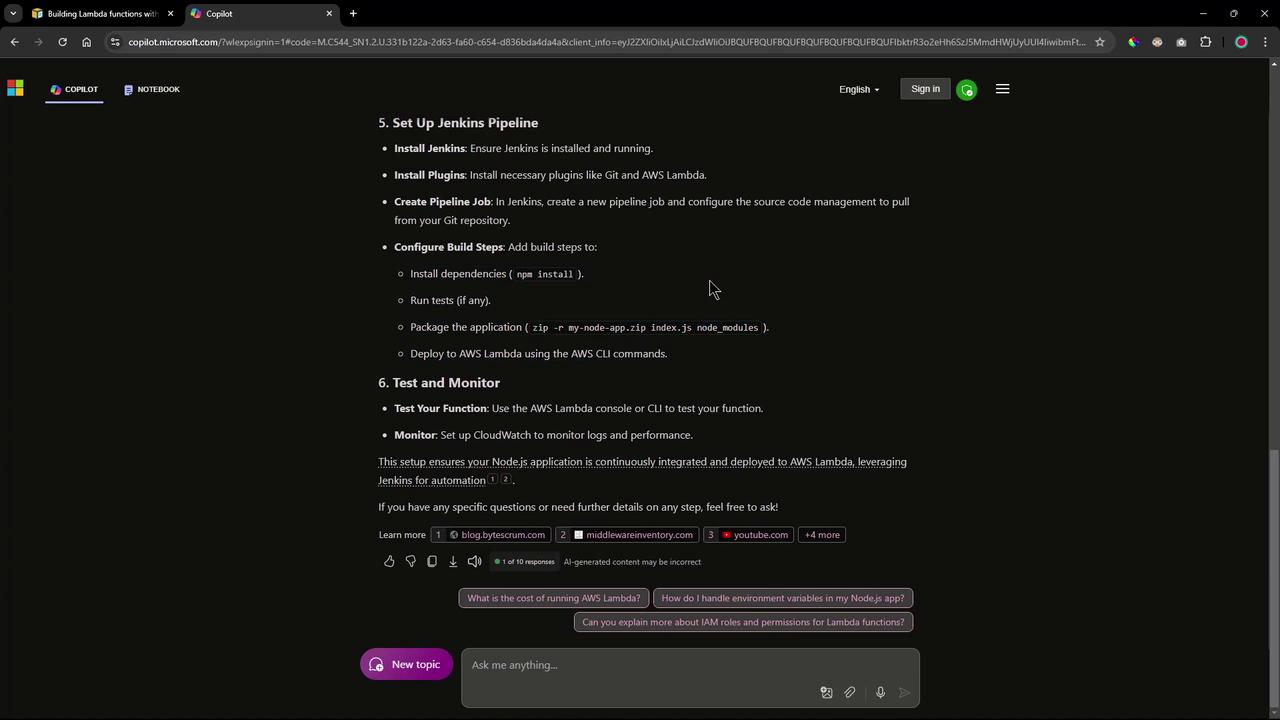
6. Summary and Final Commands
The key steps for deploying a Node.js application to AWS Lambda using a Jenkins pipeline include:- Installing necessary dependencies (Express, serverless-http, etc.)
- Packaging your application into a zip file
- Exporting a Lambda-compatible handler from your application
- Updating the function code using AWS CLI commands
- Retrieving and testing your deployed Lambda function
app.js file if needed, you might run:
In the next session, these commands will be executed manually to validate the deployment process. Subsequent automation will be implemented using a Jenkins pipeline.