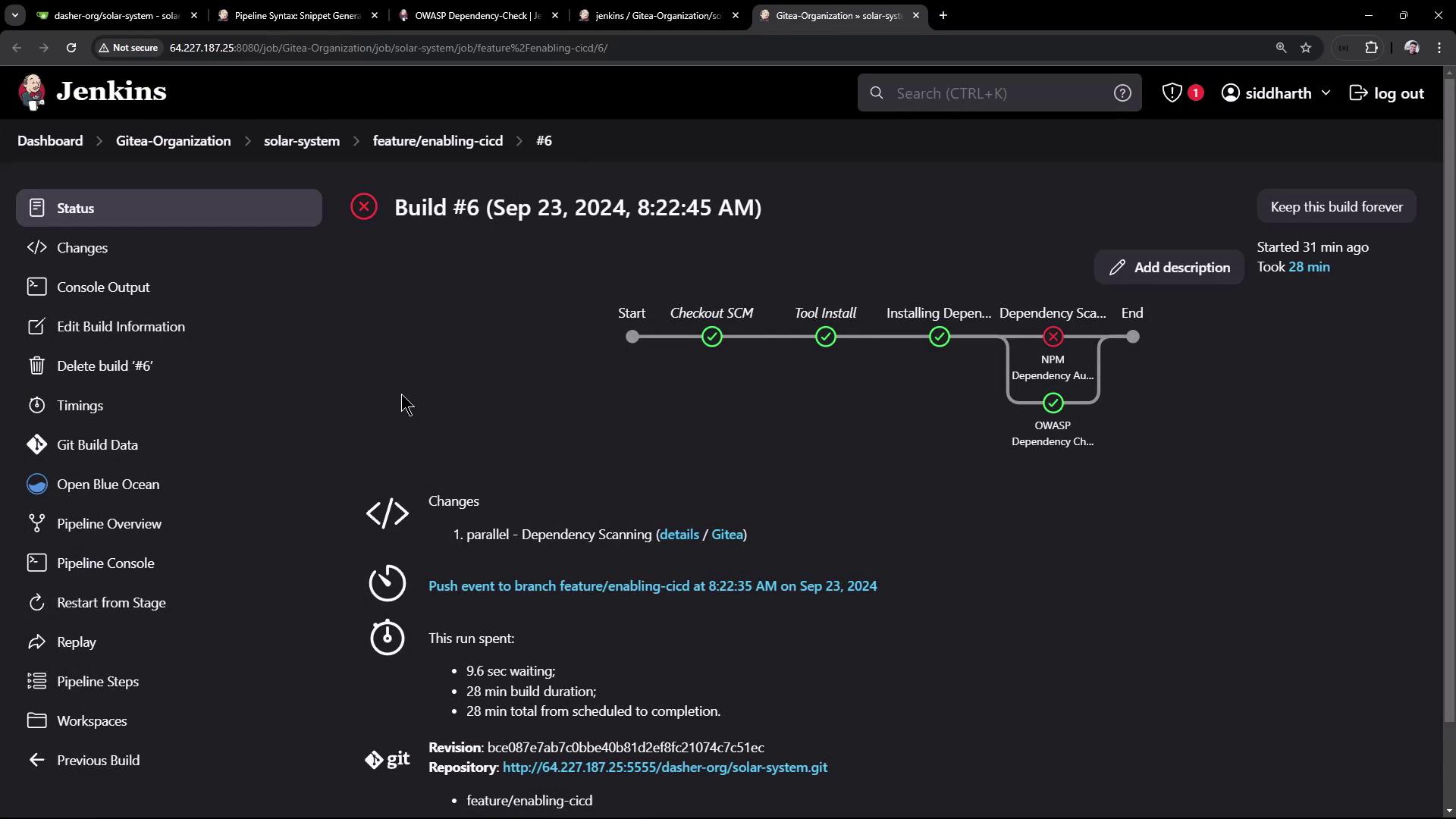
NPM Dependency Audit Stage
In the first part of the pipeline, we add a stage for the npm dependency audit. This stage installs your project dependencies and then executes an audit that focuses on vulnerabilities with a critical level.Pipeline Code
The following pipeline code demonstrates how to include a stage that installs dependencies (usingnpm install --no-audit) and runs the critical-level vulnerability check:
npm audit --audit-level=critical analyzes your project’s dependencies, as defined in the package.json file. It returns a report highlighting vulnerabilities categorized as low, moderate, high, or critical. In this configuration, if any critical vulnerabilities are detected, the stage fails by exiting with a code of one.
Sample Output
Below is a sample output from the npm audit stage:Even if you decide not to fail the build immediately upon detecting a critical vulnerability, it is recommended to review and address the issues flagged by npm audit.
OWASP Dependency-Check Plugin
For a comprehensive security audit, you can also integrate the OWASP Dependency-Check plugin. This tool scans your Node.js dependencies for publicly disclosed vulnerabilities and produces detailed reports.Installing the Plugin
- Go to the Jenkins Plugin Management interface.
- Search for the “OWASP Dependency-Check” plugin and install it.
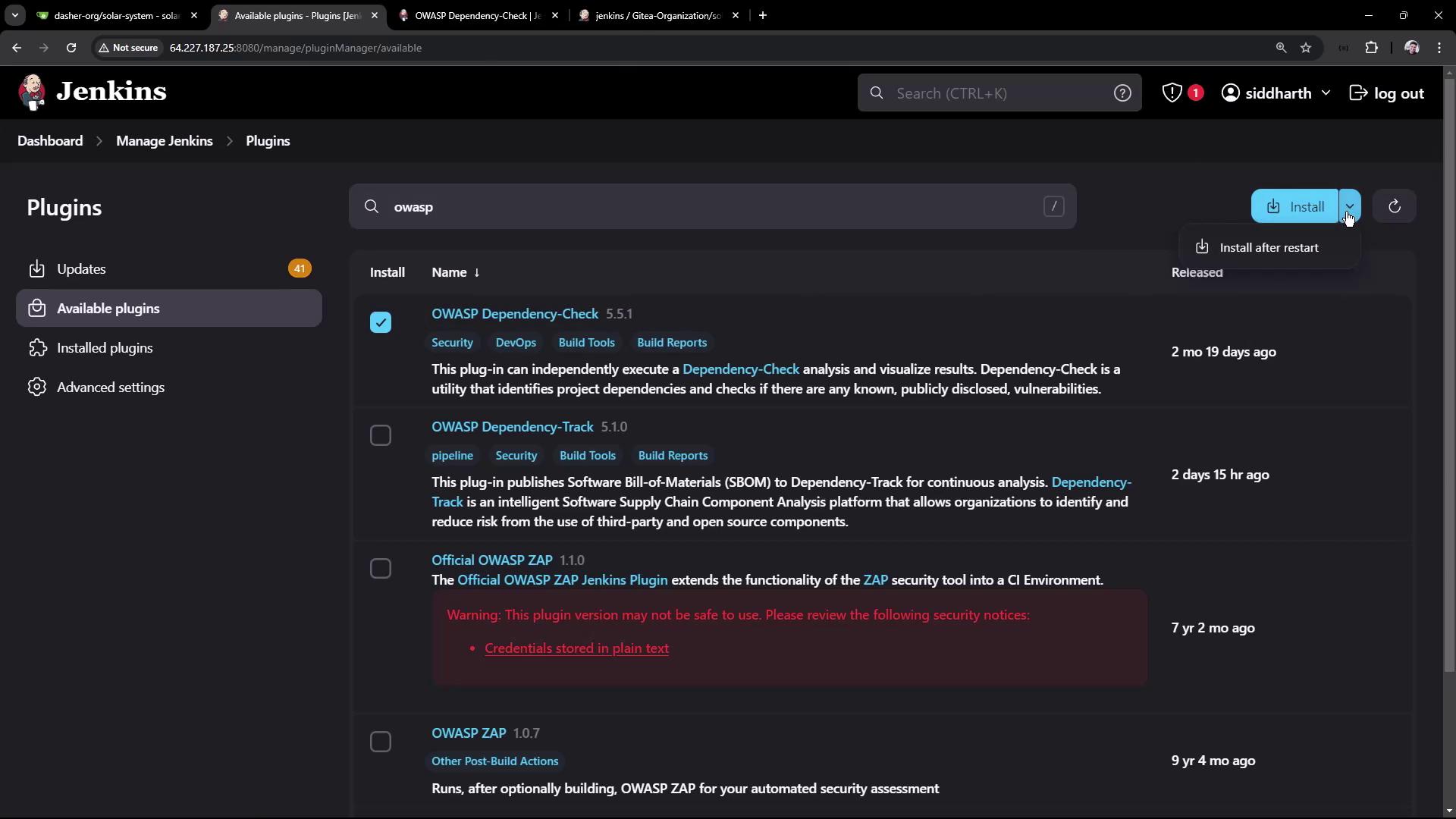
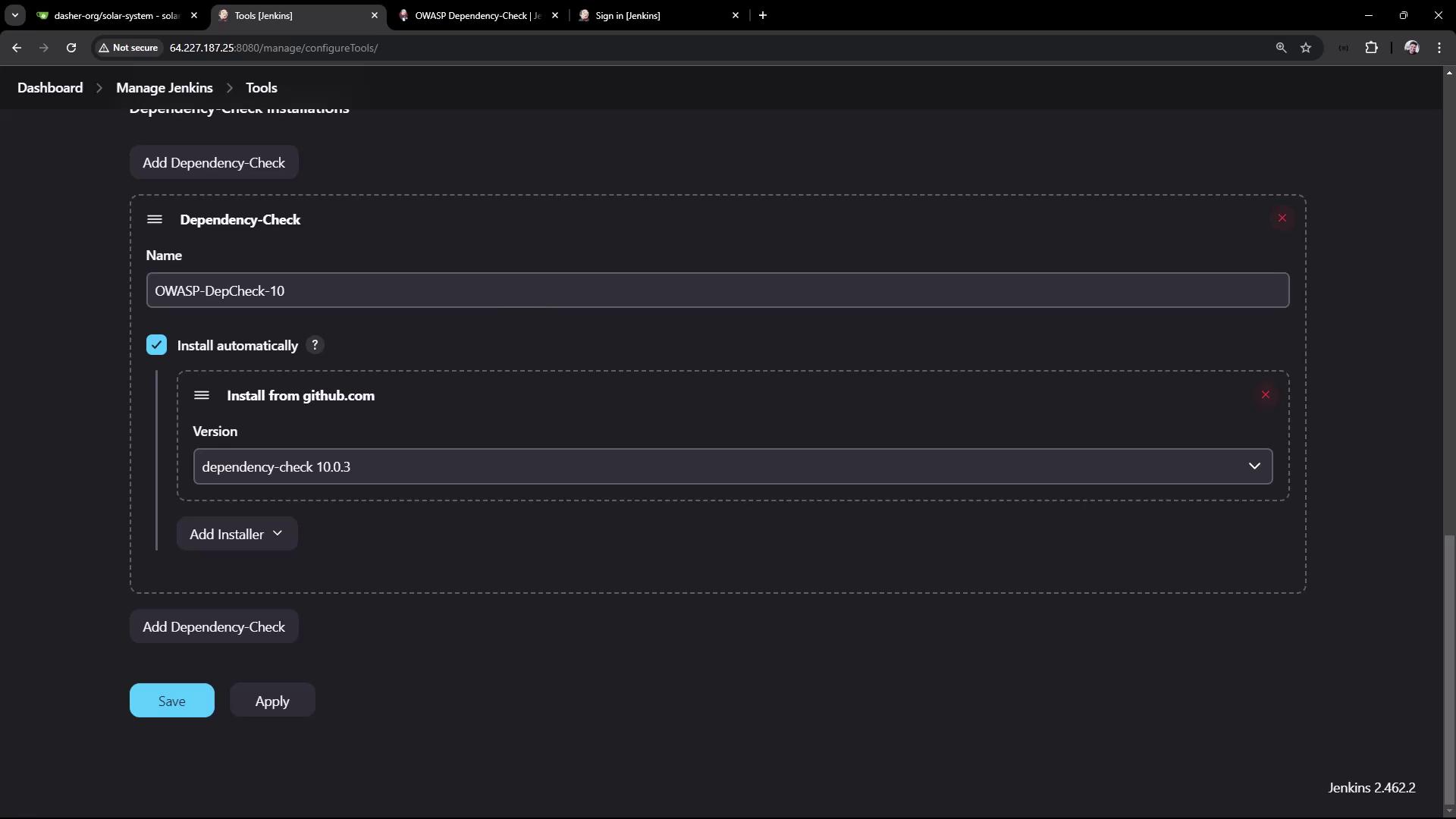
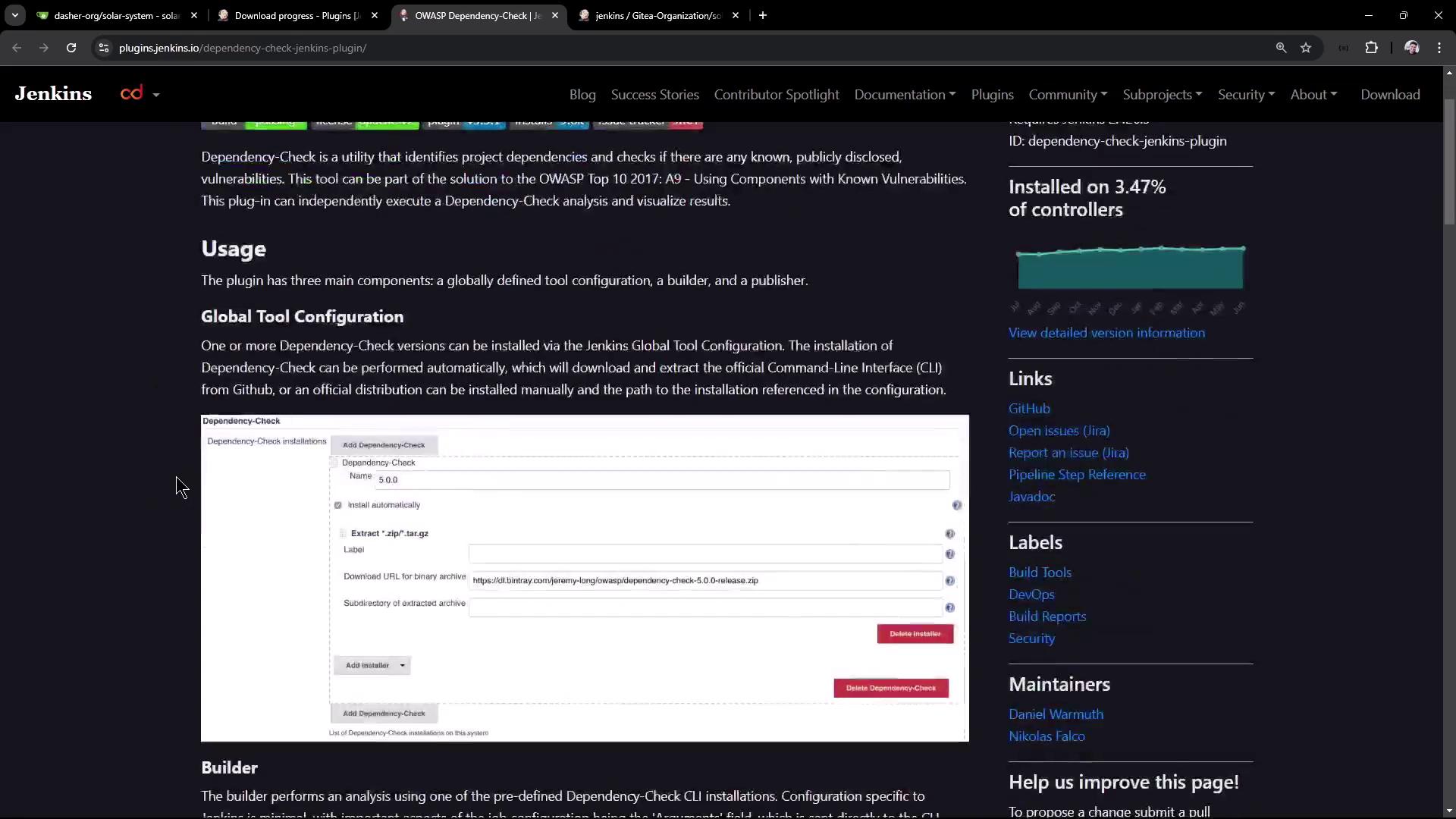
Adding the Dependency-Check Stage
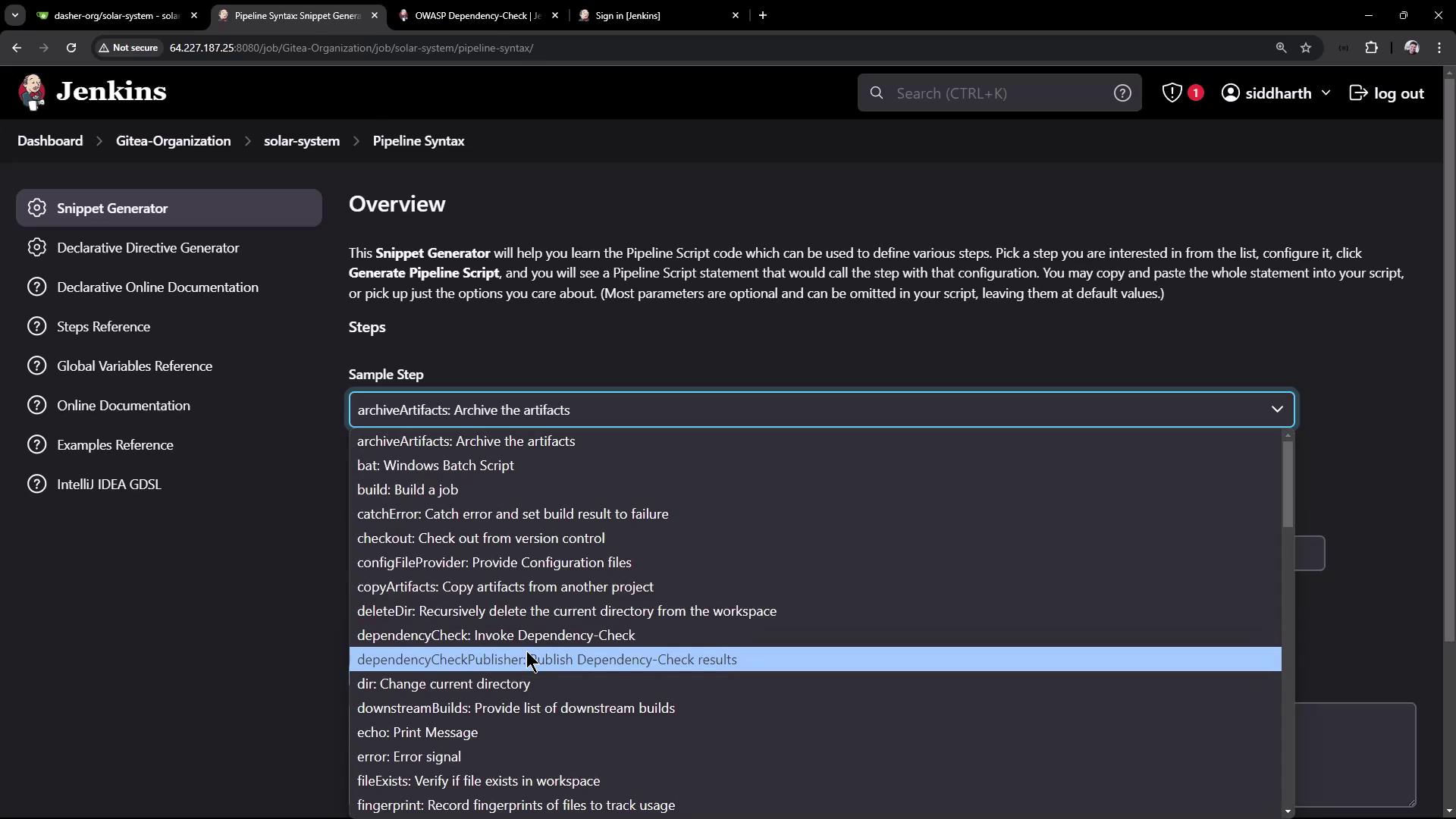
Add a new stage in your pipeline to run the Dependency-Check. Use the snippet below to configure the stage. This stage invokes thedependencyCheck command with arguments to scan your project workspace and generate reports in multiple formats, saved to the root directory.
Parallelizing Dependency Scanning
To optimize the scanning process, run the npm audit and OWASP Dependency-Check stages in parallel. This approach can reduce overall scanning time even if one stage fails. The snippet below wraps these stages under a parent “Dependency Scanning” stage:Keep in mind that if one stage fails due to critical vulnerabilities, subsequent stages may be skipped based on your pipeline’s configuration.
Publishing Dependency Check Results and Failing the Build
To enforce secure builds, you can configure your pipeline to fail if a specified vulnerability threshold is exceeded. The Dependency-Check Publisher parses the XML report and stops the build if critical vulnerabilities are found.Publisher Configuration
The configuration below sets the build to fail if one or more critical vulnerabilities are detected:Inspecting Reports
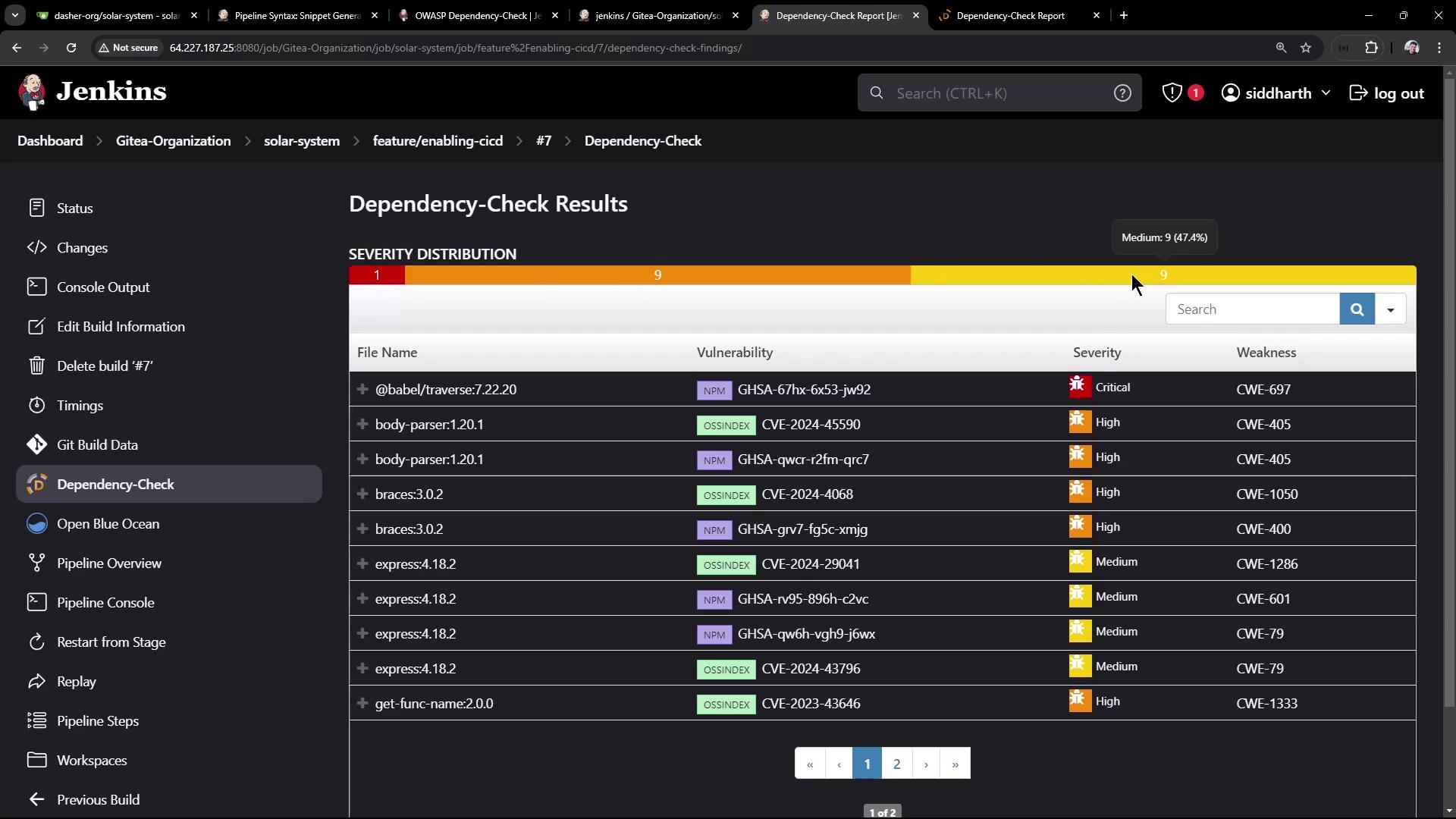
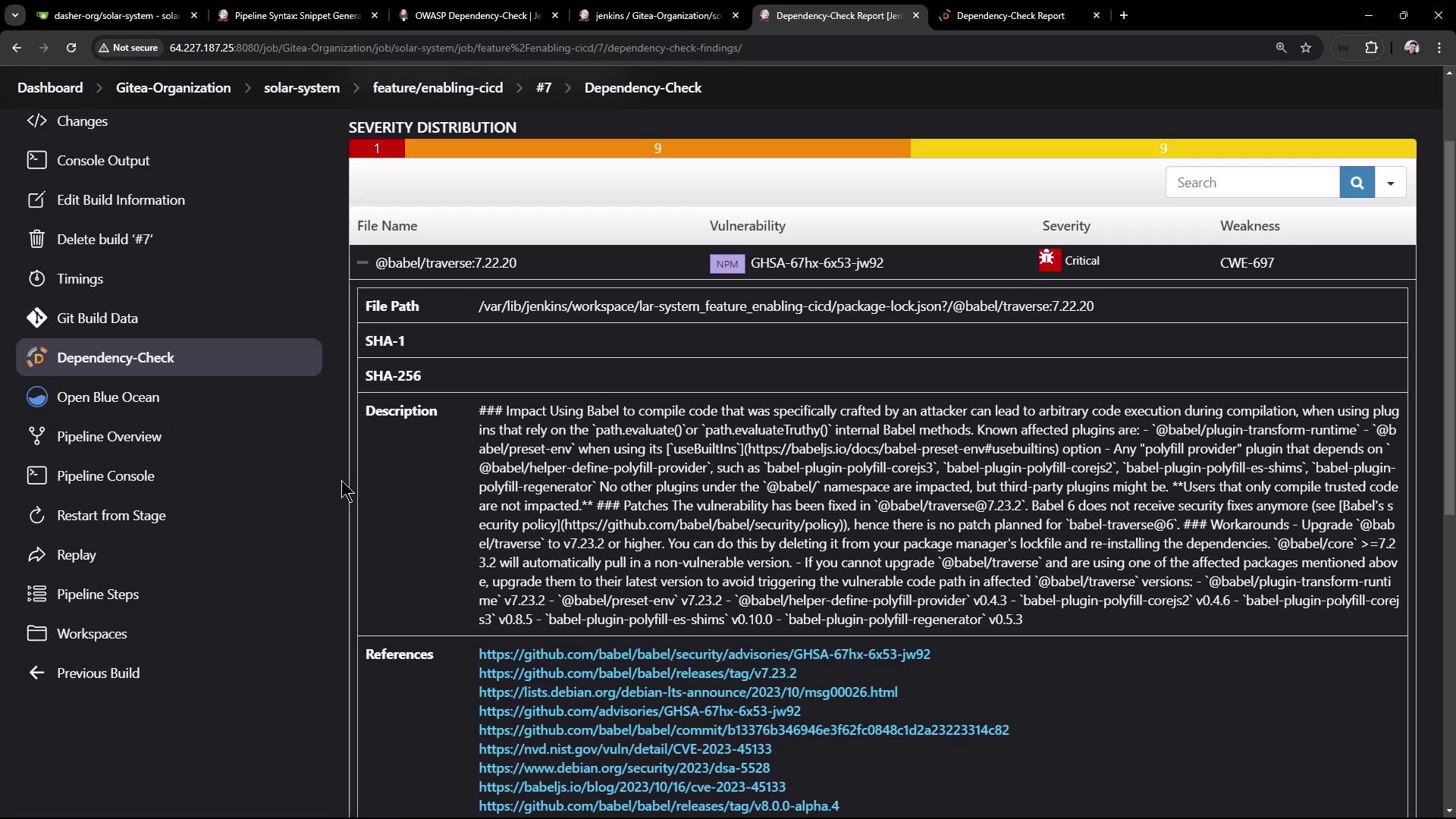
After the pipeline runs, you can review the generated reports directly from the workspace or via the Jenkins classic UI. For example, an HTML report will display detailed vulnerability information, including affected files, severity levels, descriptions, and remediation advice. Refer to the images below to see examples of typical output: