

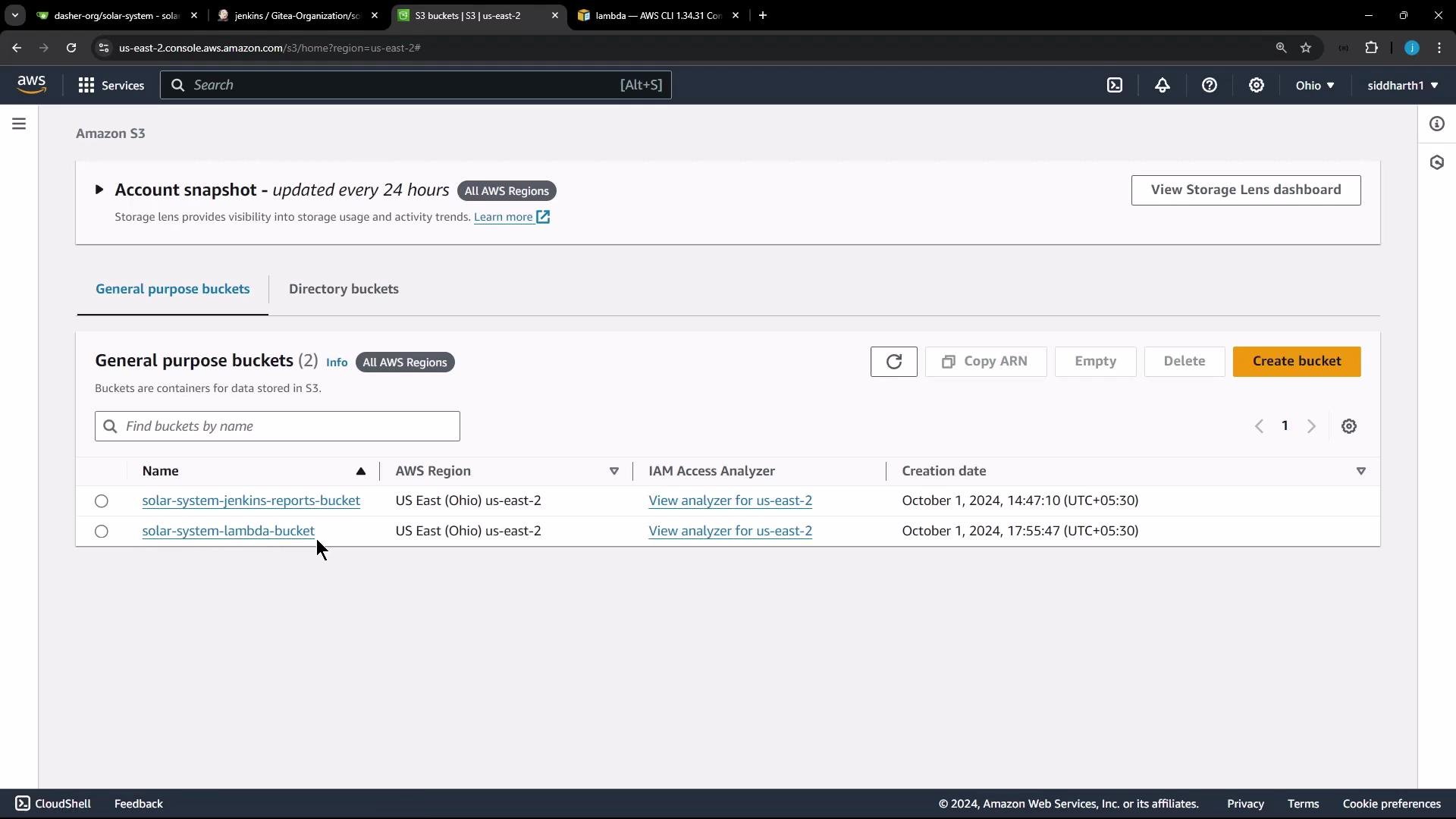
aws lambda update-function-code to point the Lambda function to that S3 object. The Lambda function already exists; we will update it instead of creating a new function.
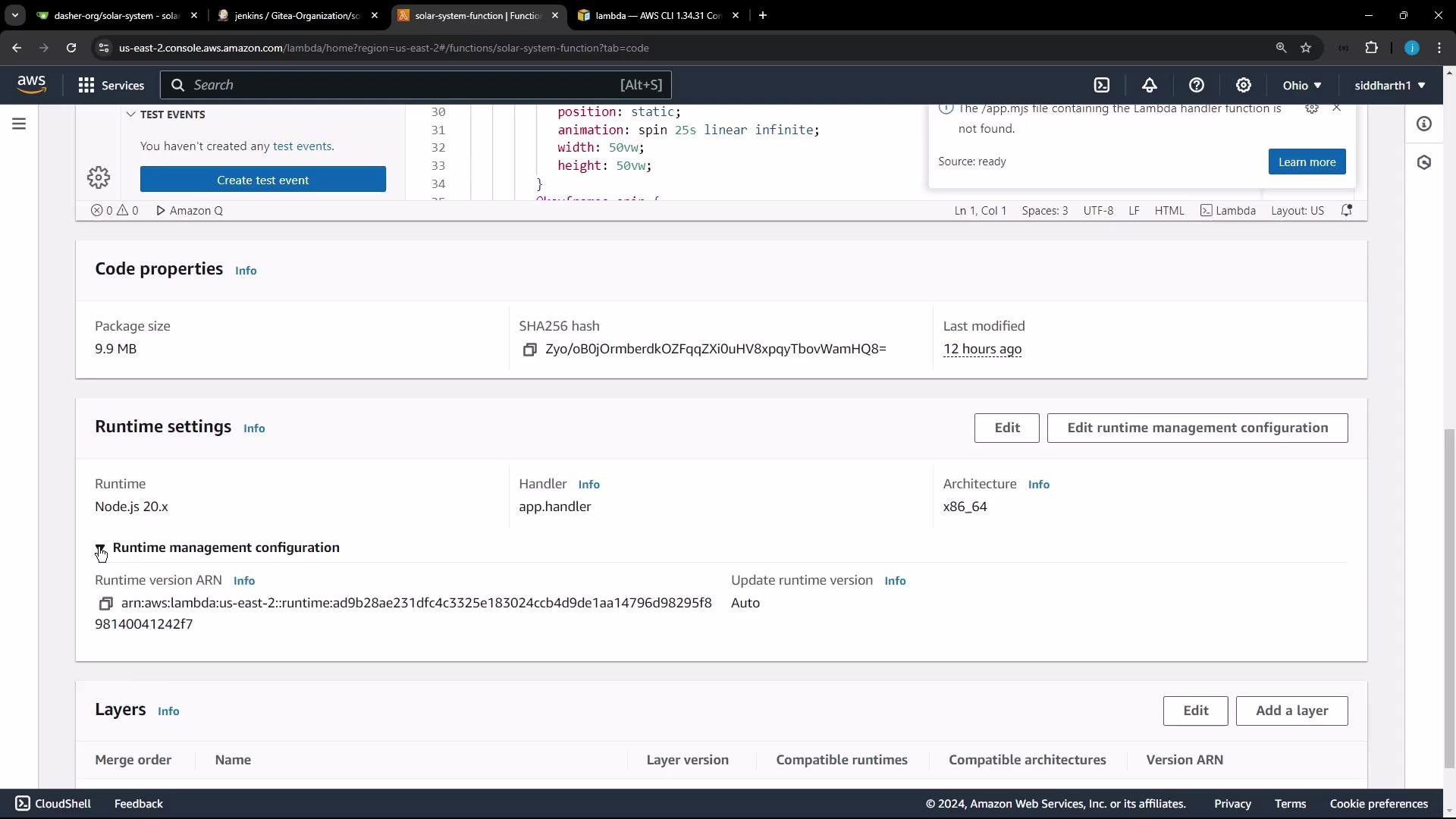
- Runtime: Node.js 20.x
- Handler: app.handler (project uses app.js)
- Current package size: ~10 MB
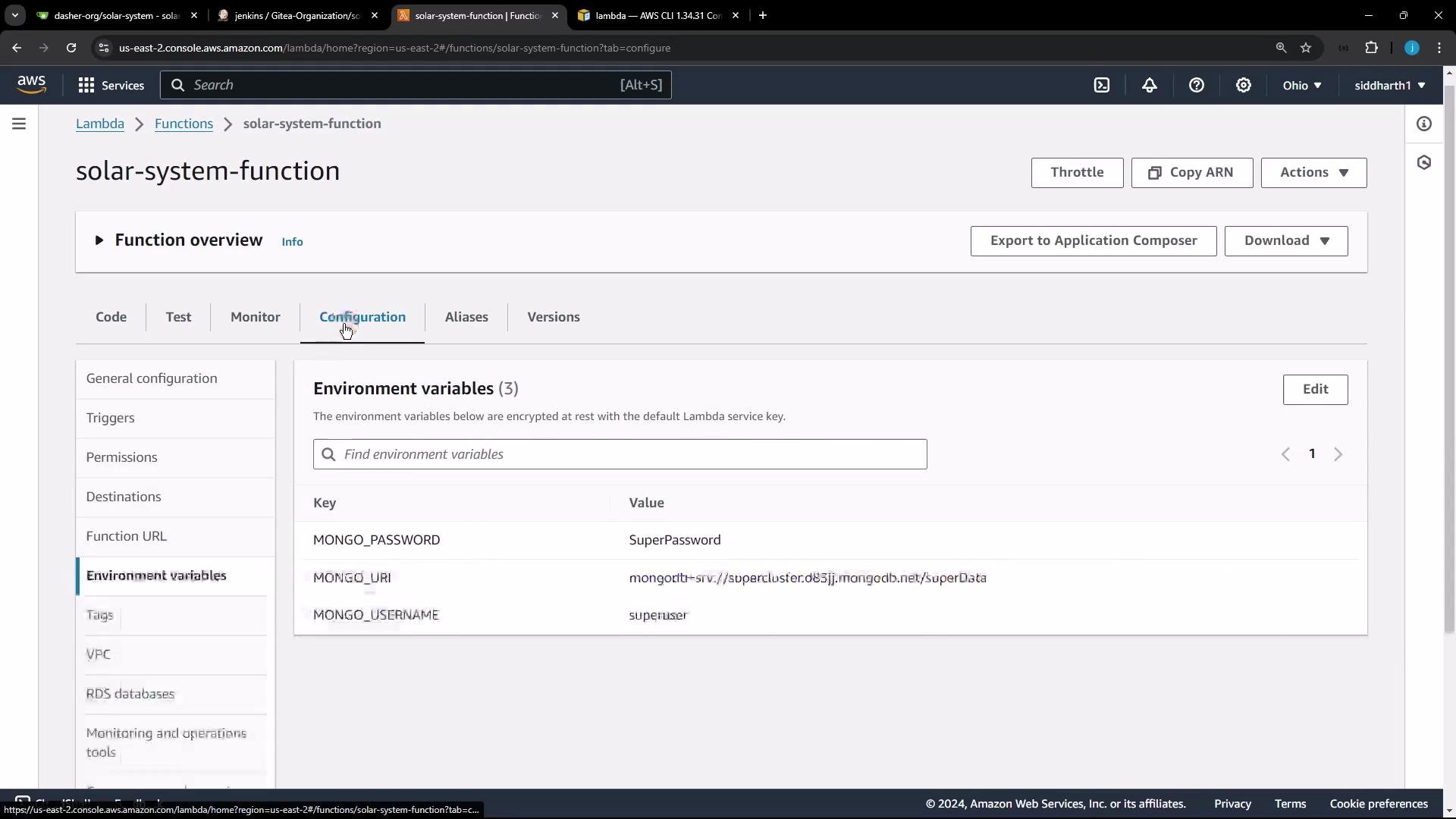
Do not store sensitive secrets in plain environment variables for production. Use a secrets manager and grant the Lambda execution role least privilege.
For production deployments, avoid hardcoding sensitive values. Use AWS Secrets Manager or AWS Systems Manager Parameter Store (SSM) and grant the Lambda role least privilege to retrieve secrets.
- The app uses serverless-http to wrap an Express app for Lambda.
- The handler export should be: module.exports.handler = serverless(app)
- If running locally with app.listen, those lines must be commented/removed for Lambda.
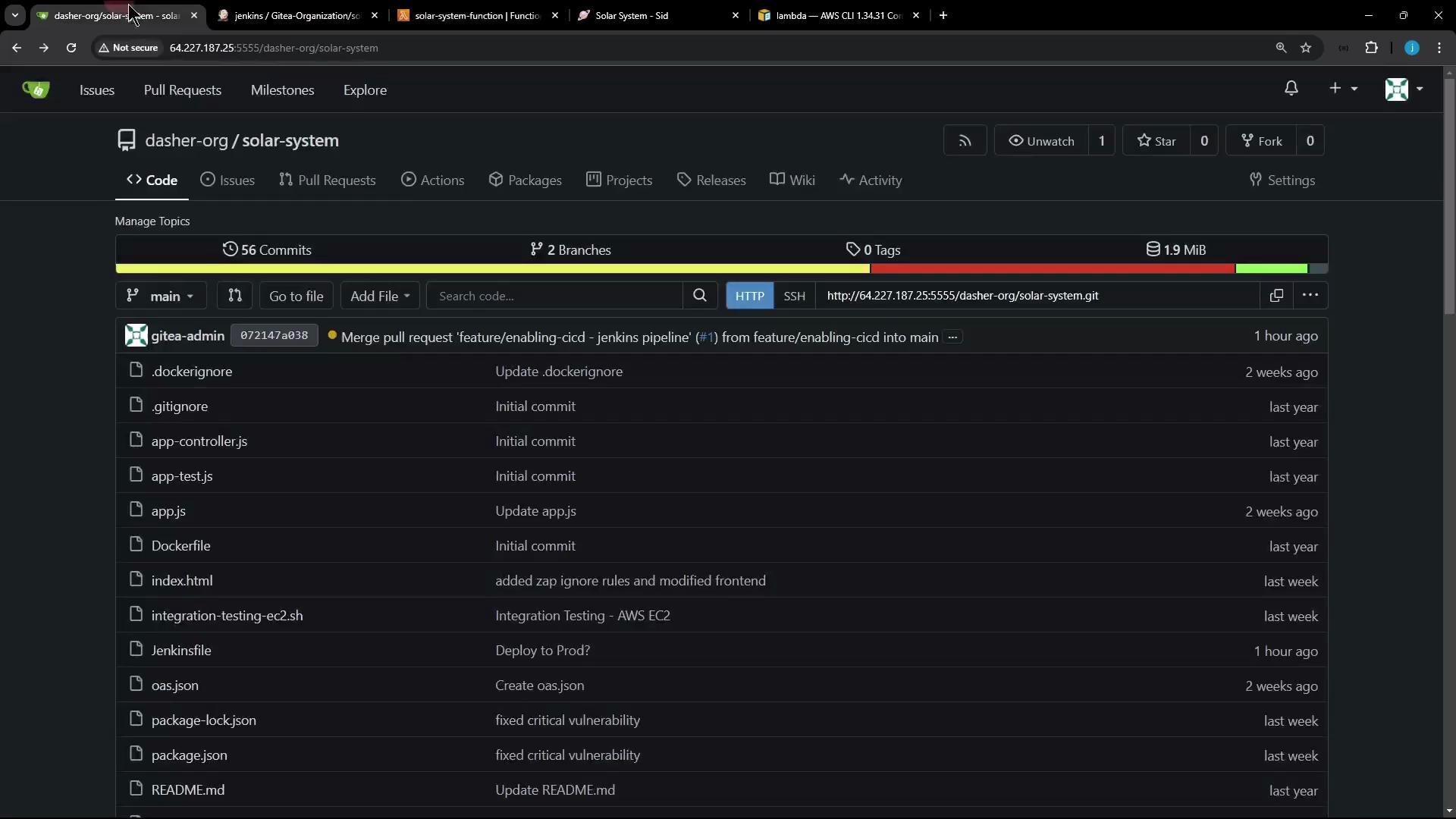
- Clone the repository and install dependencies.
- Apply any app changes to verify deployment (e.g., bump a visible version string).
- Remove or comment local server start code (app.listen) and ensure the Lambda handler export is present.
- Zip the minimal files required by Lambda (app files, package.json, index.html, node_modules).
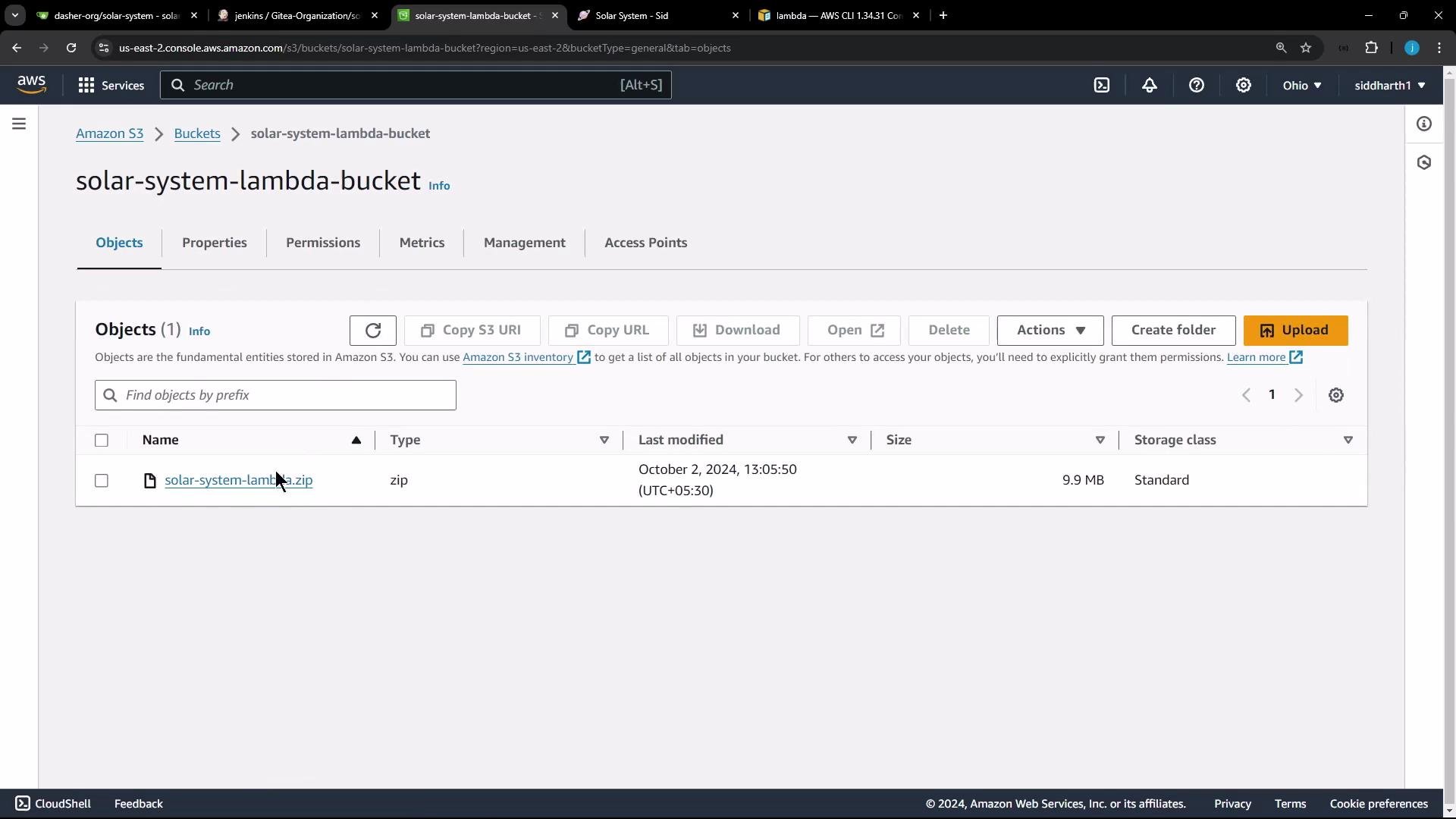
- Upload the ZIP to S3.
- Update the Lambda function using the S3 object via AWS CLI.
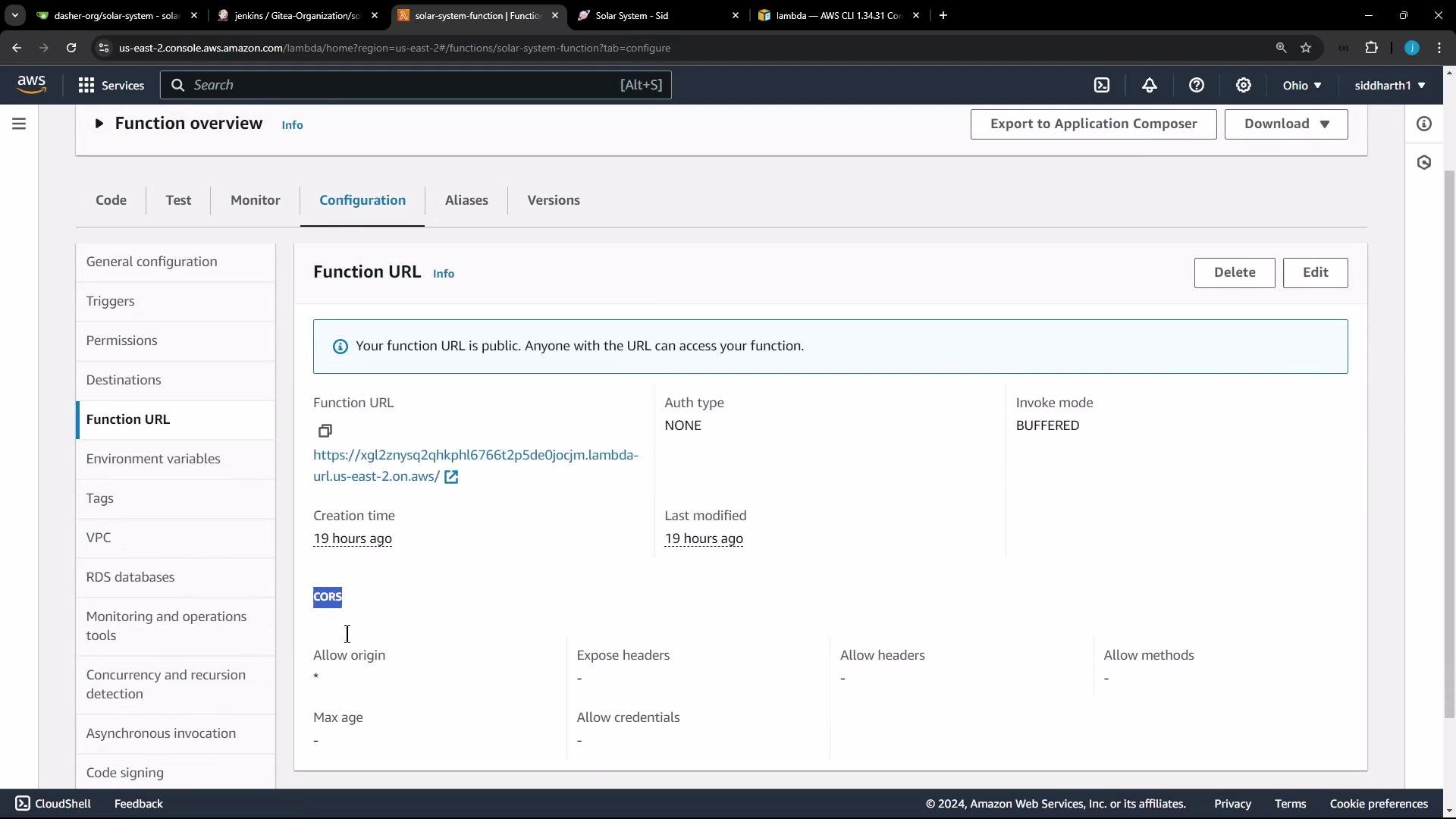
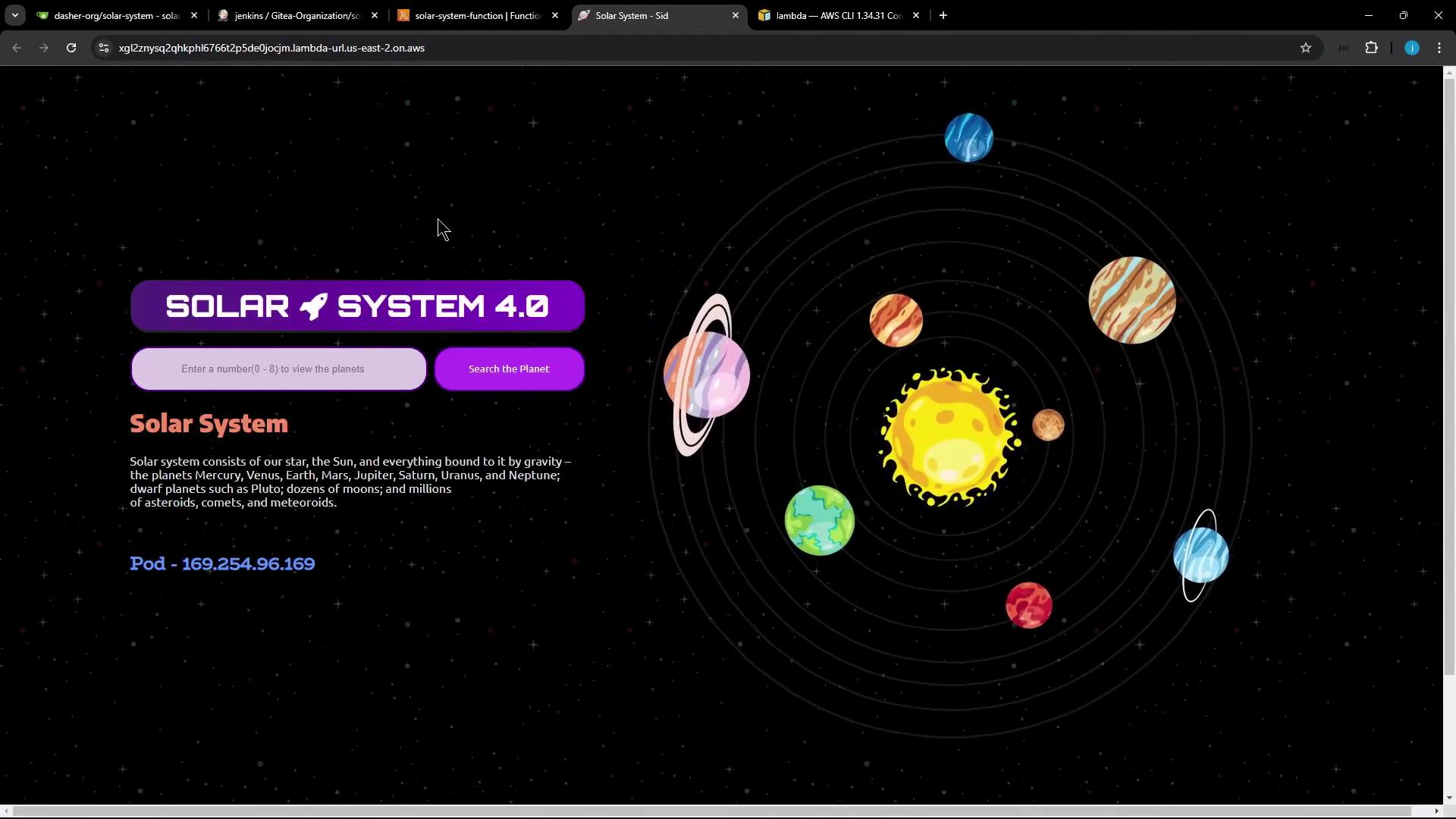
- Retrieve and test the Function URL.
- Ensure app exports a Lambda-compatible handler (module.exports.handler = serverless(app)) and remove local app.listen lines.
- Install dependencies with npm install.
- Create a ZIP containing only the files Lambda needs.
- Upload the ZIP to an S3 bucket.
- Update the Lambda function with aws lambda update-function-code referencing the S3 bucket and key.
- Confirm deployment by retrieving the Function URL and testing the endpoint.
- AWS Lambda Function URLs
- AWS Secrets Manager
- AWS Systems Manager Parameter Store
- AWS CLI Lambda Commands
- serverless-http on npm