

Creating the Login Path Operation
Instead of placing the login endpoint within theusers.py router, it is best practice to create a dedicated authentication router. This separation keeps user routes distinct from authentication routes.
Begin by creating a file (for this example, we’ll use app.py) and importing the necessary modules from FastAPI. The following code snippet sets up the new authentication router:
/login or /authenticate, we’ll use /login in this example.
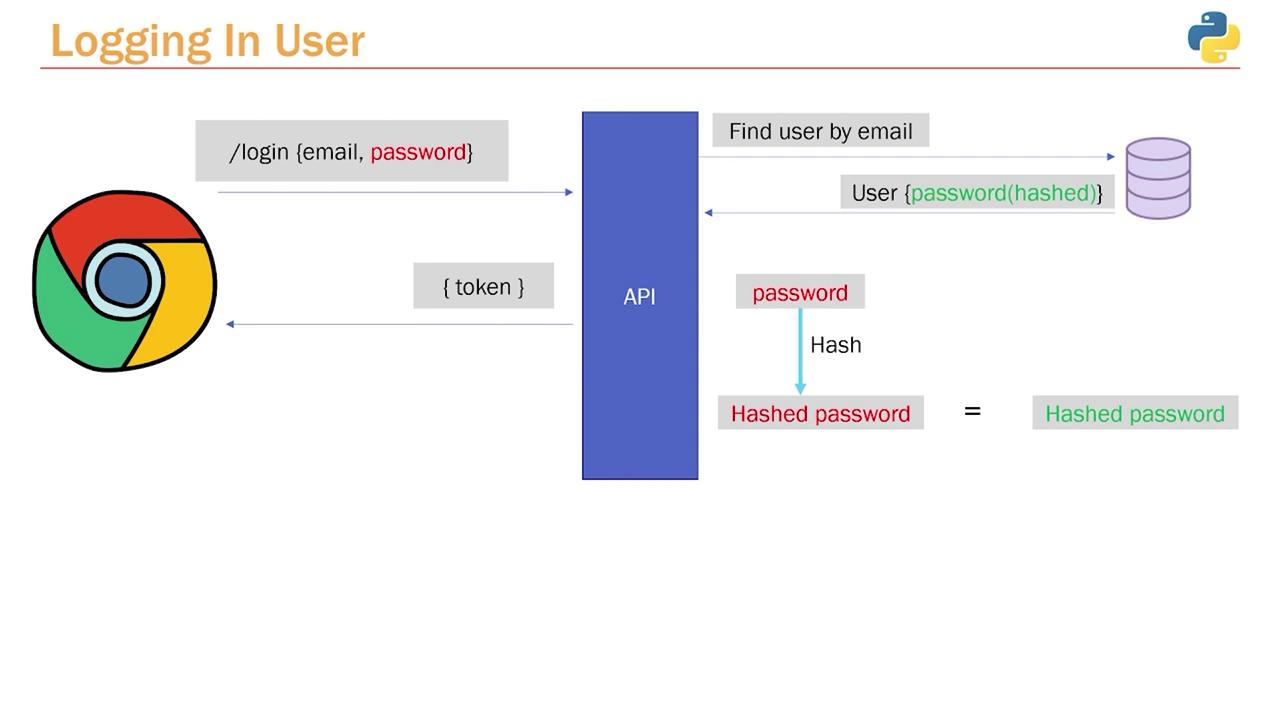
Next, define the login function. This function retrieves the user from the database based on the provided email. For this reason, we import the database session along with our application’s models and schemas. Remember, in the database, the user passwords are stored as hashed values.
Below is the code that sets up the login endpoint and fetches the user details:

Validating the Password
The next step is to validate the password provided by the user by comparing the plain text input with the hashed password stored in the database. This is achieved by re-hashing the incoming password using the same password hashing function, then comparing it with the stored hash. In a utility file (e.g.,utils.py), implement the Bcrypt logic. This file contains functions to hash a password and to verify an attempted password against the hashed password.
verify function from the utils module. This function checks if the provided password matches the hashed password in the database. If the credentials are invalid, an HTTP exception is raised without exposing whether the email or password is incorrect.
Ensure that your utility functions and hashing mechanisms are consistent across your application to maintain security integrity.
Testing the Login Endpoint
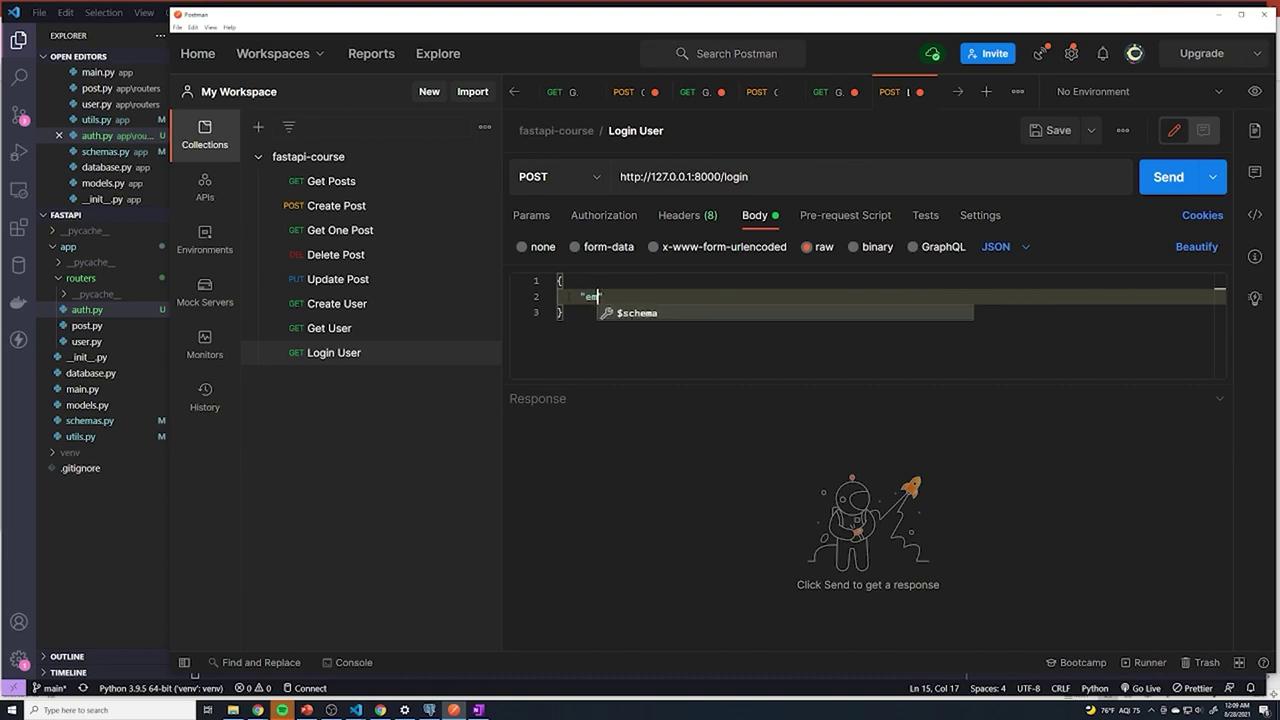
Before testing the login process, verify that your database is in a clean state. If necessary, delete existing users who might have unhashed or inconsistent passwords. You can execute the following SQL commands:/users endpoint using a JSON payload like this:
/login with the following JSON payload:
Be cautious with error messages. It’s best not to reveal which credential (email or password) is incorrect to enhance security.
Wiring Up the Router
If you receive a 404 error when accessing the/login endpoint, verify that the authentication router is included in your main application file (main.py). Your main file should include the necessary routers as demonstrated below: