

CI Job Example
Below is a sample output from one of our CI jobs. It shows that pip was updated, dependencies were installed, and tests were executed using pytest:Setting Up Your Docker Hub Repository
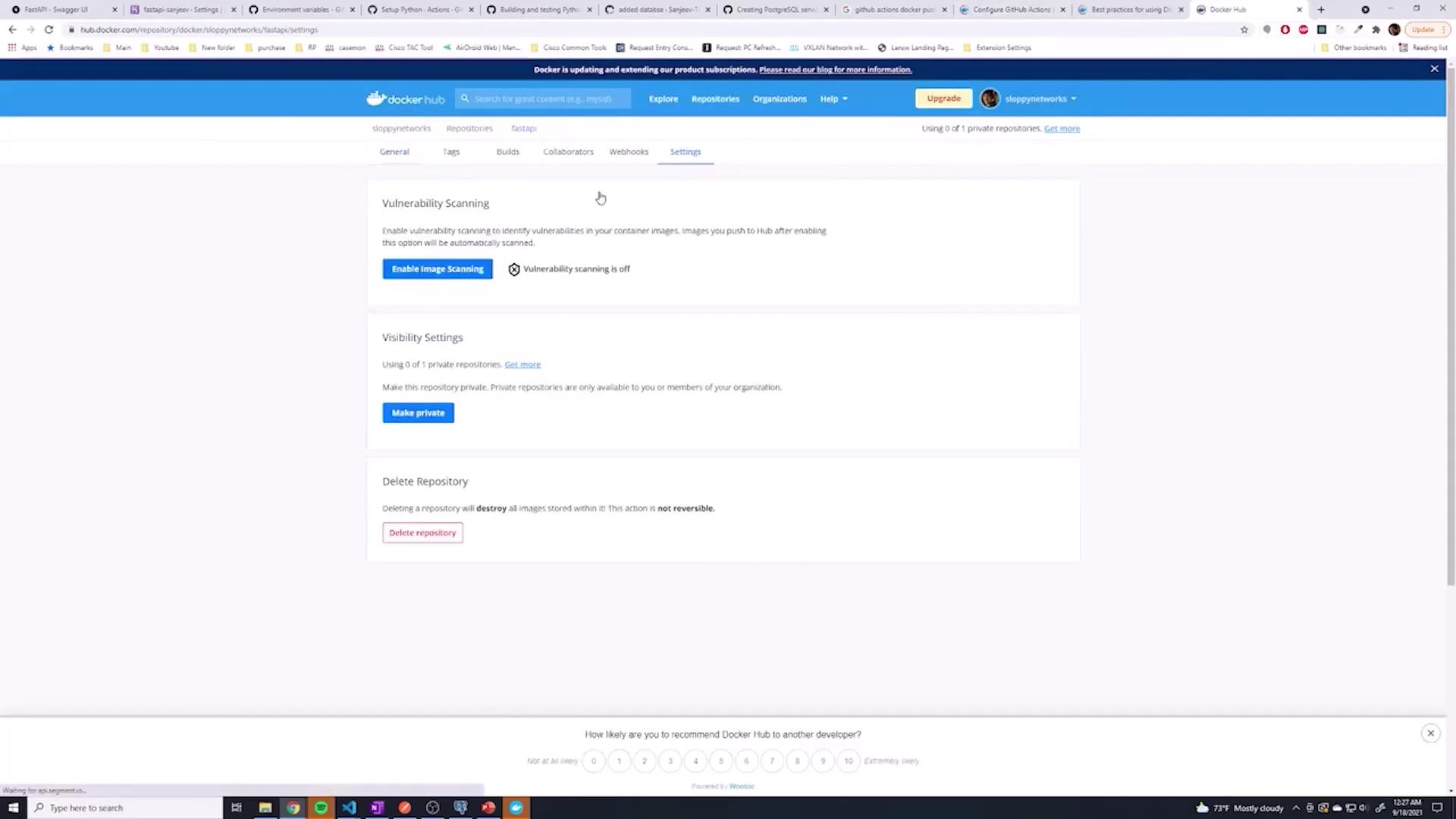
To integrate Docker with your GitHub Actions workflow, follow these steps:- Log into your Docker Hub account.
- Click Create repository.
- Choose a repository name that clearly reflects your project. For simplicity, set the repository to public.
For further details, refer to the Docker documentation on setting up GitHub Actions.
Generating an Access Token on Docker Hub
Next, generate an access token:- Navigate to your account settings (or “Security” under account settings).
- Click New Access Token and follow the prompts.
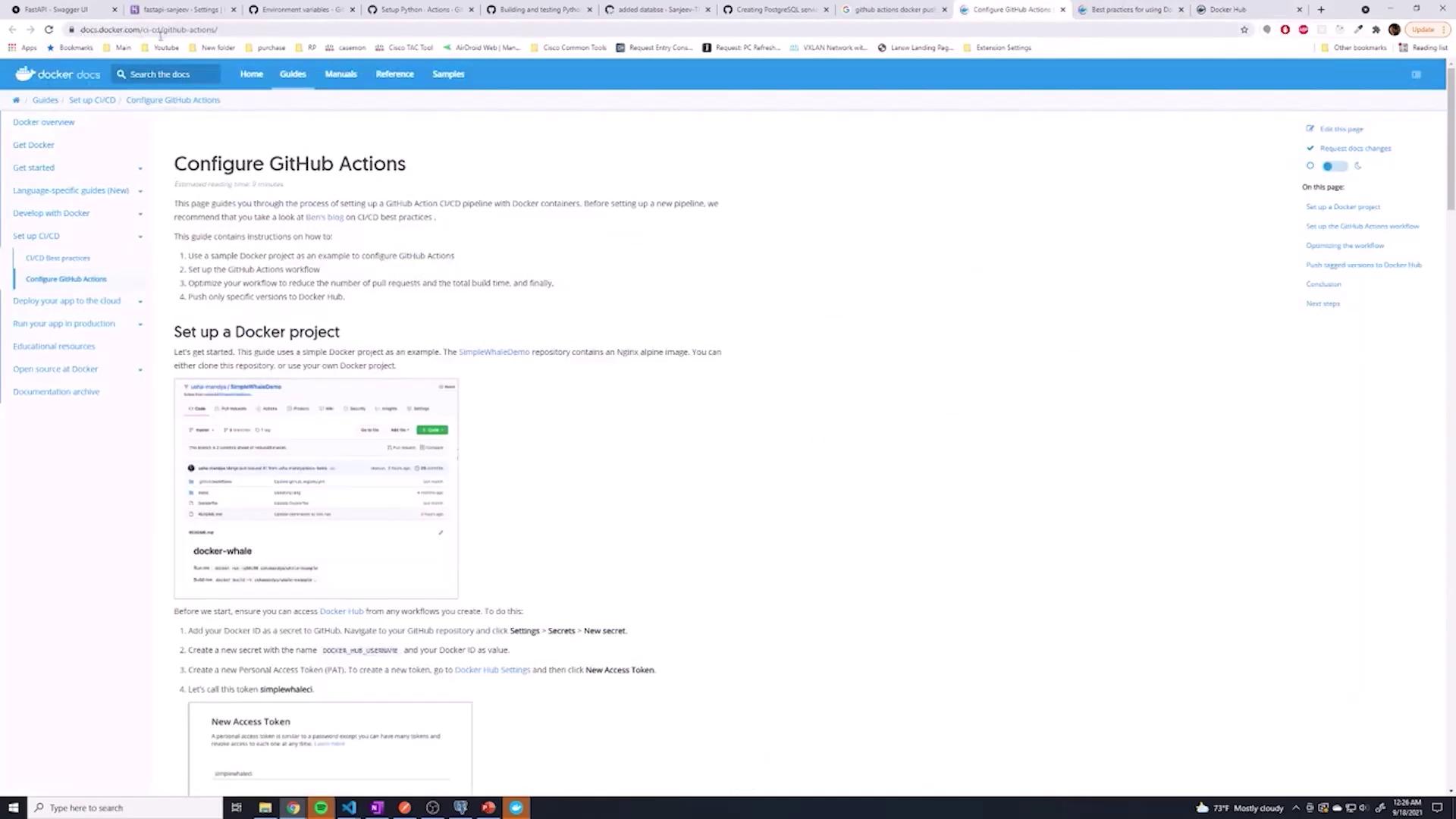
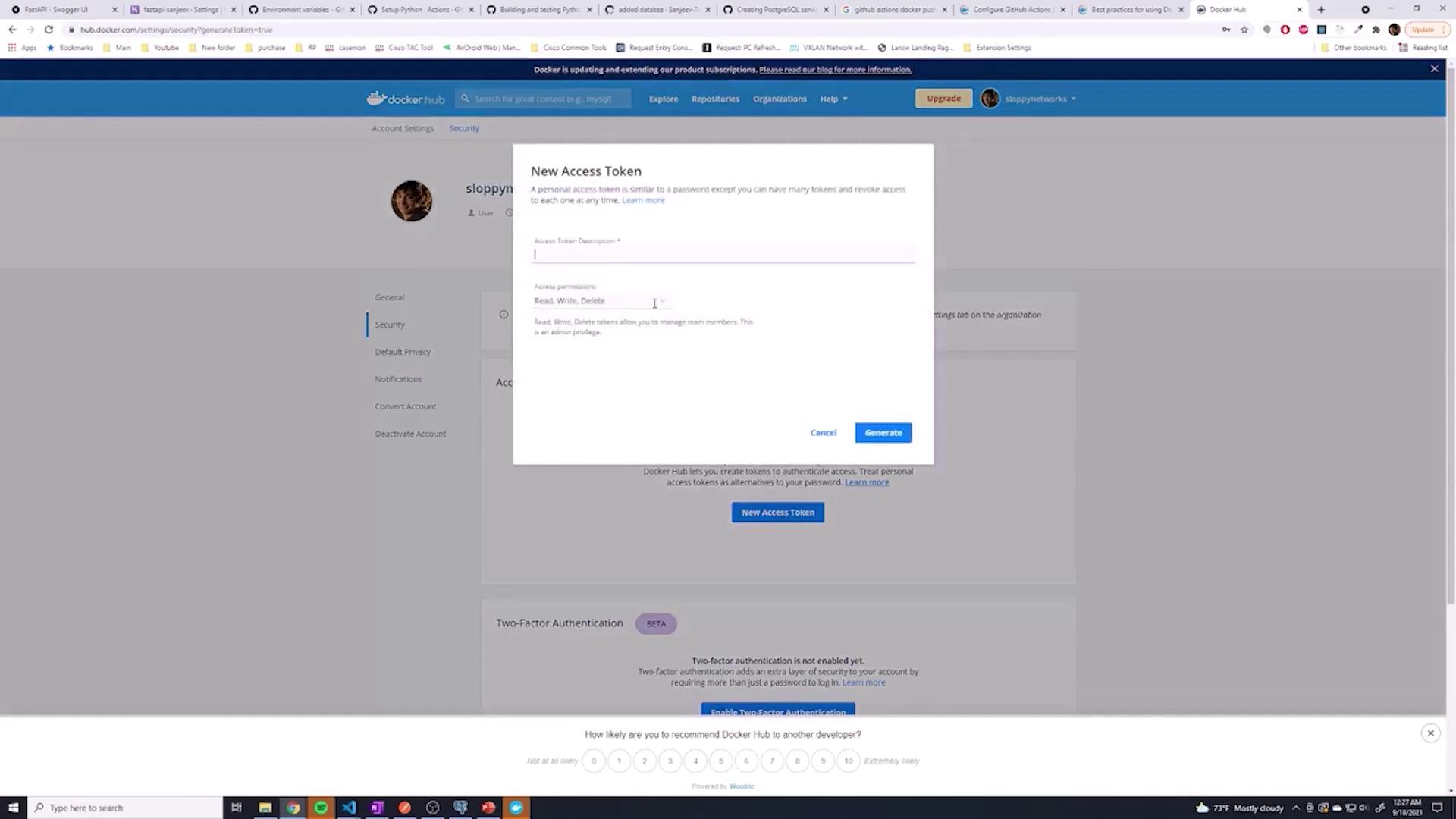
Remember: Once generated, copy the access token immediately. It will only be displayed once.
Storing Credentials in GitHub Secrets
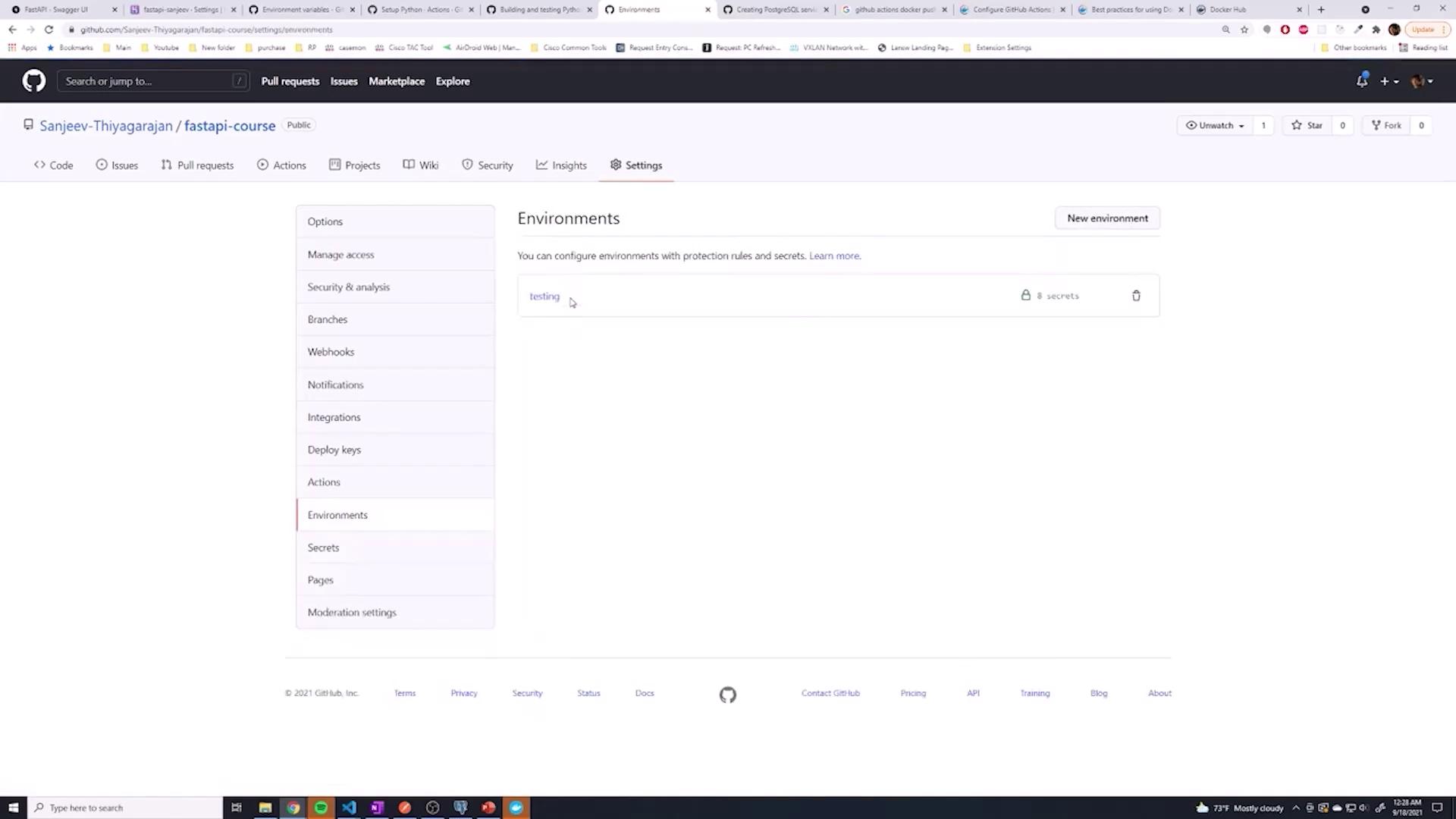
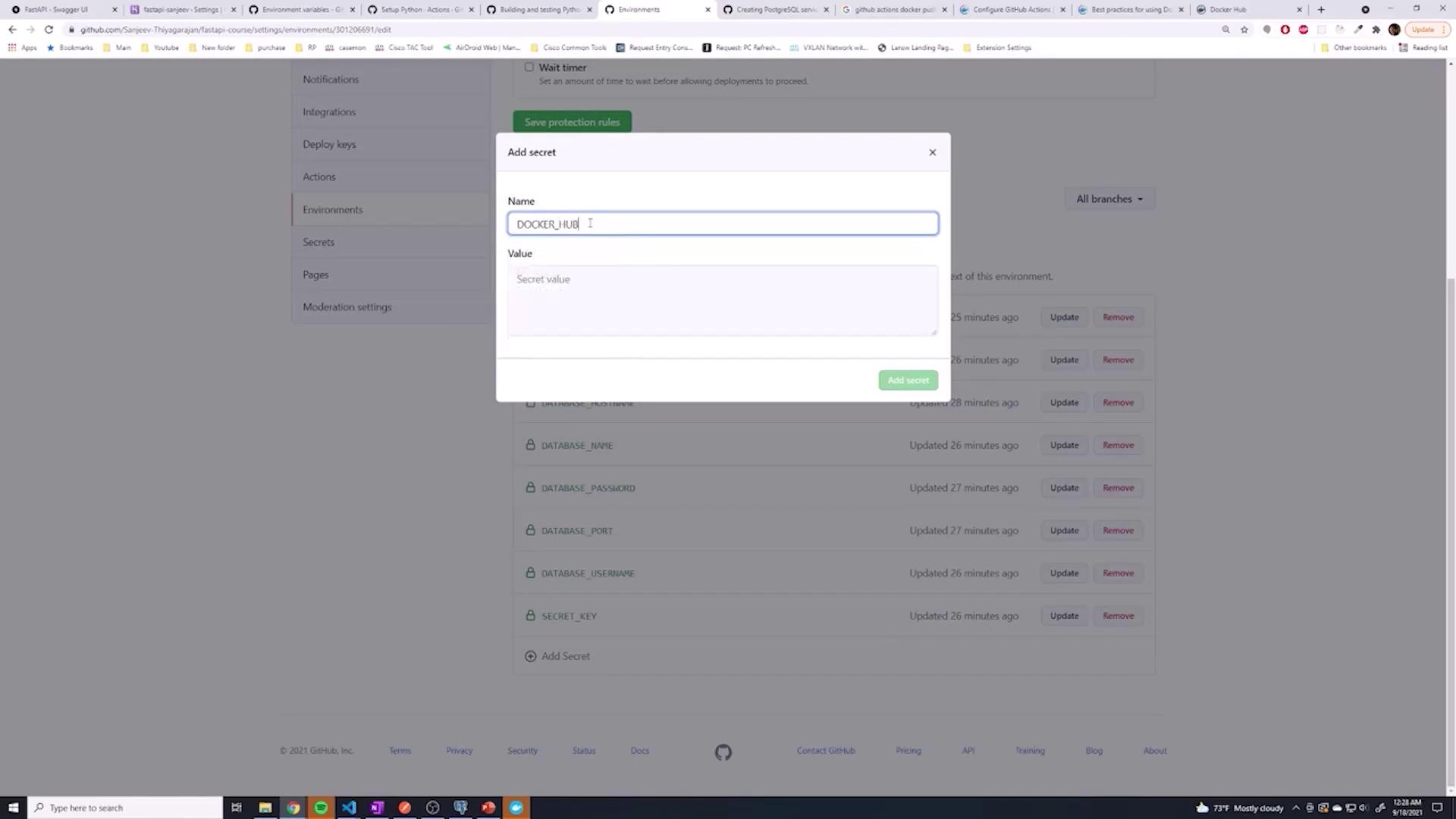
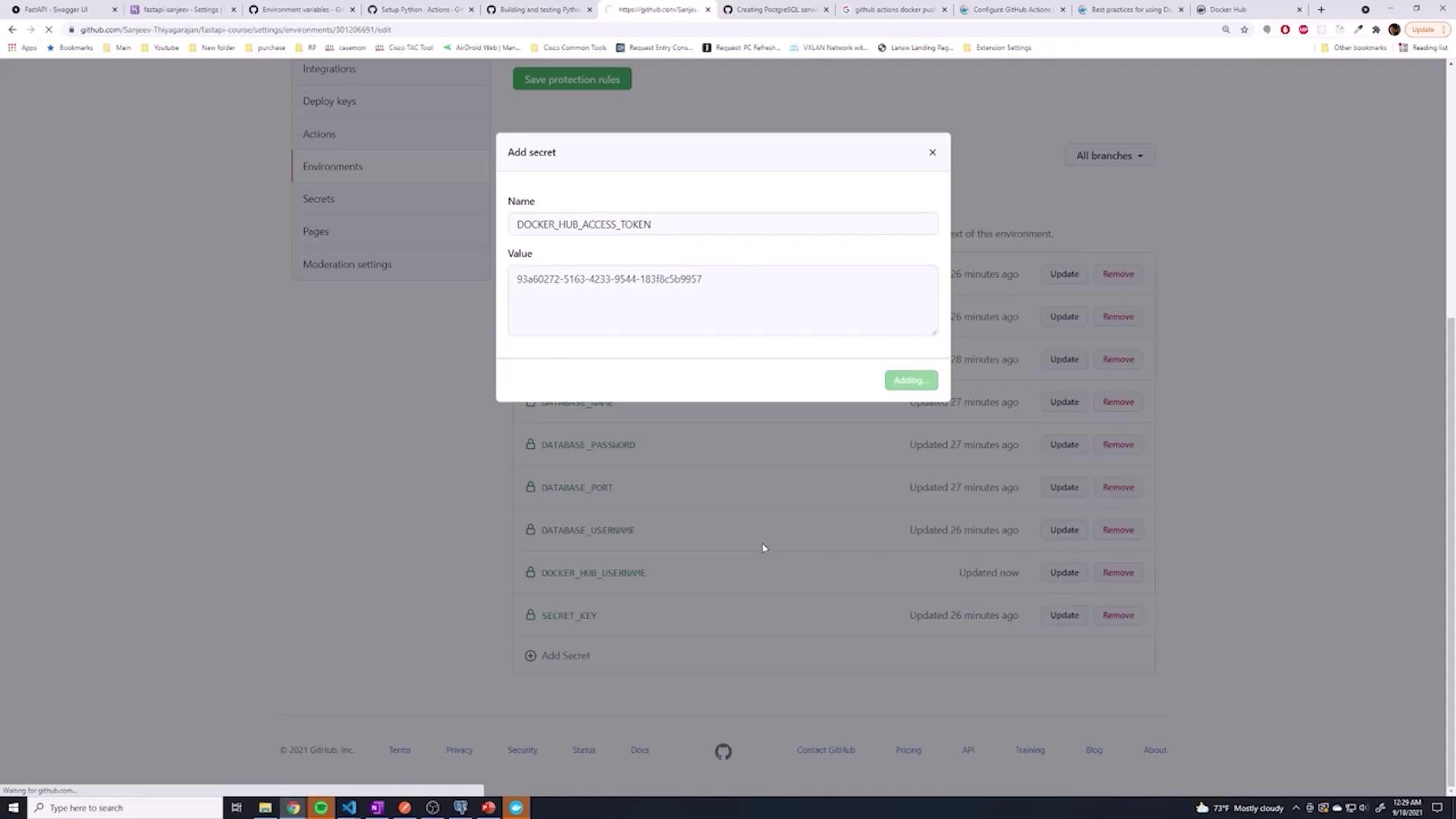
With your Docker Hub username and access token, take the following steps:- Store these credentials as secrets in GitHub (either as global repository secrets or within a specific environment, e.g., “testing”).
- Name them appropriately, for example,
DOCKER_HUB_USERNAMEandDOCKER_HUB_ACCESS_TOKEN.
Configuring GitHub Actions Workflow
Now that your credentials are securely stored, integrate Docker commands into your GitHub Actions workflow. Below is a sample workflow that logs in to Docker Hub, sets up Docker Buildx, and builds/pushes your image:- The repository is checked out.
- Docker Hub is authenticated using your GitHub secrets.
- The Docker Buildx action is configured as the builder.
- The Docker image is built using the context (current directory) and the specified Dockerfile and then pushed to Docker Hub.
- The image digest is printed for verification.
Example: Integrating Environment Variables and Services
If your project requires additional environment variables (like a Postgres service), you can include them as follows:Ensure each step in your workflow contains either
uses or run. Combining both in a single step can lead to YAML syntax errors.Handling Buildx Issues
If you encounter an error—such as one related to unsupported cache export on the default Docker driver—try switching to a different driver with this command:Creating a Dockerfile
If your repository does not yet include a Dockerfile, create one at the project root (named with a capital D). Here’s a simple example:
Continuous Delivery
Once your CI/CD pipeline successfully pushes the image to Docker Hub, you can extend the workflow to continuously deliver your application. Use additionaldocker push commands to deploy to production. If Docker is not part of your production environment, consider commenting out or removing the Docker steps to conserve build minutes.
With this setup, your GitHub Actions workflow manages both testing and the Docker build/push process—a critical part of your CI/CD pipeline.
Happy coding!