Integrating SQLAlchemy into a FastAPI project for database connection, model creation, and session utilization.
In this article, we will integrate SQLAlchemy into a FastAPI project. You will learn how to establish a database connection, create models, and utilize sessions for database operations.Below is an overview of the SQLAlchemy documentation with pointers to the sections relevant to our setup.
Begin by visiting the SQL page.
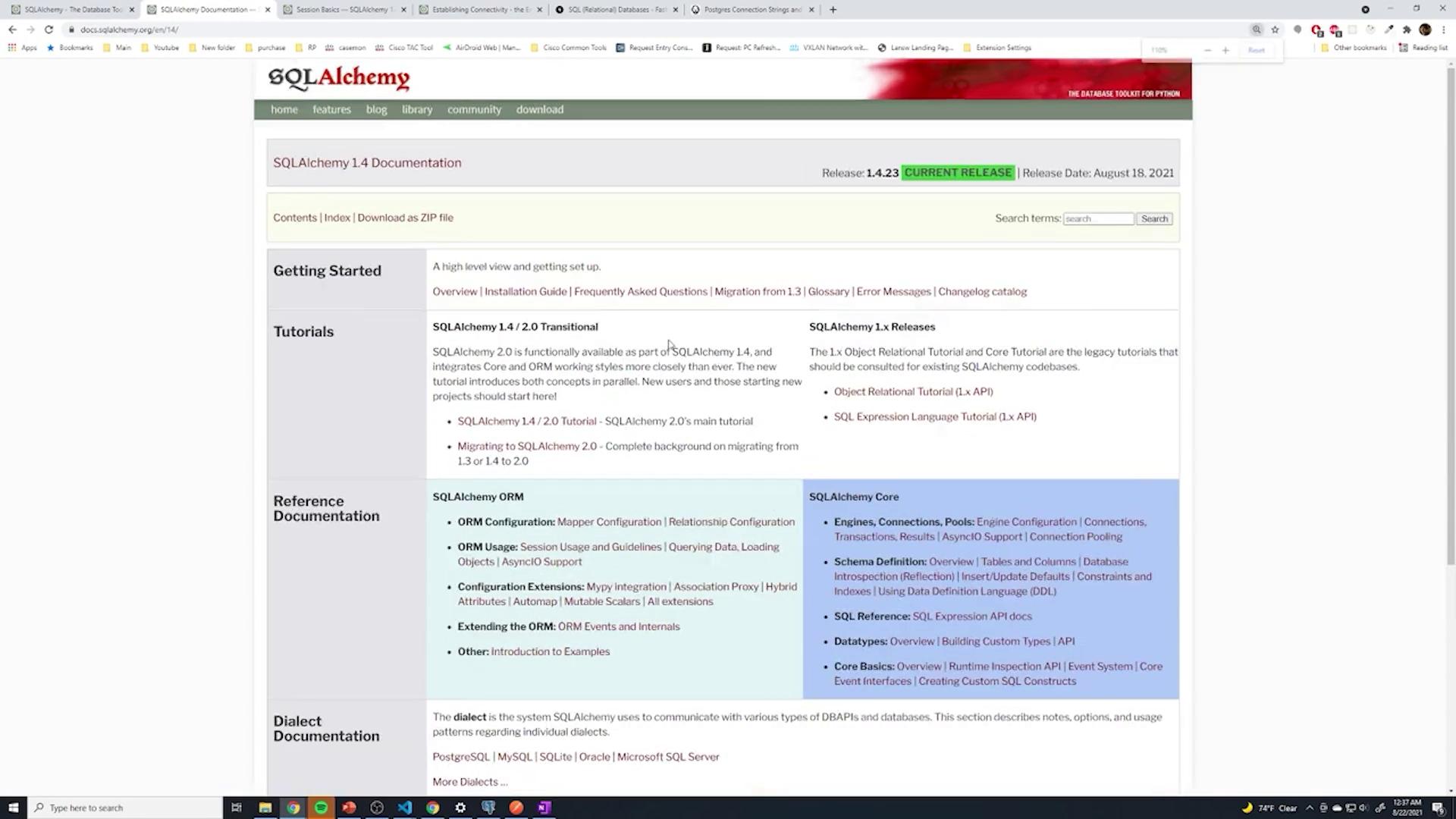
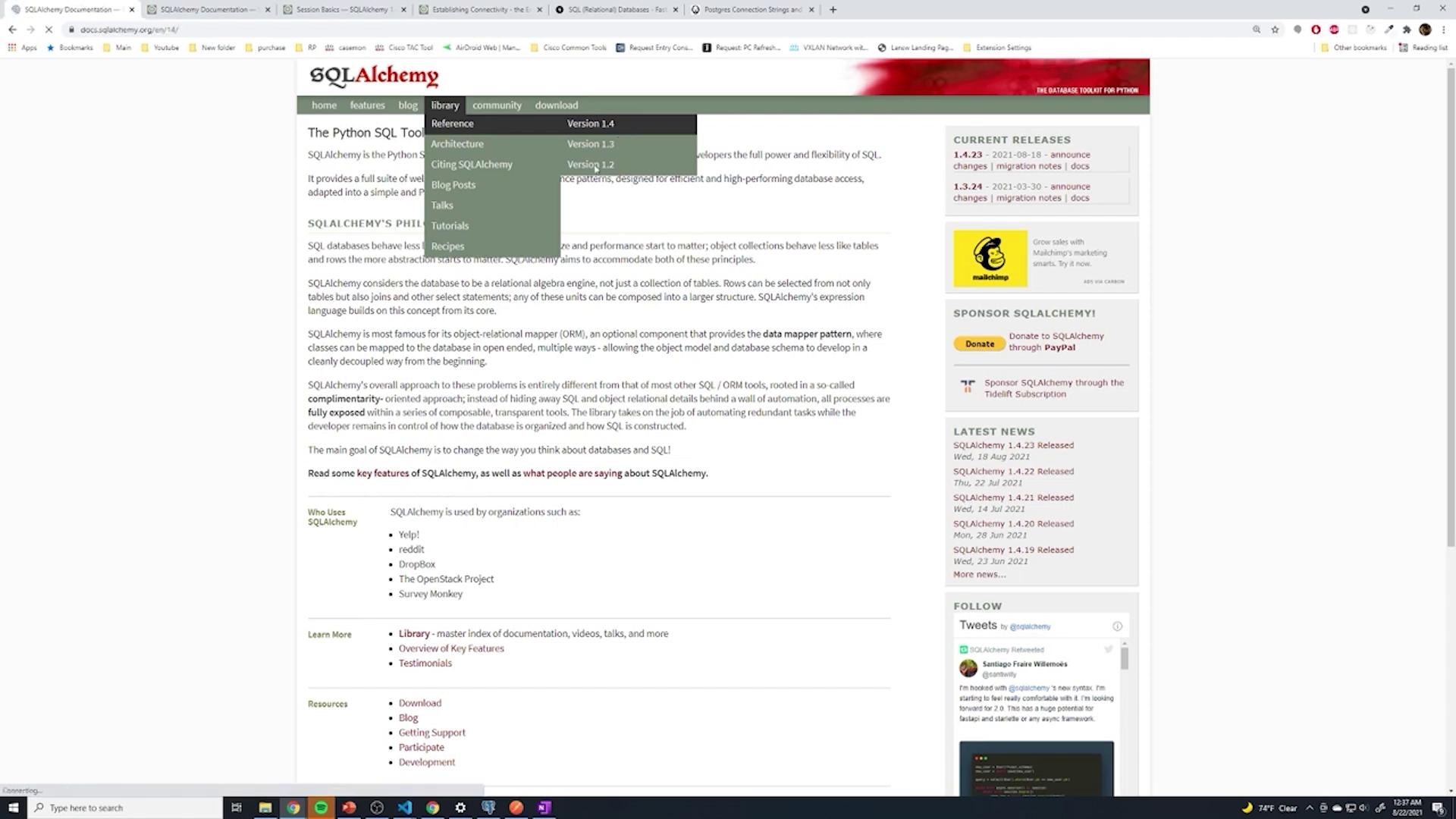
Search for “SQL” to navigate to the main page, and under “Library” select “References” for version 1.4 (the version used in this course). Although version 2.0 may be released in the future, please install version 1.4 if you are following this article.For additional details, click the link below:
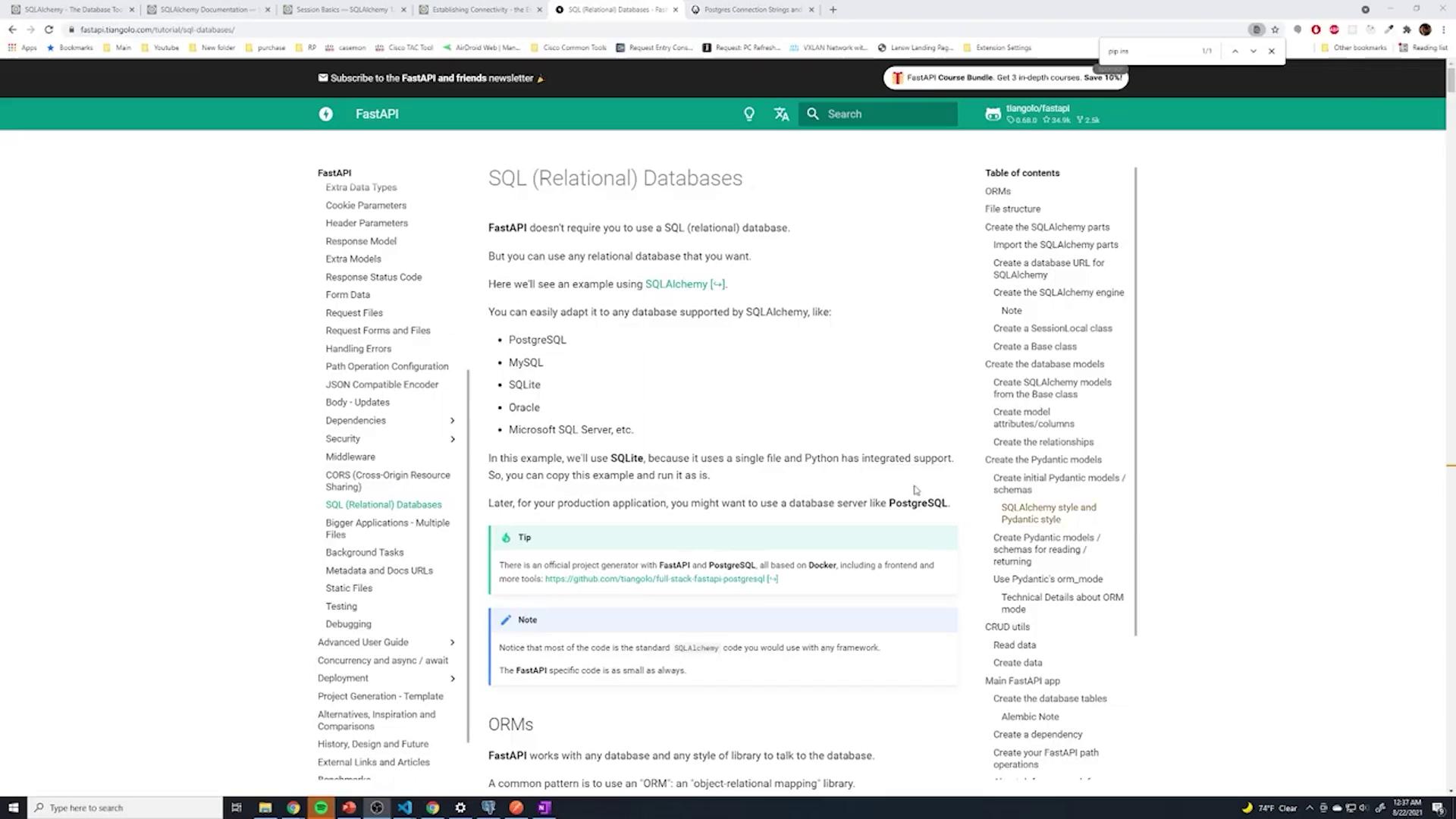
A comprehensive tutorial and reference documentation on setting up the ORM (including session usage) are available. The FastAPI documentation offers further guidelines for configuring SQLAlchemy with SQL relational databases.
Downloading greenlet-1.1.1-cp39-cp39-win_amd64.whl (96 kB)Installing collected packages: greenlet, sqlalchemySuccessfully installed greenlet-1.1.1 sqlalchemy-1.4.23WARNING: You are using pip version 21.1.1; however, version 21.2.4 is available.You should consider upgrading via the 'c:\users\sanje\documents\courses\fastapi\venv\scripts\python.exe -m pip install --upgrade pip' command.
Keep in mind that SQLAlchemy does not communicate directly with a database; it requires a database driver (for instance, psycopg2 for PostgreSQL or an equivalent driver for MySQL, SQLite, etc.). If you’re using PostgreSQL and have the driver installed, there is no need to reinstall it.
Create a file named database.py in your project. This file manages the database connection while setting up the SQLAlchemy engine, session, and base model. Below is a sample configuration. Note that for SQLite, you must include the connect_args parameter; for PostgreSQL or other databases, it is not necessary.
Copy
Ask AI
from sqlalchemy import create_enginefrom sqlalchemy.ext.declarative import declarative_basefrom sqlalchemy.orm import sessionmaker# For SQLite (commented out PostgreSQL):# SQLALCHEMY_DATABASE_URL = "sqlite:///sql_app.db"# For PostgreSQL:# Format: postgresql://<username>:<password>@<ip-address>/<database_name>SQLALCHEMY_DATABASE_URL = "postgresql://postgres:password123@localhost/fastapi"engine = create_engine( SQLALCHEMY_DATABASE_URL, connect_args={"check_same_thread": False} # Only required for SQLite.)SessionLocal = sessionmaker(autocommit=False, autoflush=False, bind=engine)# Base class for our modelsBase = declarative_base()def get_db(): db = SessionLocal() try: yield db finally: db.close()
Ensure you update the connection string appropriately, and avoid hardcoding sensitive credentials in production code.
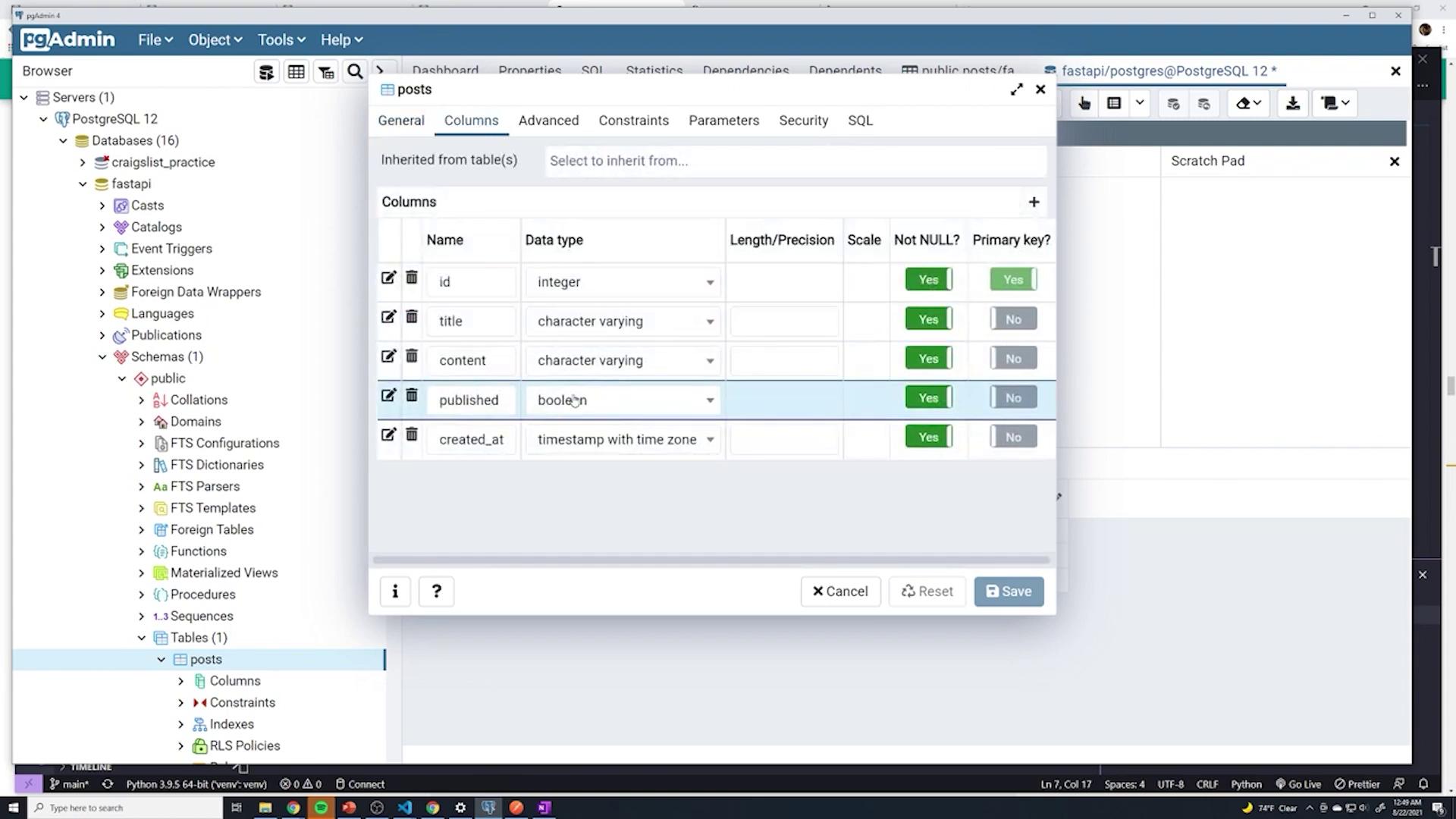
In an ORM, database tables are represented as Python classes. Create a file named models.py to store your models. Each model corresponds to a table in your database. Below is an example model for a posts table demonstrating four columns: id, title, content, and published.
Copy
Ask AI
from sqlalchemy import Column, Integer, String, Booleanfrom .database import Baseclass Post(Base): __tablename__ = "posts" id = Column(Integer, primary_key=True, nullable=False) title = Column(String, nullable=False) content = Column(String, nullable=False) published = Column(Boolean, default=True)
This model generates the corresponding table in PostgreSQL automatically as the application starts.
Within your main FastAPI application file (commonly main.py), import your models and create the database tables. Additionally, set up a dependency to manage database sessions for API endpoints.Below is an example implementation:
The above snippet uses models.Base.metadata.create_all(bind=engine) to create the necessary database tables if they do not exist. The get_db function is a dependency that ensures every request gets its own session and that the session is properly closed afterward.
To verify that your database is properly connected, add a simple endpoint that queries the posts table. This example demonstrates the usage of the SQLAlchemy session dependency:
Copy
Ask AI
@app.get("/sqlalchemy")def test_posts(db: Session = Depends(get_db)): # Implement your query logic here using SQLAlchemy session methods. return {"status": "success"}
If you prefer using a raw SQL query (assuming your driver supports the necessary configurations), ensure that you modify the code to obtain a cursor from your database connection.
Each time the application starts, SQLAlchemy checks for the existence of the posts table in the database. If the table is missing, it will be automatically created based on the definition in models.py. You can inspect the table structure using tools like PgAdmin.
This automated table management ensures consistency between your Python models and the actual database schema.
To keep your main application file concise, consider migrating the database dependency function (get_db) to the database.py file. You can then import get_db in your main.py as shown below:
Copy
Ask AI
from .database import engine, get_db
This organization maintains a clean separation of concerns by keeping your database configuration centralized.
Your FastAPI application is now configured with SQLAlchemy for managing database connections via a session dependency. The posts table is automatically created based on the model in models.py, and you can further develop endpoints to execute more complex queries and operations.
With this setup, you now have a robust foundation for database operations in your FastAPI project. In future articles, we will explore adding additional columns (like timestamps) and handling more advanced database interactions.