

Understanding GET vs POST Requests
The main difference between GET and POST requests lies in how data is transmitted between the client and server:-
GET Requests
GET requests retrieve data from the API server. For example, when a user wants to fetch posts, a GET request is sent and the server returns the requested information. -
POST Requests
POST requests allow the client to send data to the server. This method is commonly used for creating new resources. For instance, if you want to add a new social media post, you would send an HTTP POST request containing details such as the title, content, and author. The server processes this data, stores it if necessary, and responds with a confirmation or the details of the newly created resource.
While the demonstration URL “/createposts” is used here for clarity, best practices recommend using a resource-oriented endpoint name.
Creating a POST Path Operation
Let’s extend our code to include a POST endpoint that creates posts by altering the HTTP method from GET to POST:Testing POST Requests with Postman
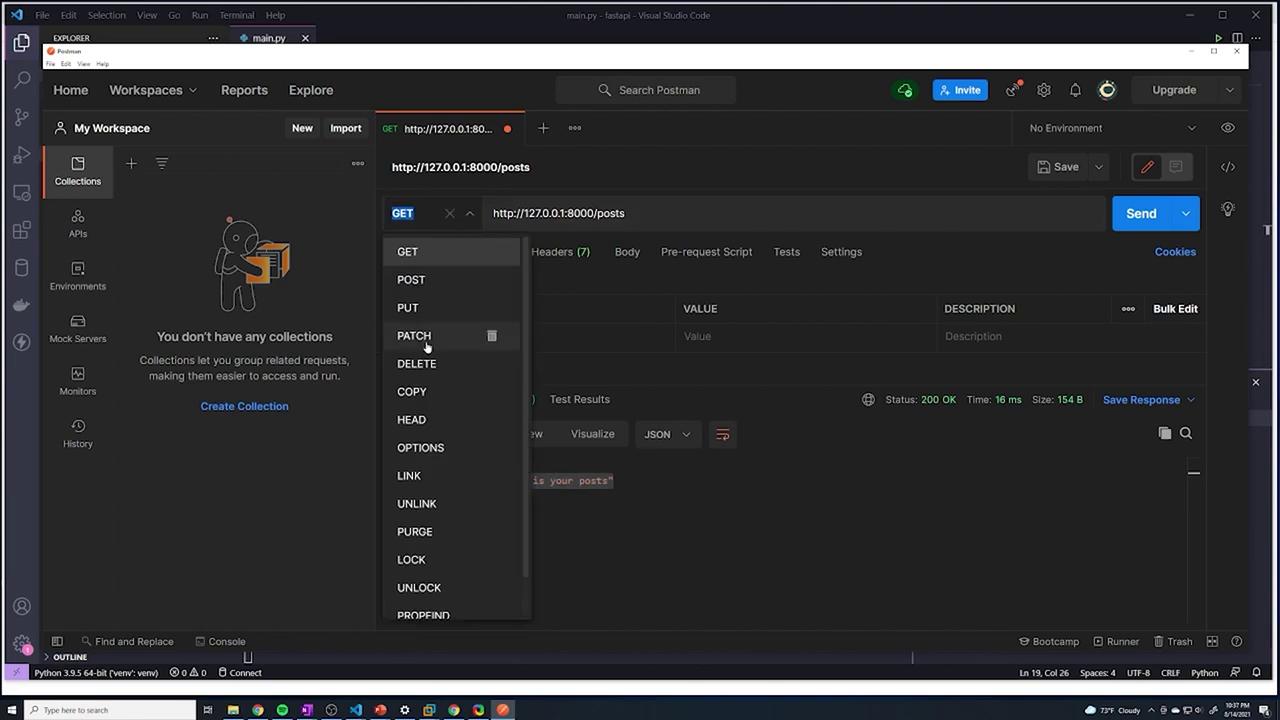
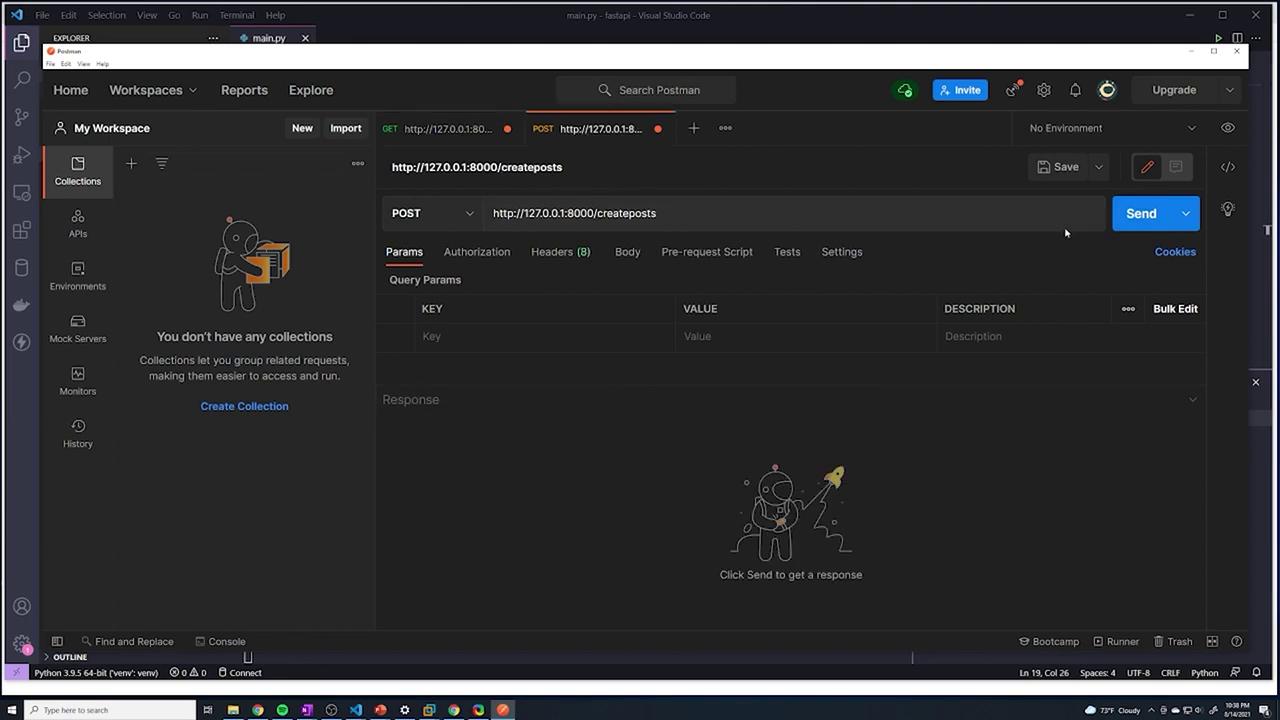
To test your new POST endpoint, follow these steps using Postman:- Open Postman and change the request method to POST.
- Update the URL to “http://127.0.0.1:8000/createposts”.
-
Configure the request body with JSON data. For example, set the body to:
-
Click on “Send” to submit your request. The API should respond with:
Sending Data in the Body of a POST Request
The key function of a POST request is to transmit data to the API server. In Postman, switch to the “Body” tab, select “raw”, and choose “JSON” as the format. JSON objects are structured similarly to Python dictionaries, using key-value pairs within curly braces. For example:Extracting the Request Body in FastAPI
To handle incoming JSON data in FastAPI, you can use the Body function from FastAPI to parse the request payload into a Python dictionary. First, import Body:{'title': 'top beaches in florida', 'content': 'check out these awesome beaches'}) is printed to the console.
Returning a Response with Posted Data
Often, it’s helpful to echo back the data that was sent in the request. Here’s how you can modify your POST endpoint to return the new post details:Recap
- We imported Body from FastAPI to handle incoming JSON data.
- The payload from POST requests is parsed into a Python dictionary.
- The server prints and returns values extracted from the payload, simulating how data would be handled or stored in a real-world application.
In production applications, the data received via POST requests would typically be validated and stored in a database.