

1. Initial Endpoint Setup
We start by defining endpoints to retrieve all posts, create a new post, and fetch a specific post by its ID. Previously, posts were stored in an in-memory list and a Pydantic model was used to parse the request body. For instance:2. Inserting Data with SQL
To insert a new post into the PostgreSQL database, we use the cursor’sexecute method with a parameterized SQL INSERT statement. Consider the following SQL command that shows the structure of the posts table:
title, content, and published. An ID and creation timestamp are automatically generated. To insert values into these columns, we use placeholders (%s) in our query and provide a tuple of values. For example:
Using parameterized queries not only simplifies the code but also protects the database by ensuring that inputs are sanitized.
3. Preventing SQL Injection
Using f-strings to insert values directly into SQL statements can lead to vulnerabilities such as SQL injection. For example, avoid using:Never interpolate user inputs directly into SQL queries. Always use parameterized queries to prevent malicious code execution.
4. Returning the Created Post
It is often useful to return the record that was just created. Many databases support aRETURNING clause that allows you to fetch the inserted data immediately. Ensure that the order of values in the tuple matches the order of placeholders. Here’s how you can modify your endpoint:
5. Committing the Transaction
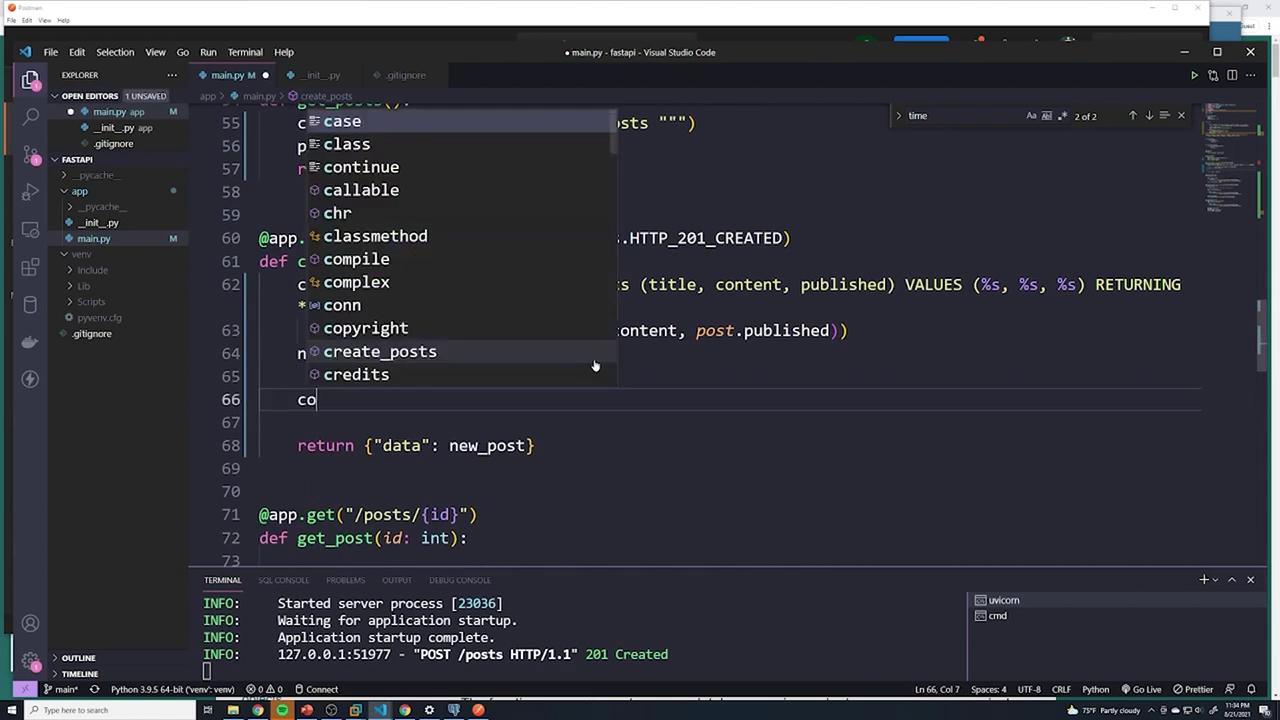
After executing the INSERT statement, the changes remain staged until you commit the transaction. Without callingcommit(), your changes will not be permanently saved in PostgreSQL. The final version of the endpoint includes not only the INSERT operation but also the commit to ensure the database is updated:
6. Verifying the Insert in pgAdmin
After creating a new post, verify that the record is successfully inserted by running the following SQL query in your database client (e.g., pgAdmin):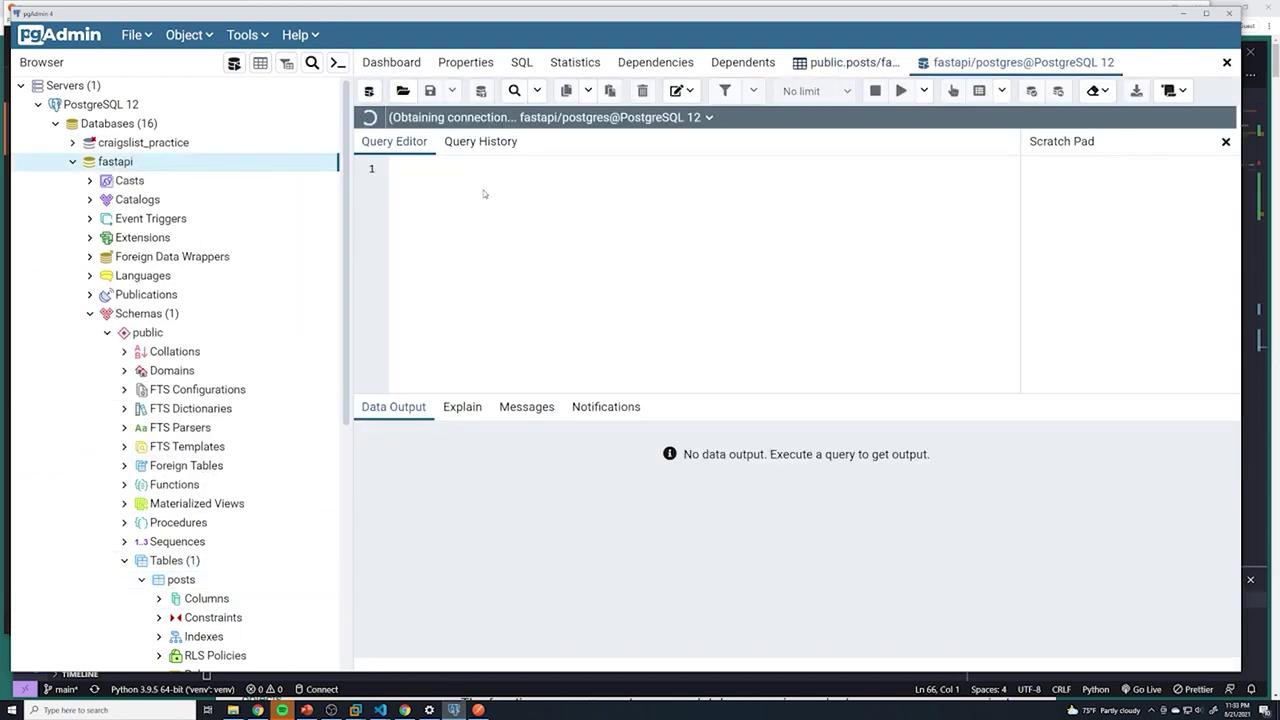
7. Committing via Visual Studio Code
When working within an integrated development environment such as Visual Studio Code, ensure that the transaction is committed by invokingconn.commit(). This results in visible output in the terminal confirming that the commit was successful.
By following these best practices—using parameterized SQL queries, retrieving the inserted record with the RETURNING clause, and committing the transaction—you can ensure secure and reliable interactions between your FastAPI application and PostgreSQL database. For further reading on best practices in SQL operations and FastAPI development, check out the FastAPI documentation and PostgreSQL documentation.