

uvicorn main:app), the console output might look like this:
FastAPI calls these endpoint definitions Path Operations. While similar frameworks might refer to them as routes, FastAPI consistently uses the term “Path Operation.”
Components of a Path Operation
A Path Operation in FastAPI is composed of two main parts:-
The Function
This is a typical Python function that contains the endpoint’s logic. In the example above, the function returns a Python dictionary, which FastAPI automatically converts to JSON. -
The Decorator
The decorator (indicated by the@symbol) converts the function into a Path Operation. For instance,@app.get("/")designates the function to handle GET requests at the root URL.
Detailed Look at the Function
Notice that the function is defined as an asynchronous function using theasync keyword. Asynchronous functions are beneficial when performing tasks that may cause delays, such as API calls or database queries. If your function does not require asynchronous ability, you can define it as a regular function:
Understanding the Role of the Decorator
The decorator designates the function as a Path Operation. It tells FastAPI which HTTP method (e.g., GET, POST, PUT, DELETE) to handle and what URL path to associate with the function. Here are a few examples:-
Basic GET Endpoint:
-
Endpoint with a Specific Path:
-
Endpoint for Voting on Posts:
Modifying the Returned Message
You can easily change the response by modifying the returned data. For example, to update the message to “welcome to my api”, you can modify the function as shown:When you update the code, ensure you restart the server or use Uvicorn’s
--reload flag to reflect the changes automatically. Running uvicorn main:app --reload is especially useful during development.Quick Recap on Path Operations
A Path Operation in FastAPI is defined by two elements:-
The Decorator:
It determines the HTTP method and URL path. For example: -
The Function:
It contains the endpoint logic and returns data, as shown below:
Creating a New Path Operation
Let’s add an endpoint to retrieve social media posts. In a real-world scenario, this function would interact with a database to fetch posts. For demonstration purposes, it returns a static message:Understanding HTTP Methods
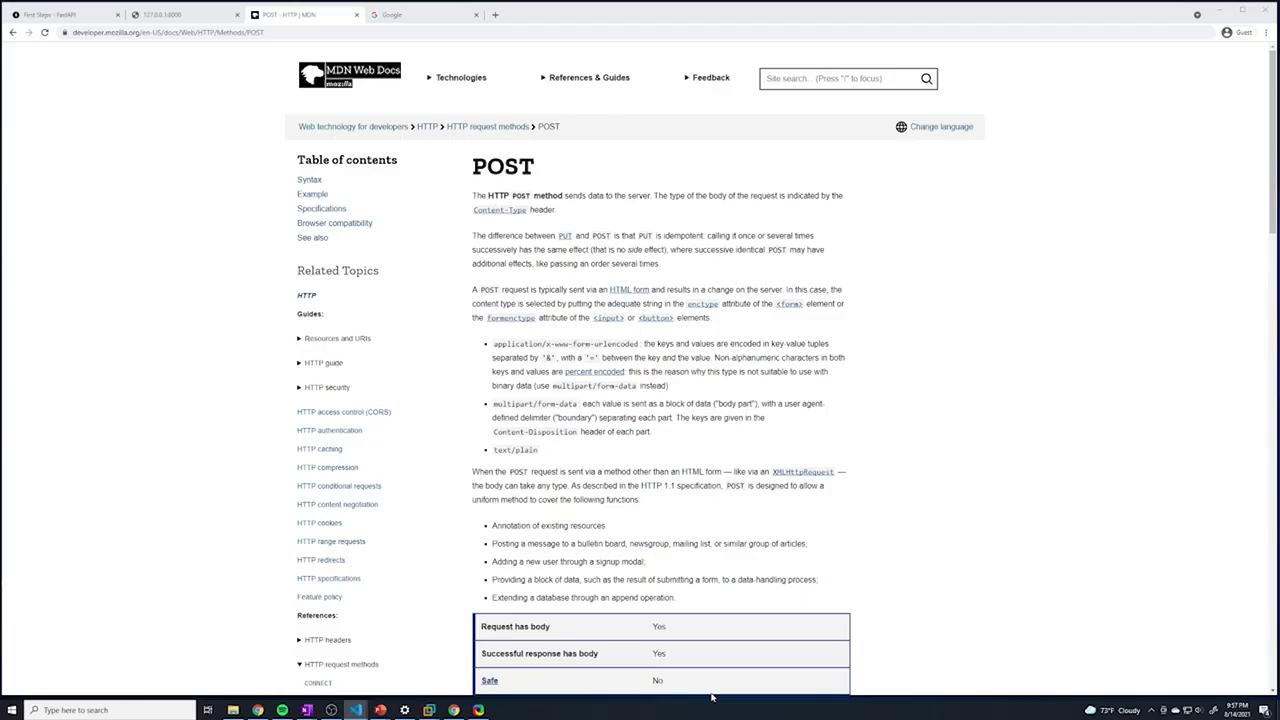
FastAPI supports various HTTP methods. The GET method is standard for data retrieval. For operations such as creating or updating data, you would typically use POST, PUT, or DELETE. For further details on these HTTP methods, you can refer to Mozilla Developer Network (MDN).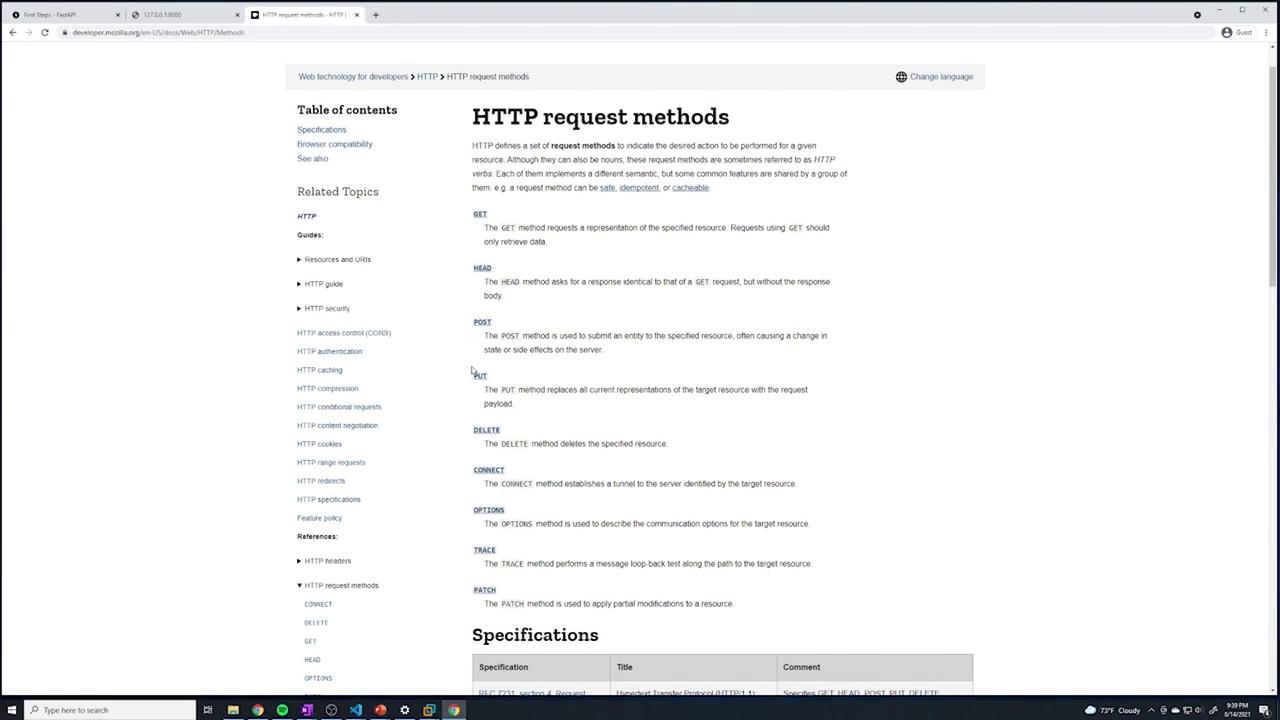
Order of Path Operations
FastAPI processes Path Operations in the order they are defined in the code. It uses both the HTTP method and the URL path to match incoming requests. The first matching Path Operation is executed, which means that if you define multiple endpoints with the same path (e.g., two GET operations for/), only the first one is used:
/ will always return {"message": "Hello World"} because FastAPI stops after the first match. Changing the order would change the behavior of the API.
Final Example
Below is a consolidated example of a FastAPI application that includes multiple Path Operations:--reload flag in development allows FastAPI to detect code changes automatically, ensuring that the latest updates are always reflected.
In the next section of this lesson, we will review what constitutes a Path Operation and reinforce the concepts covered so far. Remember, your API is simply a collection of Path Operations—each defined by an HTTP method, a URL path, and the function logic behind it.
Happy coding!