

- Verify a post exists using a GET endpoint.
- Remove a post from an in-memory list.
- Handle scenarios where the post is not found.
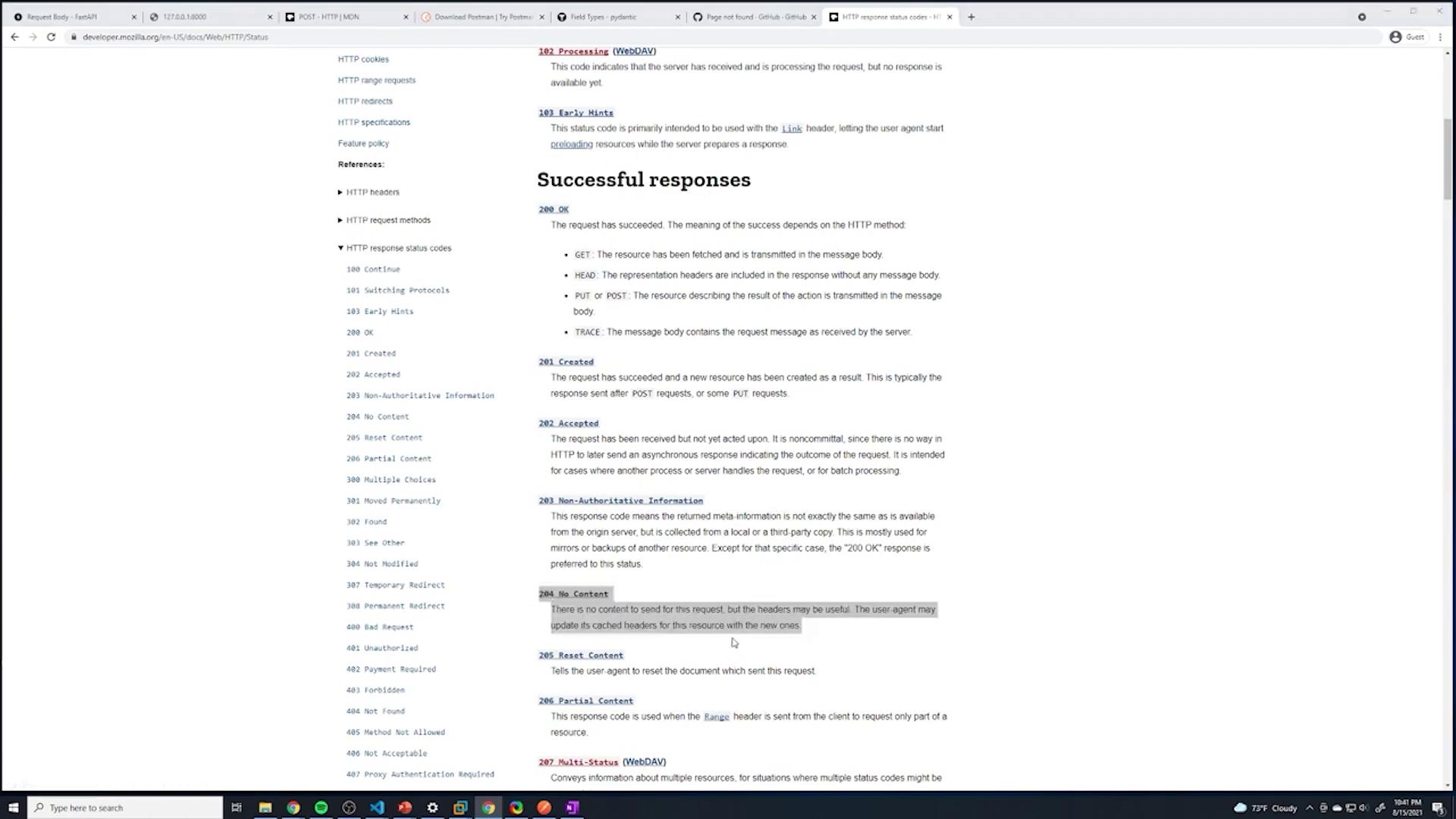
- Return the appropriate HTTP response, using a 204 status code for a successful deletion.
Before deleting a post, ensure you have helper functions in place to locate the post and its index within your list.
- Retrieve a single post using a GET endpoint for verification.
- Define the DELETE endpoint to:
- Accept the post ID via the URL.
- Find the index of the post with the given ID.
- Remove the post from the list.
- Return a response with a 204 status code if deleted, or a 404 error if not found.
Defining the GET Endpoint for a Single Post
We start by defining a simple GET endpoint that retrieves a post by its ID. If the post isn’t found, an HTTPException with a 404 status code is raised.Starting the DELETE Endpoint Implementation
When creating the DELETE endpoint, ensure the post ID is included in the URL. Initially, the function signature might look like this:Implementing the Deletion Logic
The deletion process involves:- Locating the specific post (dictionary) in the in-memory array using its ID.
- Removing it with the list method
pop().
Full Example with Helper Functions
Below is a complete example that sets up the FastAPI application along with helper functions to locate a post and its index for deletion. Notice the use of theenumerate() function in find_index_post.
Implementing the DELETE Endpoint Correctly
To implement the DELETE endpoint correctly, update the endpoint to include the post ID in the function parameters, handle scenarios where the post cannot be found, and return a 204 status code (No Content) on success.Do not include any content in the response body when using a 204 status code, as this might cause errors related to the declared Content-Length.
Testing the DELETE Endpoint
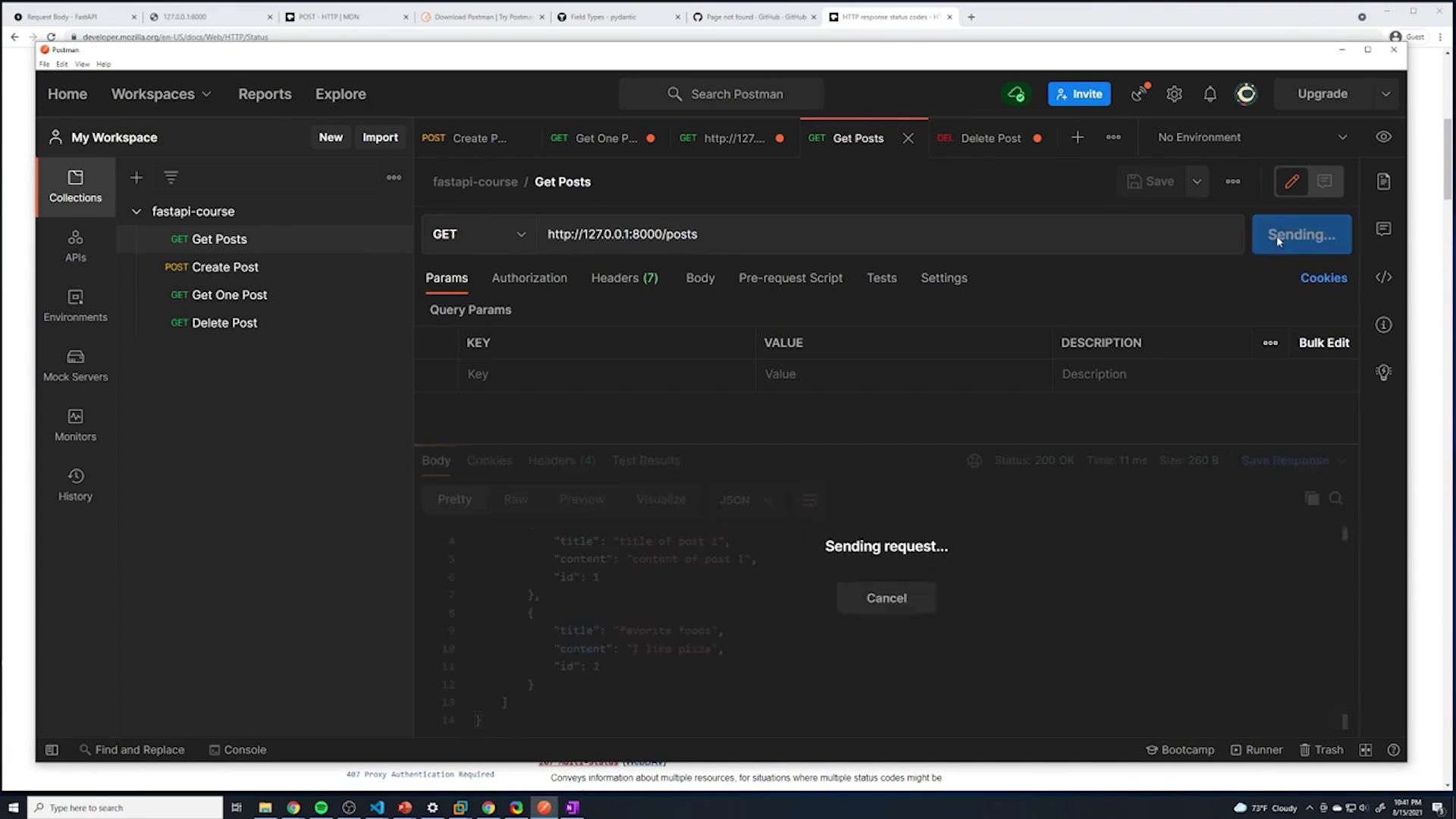
You can test the DELETE endpoint using tools like Postman. For example, sending a DELETE request to remove the post with ID 1 might initially yield an error like: TypeError: ‘NoneType’ object cannot be interpreted as an integer This error indicates that the helper functionfind_index_post returned None, meaning that the post with the specified ID does not exist. Once the conditional check is added, attempting to delete a non-existent post will raise an HTTPException with a 404 status code.
When the deletion is successful, the server will log a 204 No Content response:
Verifying Deletion with the Updated Status Code
The final DELETE endpoint returns a 204 status code with no content, which is shown in the following snippet: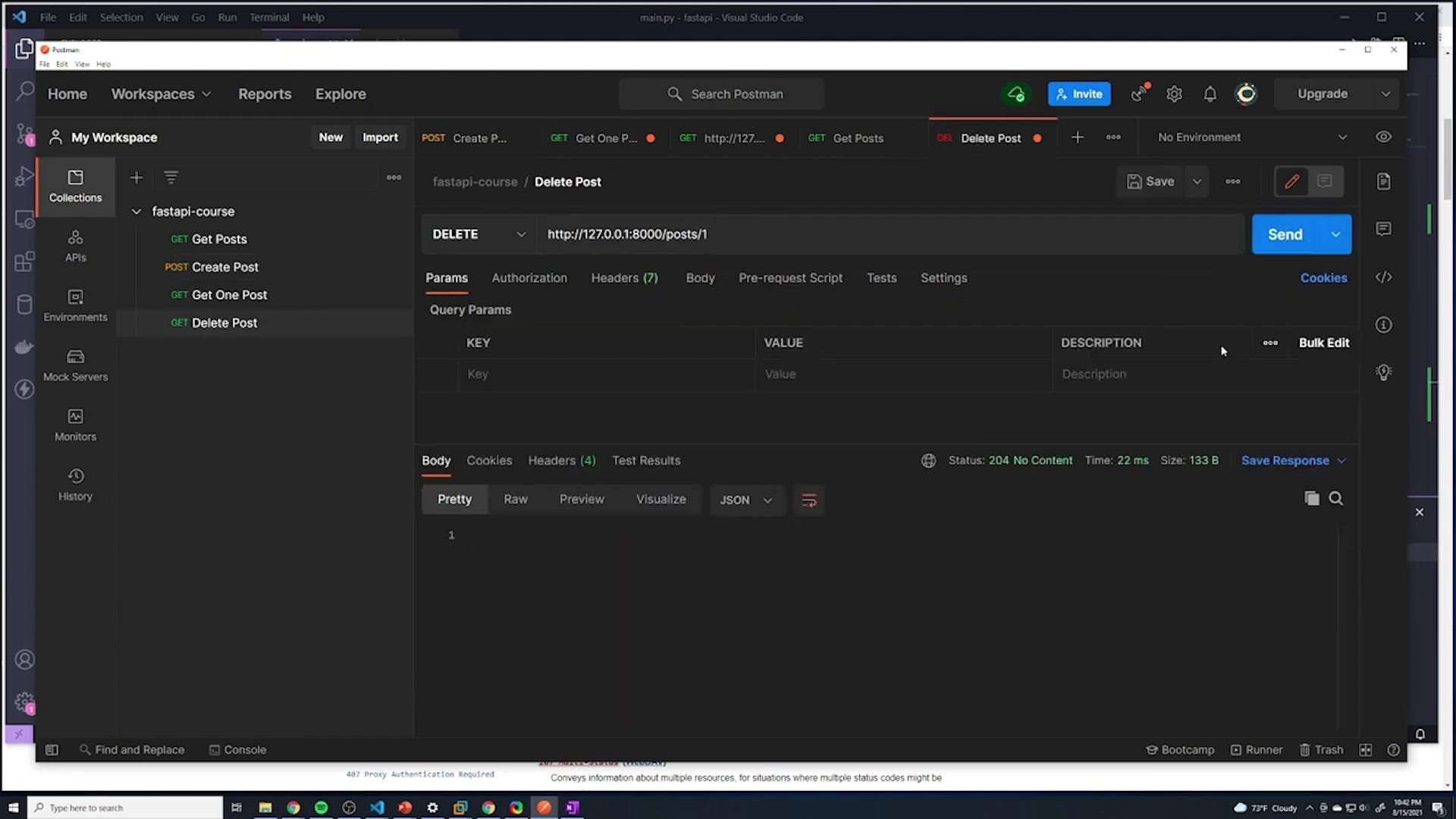
Conclusion
In this article, we demonstrated how to implement a DELETE endpoint in FastAPI to remove posts from an in-memory list. Key takeaways include:- Using a GET endpoint to verify a post’s existence.
- Implementing logic to remove a post by locating its index.
- Handling errors when a post is not found.
- Returning a 204 No Content response upon successful deletion.