Welcome. This lesson explains mutable and immutable infrastructure — essential concepts for building consistent, reproducible environments, deployable platforms, and auditable pipelines. Choosing between mutable and immutable approaches affects reliability, deployment strategies (blue/green, canary), and the operational model (replace-in-place vs replace-with-image). By 2025, platform engineering treats immutability as the default for most workloads; containers and serverless platforms follow this pattern naturally. Key advantages of immutable infrastructure:
  • Environment consistency and reproducibility
  • Stronger security and compliance via versioned artifacts
  • Simpler change management for production rollouts
  • Better fit for GitOps-style workflows and auditable pipelines
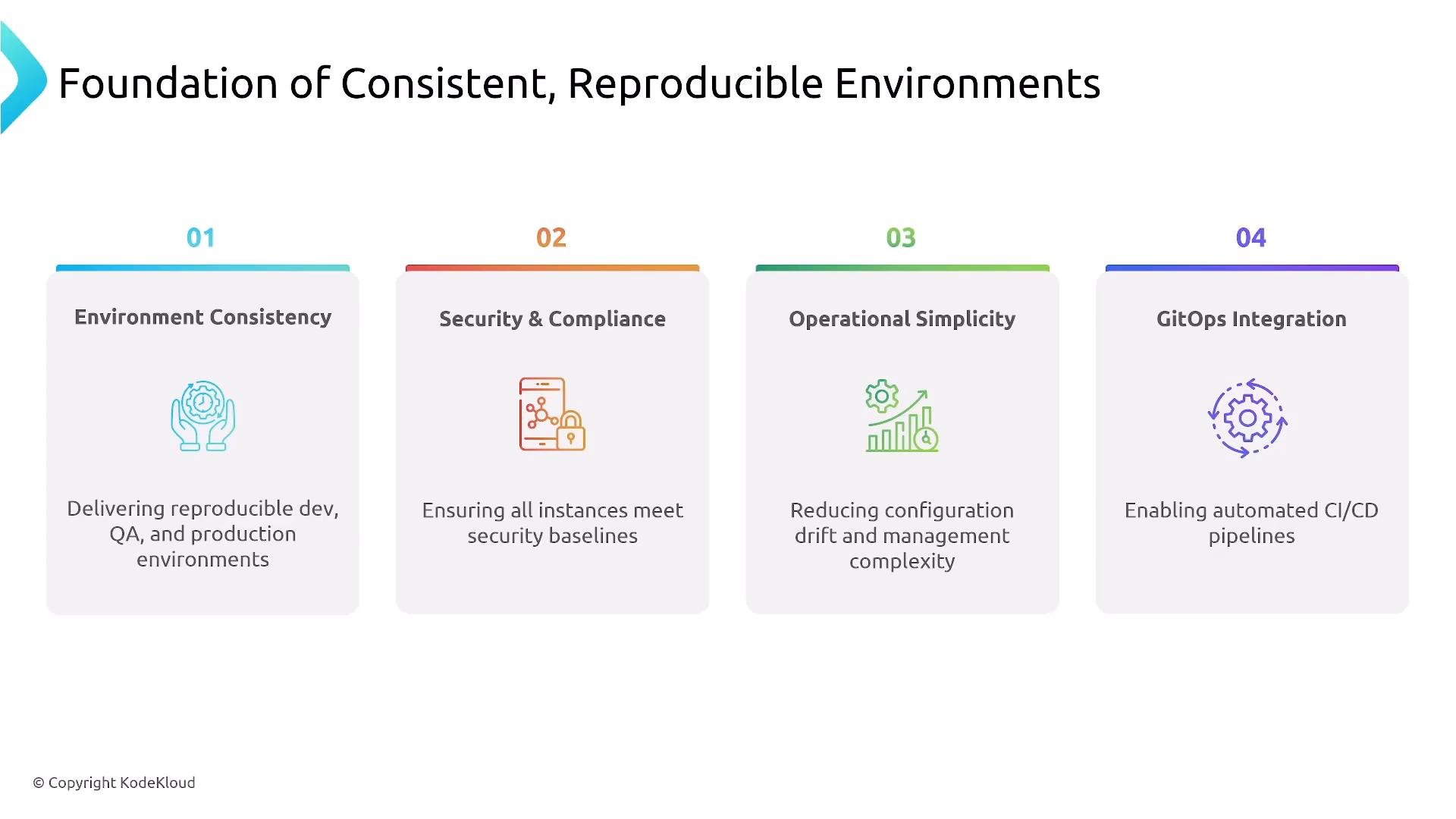
A presentation slide titled "Foundation of Consistent, Reproducible Environments" showing four numbered pillars: Environment Consistency, Security & Compliance, Operational Simplicity, and GitOps Integration, each with a short description and icon.
This decision determines how an organization (for example, Sparkle Pony Ranch) delivers reliability and consistency across teams and environments.

History and evolution

  • Pre-2010: mostly manual ops — long-lived VMs, SSH-driven troubleshooting, and manual patching.
  • 2013–2015: immutable VM patterns and image-baking ideas began to appear.
  • 2014: Docker popularized container images.
  • 2016–2018: Kubernetes and container orchestration accelerated immutable practices.
  • 2025: platform engineering commonly treats immutability as default, with governed exceptions.
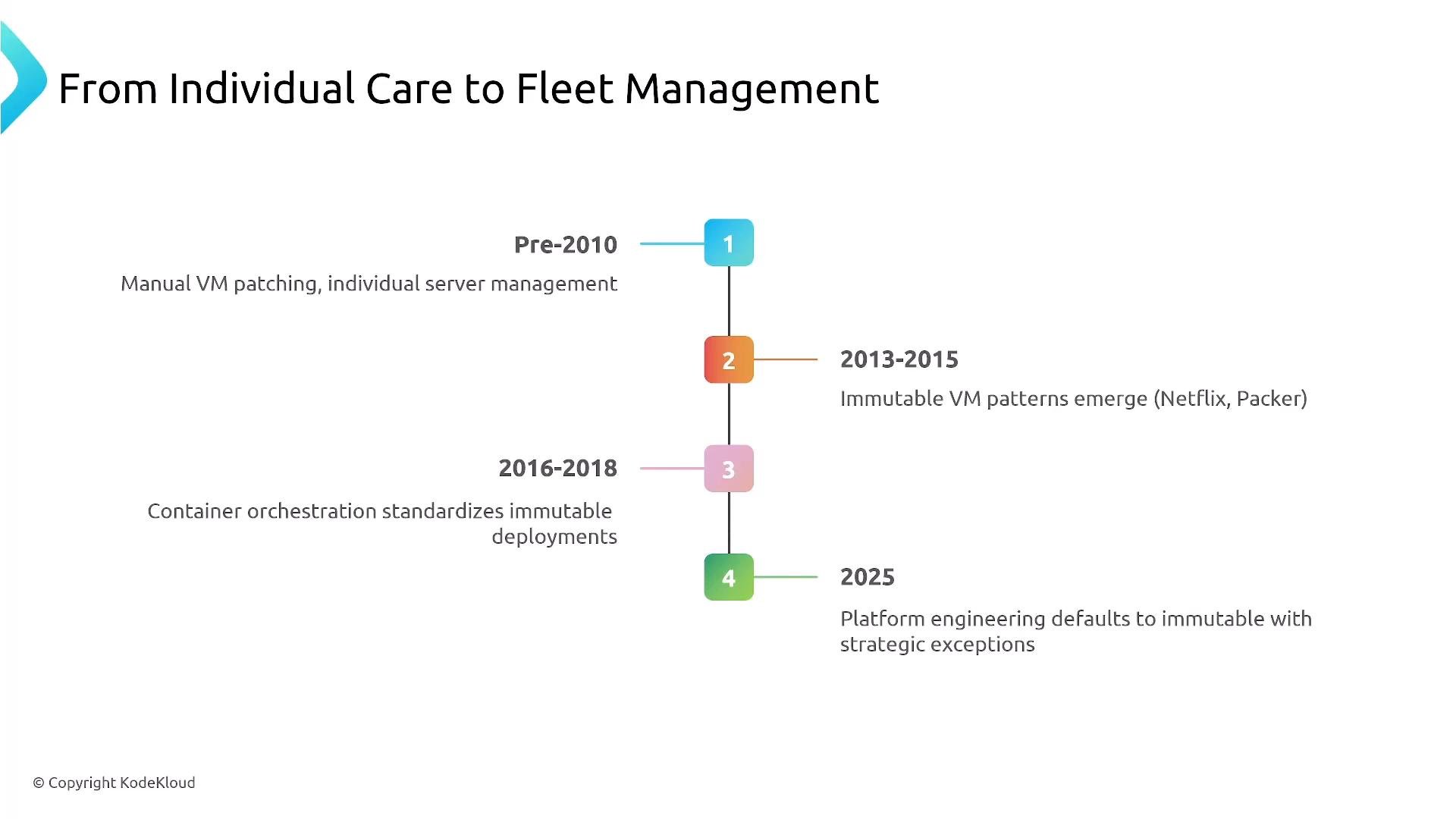
A vertical timeline slide titled "From Individual Care to Fleet Management" with four numbered milestones along a central line. It highlights periods and trends: Pre-2010 manual VM patching, 2013–2015 immutable VM patterns, 2016–2018 container orchestration, and 2025 platform engineering defaults.

What is mutable infrastructure?

Mutable infrastructure is updated in place: running systems are patched, libraries changed, and individual server identities remain persistent. This model supports SSH debugging, immediate hotfixes, and deep investigation into live systems. It was common when VM boot times were long and quick rebuilds weren’t practical. Common characteristics:
  • In-place updates and direct access (SSH)
  • Unique instance identity and long-lived machines
  • Quick ad-hoc fixes, but higher risk of configuration drift
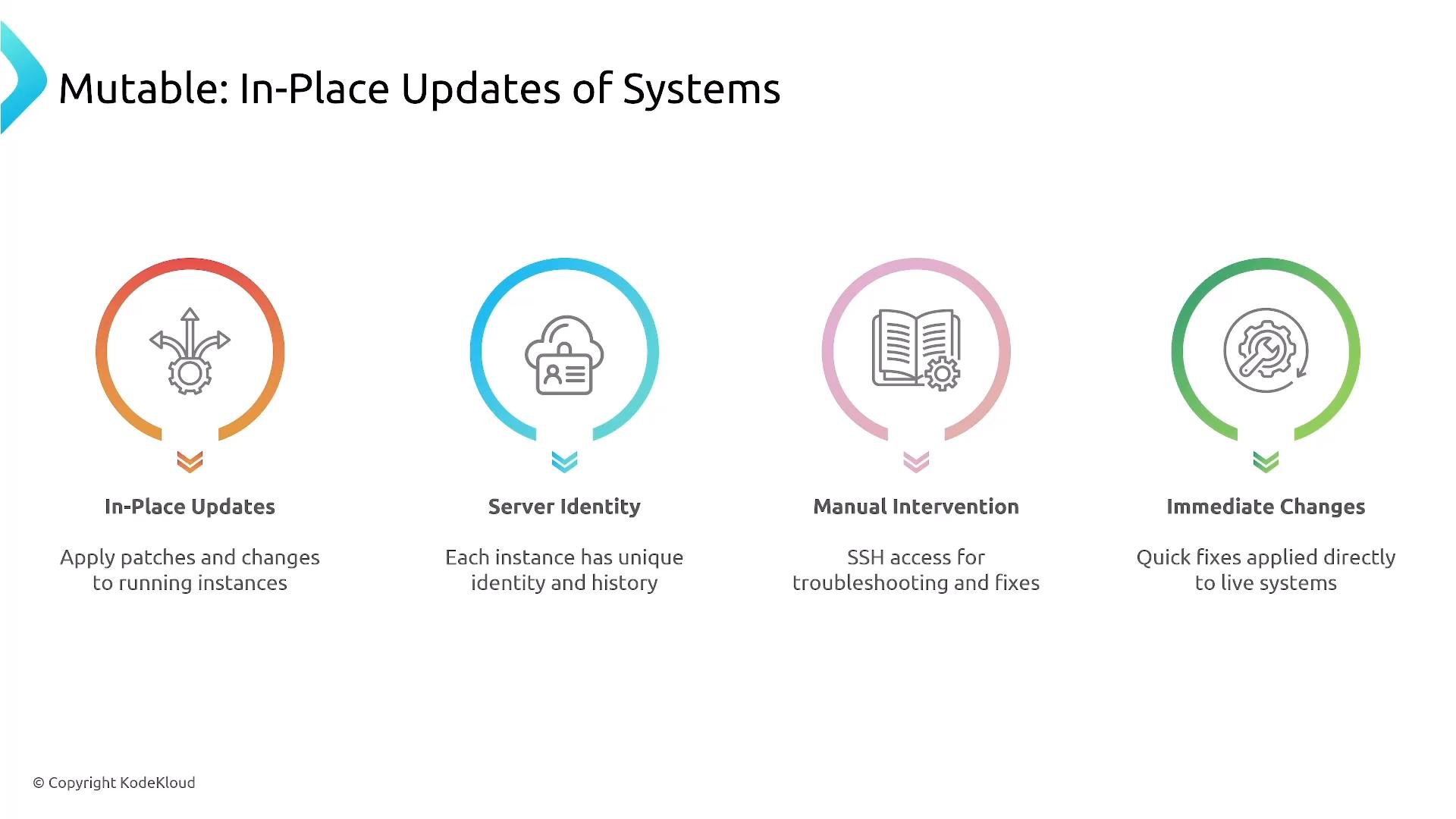
A presentation slide titled "Mutable: In-Place Updates of Systems" showing four colored circular icons labeled In-Place Updates, Server Identity, Manual Intervention, and Immediate Changes. Each icon has a short caption describing applying patches live, unique instance identity, SSH troubleshooting, and quick fixes to running systems.

What is immutable infrastructure?

Immutable infrastructure favors replace-over-repair. Rather than editing a running instance, you build a new versioned artifact (golden VM image, container image, or function package) and deploy it. Treat VMs, containers, and function packages as disposable — build, test, and replace. Principles:
  • Image-based workflows and versioned artifacts
  • Disposable instances and no direct long-term modification
  • Changes are made upstream (build pipeline) and redeployed
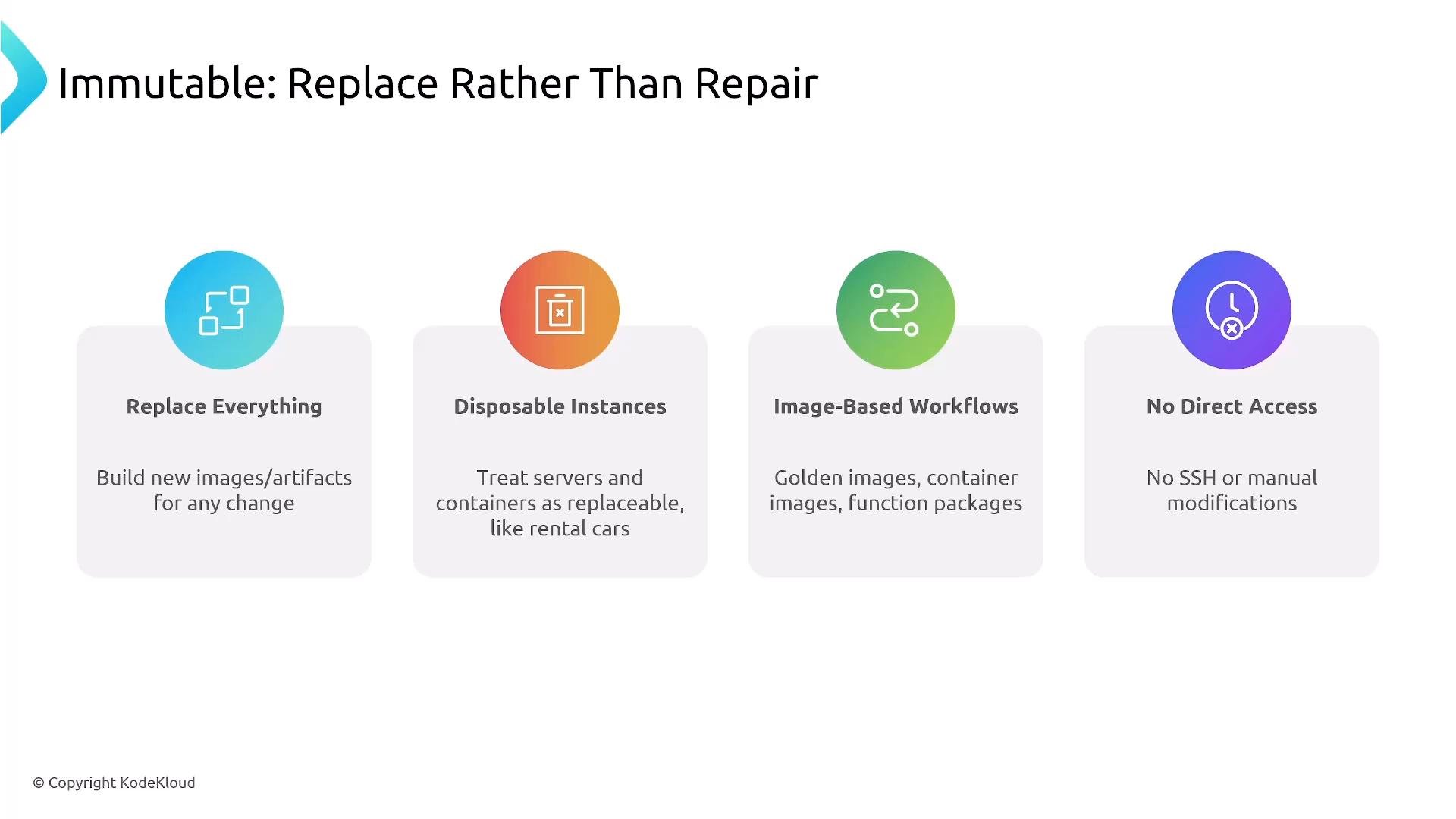
A slide titled "Immutable: Replace Rather Than Repair" that outlines principles of immutable infrastructure. It shows four panels: Replace Everything, Disposable Instances, Image-Based Workflows, and No Direct Access, each with an icon and short description.

Contrast example — mutable VM changes (anti-pattern)

Example of a manual, mutable workflow:
Why this is problematic:
  • Configuration drift — future instances won’t include these live edits
  • Harder to audit and reproduce
  • Emergency changes may never be committed back to source control
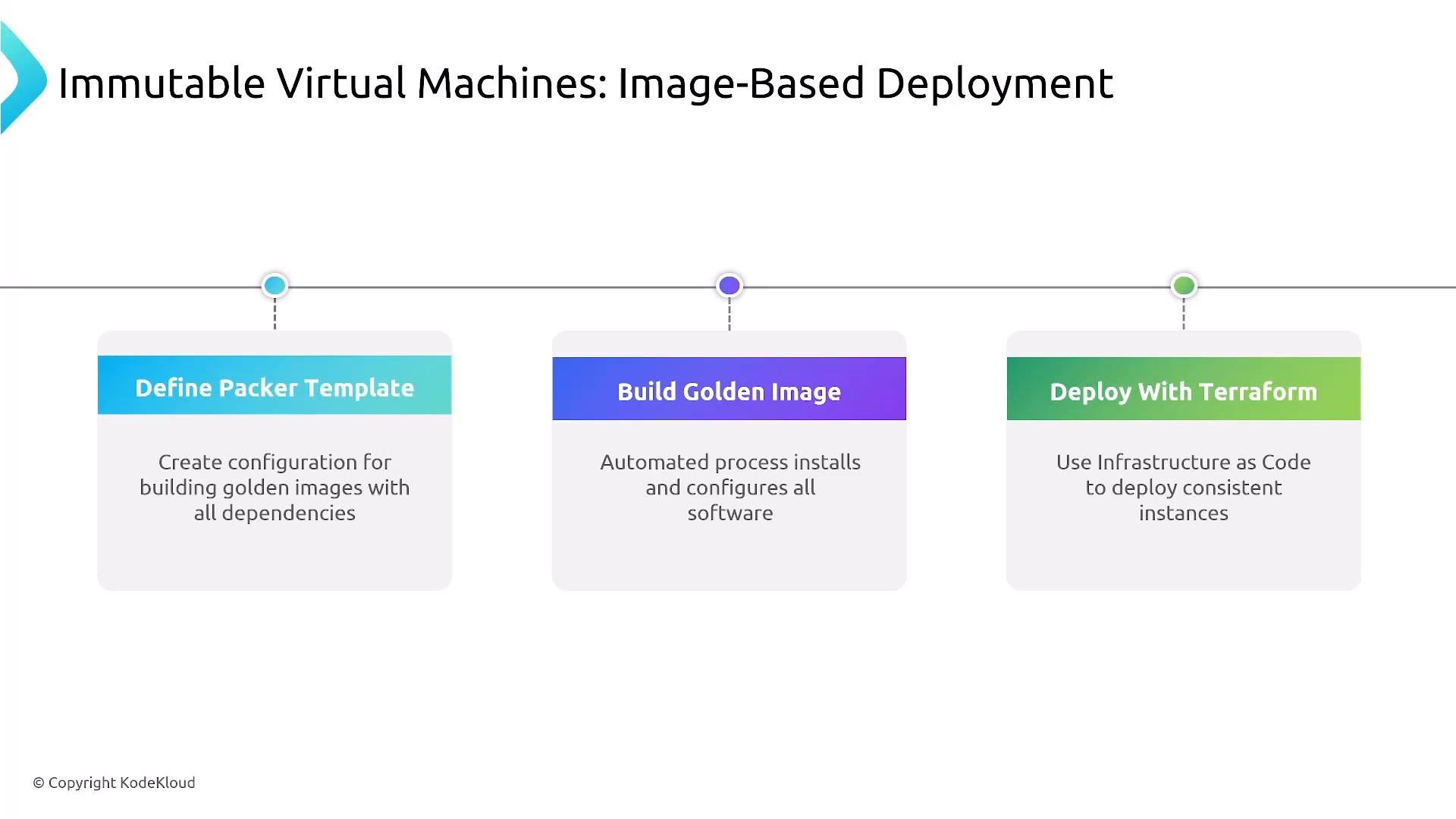
Better approach: bake a golden image (Packer, EC2 Image Builder, Docker build), test it, push to a registry, and deploy through orchestration tools (Terraform, Kubernetes). The baked image becomes the single source of truth.
A presentation slide titled "Immutable Virtual Machines: Image-Based Deployment" showing a three-step workflow: "Define Packer Template," "Build Golden Image," and "Deploy With Terraform," each with a short explanatory caption.

Containers — avoid mutating running images

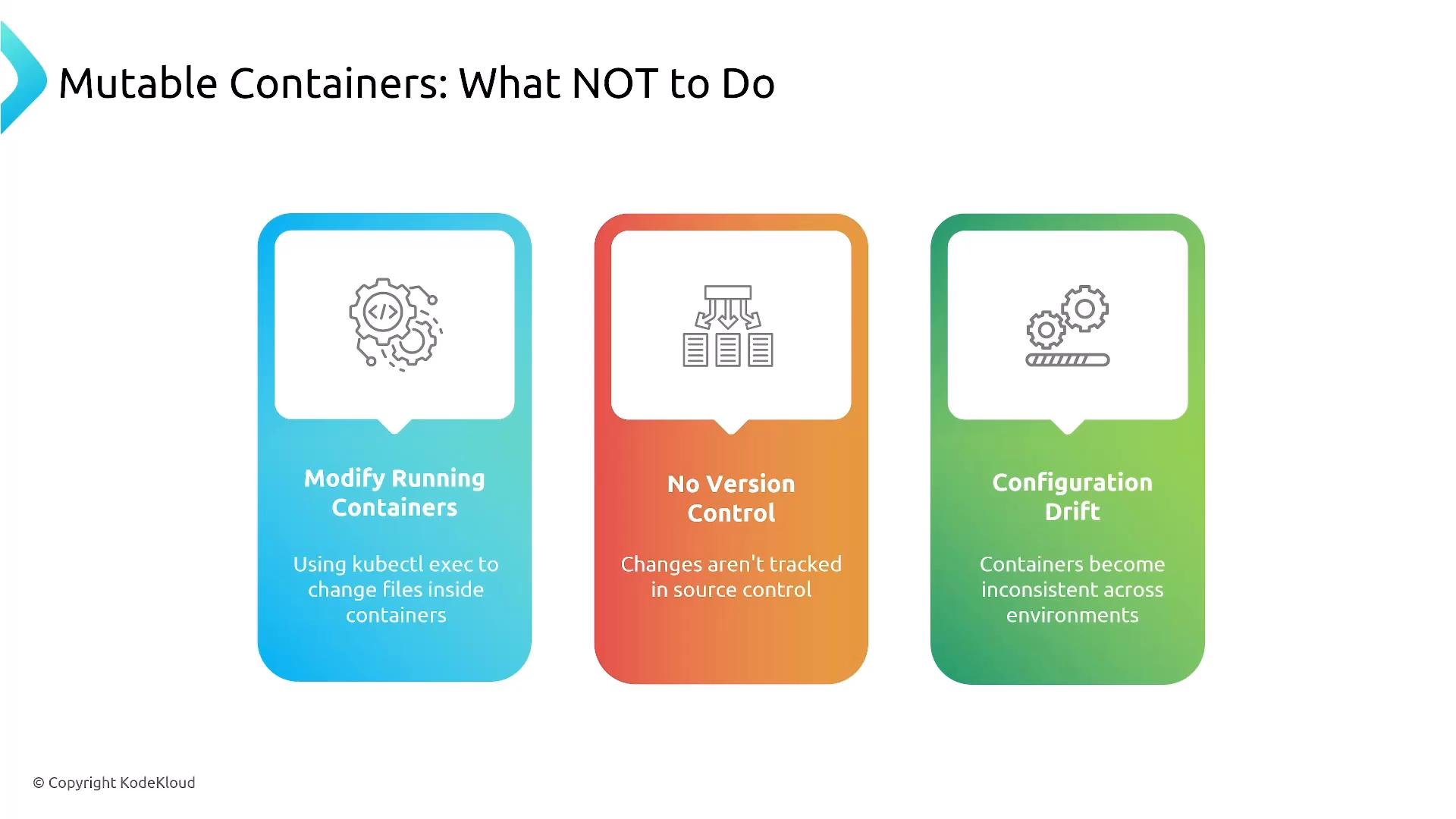
Mutable containers (modifying files inside running containers) create unversioned state and configuration drift. When a container is restarted or autoscaled, those in-place changes are lost unless persisted externally. Best practice:
  • Update source/configuration
  • Rebuild container image
  • Push image to registry
  • Redeploy via CI/CD or GitOps
A presentation slide titled "Mutable Containers: What NOT to Do" showing three colored panels warning against "Modify Running Containers," "No Version Control," and "Configuration Drift" with small icons. It lists brief explanations under each heading about changing files inside containers, untracked changes, and inconsistent environments.

Immutable containers — the standard workflow

Typical immutable container deployment workflow:
  • Update application code or config
  • Build a new container image
  • Push image to registry
  • Trigger CI/CD or GitOps automation
  • Update deployment to use new image tag
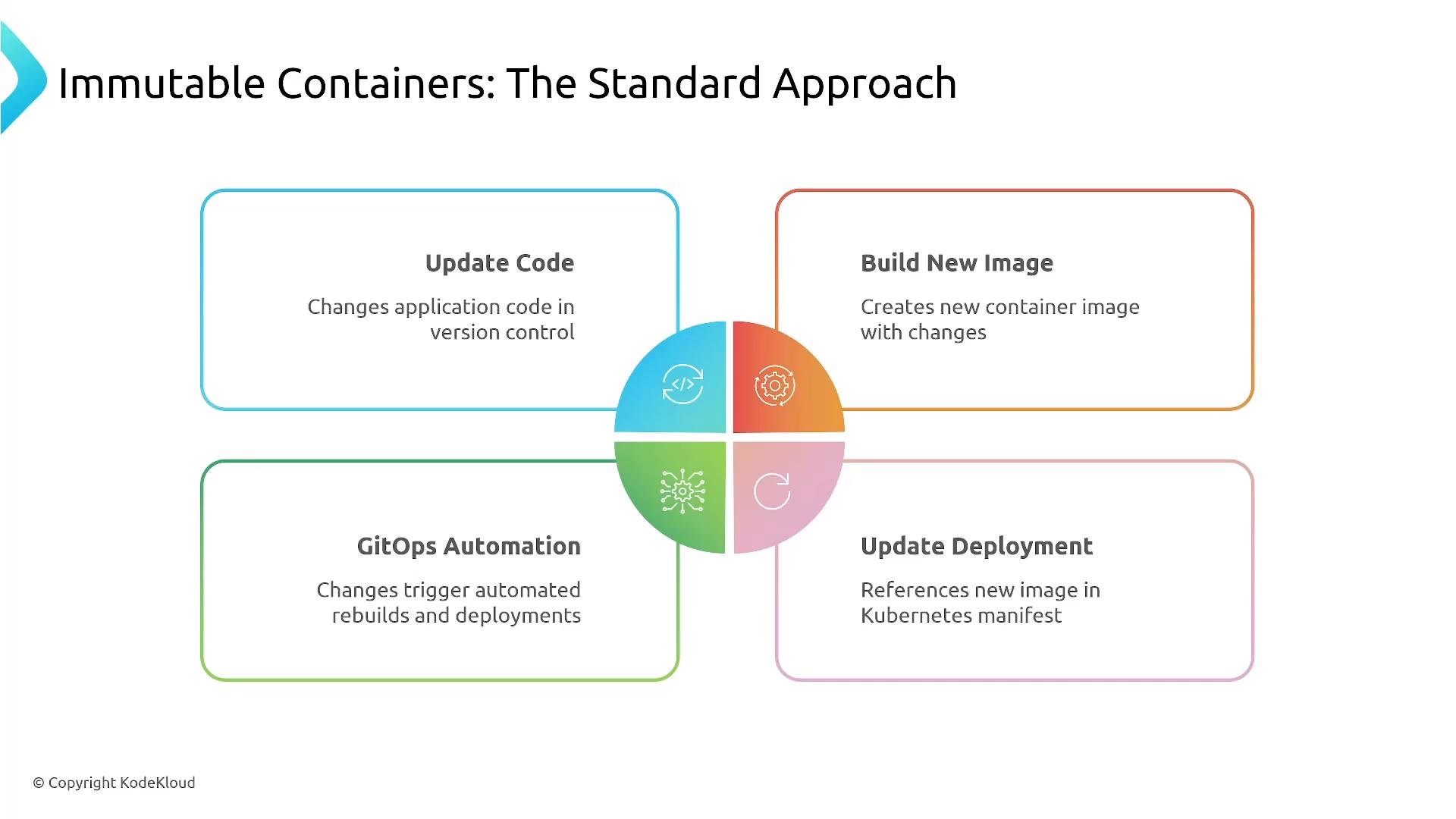
Benefits: reproducible rollouts, audit trails, and simple rollbacks to prior image tags.
A presentation slide titled "Immutable Containers: The Standard Approach." It shows a four-step workflow—Update Code, Build New Image, GitOps Automation, and Update Deployment—illustrating the immutable container deployment cycle.

Serverless — immutable by design

Serverless platforms (AWS Lambda, Azure Functions, etc.) produce versioned deployments for each update. You cannot modify running instances in place; rollbacks are handled by routing aliases to prior versions. Function frameworks on Kubernetes follow the same versioned-deploy principle.
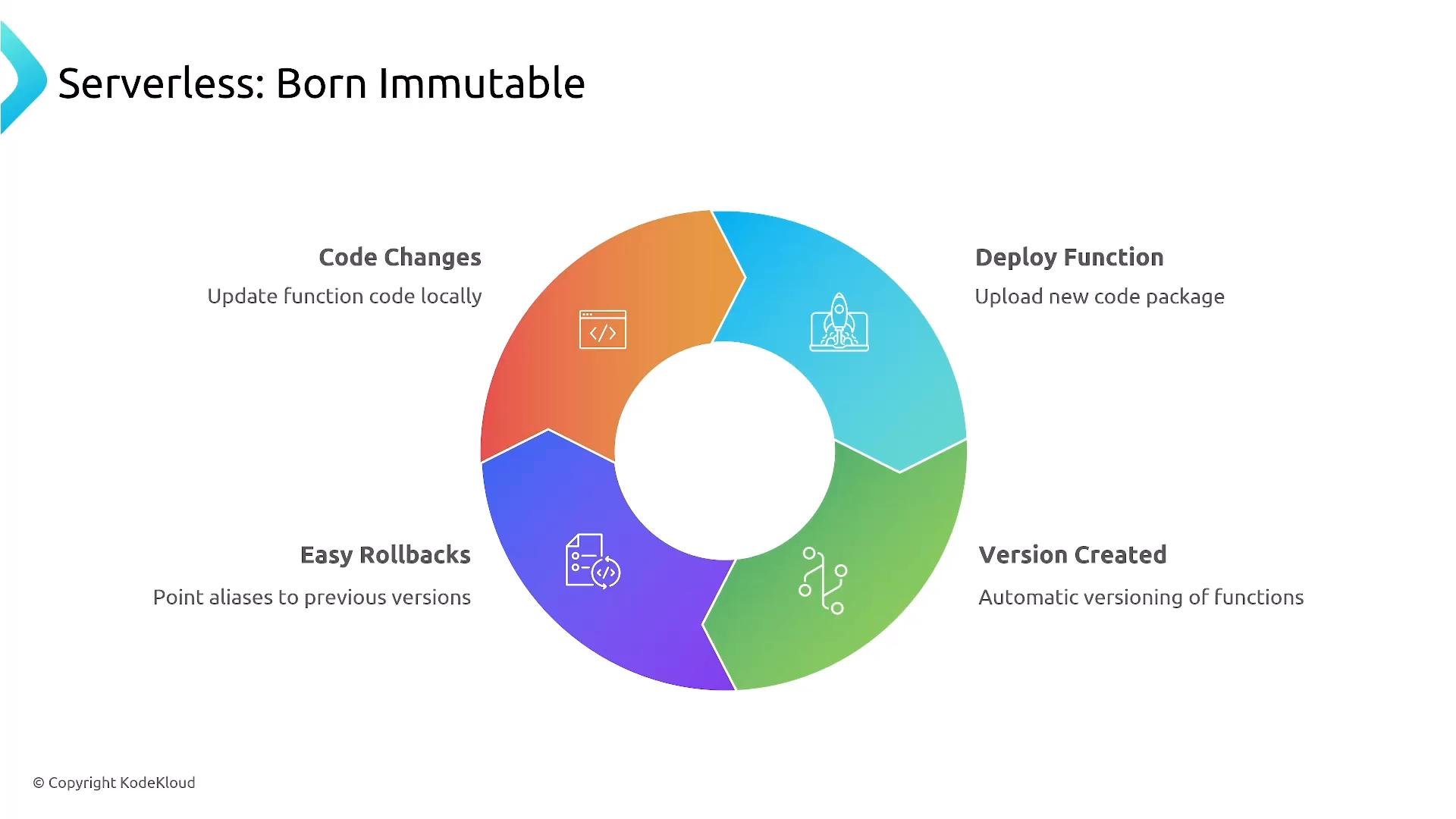
A colorful circular infographic titled "Serverless: Born Immutable" with four segmented steps around a central hole. The segments show Code Changes (update code locally), Deploy Function (upload new package), Version Created (automatic versioning), and Easy Rollbacks (point aliases to previous versions).

Mutable vs Immutable — quick comparison

Mutable infrastructure still has valid uses: debugging sessions, maintaining legacy systems, and emergency hotfixes. In containerized and serverless contexts, prefer fixing upstream artifacts and redeploying.
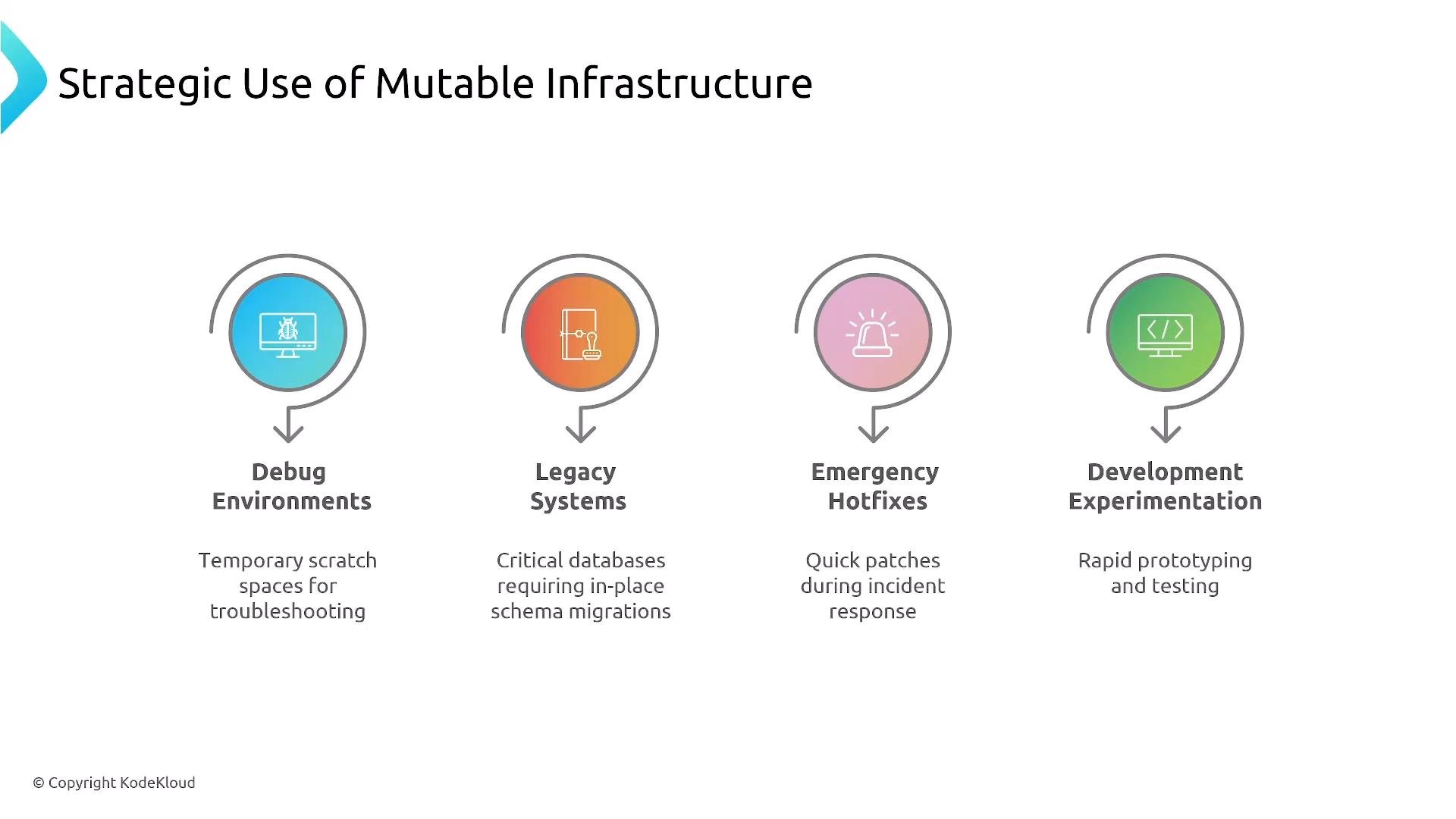
A slide titled "Strategic Use of Mutable Infrastructure" showing four colored icons and labels: Debug Environments, Legacy Systems, Emergency Hotfixes, and Development Experimentation, each with a brief description. It’s a visual summary of scenarios where mutable infrastructure is used.
When mutable changes are performed during troubleshooting, always backfill those fixes into the immutable pipeline: commit to the repository, rebuild the image, and redeploy. Mutable changes should be rare, intentional, and governed by policy.

Modern platform standards and controls

Modern platforms often adopt immutability by default and enforce:
  • Golden VM images and versioned container images
  • Declarative, version-controlled deployments via GitOps (Argo CD, Flux)
  • Infrastructure as Code (Terraform, CloudFormation)
  • Automated drift detection and controlled exception paths
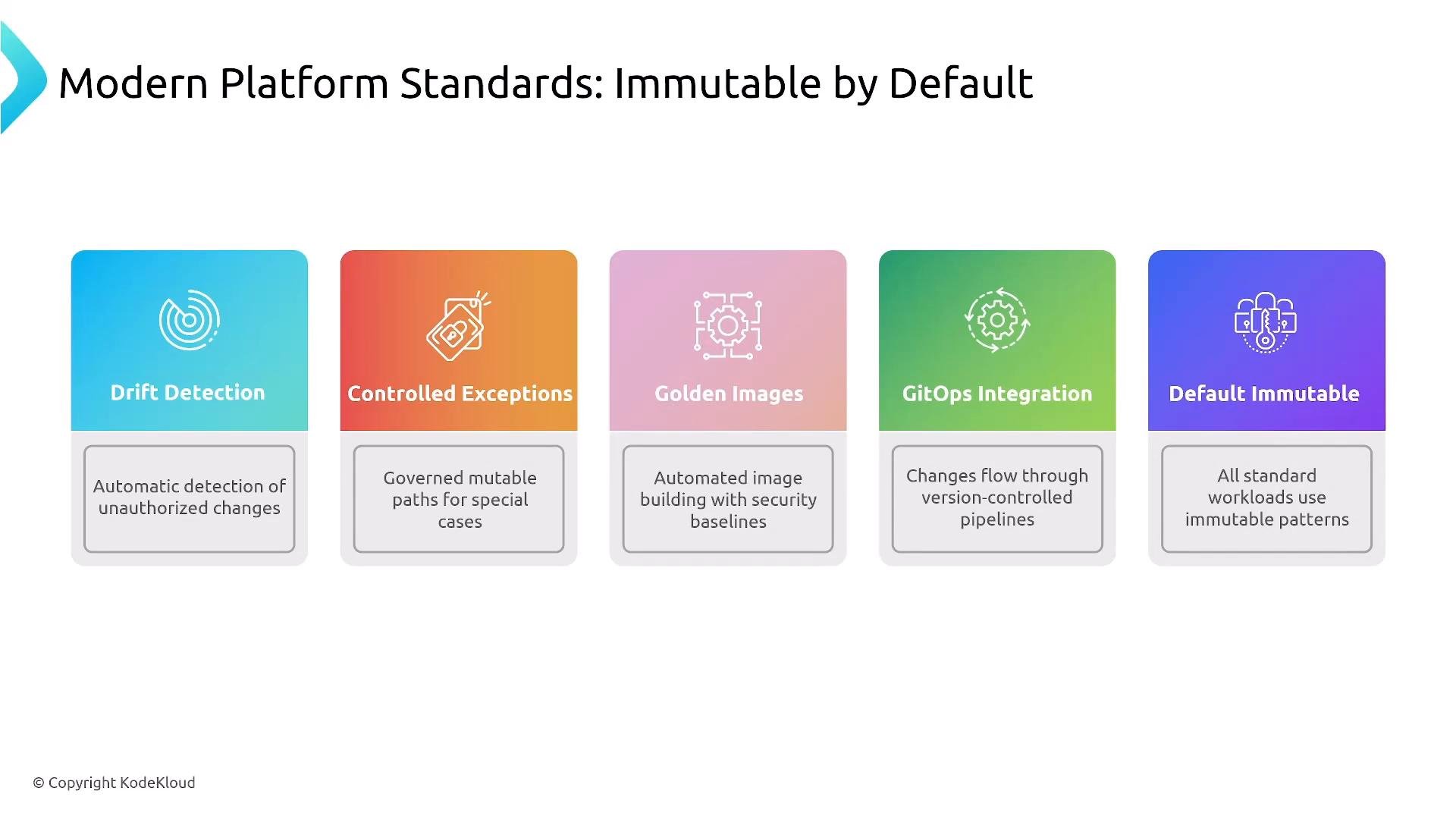
A presentation slide titled "Modern Platform Standards: Immutable by Default" showing five colorful panels labeled Drift Detection, Controlled Exceptions, Golden Images, GitOps Integration, and Default Immutable. Each panel includes an icon and a brief description of that standard (e.g., automatic detection of unauthorized changes, governed mutable paths, automated image building, version-controlled pipelines, and immutable workloads).
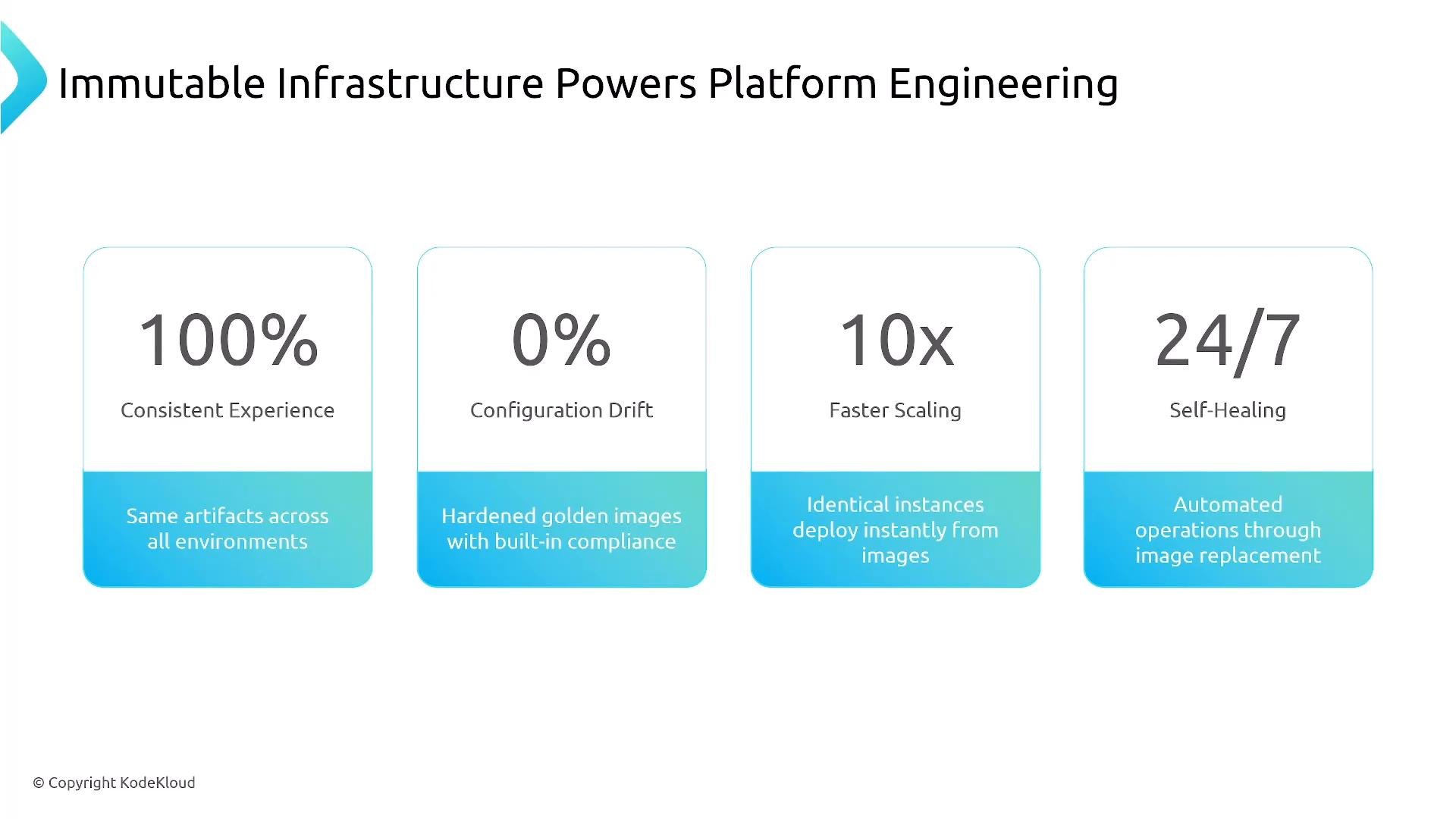
Immutable infrastructure enables platform engineering benefits such as consistent developer experiences, minimal configuration drift, faster scalable rollouts, and improved self-healing.
A presentation slide titled "Immutable Infrastructure Powers Platform Engineering" showing four benefits: 100% consistent experience, 0% configuration drift, 10x faster scaling, and 24/7 self-healing with short explanatory captions.

Implementation approaches (common patterns)

  • Image-based deployments (container images, VM golden images)
  • Container orchestration: Kubernetes for immutable workloads (Kubernetes course)
  • Infrastructure as Code: Terraform, AWS CloudFormation
  • GitOps workflows: Flux, Argo CD
  • Deployment strategies: rolling updates, blue/green, canary releases
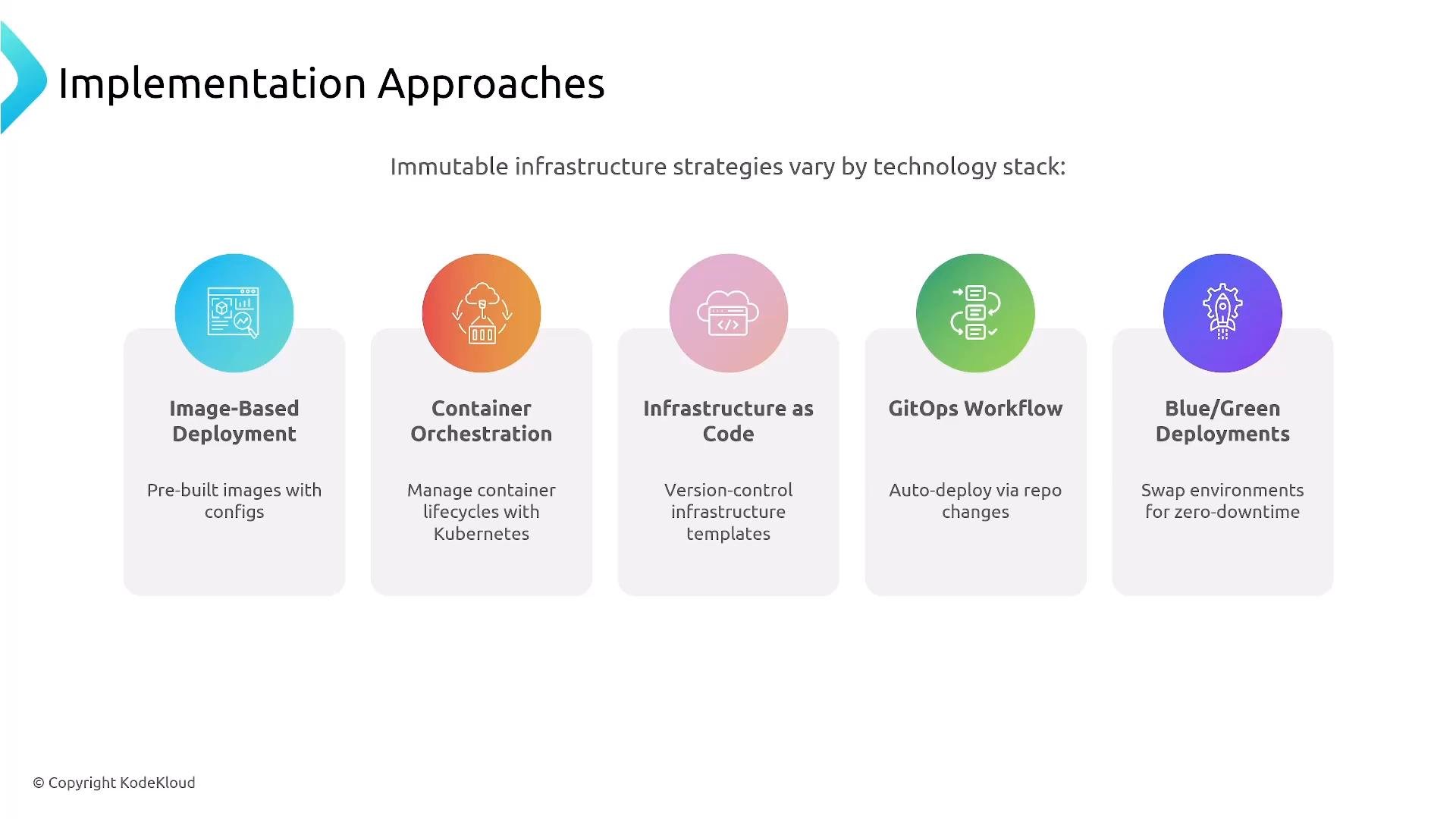
A slide titled "Implementation Approaches" listing five immutable infrastructure strategies—Image-Based Deployment, Container Orchestration, Infrastructure as Code, GitOps Workflow, and Blue/Green Deployments—each shown with an icon and a short description.

Key takeaways

  • Immutable systems are the platform engineering ideal: image-based, versioned, and reproducible.
  • Containers and serverless are naturally immutable; VMs become immutable when you adopt image-baking workflows.
  • Mutable approaches remain useful for debugging, legacy maintenance, and emergency hotfixes — but they should be governed and backfilled into the immutable pipeline.
  • GitOps and IaC are primary enablers for automated, auditable immutable deployments.
For exam or interview recall: think of mutable as the family car — you maintain and evolve it. Immutable is a rental/shared car — you get a fresh, versioned instance when you need it. Immutable-by-default is the practical standard for modern platform engineering. Thanks for reading.

Watch Video