This lesson covers GitOps patterns for application environment promotion, environment design, repository strategies, configuration management, security, and monitoring. These are practical platform-engineering patterns to enable safe, auditable, and repeatable promotion from development to production.
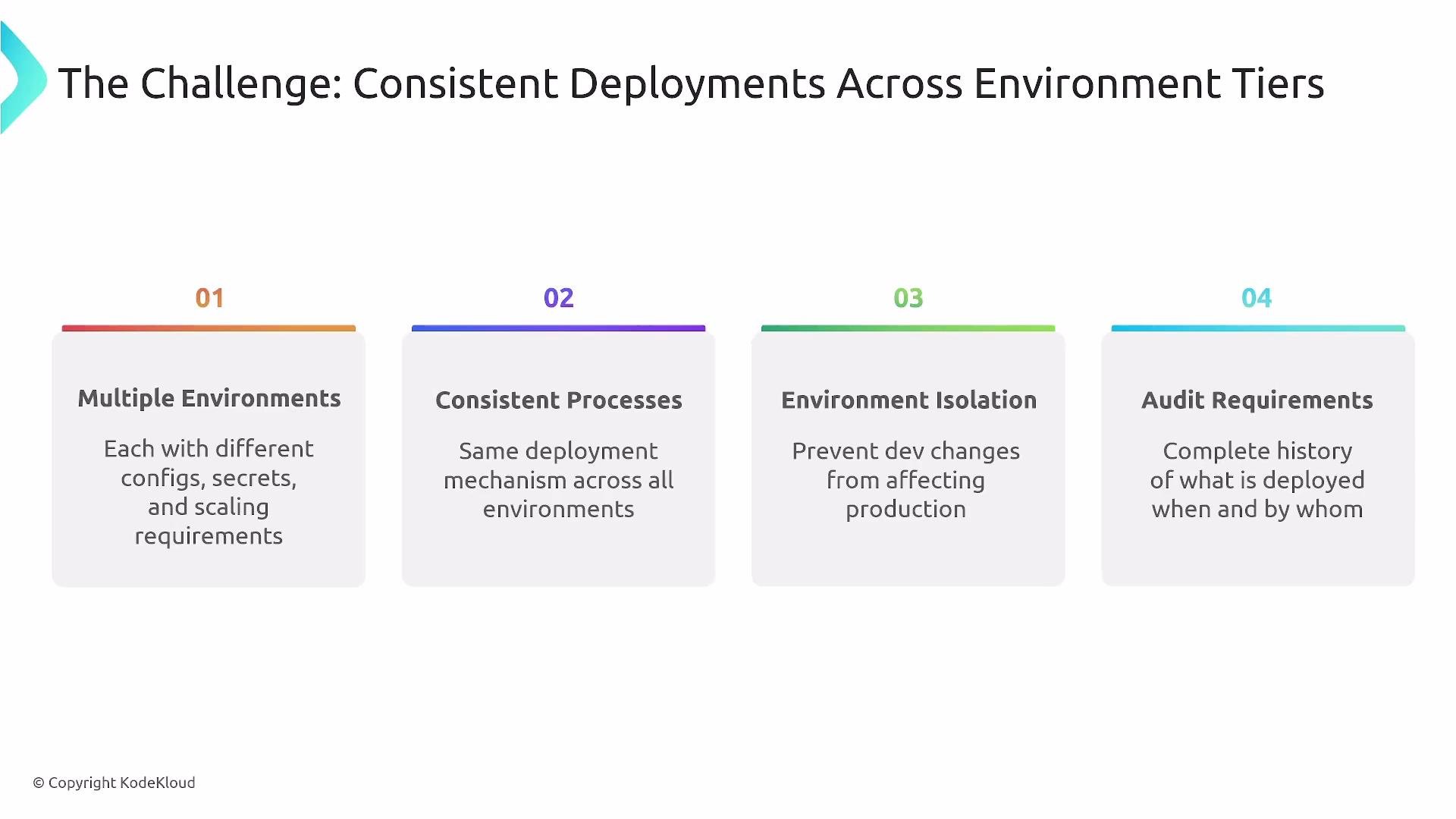
Welcome — in this lesson we explore GitOps for Application Environments: a core platform engineering concern focused on continuous promotion — promoting changes from development through testing and staging into production. The goal is to maintain consistency across multiple environments while preserving isolation, security boundaries, and full auditability. One critical platform challenge is ensuring non-production environments are reliable and available; outages in development or staging directly slow delivery velocity.
The image outlines challenges of ensuring consistent deployments across environment tiers, highlighting issues like multiple environments, consistent processes, environment isolation, and audit requirements.
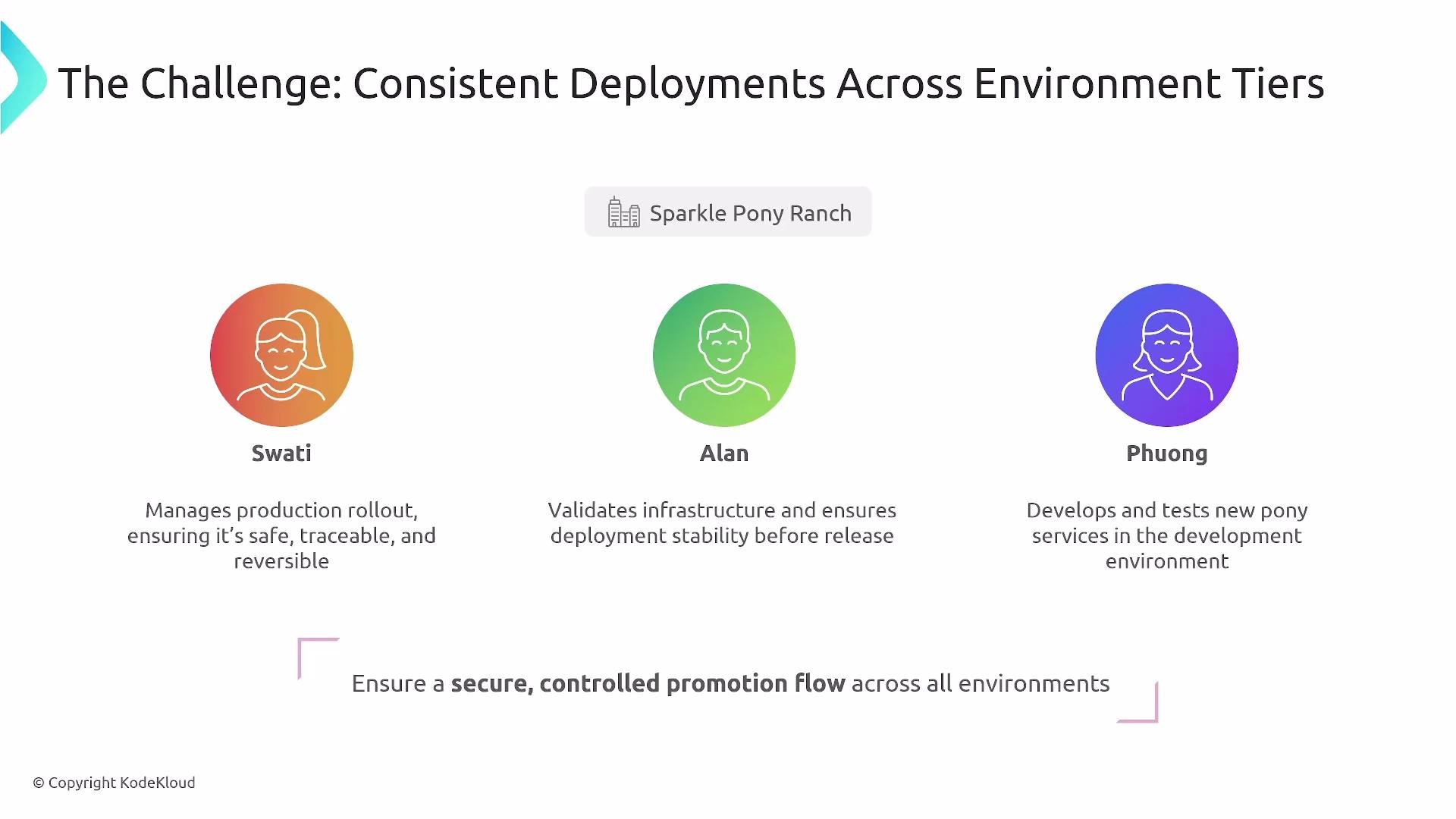
Throughout this lesson we use Sparkle Pony Ranch (SPR) as an example. SPR needs safe, traceable, and reversible promotion flows for pony services. Swati, Alan, and Phong (shown as Phuong in some diagrams) share responsibilities for development feedback, infrastructure validation, and application templates respectively.
The image outlines roles and responsibilities for managing consistent deployments across environment tiers, featuring Swati, Alan, and Phuong, each with specific tasks related to production rollout, infrastructure validation, and development.

Environment tiers and guardrails

A typical environment progression is: development -> testing/QA -> staging -> production
(variations often include UAT, performance, or specialized test environments).
As you progress toward production:
  • Risk tolerance decreases.
  • Controls, RBAC, and approval gates tighten.
  • Observability and rollback mechanisms become stricter.
Design for:
  • Consistent processes, tools, and deployment mechanisms across environments
  • Environment isolation (clusters, namespaces, or access boundaries)
  • Auditable promotion trails (commits, PRs, approvals)
  • Logical production parity at scale (not necessarily identical capacity)

Development: rapid feedback and quotas

GitOps supports short feedback loops and reproducible dev environments. Platform features commonly provided:
  • One-click or repo-driven environment provisioning
  • Resource quotas and guardrails to prevent noisy neighbors
  • Feature flags to control runtime behavior
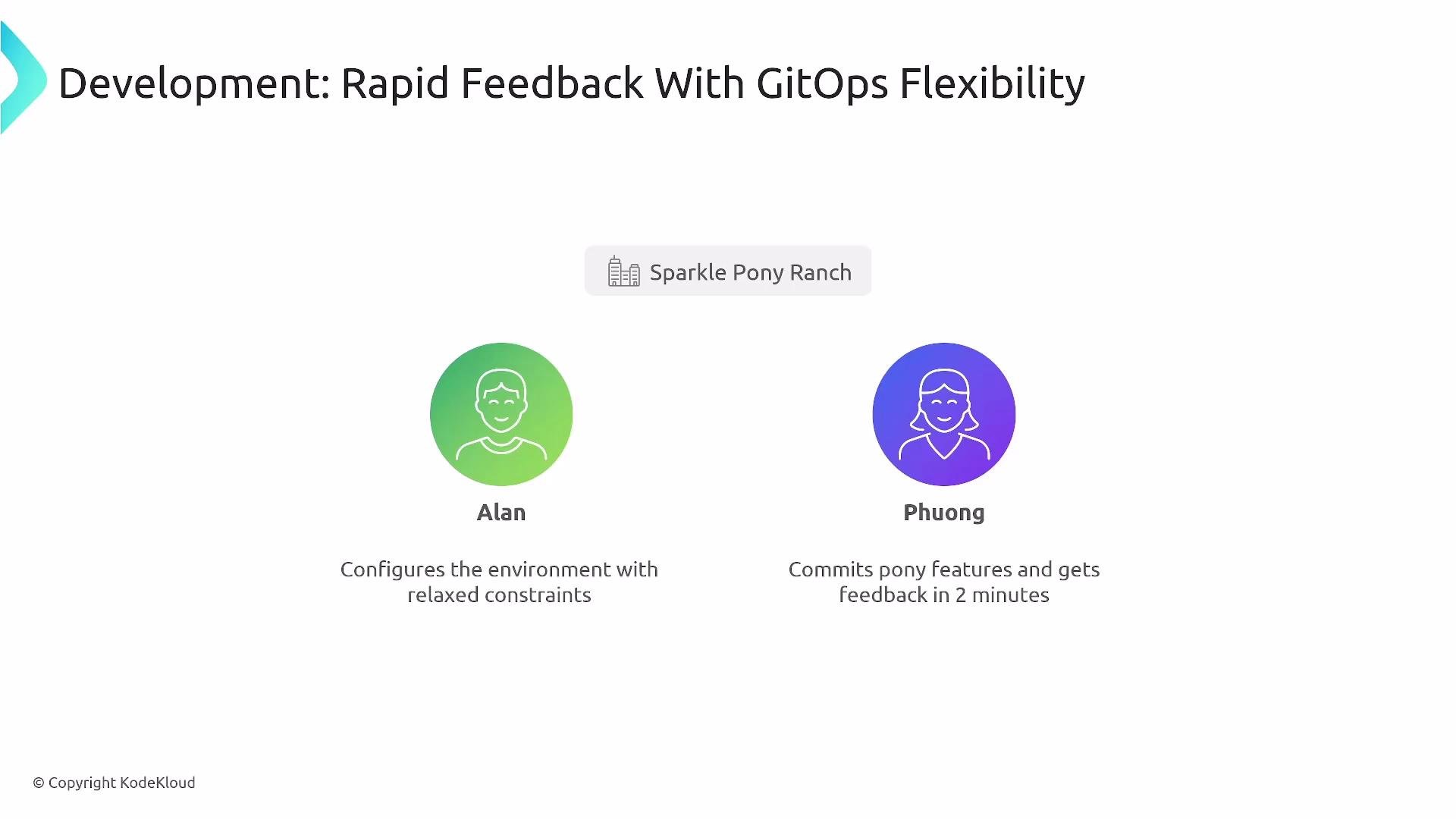
At SPR, Alan configures relaxed constraints in development so developers get two-minute feedback loops while platform policies enforce quotas.
The image depicts a presentation slide titled "Development: Rapid Feedback With GitOps Flexibility" featuring two characters, Alan and Phuong, each with a brief description of their roles in the development process.

Ephemeral environments

Ephemeral environments are short-lived, production-like environments created per PR, test run, or load test. They provide realistic integration testing, security scans, and exploratory validation on sanitized data. Key capabilities:
  • Templates for consistent ephemeral environment creation
  • Automated provisioning and teardown
  • Use of sanitized, production-like data for realistic validation
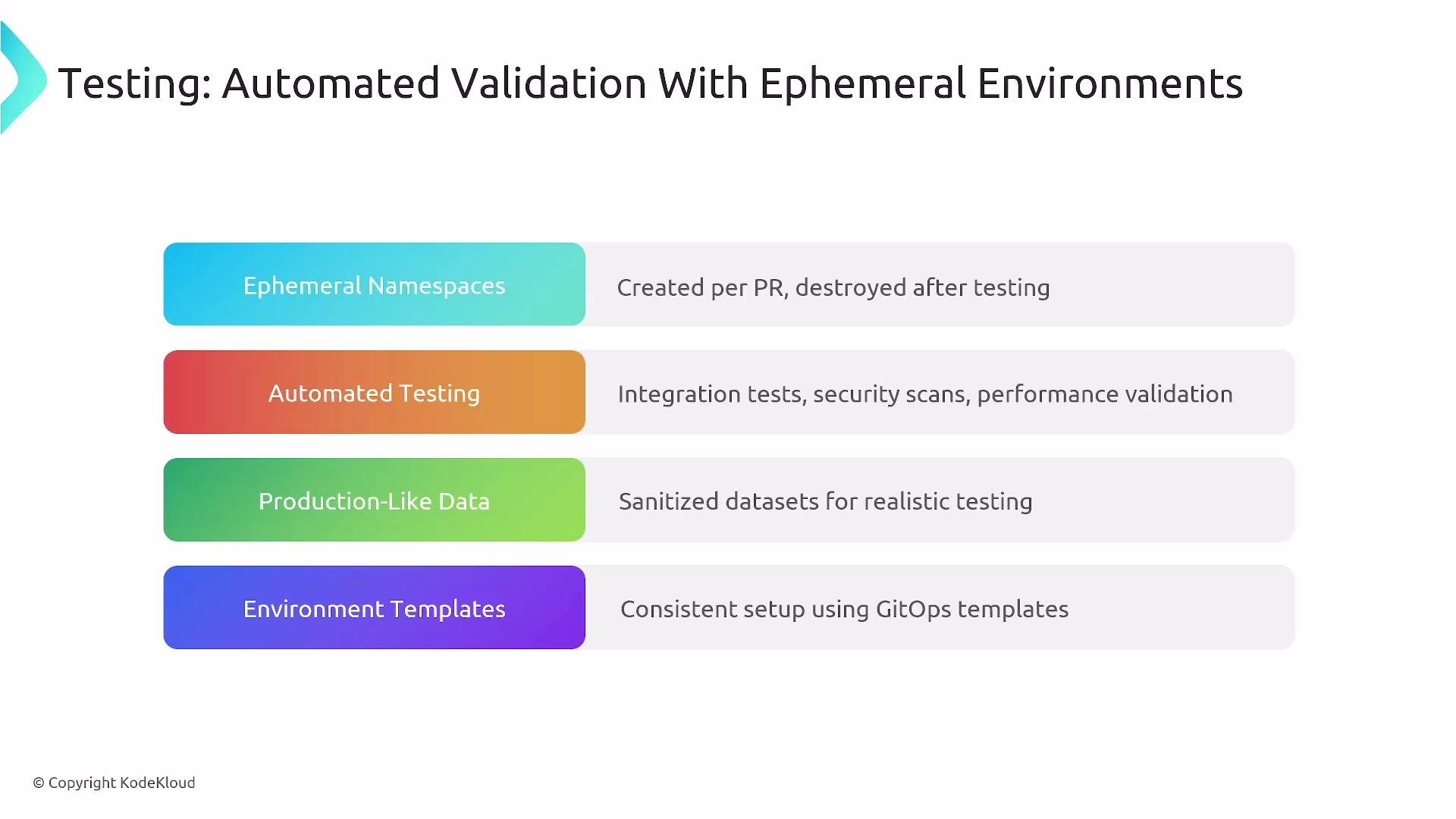
The image outlines components of automated validation with ephemeral environments, including ephemeral namespaces, automated testing, production-like data, and environment templates.
Example: an Argo CD Application that maps a PR branch (targetRevision) to an ephemeral namespace. When PR-123 is opened, the platform creates testing-pr-123, deploys the PR branch there, runs tests and scans, and then tears it down automatically.
Lifecycle automation for ephemeral environments is a high-value platform capability that reduces manual toil and improves confidence.

Staging: final validation

Staging is the final validation gate before production. It typically mirrors production in architecture and configuration (logically or geographically) to allow performance testing, UAT, and security validation. Design considerations:
  • Production parity: What must match production vs. what can be smaller?
  • Performance testing: How to extrapolate load/capacity differences?
  • Stakeholder testing: Will UAT stakeholders access staging?
  • Security validation: Run full policy scans and security tests here
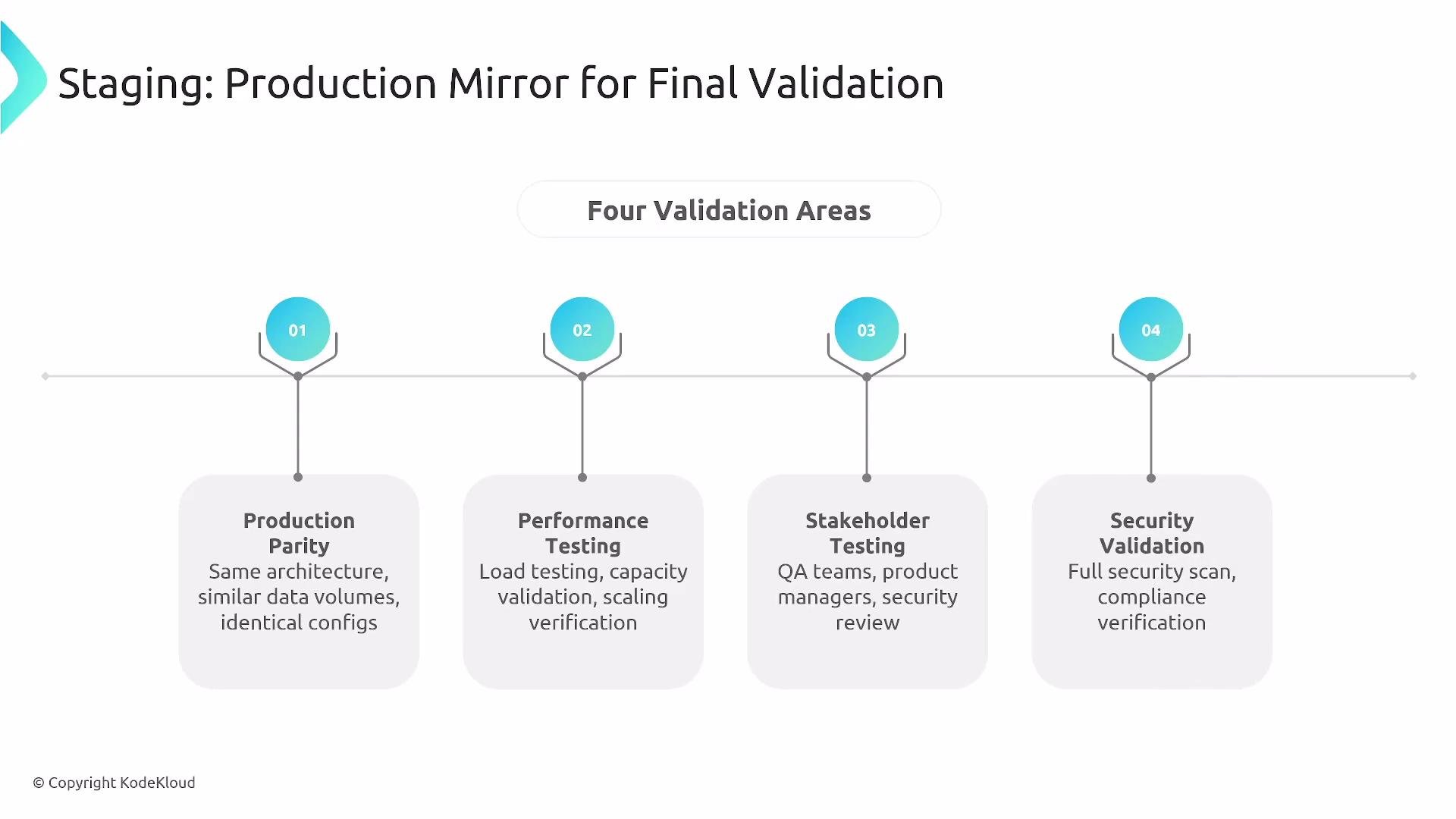
The image is a diagram depicting four validation areas for final staging: Production Parity, Performance Testing, Stakeholder Testing, and Security Validation. Each area focuses on different aspects such as architecture, load testing, QA involvement, and security scans.
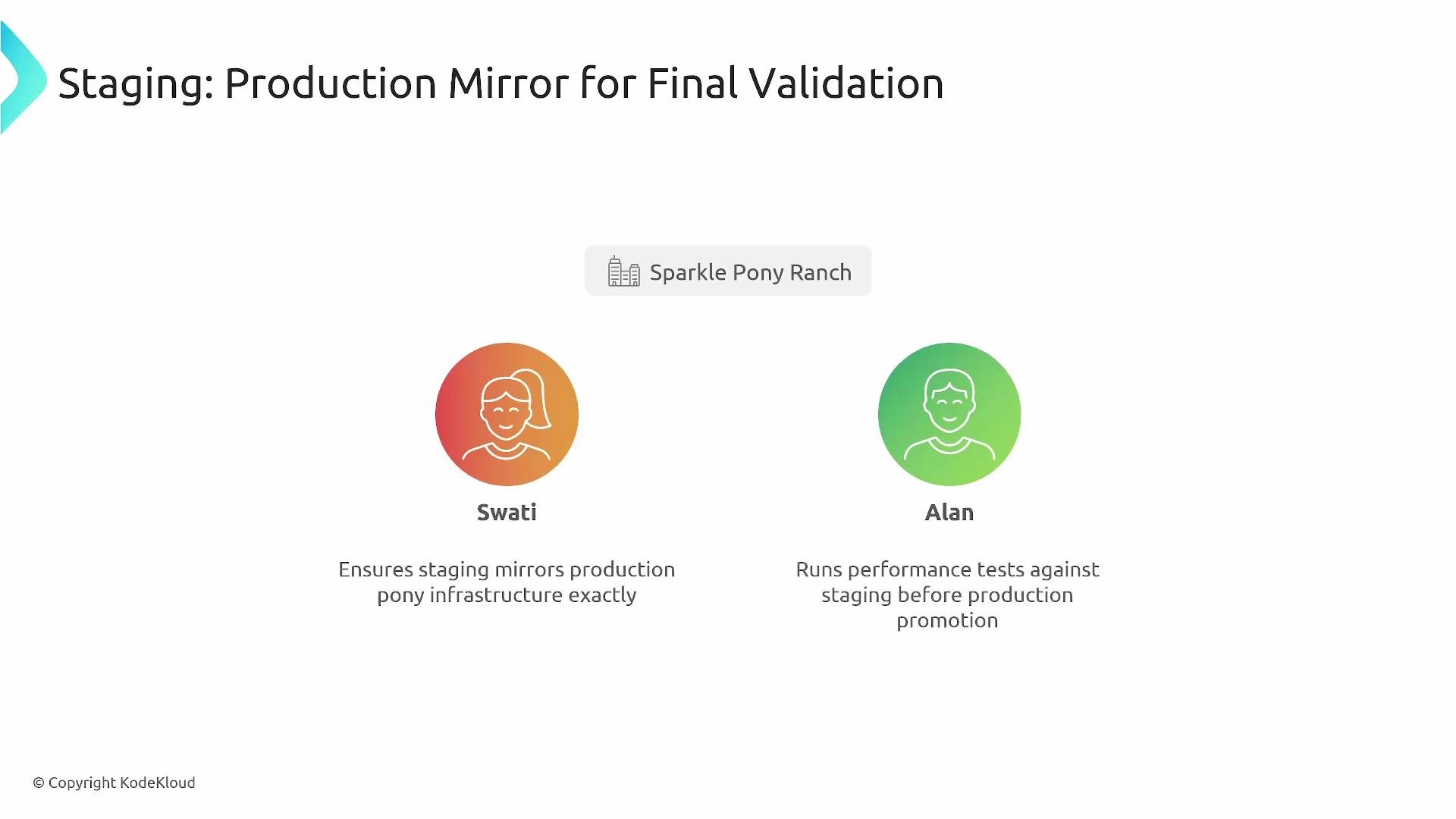
At SPR, Swati ensures staging mirrors production; Alan runs performance and security tests prior to promotion.
The image is a diagram illustrating a staging process for final validation with two people, Swati and Alan, responsible for ensuring infrastructure mirroring and running performance tests, under the "Sparkle Pony Ranch" label.
Because staging can be costly, teams often spin up on-demand staging for heavy tests and tear it down when finished.

Production: restricted, observable, resilient

Production requirements:
  • Strict least-privilege access and restricted interactive access
  • Approval gates where needed and automated monitored rollouts
  • High availability and disaster recovery strategies (multi-AZ/region)
  • Comprehensive observability (logs, metrics, traces) and runbooks
  • Automated rollback strategies (blue-green, canary with automated rollback)
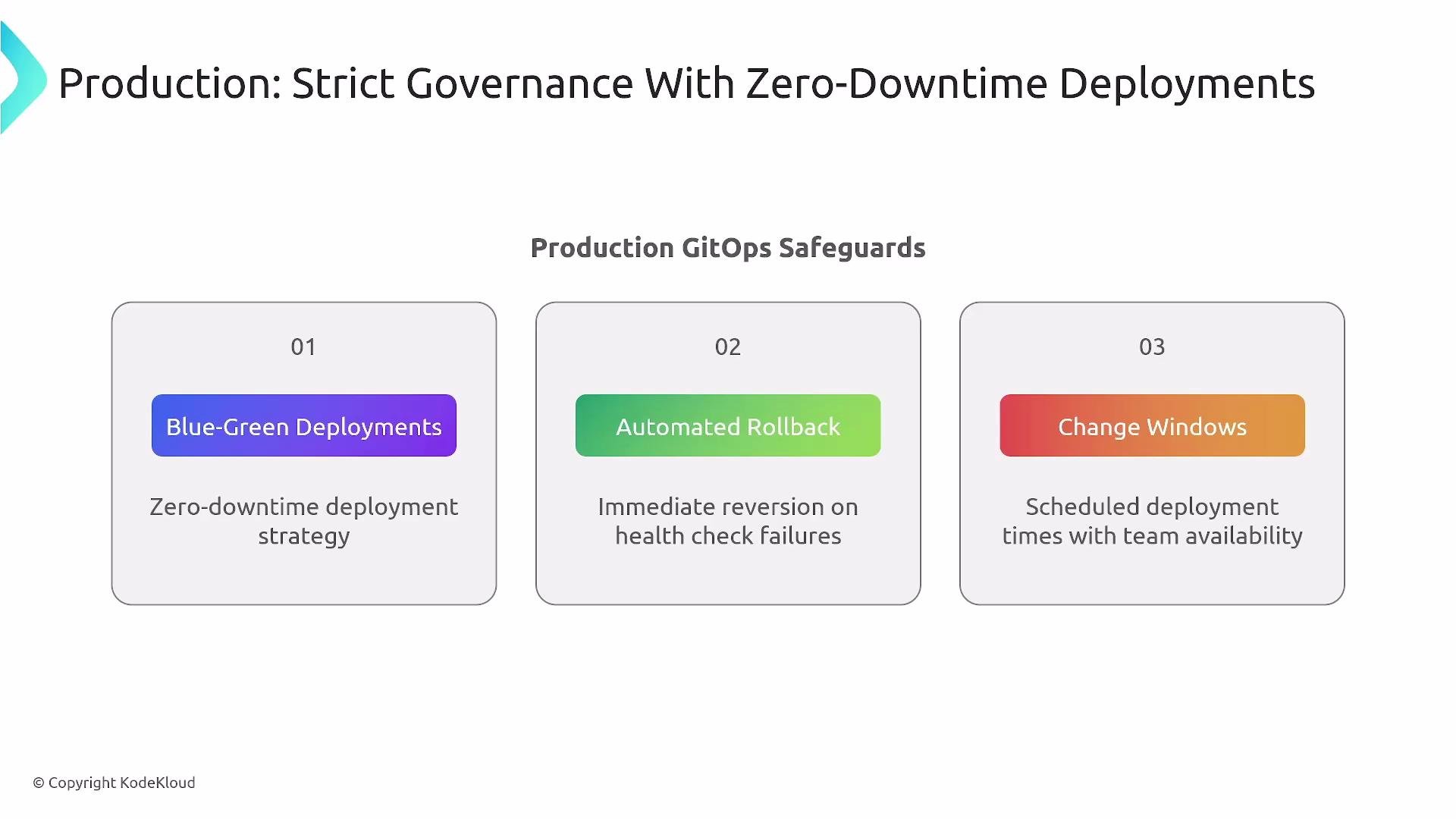
The image outlines production GitOps safeguards for zero-downtime deployments, including blue-green deployments, automated rollback, and change windows.
Automated promotion is ideal for speed and consistency, but manual gates remain critical for highly sensitive or poorly tested deployments.

Repository patterns and scaling

Common GitOps repository patterns:
  • App-per-environment (each app has environment-specific manifests)
  • Environment branches (branch-per-environment)
  • Overlay strategy (Kustomize-style overlays that patch a common base)
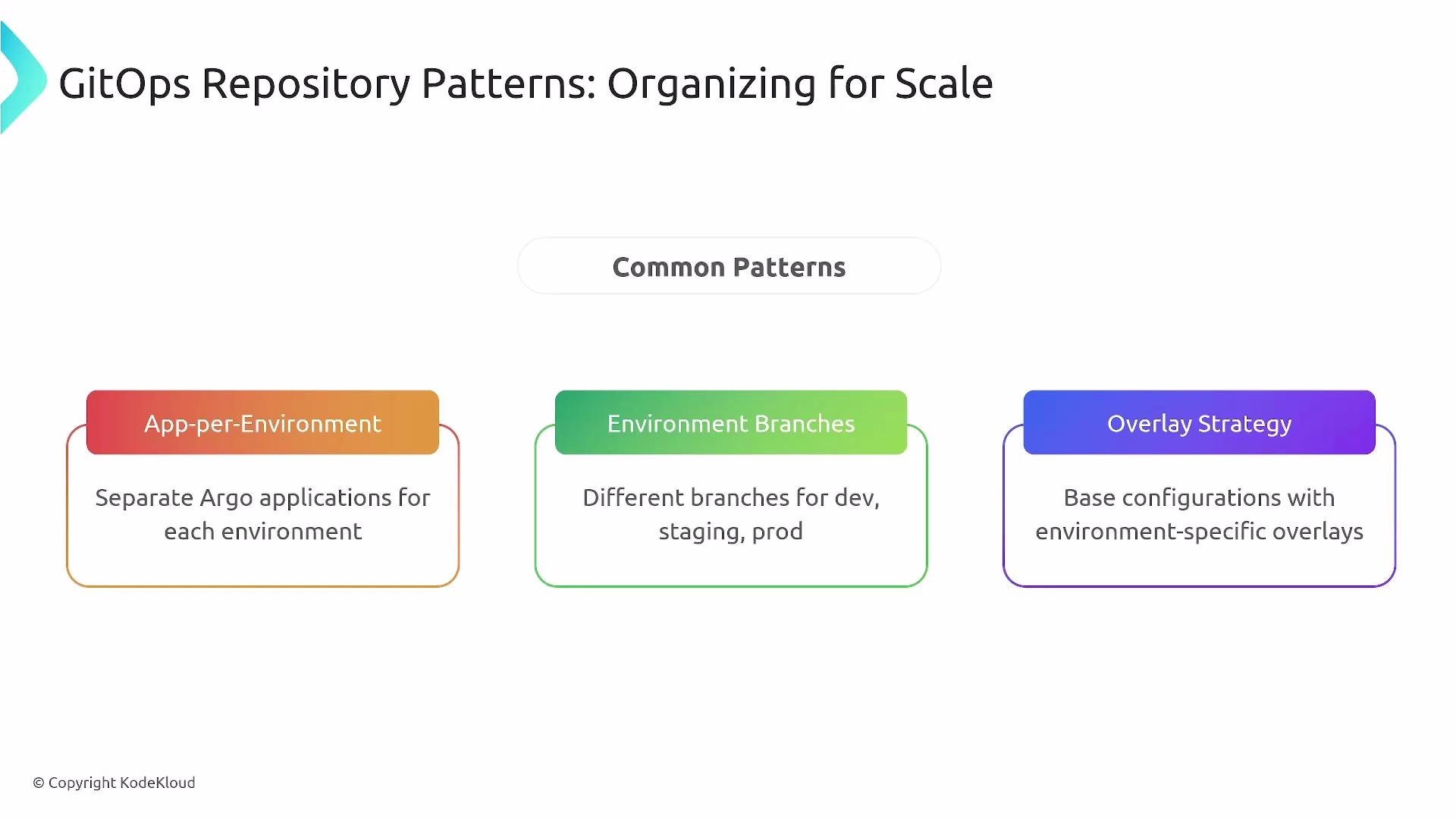
Two dominant repository strategies and trade-offs:
The image outlines three GitOps repository patterns for scaling: "App-per-Environment," "Environment Branches," and "Overlay Strategy," each describing a different approach to managing environments.
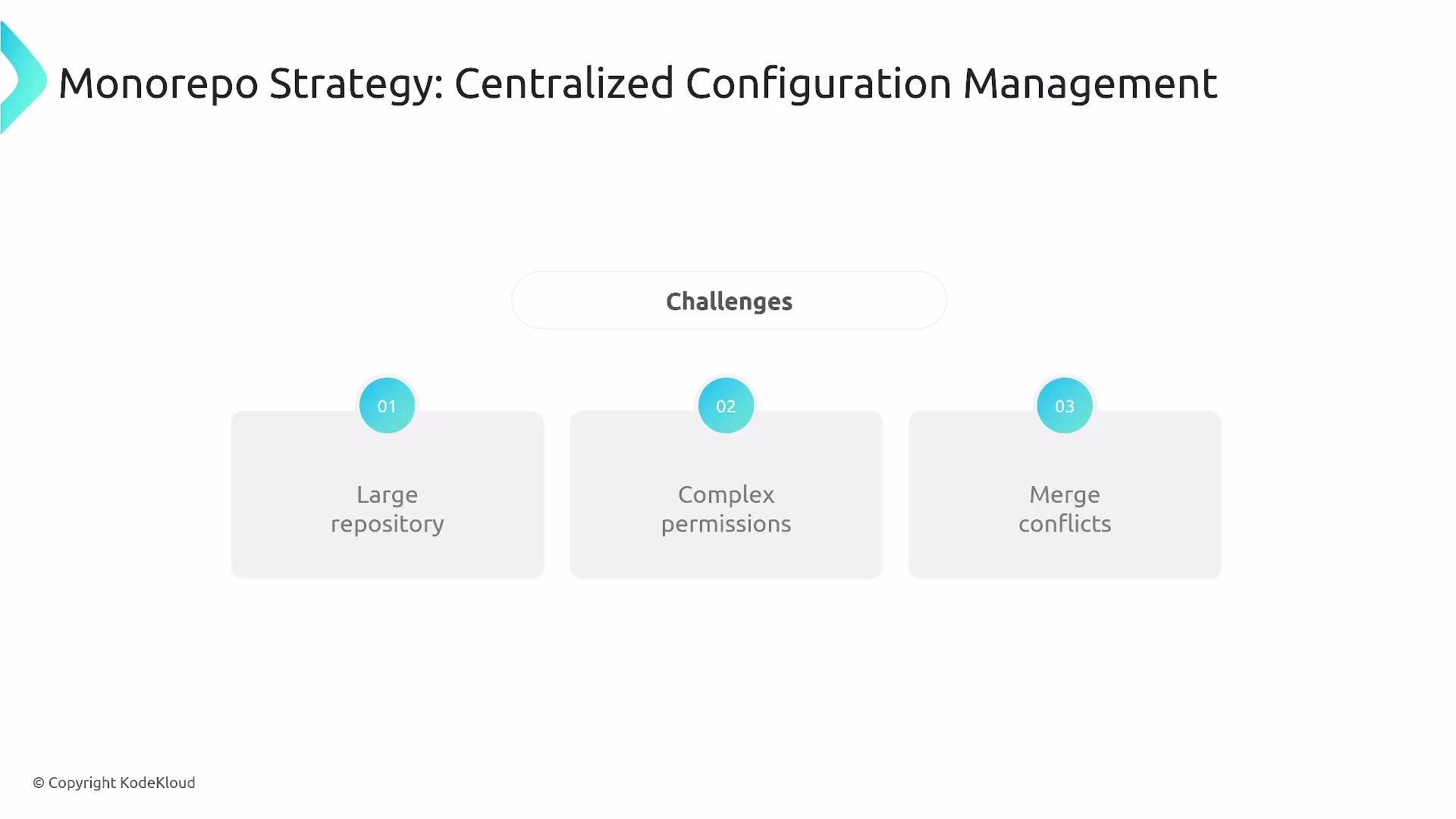
Monorepo characteristics:
The image outlines challenges in a "Monorepo Strategy: Centralized Configuration Management," highlighting three issues: large repositories, complex permissions, and merge conflicts.
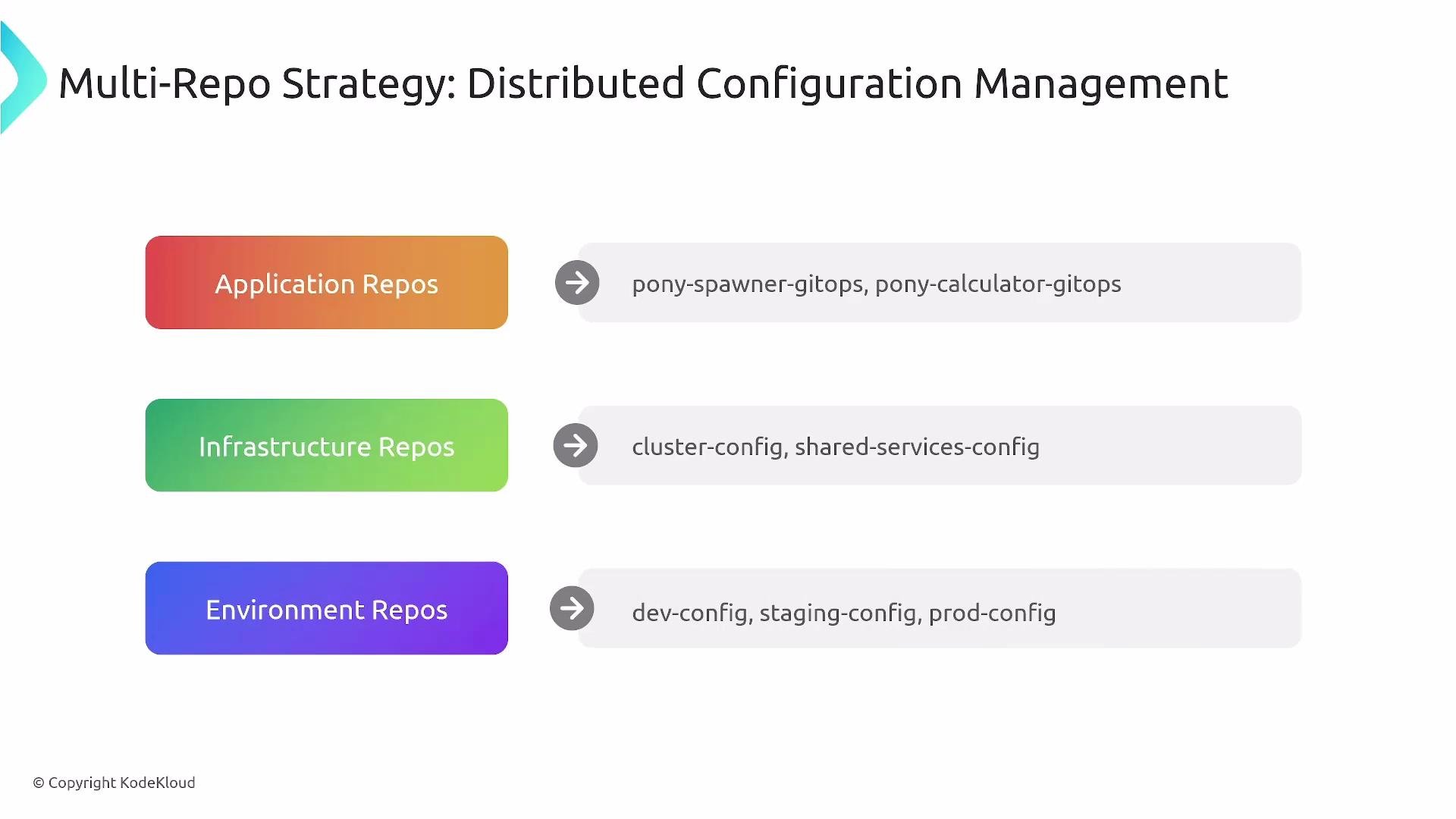
Multi-repo characteristics:
The image outlines a multi-repo strategy for distributed configuration management, categorizing repositories into application, infrastructure, and environment types. Each category lists specific repos for managing different aspects of configurations.
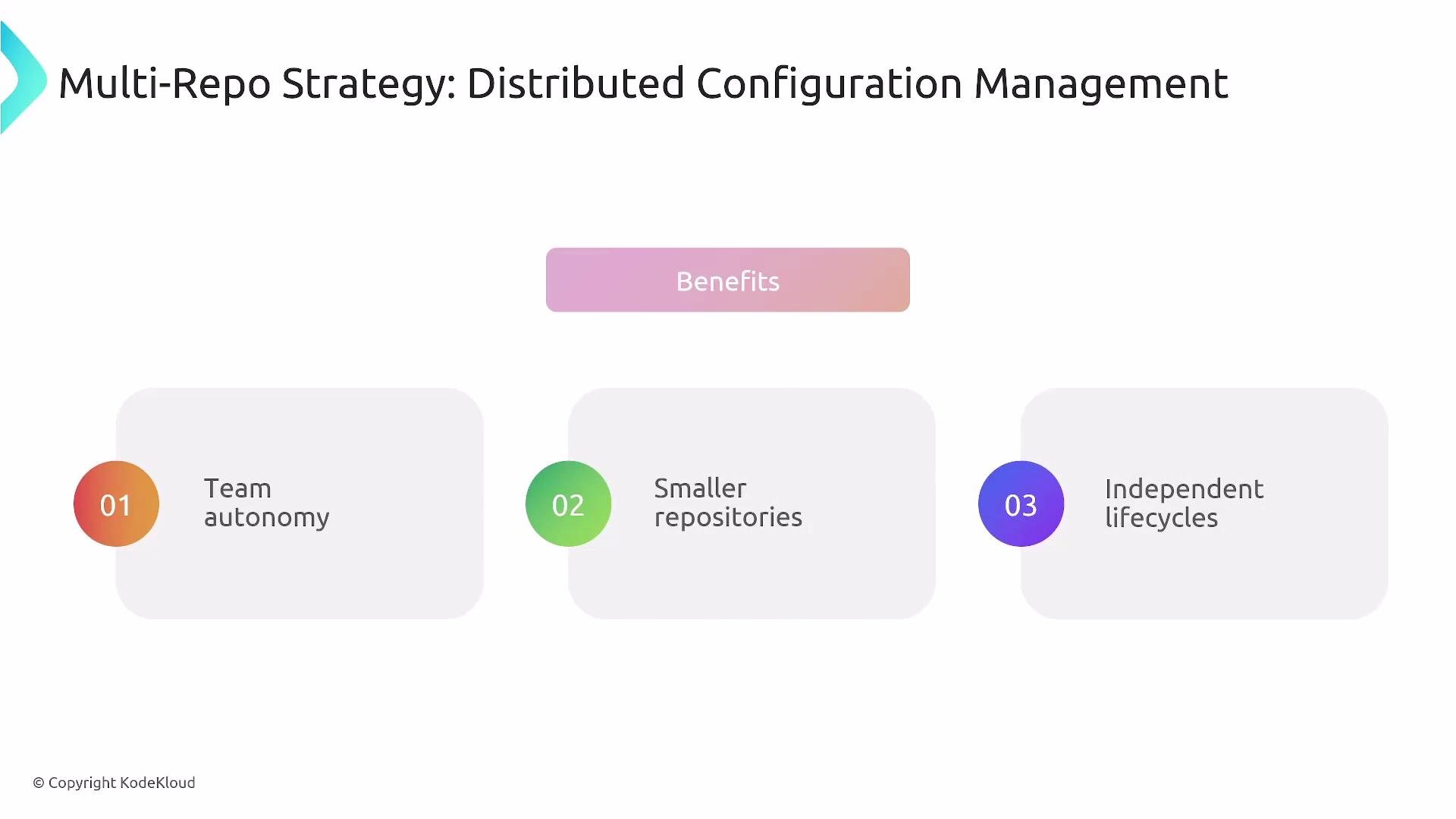
The image outlines the benefits of a multi-repo strategy for distributed configuration management, highlighting team autonomy, smaller repositories, and independent lifecycles.
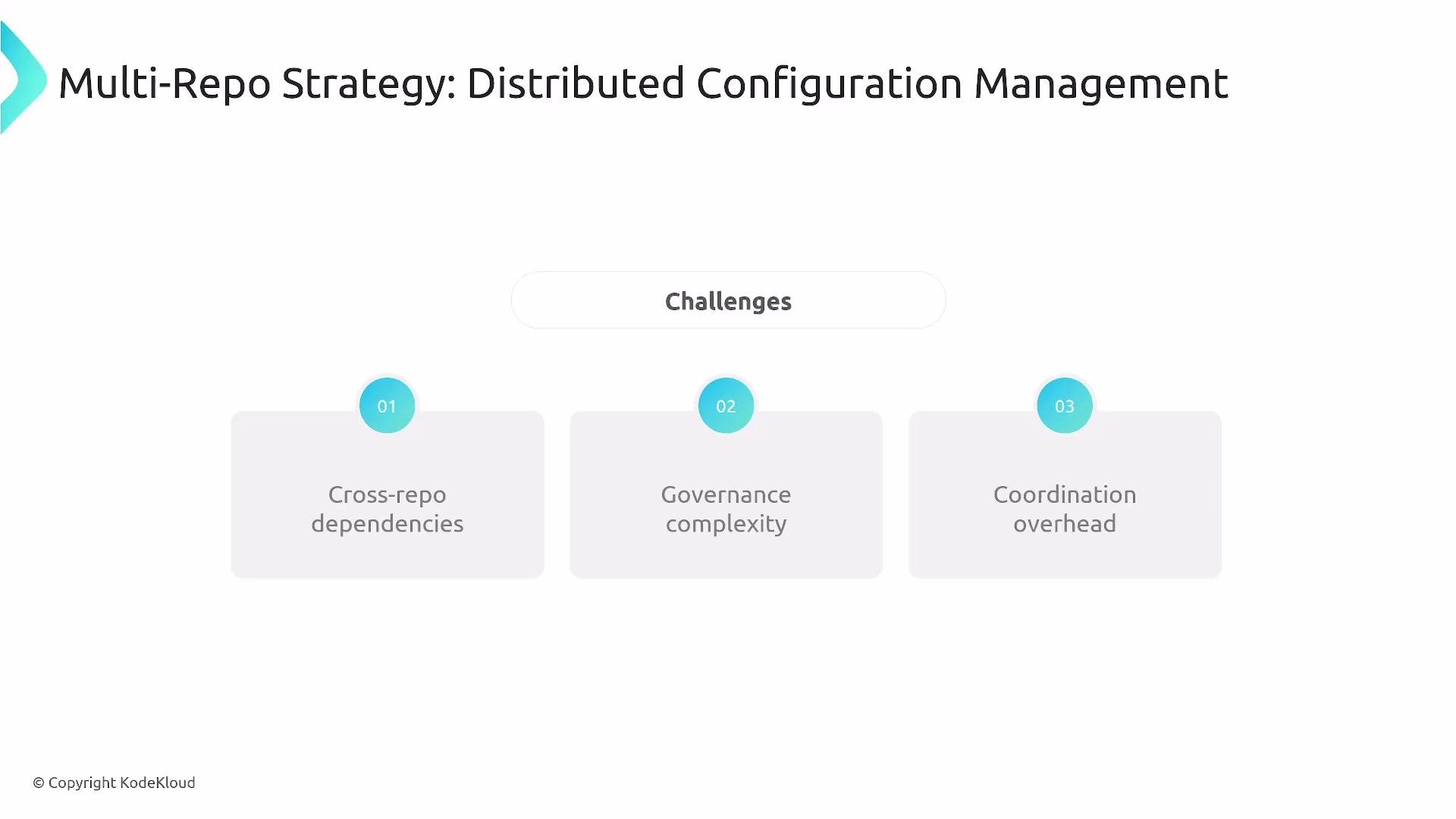
The image outlines challenges in a "Multi-Repo Strategy: Distributed Configuration Management," highlighting cross-repo dependencies, governance complexity, and coordination overhead.
Choose the strategy that matches team size, autonomy needs, and governance capabilities.

Logical parity vs. scale differences

Maintain logical equivalence across environments even if scale differs (replicas, quotas, separate DB hosts). Ensure:
  • Secrets and sensitive configuration are environment-specific and auditable
  • Feature flags are scoped per environment
  • Scaling differences are documented and reflected in test interpretation
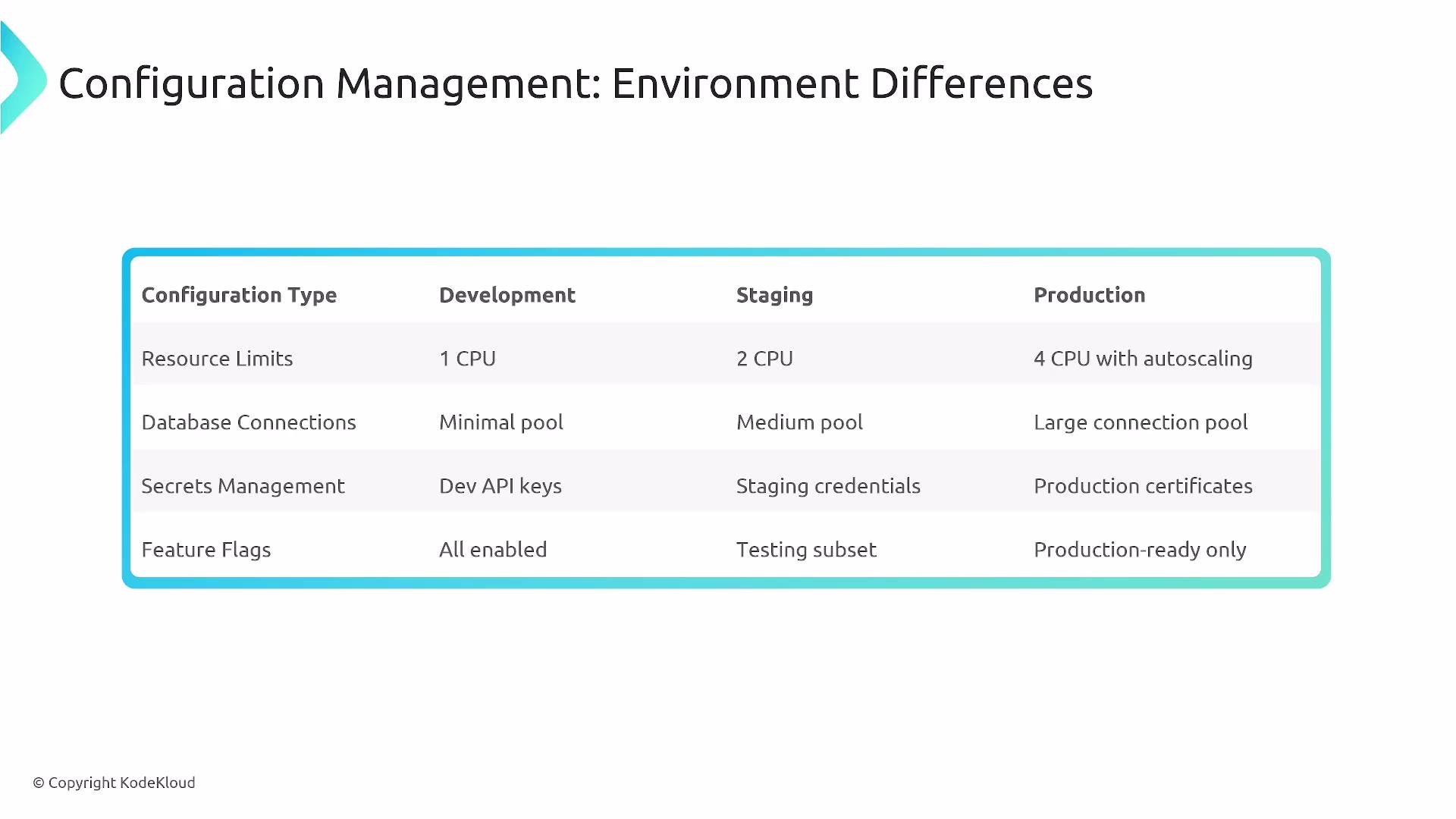
The image is a table comparing configuration management differences across development, staging, and production environments, highlighting variations in resource limits, database connections, secrets management, and feature flags.

Kustomize and Helm: environment-specific configuration

Kustomize follows a base + overlays model. Helm uses templates with values files. Both are valid ways to generate environment-specific manifests. Example environment differences (illustrative values):
Kustomize production overlay example:
Helm values example for production:
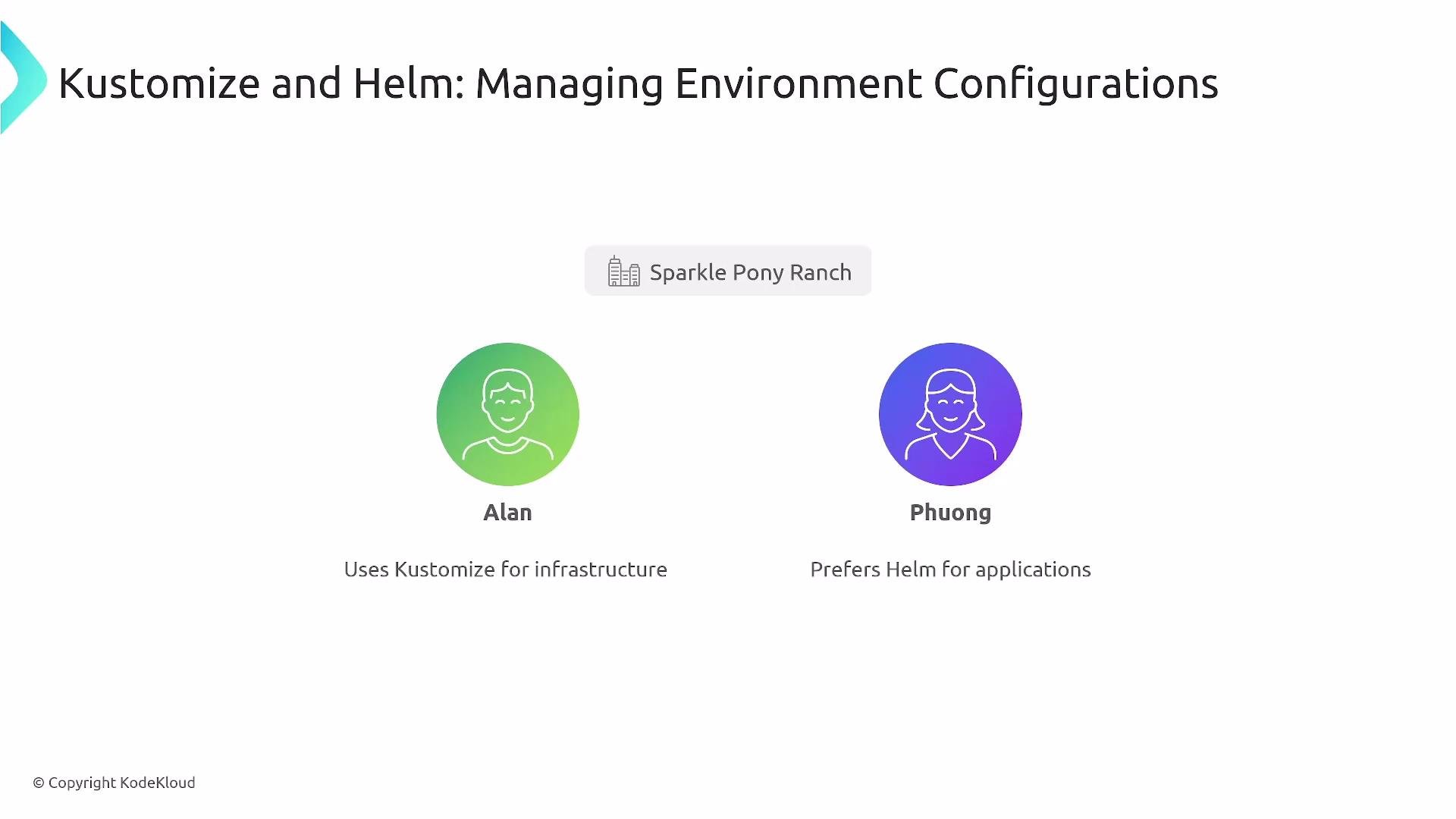
At SPR, Alan uses Kustomize for infrastructure overlays and Phong (shown as Phuong in some diagrams) provides Helm templates for developer-facing applications.
The image is a diagram about managing environment configurations with Kustomize and Helm, featuring two individuals, Alan and Phuong, with Alan using Kustomize for infrastructure and Phuong preferring Helm for applications.

Promotion strategies and CI/CD integration

Promotion patterns:
  • Automated promotion: CI updates the environment GitOps repo (fast, repeatable)
  • Manual gates: human approvals for sensitive releases
  • Emergency hotfix: a documented direct-to-prod process with pre/post-review
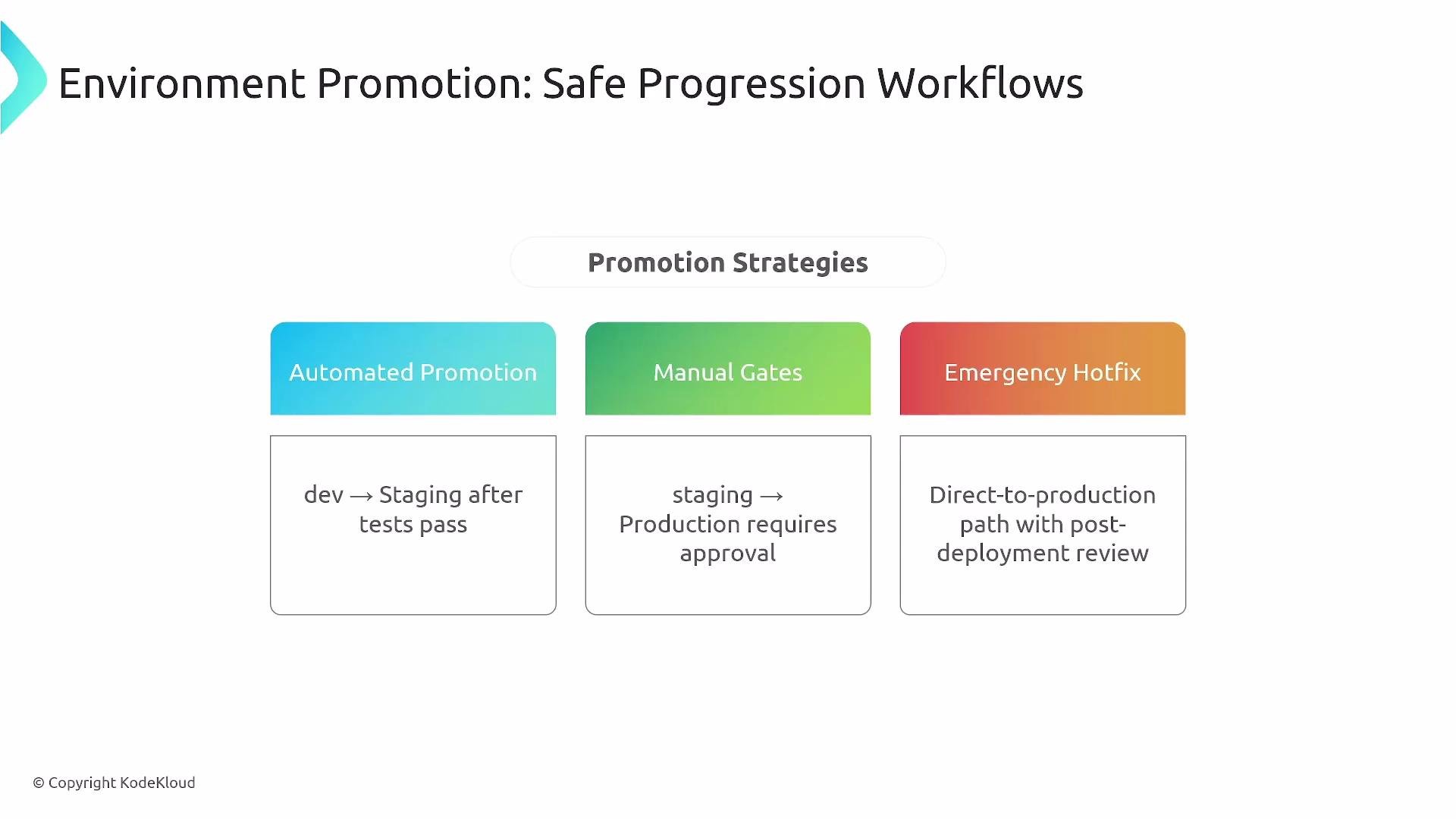
The image outlines environment promotion strategies, including automated promotion, manual gates, and emergency hotfix, detailing each approach for deploying code.
Typical CI/CD flow:
  1. Build artifacts and run tests.
  2. On success, update the GitOps repository (e.g., bump image tag or update values).
  3. GitOps controller (Argo CD / Flux) detects the change and deploys.
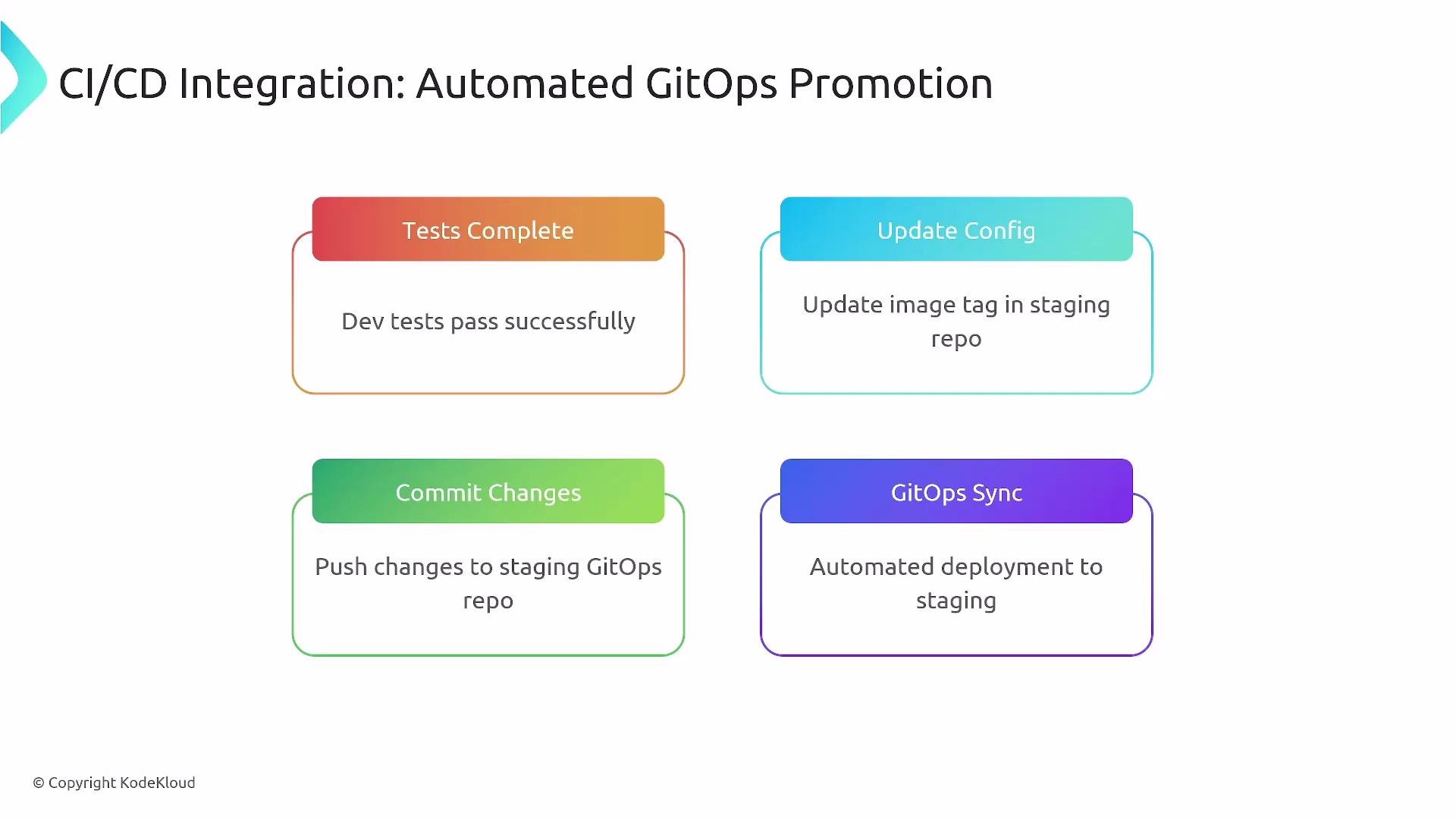
The image outlines an automated GitOps promotion process in a CI/CD pipeline, including steps for completing tests, updating configs, committing changes, and syncing GitOps for deployment.
Example GitHub Actions workflow: promote to staging by updating the staging GitOps repo after Dev Tests complete successfully.
Note: this workflow requires proper RBAC and repository permissions so CI can push changes to the GitOps repo.

Environment security, RBAC, and access patterns

Security controls to implement:
  • Namespace isolation combined with RBAC
  • Environment-specific secrets management (sealed/sealed-secrets/Vault integration)
  • Least-privilege access patterns:
    • Developers: dev access only
    • Test/QA: limited staging access
    • SREs: broader access with audit logging
  • Restrict GitOps controllers to the clusters/namespaces they manage
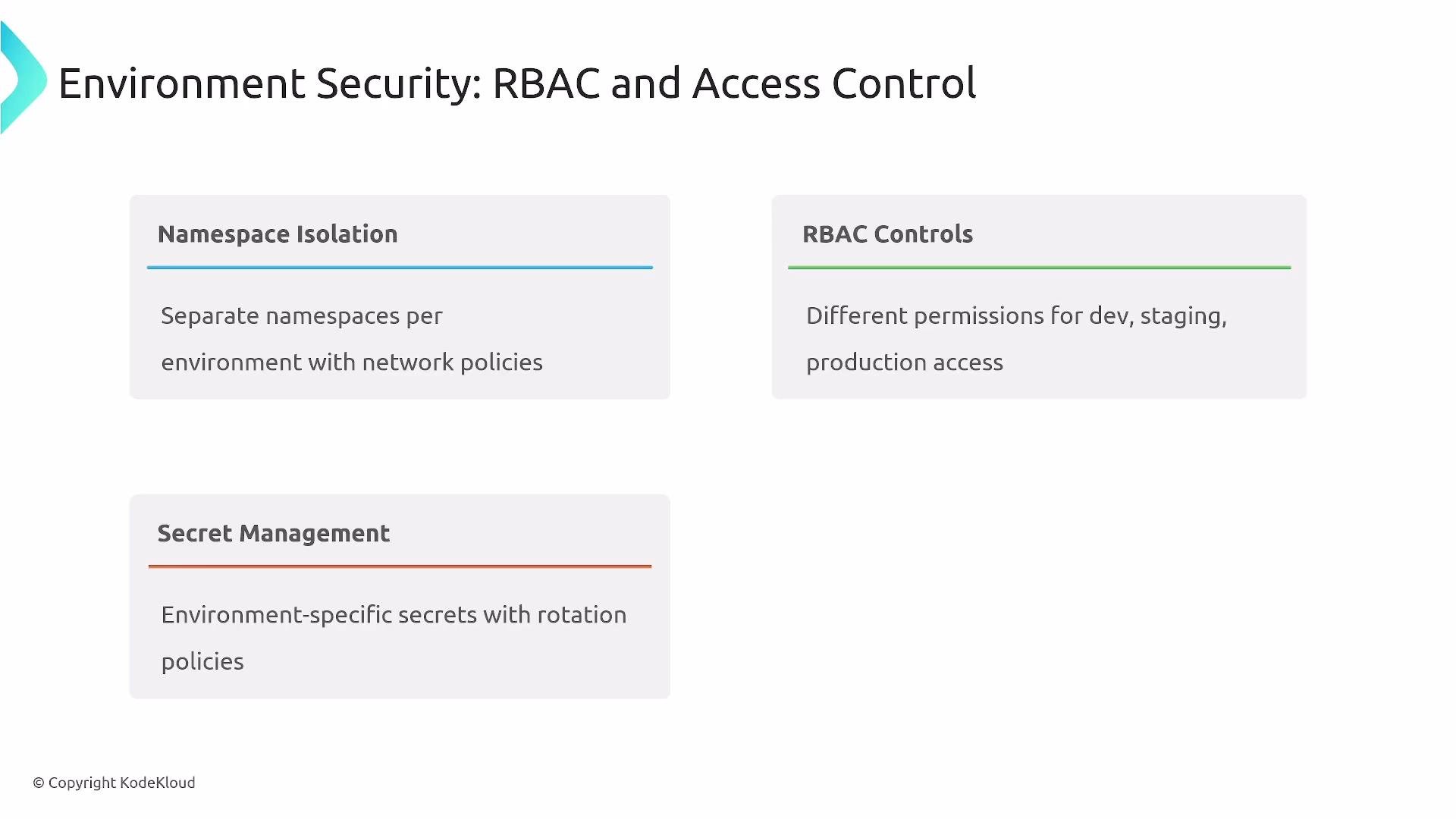
The image outlines concepts of environment security focusing on RBAC and access control, including namespace isolation, RBAC controls, and secret management.
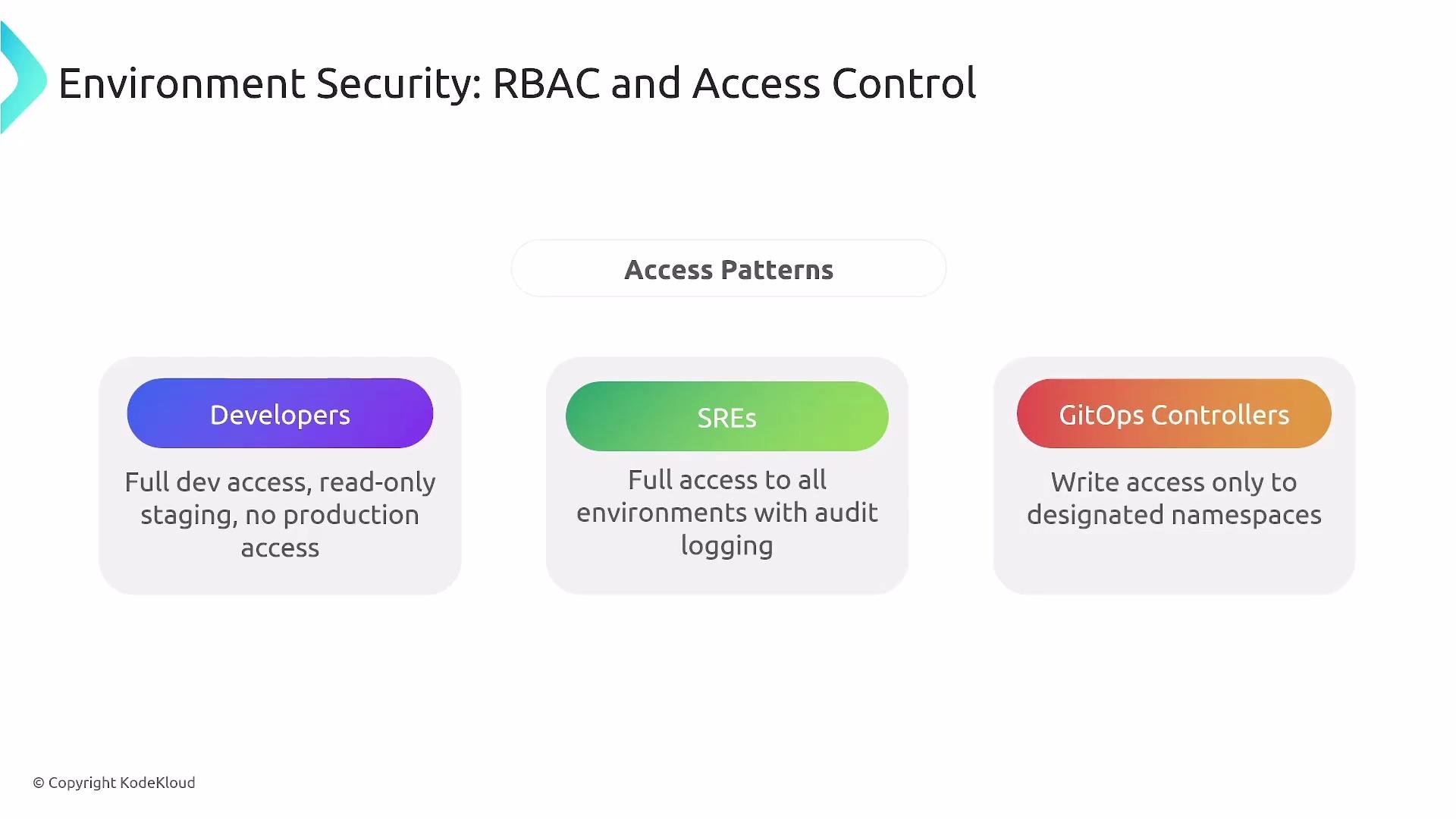
Common access pattern overview:
The image outlines access control patterns for environment security, detailing the roles and access levels for Developers, SREs, and GitOps Controllers.
Argo CD RBAC example snippet:
Good RBAC both prevents unsafe access and enables teams to perform necessary tasks safely and audibly.

Monitoring and debugging GitOps

Track high-value GitOps signals:
  • Sync status (synced, out-of-sync, drift)
  • Time from Git commit to deploy (lead time)
  • Deployment cadence per environment
  • Failed syncs, rollbacks, and manual interventions
  • Error rates and rollback frequency
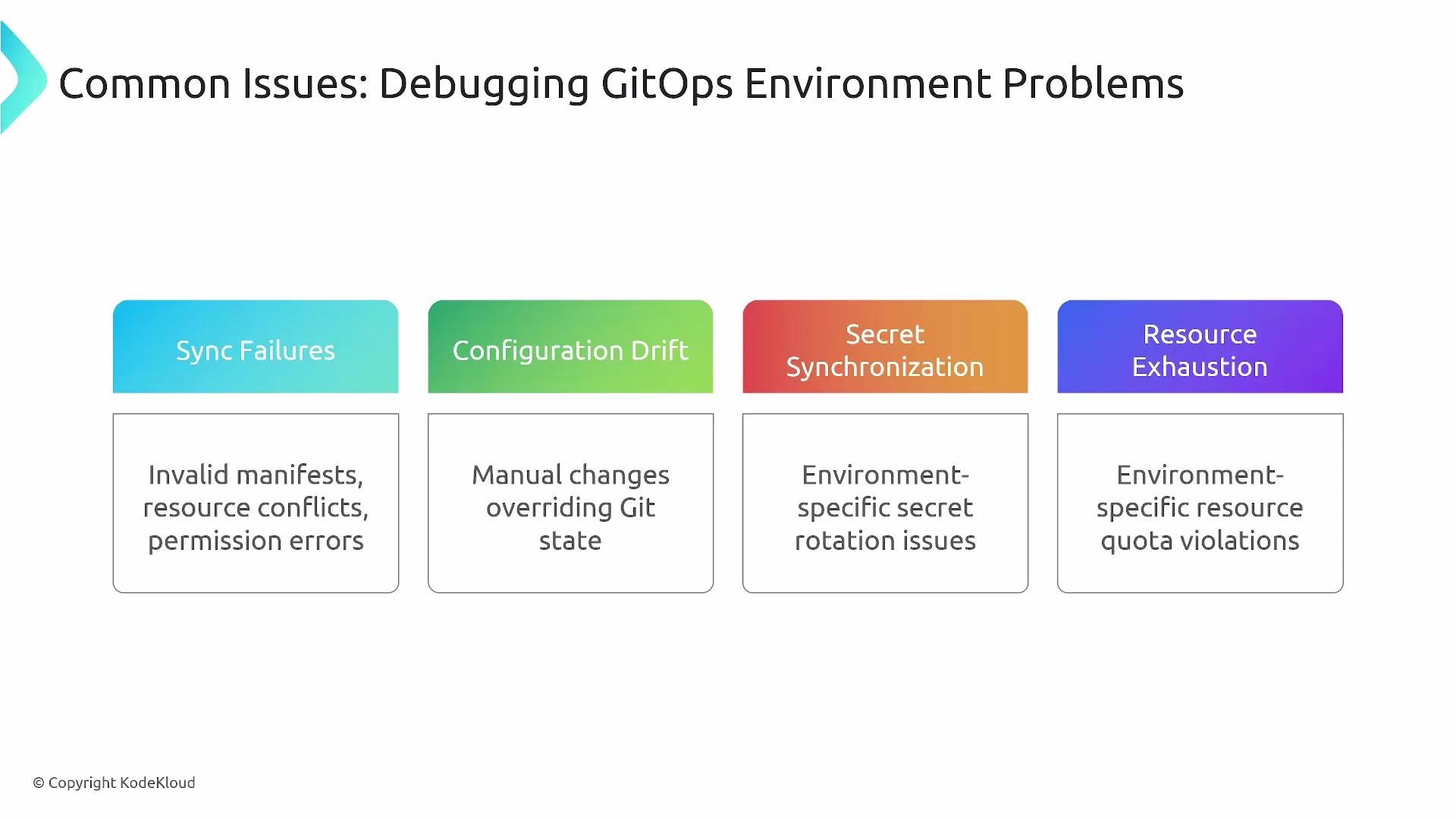
Common debugging issues:
  • Sync failures and configuration drift
  • Secret synchronization errors
  • Resource exhaustion or quota limits
  • Misconfigured autoscalers or insufficient capacity
Use the Argo CD UI (or Flux tooling), kubectl, Git history, and your platform monitoring/alerting to investigate. Ensure GitOps controller metrics and failure alerts are integrated into the platform monitoring stack.
The image lists common issues in debugging GitOps environments, including sync failures, configuration drift, secret synchronization, and resource exhaustion, with examples of each.
Monitor sync health, failed syncs, and rollback counts. These signals surface gaps in test coverage, configuration issues, and operational risk.

Key takeaways

  • Environments typically progress from multiple dev/test environments to staging and production; ephemeral environments (PR-based, load-testing) improve validation confidence.
  • Repository organization (monorepo vs multi-repo) has trade-offs — select the model that fits team size, autonomy, and governance.
  • Configuration management: Kustomize (overlay/patch model) and Helm (templated values) both support environment-specific manifests.
  • Automated promotion via CI updating GitOps repos is fast and repeatable but requires robust tests; manual gates remain valuable for critical releases.
  • Security: enforce least privilege, environment-scoped secrets, and controlled RBAC for controllers and teams.
  • Observability of GitOps controllers and environments is essential to detect drift and ensure reliable promotions.
  • Apply patterns that suit team tooling, scale, and risk tolerance.
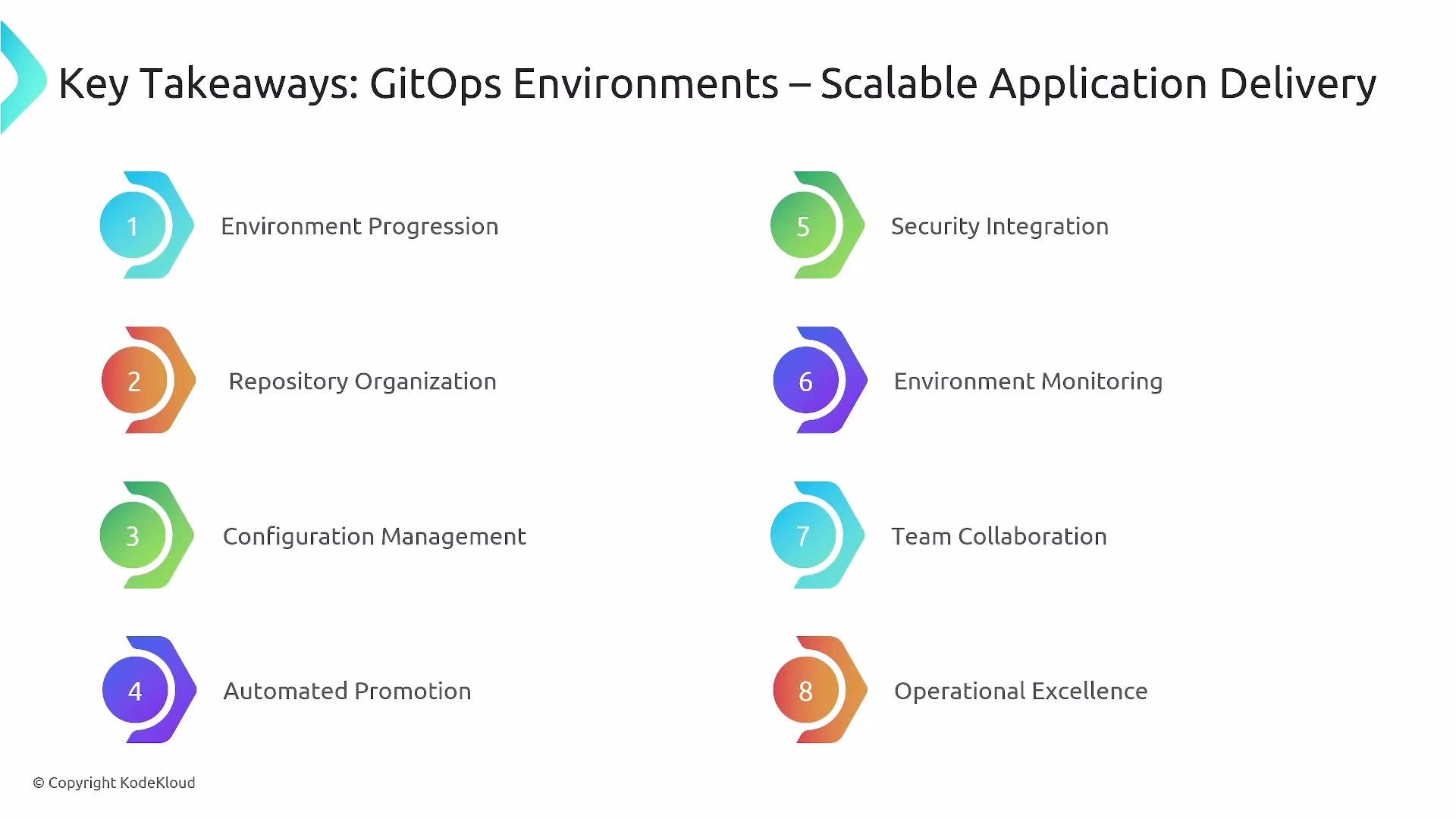
The image lists eight key takeaways for GitOps environments related to scalable application delivery, including environment progression, repository organization, and security integration. Each takeaway is numbered and represented with a colored icon.
GitOps enables rapid, safe application delivery with auditable promotion paths. With environment templates, RBAC, thorough test coverage, and integrated monitoring, platform teams can accelerate feature delivery while maintaining control and traceability. Thank you — this concludes the lesson on GitOps for Application Environments.

Watch Video